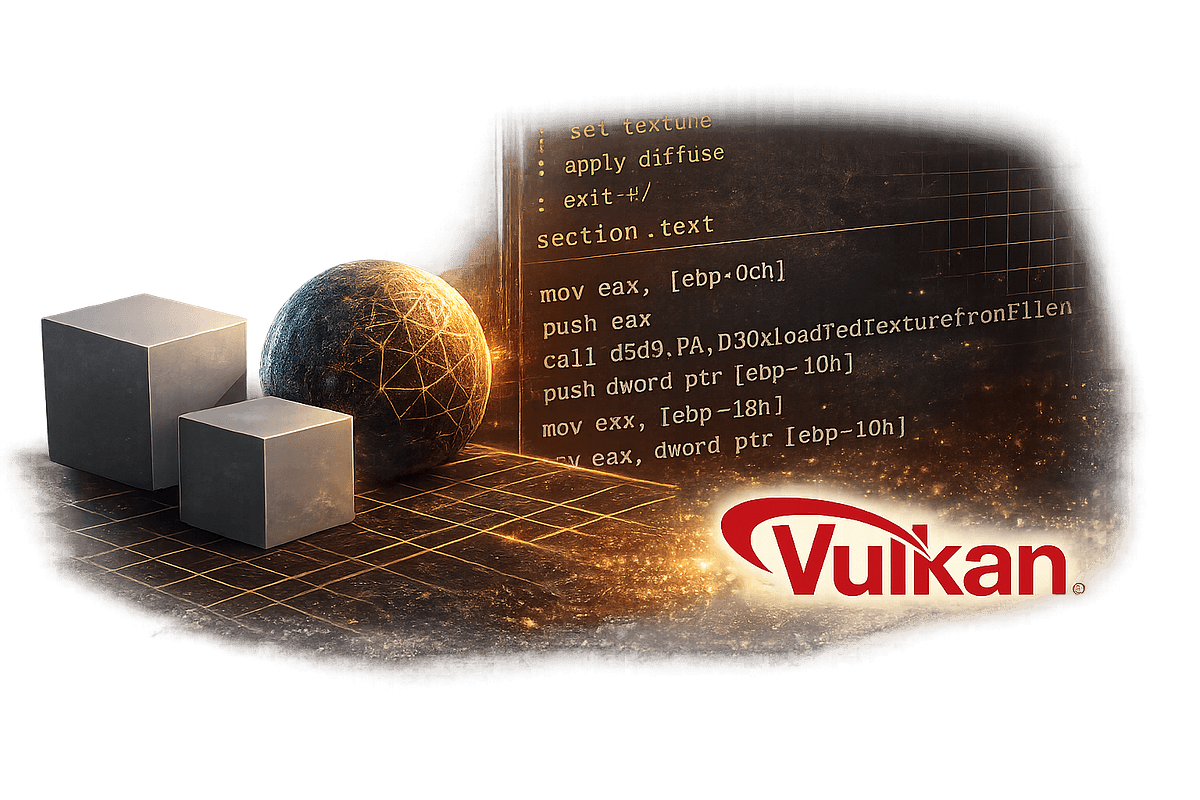
A developer's Medium article details building a 3D engine and Demoscene project using Claude 4.6. While the source focuses on the creative outcome, the underlying workflow with Claude Code offers concrete lessons for developers tackling large, complex codebases.
The Technique: Structured Prompting for Multi-File Architecture
The developer didn't just ask for "build a 3D engine." They broke the monumental task into discrete, context-manageable components. This is critical for Claude Code, which operates within token limits and needs clear scope for each interaction.
Key workflow elements observed:
- Component-First Development: Starting with core math libraries (vectors, matrices), then rendering primitives, then scene management. Each component was a focused Claude Code session.
- Interface-Driven Design: Defining clear APIs between components before implementation. This allowed Claude Code to generate code that "fit" together later.
- Iterative Refinement Loops: Using
claude code --reviewon generated components to catch integration issues early, rather than after assembling the entire system.
Why It Works: Managing Context and Complexity
Claude Code excels when given bounded problems. A "3D engine" is unbounded. A "function to multiply 4x4 matrices using SIMD intrinsics" is bounded. The developer's success stemmed from this decomposition.
This aligns with the principle behind Claude Code's Auto Mode (released in preview on 2026-03-27), which automates multi-step tasks but still requires well-defined sub-tasks to be effective. The developer essentially manually executed what Auto Mode aims to automate: a sequenced plan.
Token Economics: By splitting the work, the developer avoided the context bloat of a single, massive prompt. This is more efficient than trying to fit an entire engine spec into one context window, which would force Claude Code to forget earlier details.
How To Apply It: Your CLAUDE.md for Large Projects
You don't need a 3D engine to use this pattern. For any large feature or new service, structure your CLAUDE.md like this:
## Project: [Your Service Name]
### Phase 1: Core Data Models
- Define the Prisma schema/SQLAlchemy models for primary entities.
- Generate repository pattern interfaces for CRUD operations.

### Phase 2: Business Logic Layer
- Implement service classes that use the repositories.
- Add validation and core algorithm logic here.

### Phase 3: API Layer
- Generate FastAPI/Express routes that call the service layer.
- Define request/response schemas and error handling.

### Phase 4: Integration & Testing
- Write integration tests for key user flows.
- Create a seeding script for development data.
Then, work phase-by-phase with Claude Code:
# Phase 1
claude code "Implement the Data Models phase from CLAUDE.md"

# Review and commit
claude code --review ./src/models

# Move to Phase 2
claude code "Now implement the Business Logic Layer phase"
This mirrors the successful 3D engine approach: define the architecture, then fill it in piece by piece with focused prompts, using --review as a quality gate between phases.
The Takeaway: Claude Code is a Component Architect
The article's unstated lesson is that Claude Code's strength isn't in holding the entire blueprint of a complex system in its head at once. Its strength is in expertly drafting the blueprints for each room, provided you give it the overall floor plan and tell it which room to work on next. Structure your large projects accordingly, and you'll ship faster with fewer integration headaches.