The Project: From Zero to 3D Engine
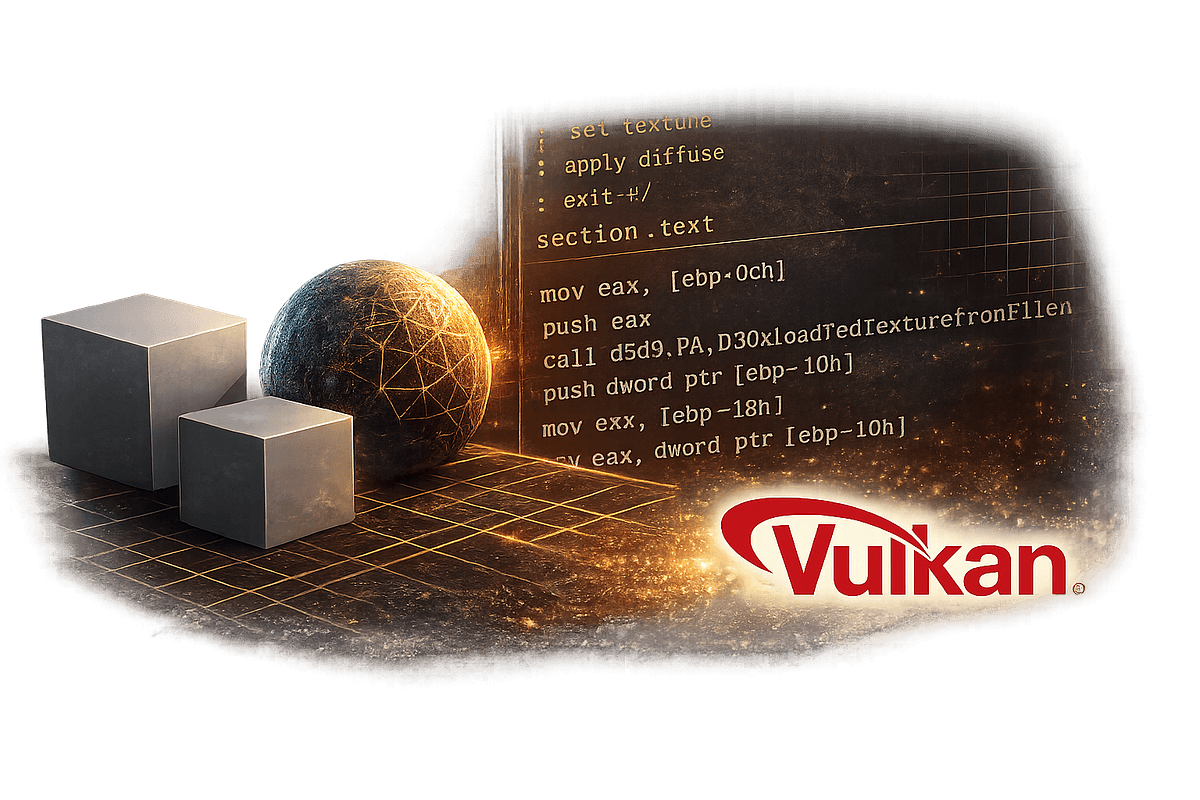
A developer recently documented building a complete 3D engine using Claude Code and Claude 4.6. This wasn't just modifying an existing engine—it was creating one from scratch for a Demoscene project (the art of creating real-time audiovisual demonstrations with minimal code). The project required:
- Real-time 3D rendering without existing libraries
- Optimized performance for constrained environments
- Complex mathematical implementations (matrices, vectors, projections)
- Audio-visual synchronization
The Technique: Structured Prompting for Complex Systems
The developer's key insight was treating Claude Code not as a code generator, but as a system architect. Instead of asking for "write a 3D engine," they broke it into structured components:
claude code "Implement a perspective projection matrix class with:
- 4x4 matrix operations
- Field of view, aspect ratio parameters
- Projection and unprojection methods
- Unit tests for edge cases"
This follows the pattern we've seen in successful Claude Code projects: component-first development. The developer created each subsystem independently, then used Claude Code to integrate them.
Why It Works: Claude 4.6's Mathematical Reasoning
Claude Opus 4.6's improved mathematical capabilities made this possible. Previous models might struggle with the complex linear algebra required for 3D transformations, but 4.6 handles:
- Matrix multiplication optimizations
- Quaternion rotations for smooth camera movement
- Perspective-correct texture mapping algorithms
- BSP tree implementations for scene management
The developer reported that Claude Code with 4.6 "understood the mathematical constraints and could suggest optimizations I hadn't considered."
How To Apply It: Your CLAUDE.md for Graphics Projects
Create a CLAUDE.md with these sections for graphics/engine work:
# Graphics Engine Development Guidelines

## Performance Constraints
- Precompute matrices where possible
- Use SIMD instructions for vector operations
- Batch draw calls
- Implement frustum culling early

## Mathematical Standards
- Right-handed coordinate system
- Column-major matrices
- Degrees for user-facing APIs, radians internally
- Consistent epsilon values (1e-6)

## Testing Requirements
- Visual regression tests with reference images
- Frame time benchmarks
- Memory leak detection
- Platform compatibility (Windows/Linux/macOS)

## Architecture Patterns
- Entity-component-system for game objects
- Observer pattern for input handling
- Strategy pattern for render backends
- Factory pattern for shader creation
The Workflow: Iterative Refinement with Claude Code
The developer's workflow looked like this:
- Specification Phase: Write detailed requirements in
CLAUDE.md - Component Generation: Use Claude Code to create isolated subsystems
- Integration Testing: Have Claude Code write integration tests between components
- Performance Optimization: Use Claude Code's analysis to identify bottlenecks
- Cross-platform Testing: Generate platform-specific adaptations
Key command they used frequently:
claude code --compact "Analyze the render pipeline in renderer.cpp and suggest three optimizations for batch rendering"
The --compact flag (recently fixed in version 2.1.86) was crucial for managing token usage during complex analysis sessions.
Lessons for Your Projects
- Start with Math: Implement your core mathematical types first (vectors, matrices, quaternions). Claude Code excels at these.
- Visualize Early: Create simple test visualizations to verify each component works.
- Profile Constantly: Use Claude Code to write profiling instrumentation as you go.
- Document Assumptions: Claude Code performs better when it understands your coordinate systems and conventions.
This case study shows that with the right prompting strategy and Claude 4.6's capabilities, Claude Code can handle even the most mathematically intensive development tasks.