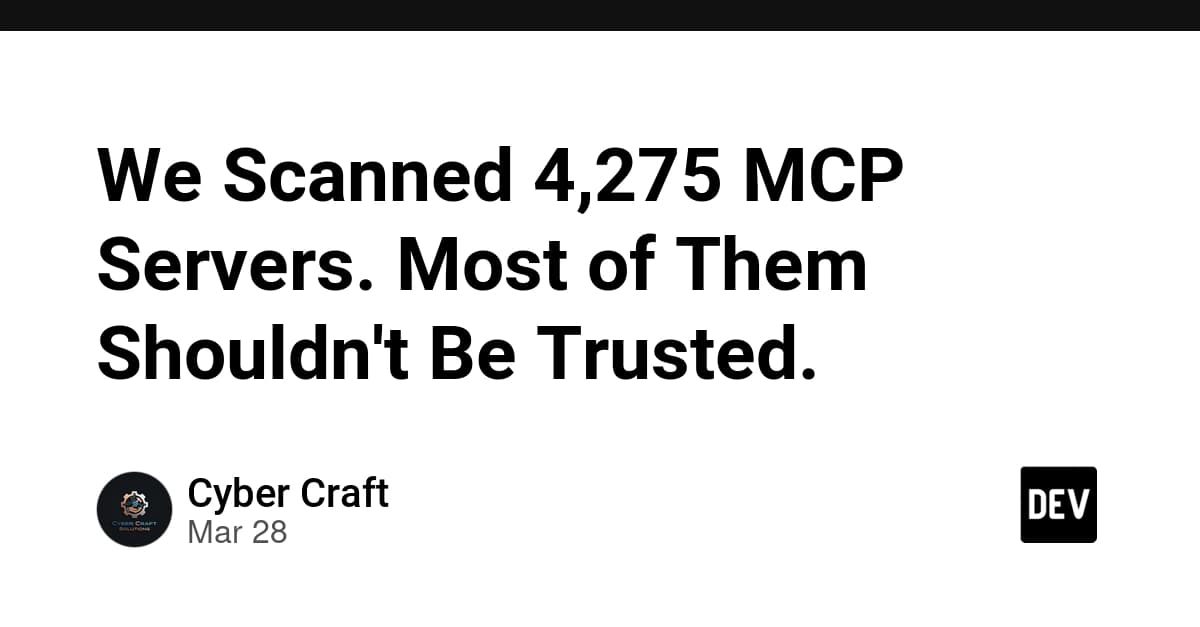
If you're using MCP servers with Claude Code, you need to audit your setup immediately. Recent security research analyzing thousands of MCP servers reveals alarming statistics: 66% have critical vulnerabilities, with an average security score of just 34 out of 100.
The Problem: MCP Servers Are Dangerously Vulnerable
MCP servers occupy a uniquely dangerous position. Unlike traditional APIs that serve data to controlled applications, MCP servers give capabilities to AI models that decide what to do next. A compromised server doesn't just return bad data—it can influence the entire agent's behavior.
Three critical vulnerability patterns dominate:
Servers that give agents too much power: The most common pattern exposes dangerous tools (execute code, run shell commands, read filesystem) with zero guardrails, relying entirely on the AI model to use them responsibly.
Supply chain trust is nonexistent: MCP servers install via
npxwith no code signing, permission manifests, or sandboxing. If a package author pushes a malicious update, it executes automatically next time your AI tool starts.Attack surfaces beyond tool descriptions: Research shows tool poisoning attacks succeed 84.2% of the time with auto-approval enabled, and even Claude 3.7 Sonnet has less than 3% refusal rate against sophisticated tool poisoning.
How To Audit Your Claude Code MCP Setup
Step 1: Check Your Installed Servers
First, find your Claude Desktop MCP configuration file:
- macOS:
~/Library/Application Support/Claude/claude_desktop_config.json - Windows:
%APPDATA%\Claude\claude_desktop_config.json - Linux:
~/.config/Claude/claude_desktop_config.json
Look for the mcpServers section. Every server listed there runs with your user permissions.
Step 2: Check Trust Scores
Visit mcp.craftedtrust.com and search for your installed servers. The registry scores servers across 12 security categories. Any server scoring below 40 (grade D or F) should be investigated immediately.
You can also add CraftedTrust as an MCP server to check scores programmatically:
{
  "mcpServers": {
    "craftedtrust": {
      "url": "https://mcp.craftedtrust.com/api/v1/mcp"
    }
  }
}
Step 3: Remove Unrecognized Servers
If you don't recognize a server or don't actively use it, remove it from your config. Supply chain attacks often target unused dependencies.
How To Install MCP Servers Safely
Prefer Verified Publishers
Always choose servers published by the organization they claim to represent. For example:
- Use
@notionhq/notion-mcp-server(official) instead of third-party republications - Look for multiple maintainers and active GitHub repositories
- Check for npm provenance attestation
Never Auto-Approve Tool Calls
Most MCP clients support approval flows for tool calls. Enable this for all servers with filesystem, network, or code execution capabilities. In Claude Desktop, this appears as a confirmation dialog before executing potentially dangerous operations.
Use The CraftedTrust MCP Server
Add the CraftedTrust server to your config. Claude can then call check_trust on any server URL before connecting:
Claude: "Before I connect to the GitHub MCP server, let me check its trust score."
[Uses check_trust tool]
Claude: "This server scores 78/100 with verified publisher. It's safe to proceed."
Specific Vulnerabilities To Watch For
Critical: chrome-local-mcp
This npm package with 332 weekly downloads has three chained critical vulnerabilities:
- Arbitrary JavaScript Execution: Exposes an
evaltool that passes user-supplied JavaScript directly to Puppeteer with no restrictions - SSRF via Unrestricted URL Navigation: No validation on URLs, allowing access to internal IPs and cloud metadata endpoints
- Unauthenticated HTTP API: Listens on all interfaces with no authentication
If you have this installed, remove it immediately.
Supply Chain Risks
Watch for:
- Third-party republications claiming to be "official"
- Servers requesting excessive OAuth scopes with zero provenance verification
- Single-maintainer packages with high download counts
What To Do Right Now
- Audit your config file - Remove any server you don't actively use
- Check trust scores - Use CraftedTrust to verify your remaining servers
- Disable auto-approval - Require confirmation for dangerous operations
- Update regularly - Keep your MCP servers updated to patch known vulnerabilities
MCP servers make Claude Code incredibly powerful, but that power comes with risk. Taking 10 minutes to audit your setup could prevent your credentials, data, or system from being compromised.