What Changed — Turning Claude Code Into a Persistent Agent
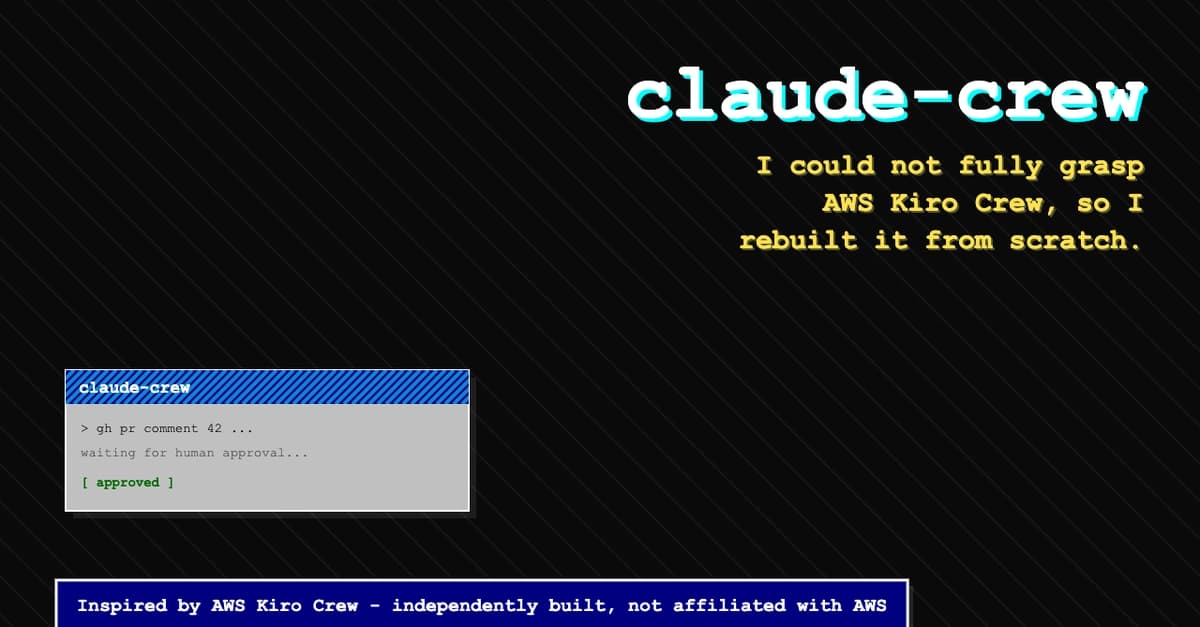
AWS released Kiro Crew, a multi-agent orchestrator that keeps an AI coding agent alive across many turns with memory, scheduling, and security. One developer read the announcement, got confused, and did the most practical thing possible: rebuilt it using Claude Code CLI as the execution engine.
The result, claude-crew, is a working reference architecture for anyone who wants their Claude Code sessions to survive terminal closes, be reachable from multiple surfaces, and run unattended—safely.
What It Means For You
You already use Claude Code for interactive sessions. But what if you could:
- Leave an agent running overnight to handle scheduled tasks?
- Check on it from a dashboard while you're in another app?
- Trust it to run shell commands without you watching every move?
claude-crew proves this is possible with tools you already have. The key insight: run Claude Code in headless mode with claude -p --input-format stream-json, and you get a programmatic interface to the same agent you use interactively.
Here's the architecture that makes it work:
kiro-cli over ACP
claude CLI in headless mode (-p --input-format stream-json)
Gateway multiplexing Slack/Telegram/CLI/dashboard
Gateway multiplexing CLI/dashboard
Persistent memory
Preferences / project history / "lessons" file injected into new sessions
Scheduling
cron / taskrunner / subagent / heartbeat
Approval workflows
PreToolUse gate that blocks on human allow/deny
Sandbox + signed audit log
macOS Seatbelt / Linux bubblewrap + HMAC hash-chained audit log
Try It Now — Building Your Own Persistent Agent
1. Start with Headless Mode

The foundation is simple. Run Claude Code non-interactively:
claude -p --input-format stream-json "your prompt here"
This gives you a JSON stream you can parse, pipe, and control programmatically. It's the same agent, minus the interactive UI.
2. Add a Gateway for Multi-Surface Access
The Gateway process multiplexes different surfaces (CLI, dashboard) onto the same underlying session. You don't need Slack or Telegram—start with a CLI and a simple web dashboard served over Server-Sent Events.
3. Implement Memory
Kiro Crew has persistent memory. In claude-crew, this is a "lessons" file—preferences and project history injected into new sessions. In Claude Code, you can achieve this with a CLAUDE.md file that gets loaded automatically into every session.
4. The Security Layer (Don't Skip This)
The developer's biggest lesson: security is the hardest part. A long-running agent that executes shell commands unattended needs three layers:
Layer 1: PreToolUse Gate
Before any tool call executes, a hook script evaluates it. Is this tool allowed? Does this file path fall inside a protected directory? Does this shell command match a denylist? Use Claude Code's PreToolUse hook:
{
  "hooks": [
    {
      "matcher": "ToolUse",
      "hooks": [
        {
          "type": "pre",
          "command": "your-policy-script.sh"
        }
      ]
    }
  ]
}
Layer 2: OS-Level Sandbox
Rules on a string can be bypassed. Run the actual claude process inside sandbox-exec (macOS) or bubblewrap (Linux). Even if a rule is bypassed, the kernel refuses the write.
Layer 3: Signed Audit Log
The gate runs inside the sandbox, so it can't be trusted to sign its own log entries. Instead, the gate appends unsigned entries to a spool. A separate process outside the sandbox drains that spool and signs it into a hash-chained log. This makes tampering detectable.
5. Approval Workflows
Headless mode has no interactive prompt. When the agent wants to run a sensitive command, the gate writes a pending request to disk and blocks, polling until a human clicks allow or deny—or a timeout denies it.
Why This Matters for Your Workflow
You might not need a full orchestrator. But you can steal these patterns:

- Use hooks for guardrails — Claude Code's hook system lets you gate tool use before it happens.
- Sandbox your agents — Don't trust rules alone; enforce them at the OS level.
- Log everything — If you're running unattended agents, you need provable, tamper-evident logs.
The Takeaway
Kiro Crew is impressive, but the real value is the pattern: persistent, multi-surface, secure agent orchestration. You can build this with Claude Code today. Start with headless mode, add a Gateway, and never skip the security layer.

The source for claude-crew is on GitHub, referencing Kiro Crew's repository as the design reference. If you read it, you'll understand both systems—and probably find a few bugs in your own agent workflows.
Source: dev.to
[Updated 07 Aug via devto_claudecode]
The same developer behind claude-crew has now detailed a production deployment: ClinTrialFinder, a clinical-trial matching web app he built solo while undergoing cancer treatment. The system runs ~30 drug pages and dozens of disease-specific trial landscapes, with a matcher used by real patients. His key architectural choice: every task lives as a plain HTML file in a git repo (500+ so far), version-controlled and grep-able by the agent, with a dedicated "CEO" Claude Code session handling prioritization via an update-active-sprint skill. Privacy is enforced—server logs purge IPs within 14 days, matching the app's stated policy [per dev.to].