The Problem: Every Session Starts from Scratch
Every new Claude Code session is a blank slate. You waste precious tokens and mental energy re-explaining your project's architecture, decisions, and file structure. This context loss kills momentum and makes multi-session projects inefficient.
The Solution: An Obsidian Vault as a Project Brain
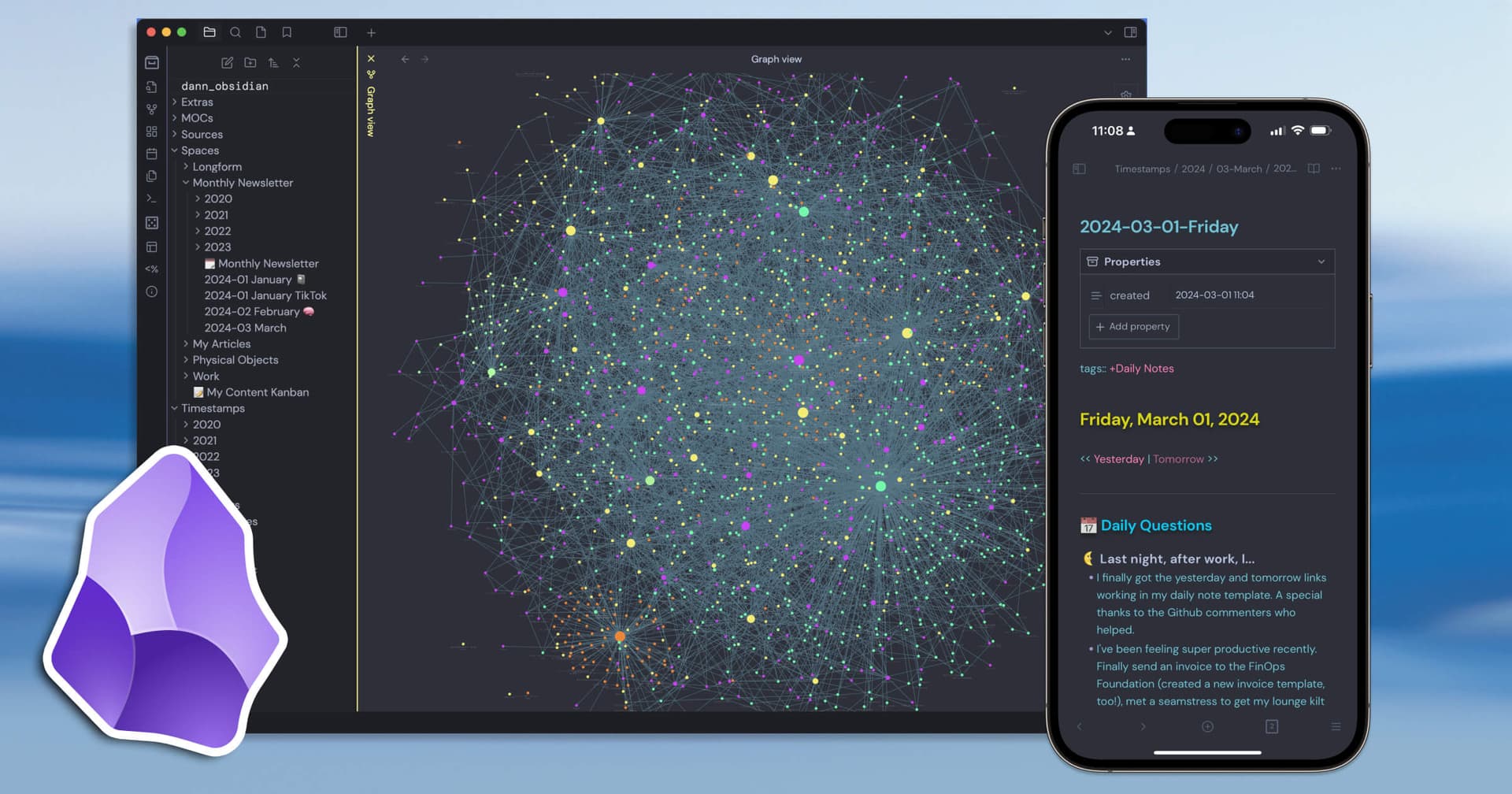
A developer solved this by creating a structured Obsidian vault that acts as a persistent, external memory for Claude Code. The vault is organized like a company with clear departments:
01_RnD/for architecture and technical decisions.02_Product/for product specs and user stories.03_Marketing/for content and launch plans.04_Community/,05_Legal/, etc.
Each department folder contains an index.md file summarizing its state. The core is an execution_plan.md that outlines tasks with dependencies, forming a directed acyclic graph (DAG).
The Workflow: 8 Custom Commands That Change Everything
The power comes from eight custom Claude Code commands that interact with this vault.
Start a Session: /resume
This command reads the execution_plan.md and the latest handoff_note.md. It outputs a precise summary of where you left off and which tasks are unblocked and ready to work on next. No more manual catch-up.
During Work: Automatic Context Injection
When you ask Claude to work on a feature, your prompt can instruct it to first read the relevant files from the vault. For example: "Please review 01_RnD/api_architecture.md and 02_Product/feature_x_spec.md before implementing the new endpoint." Claude has the full project history at its fingertips.
End a Session: /wrap-up
This is the magic. The command:
- Updates the
execution_plan.mdwith completed tasks. - Updates any department
index.mdfiles that were affected. - Creates a new
handoff_note.mdsummarizing the session's work, decisions, and next immediate steps.
This note becomes the starting point for the next session's/resumecommand, creating a perfect cycle.
The Superpower: Parallel Agent Execution
Because the execution plan is a dependency graph, you can identify tasks that are unblocked and independent. The developer used Git worktrees to create separate working directories, then spawned multiple Claude Code sessions (agents) simultaneously.
- Agent 1: Works on the backend API in
worktree/backend/. - Agent 2: Works on the React frontend in
worktree/frontend/.
Both agents pull context from the same central Obsidian vault, ensuring consistency while parallelizing development. This is how the developer built an entire open-source tool (clsh) with a monorepo, packages, demos, and marketing content in one weekend.
How to Implement This System
- Create Your Vault: Set up an Obsidian vault in your project root (e.g.,
./project_brain). Use the department folder structure. - Seed the Content: Use an initial Claude Code session to draft your
execution_plan.mdand key architecture files. Treat this as a foundational investment. - Build the Commands: The core commands (
/resume,/wrap-up) are shell scripts or Node.js scripts that read and write Markdown files. They can be integrated as custom commands in your Claude Code terminal. - Integrate into Your Flow: Start every session with
/resume. End every session with/wrap-up. Train yourself to reference vault files in your prompts.
The template and commands are project-agnostic. You can adapt this "company brain" structure for any software project, research paper, or complex planning task with Claude Code.




