The Problem: AI-Generated Code Debt
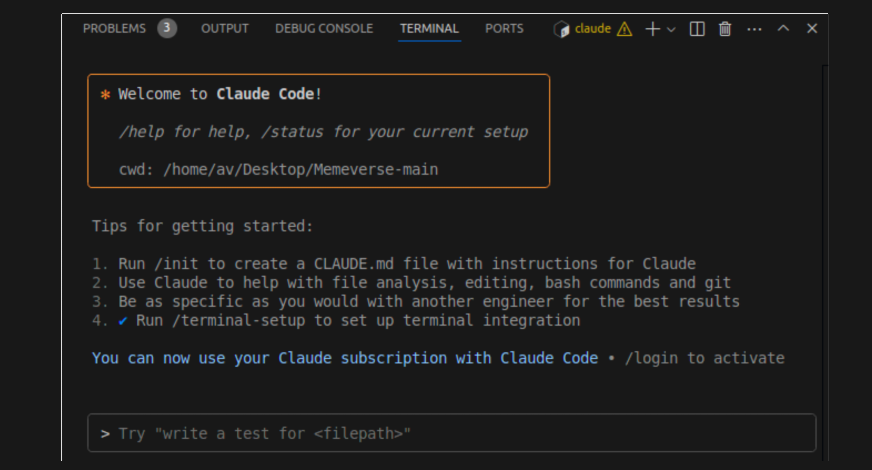
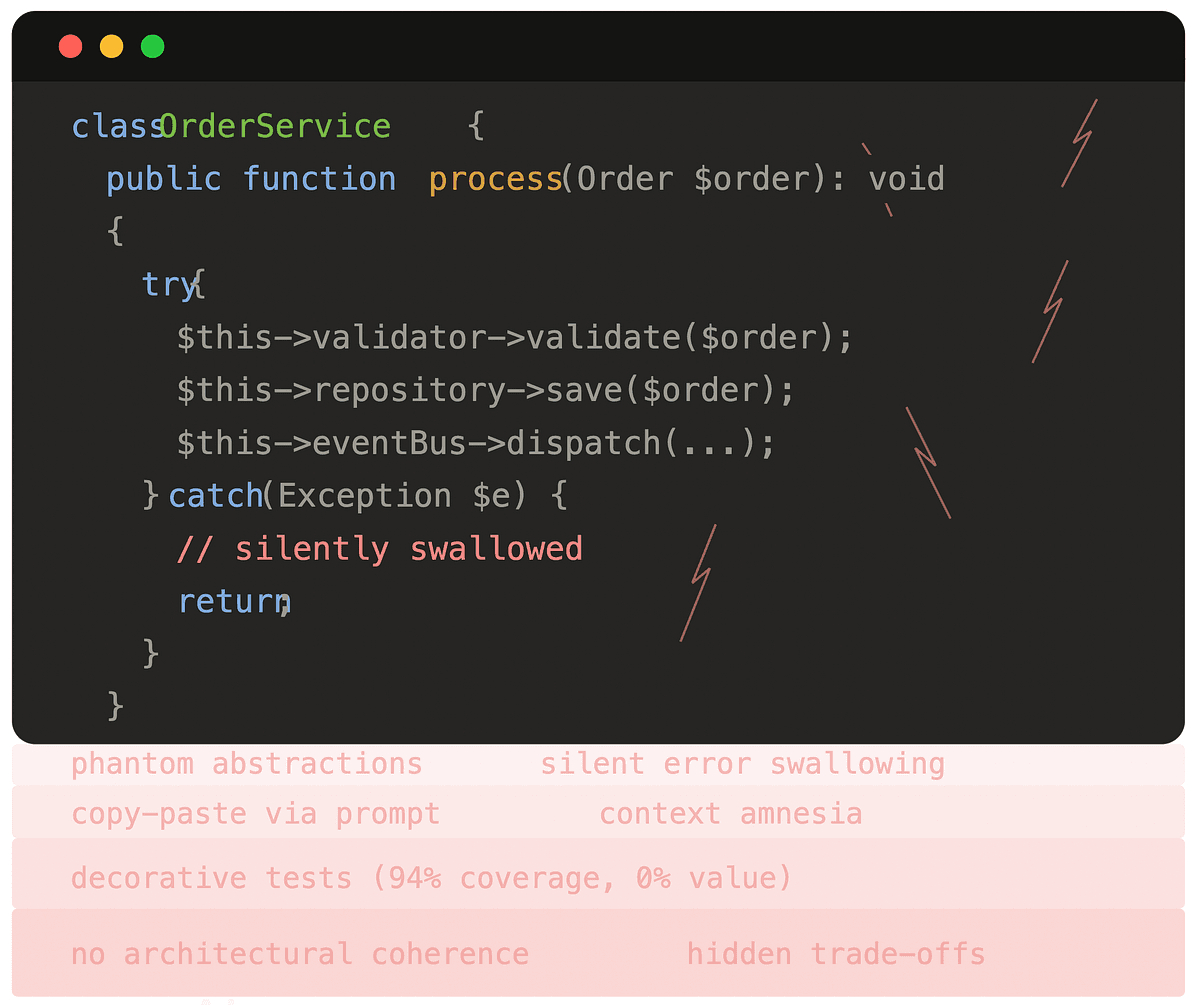
A developer who's been using Claude Code 6-8 hours daily for six months has identified the core issue: AI-generated code becomes technical debt immediately if you don't structure your workflow correctly. The problem isn't Claude Code itself—it's how developers use it.
When you ask Claude Code to "fix this bug" or "add this feature," it often produces code that works but lacks architectural consistency, proper error handling, or follows your team's specific patterns. This creates immediate technical debt that compounds with each AI-assisted change.
The Solution: Structured Prompting with CLAUDE.md
The key insight is that Claude Code needs context about your project's architecture, not just the immediate task. Here's what works:
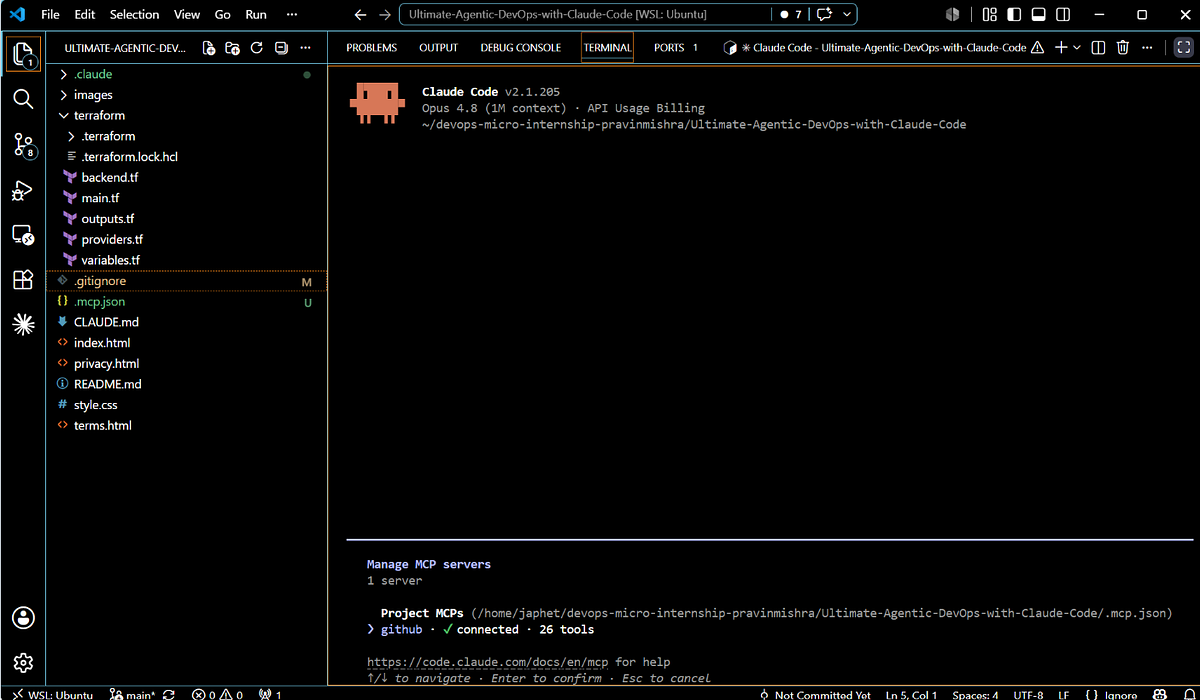
1. Create a Project-Specific CLAUDE.md
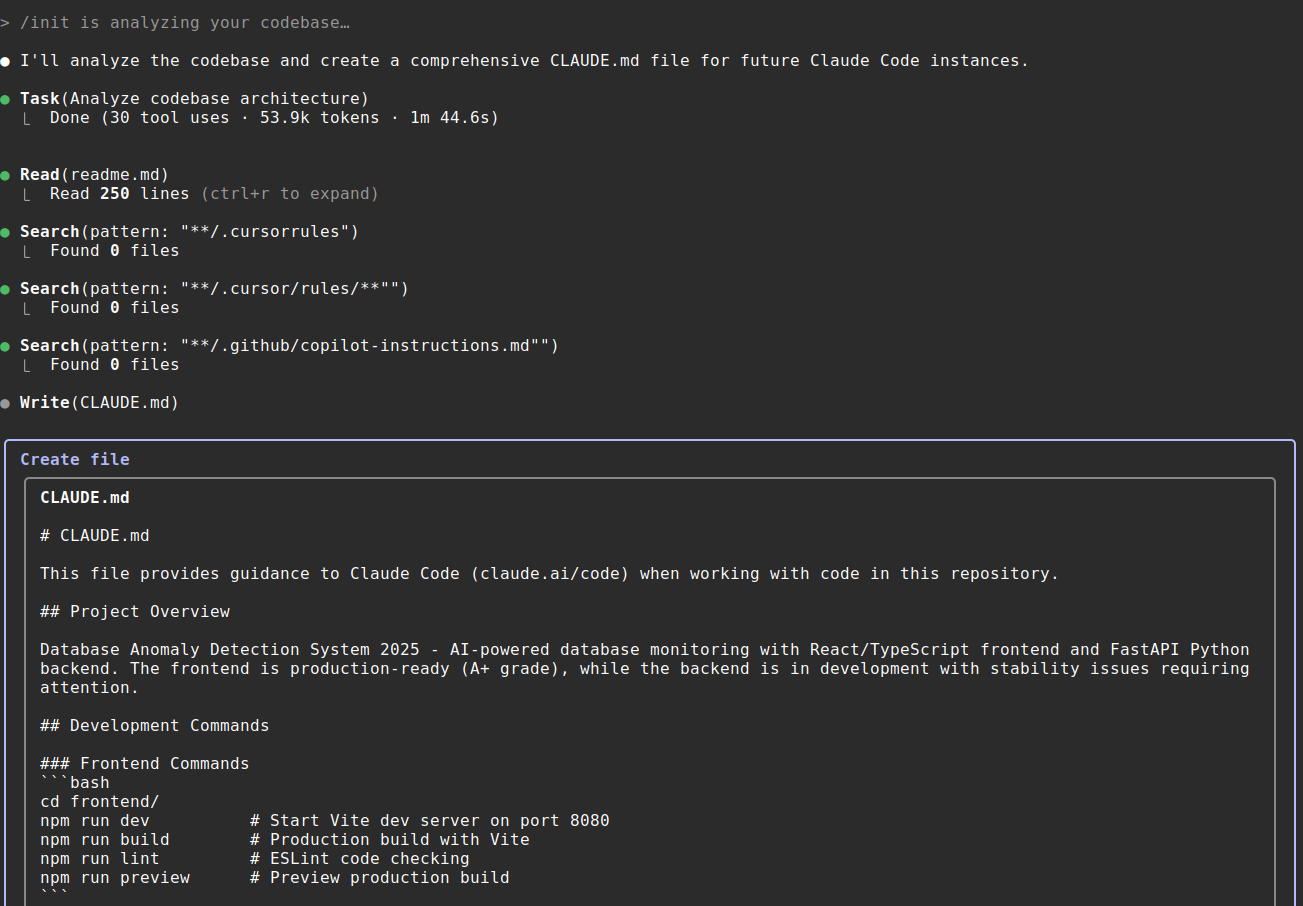
Instead of relying on Claude's general coding knowledge, create a detailed CLAUDE.md in your project root:
# Project Architecture
## Core Patterns
- Use repository pattern for data access
- All API responses follow {data: any, error: string|null} format
- Error handling: try/catch at service layer, log at controller
## File Structure
src/
├── controllers/ # HTTP handlers
├── services/ # Business logic
├── repositories/ # Data access
└── utils/ # Pure functions
## Testing Requirements
- Unit tests for all services
- Integration tests for API endpoints
- Mock external dependencies
## Code Style
- TypeScript strict mode enabled
- No `any` types allowed
- Async/await preferred over promises
- Error messages must be user-friendly
2. Use the --context Flag Strategically
When working on a specific file, provide architectural context:
claude code --context "This is a service layer file. Remember to:
1. Handle all errors with our standard error format
2. Log at INFO level for successful operations
3. Validate inputs before processing"
3. Implement the "Review-Then-Apply" Workflow
Never let Claude Code make changes without review. Use this pattern:
# First, ask for a plan
claude code "What changes would you make to add user authentication?"

# Review the plan, then execute specific parts
claude code "Implement the UserService.create method following the plan"

# Finally, review the actual changes before committing
claude code "Show me the diff of what you changed"
Why This Works
Claude Code (which primarily uses Claude Sonnet 4.6 according to our knowledge graph) excels when given clear constraints. The model needs to know not just what to build, but how you build it in your specific codebase.
By providing architectural context in CLAUDE.md, you're essentially training Claude Code on your project's specific patterns. This prevents the "works but doesn't fit" problem that creates technical debt.
The Critical Review Step
The developer's most important finding: AI-generated code requires human architectural review before it becomes debt. This doesn't mean reviewing every line—it means:
- Reviewing the approach before implementation
- Checking that new code follows established patterns
- Ensuring error handling matches your standards
- Verifying tests are adequate
Without this review, you're just accumulating future refactoring work.
Try This Today
- Audit your current
CLAUDE.md(or create one if you don't have it) - Add your project's architectural decisions—not just coding standards
- Use the three-step workflow: Plan → Implement specific parts → Review diff
- Commit your
CLAUDE.mdto version control so your team benefits
This approach turns Claude Code from a debt generator into a consistency enforcer. The AI becomes an extension of your team's architectural knowledge rather than an external force introducing new patterns.
When This Matters Most
These techniques are especially critical when:
- Working in large codebases with established patterns
- Onboarding new team members (Claude Code can teach your patterns)
- Refactoring legacy code (maintain consistency during changes)
- Building new features that need to integrate seamlessly
Remember: Claude Code is a tool, not a replacement for architectural thinking. By providing that thinking upfront via CLAUDE.md and structured prompts, you get the productivity boost without the debt.