What It Does — Visual Development Inside Claude Code
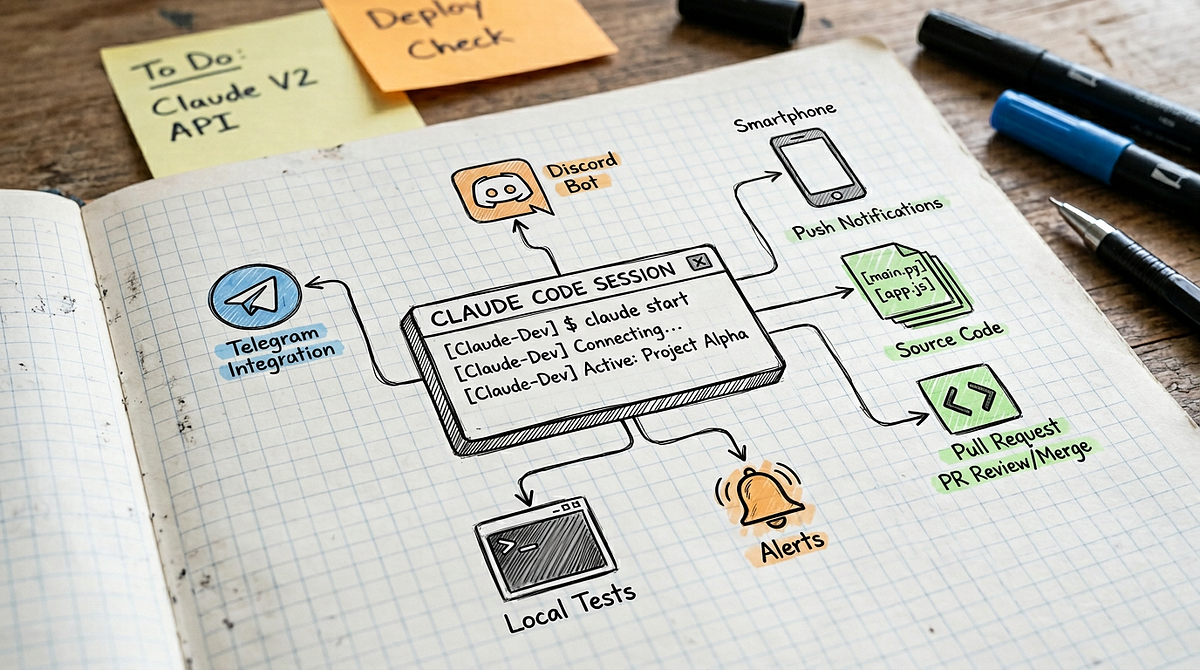
Lucid Software has released an official MCP (Model Context Protocol) server that bridges Claude Code with Lucidchart's diagramming platform. This isn't just another tool—it's a direct pipeline that lets Claude generate, edit, and analyze visual documentation as part of your development workflow.
The server exposes three core capabilities:
- Diagram Generation: Claude can create flowcharts, sequence diagrams, ER diagrams, and architecture diagrams from text descriptions
- Real-time Editing: Modify existing Lucidchart documents through Claude's interface
- Process Analysis: Use Lucid's new "Process Agent" to analyze and optimize workflows directly from your codebase context
Setup — Connect in 5 Minutes
Installation follows the standard MCP pattern. Add this to your Claude Code configuration:
// In your Claude Code config file
{
  "mcpServers": {
    "lucid": {
      "command": "npx",
      "args": ["@lucidsoftware/mcp-server"],
      "env": {
        "LUCID_API_KEY": "your_api_key_here",
        "LUCID_WORKSPACE_ID": "your_workspace_id"
      }
    }
  }
}
You'll need a Lucidchart account with API access enabled. The free tier supports basic diagram generation, while paid plans unlock advanced features like the Process Agent.
When To Use It — Specific Claude Code Workflows
1. Architecture Documentation
Instead of manually maintaining architecture diagrams, prompt Claude:
Generate a system architecture diagram for our microservices setup.
Services: auth-service, payment-service, inventory-service.
Database: PostgreSQL with read replicas. Message queue: RabbitMQ.
Claude will create a professional diagram in your Lucidchart workspace, complete with proper connectors and styling.
2. Code-to-Process Mapping
Use the Process Agent to analyze your code and generate optimization suggestions:
Analyze our checkout process in checkout_service.js and create a BPMN diagram showing bottlenecks.
The agent examines your code, identifies process flows, and creates visual process maps with improvement recommendations.
3. Database Schema Visualization
When working with new databases:
Connect to our staging database and generate an ER diagram showing all tables and relationships.
Claude can query the database schema and create up-to-date documentation automatically.
4. PR Review with Visual Context
Add diagrams to your pull request descriptions:
Create a sequence diagram showing the new authentication flow I implemented in auth.js.
Embed the generated diagram directly in your PR for clearer communication.
Security Note — Follow MCP Best Practices
This follows our March 28th report revealing 66% of MCP servers have critical vulnerabilities. The Lucid server uses OAuth 2.0 and requires explicit workspace permissions, but you should:
- Use workspace-specific API keys instead of account-wide tokens
- Restrict permissions to read/write only necessary documents
- Monitor API usage in your Lucidchart admin panel
- Rotate keys regularly as with any external service integration
Performance Considerations
Diagram generation is fast—simple diagrams render in 2-3 seconds, while complex architecture diagrams take 5-10 seconds. The Process Agent performs deeper analysis and may take 15-30 seconds for complex workflows.
Keep token usage in mind: each diagram description adds to your context window. For large projects, generate diagrams in separate sessions and reference them by URL in subsequent conversations.
The Bigger Picture
This release is part of a broader trend we've tracked: MCP adoption is accelerating, with 27 articles mentioning Model Context Protocol this week alone. Following the March 25th availability of MCP servers for Terraform, Ansible, and Pulumi, Lucid's entry shows the protocol expanding beyond pure code tools into visual documentation.
For Claude Code users, this means your AI assistant is becoming a true full-stack development partner—capable of not just writing code, but documenting it visually, analyzing processes, and communicating architecture decisions through professional diagrams.