What Changed — Persistent AI Agents in Your Terminal
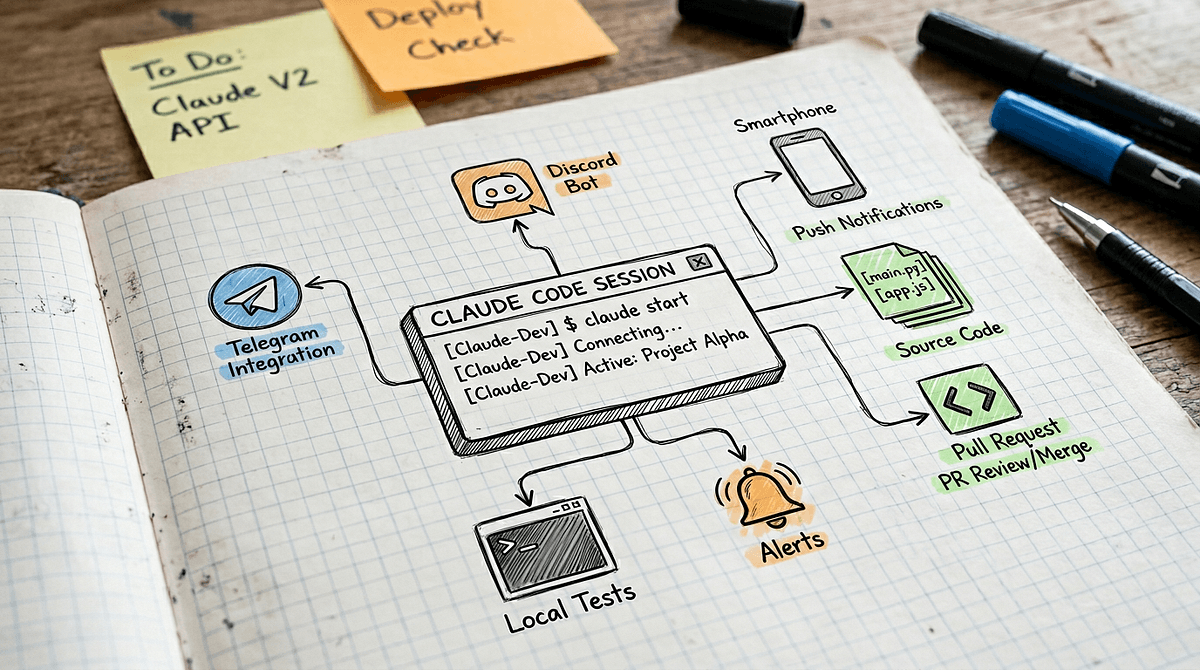
Anthropic has built an "always-on" coding agent capability into Claude Code using the Model Context Protocol (MCP) and asynchronous messaging. This new feature, often called "Channels," transforms Claude Code from a command-line tool you interact with into a persistent background agent that can work independently.
This follows Anthropic's March 2026 release of Claude Code Auto Mode and the /dream command for memory consolidation, marking a clear shift toward more autonomous, long-running AI capabilities.
What It Means For You — The AI That Works While You Sleep
Instead of running claude code "write a test" and waiting for a response, you can now start a Channel that persists across sessions. This agent can:
- Monitor application logs and alert you to specific errors
- Watch a feature branch and automatically write tests for new code
- Process queued tasks like code reviews or dependency updates
- Maintain context about your project over hours or days
The agent runs on Anthropic-managed cloud infrastructure (as revealed in their March 27th transformation of Claude Code into a persistent agent), meaning it doesn't drain your local machine's resources.
How To Use It — Setting Up Your First Channel
While the exact CLI syntax may evolve, the pattern involves MCP servers configured for persistent operations:
- Install a compatible MCP server for your use case:
npm install -g mcp-server-logwatcher
- Configure your
CLAUDE.mdto define the agent's long-term mission:
# Channel: Test Generator

This agent watches the `feature/` directory. When new Python files are added:
1. Analyze the code's purpose
2. Generate corresponding pytest files
3. Place them in `tests/feature/`
4. Send a summary to Slack channel #tests

Maintain context about the project's testing patterns.
- Start the Channel (example command pattern):
claude code --channel test-generator --mission CLAUDE.md
- Interact asynchronously via the Channel ID:
claude code --channel test-generator "Status report?"
claude code --channel test-generator "Focus on the auth module next."
The key shift: you're not prompting for immediate output, but programming a persistent agent with goals and rules.
Why This Changes Your Workflow
Channels make Claude Code proactive rather than reactive. Instead of thinking "I need to write documentation," you can start a Documentation Channel that gradually documents new functions as you write them. The agent works during your commute, lunch break, or overnight.
This aligns with the broader industry trend toward AI agents, referenced in 11 of our recent articles where AI Agents technology uses Claude Code. The March 31st release of 'long-running Claude' capability for scientific computing was an early signal of this direction.
Limitations and Considerations
- Cost structure: Persistent agents likely use different pricing than interactive sessions
- Initial setup: Defining clear missions in
CLAUDE.mdis crucial for good results - Use case fit: Best for monitoring, incremental improvement, and queue processing tasks
- Not for everything: Interactive
claude codecommands remain better for one-off refactors
Start with one Channel for a specific, valuable task like test generation or dependency monitoring. The infrastructure is there—your job is to define the mission.