What Changed — AWS Embraces MCP
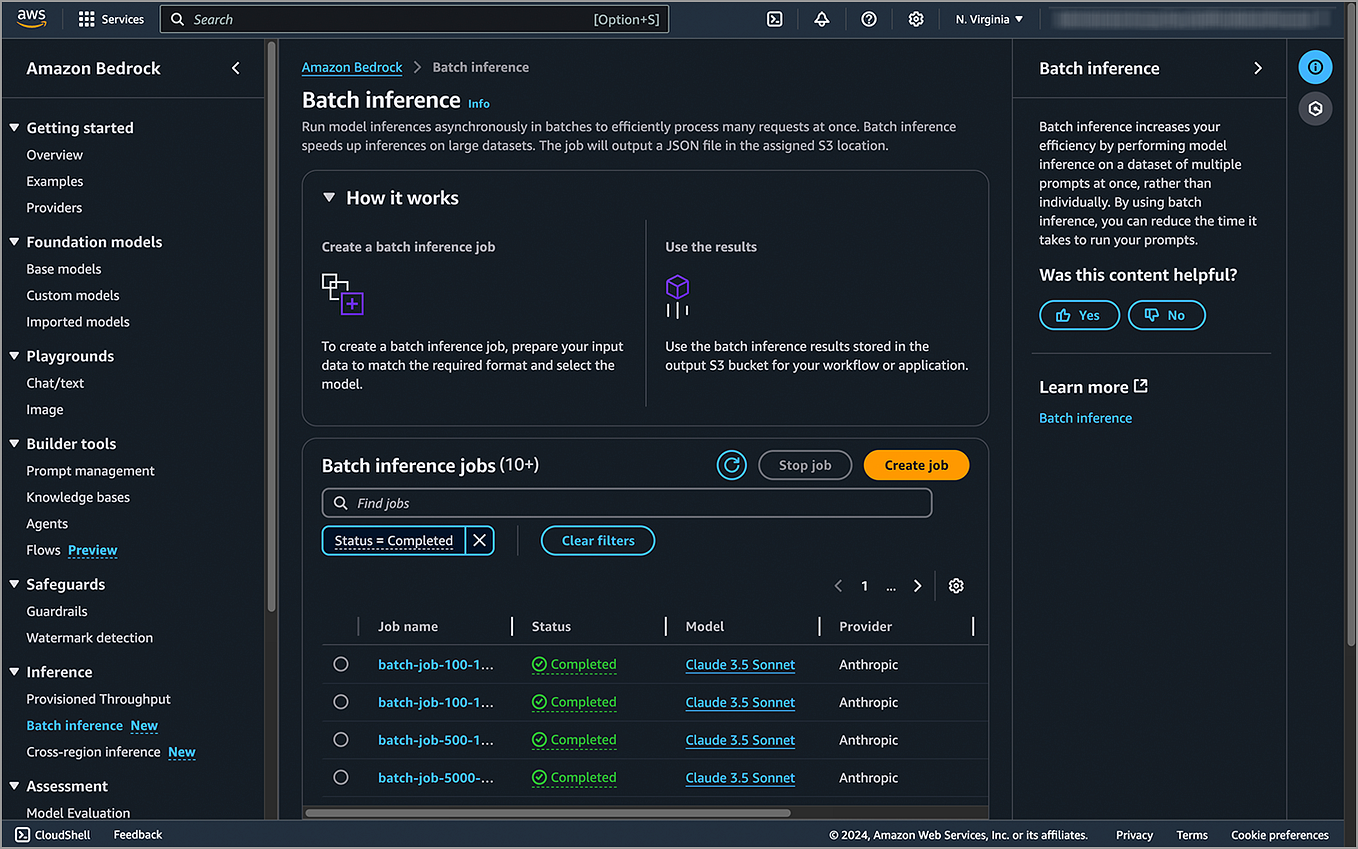
AWS Bedrock, the managed service for accessing foundation models, has released new tools specifically for the Model Context Protocol (MCP). This isn't just an API update; it's a dedicated SDK and set of resources to help developers build, deploy, and run MCP servers. This follows Anthropic's launch of MCP in late 2024 as an open protocol to connect LLMs to external data sources and tools. AWS is now providing the infrastructure to host these connections at scale.
For Claude Code users, this means the ecosystem of available MCP servers is about to expand dramatically, with a focus on cloud-native data sources like Amazon S3, DynamoDB, RDS, and CloudWatch.
What It Means For You — Direct Cloud Access from Your Editor
The immediate impact is that developers can now build MCP servers that give Claude Code a direct, secure line to their AWS environment. Imagine asking Claude to:
- Analyze logs from a CloudWatch Logs group for a specific error pattern.
- Query a production DynamoDB table (read-only, of course) to understand data schema issues.
- Fetch and explain the configuration of an S3 bucket mentioned in your code.
- Retrieve cost data from AWS Cost Explorer to inform architecture decisions.
Previously, accessing this data required manual logins to the AWS Console or writing custom CLI scripts. Now, it can be integrated directly into your Claude Code workflow via a custom MCP server.
How To Start Building — The AWS MCP Toolkit
AWS has released the aws-mcp-server toolkit. Here’s how a Claude Code user can leverage it:
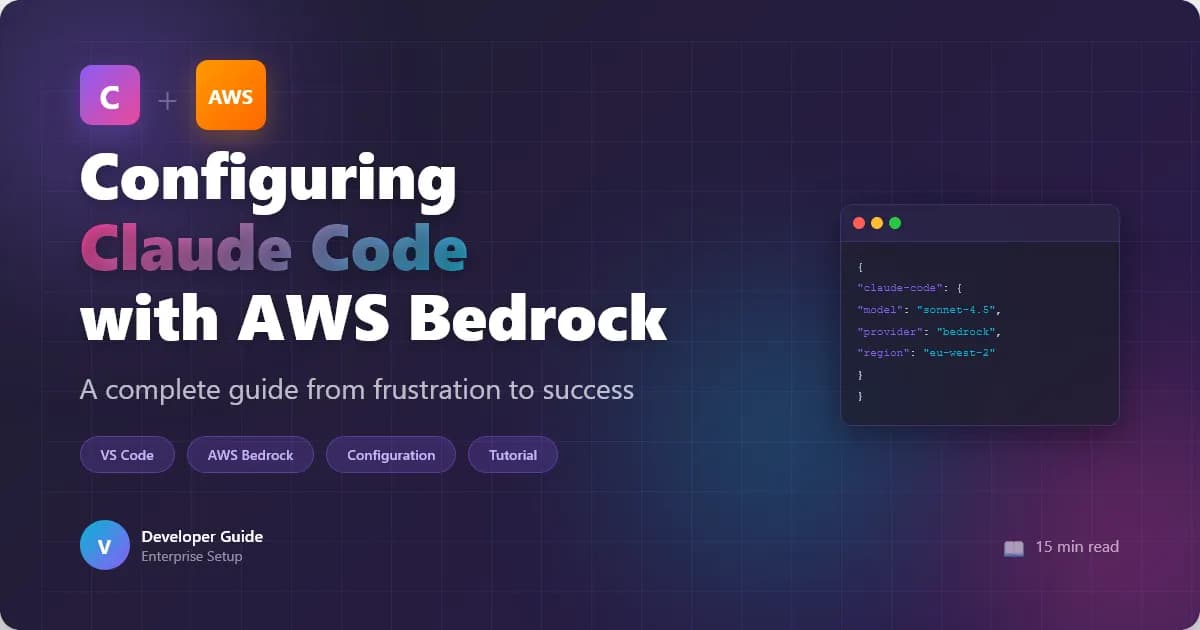
Install the Toolkit: The toolkit is available via npm/pip or directly from AWS's GitHub repositories. It provides templates and utilities for creating a new MCP server.
npm install -g @aws/aws-mcp-server-toolkitChoose Your Integration: The toolkit likely includes blueprints for common services. Start by creating a server for a single resource, like S3.
aws-mcp-server init --template s3-readerConfigure Claude Code: Once your server is running (locally or deployed as a container/lambda), you add it to your Claude Code configuration (
claude_desktop_config.json).{ "mcpServers": { "aws-s3-explorer": { "command": "node", "args": ["/path/to/your/server/index.js"], "env": { "AWS_PROFILE": "your-dev-profile" } } } }Use It: After restarting Claude Code, your new tools will be available. You can prompt: "Claude, use the S3 explorer to list the JSON files in the
my-app-configbucket and show me the structure ofprod-settings.json."
The Security Model — IAM is Key
A critical detail for developers is that access is governed entirely by AWS IAM. The MCP server runs with a specific IAM role or user credentials. This means you can follow the principle of least privilege: your Claude Code integration can have read-only access to specific S3 buckets and nothing else. This is far safer than granting broad console access. Always run these servers with credentials scoped strictly to the necessary resources.
Why This Matters for the MCP Ecosystem
AWS's entry validates MCP as a critical standard for tool integration. It signals to other cloud providers (like Google Cloud and Microsoft Azure) that supporting MCP is a way to reach developers in their native environment—the code editor. For the community, it means more robust, production-ready server patterns and easier deployment options (e.g., deploying your MCP server as an AWS Lambda function).
Start by exploring one use case. Build a simple server that lets Claude Code read your team's shared architecture diagrams from a designated S3 bucket. It’s a low-risk project that demonstrates the power of connecting your AI assistant directly to your cloud context.