Key Takeaways
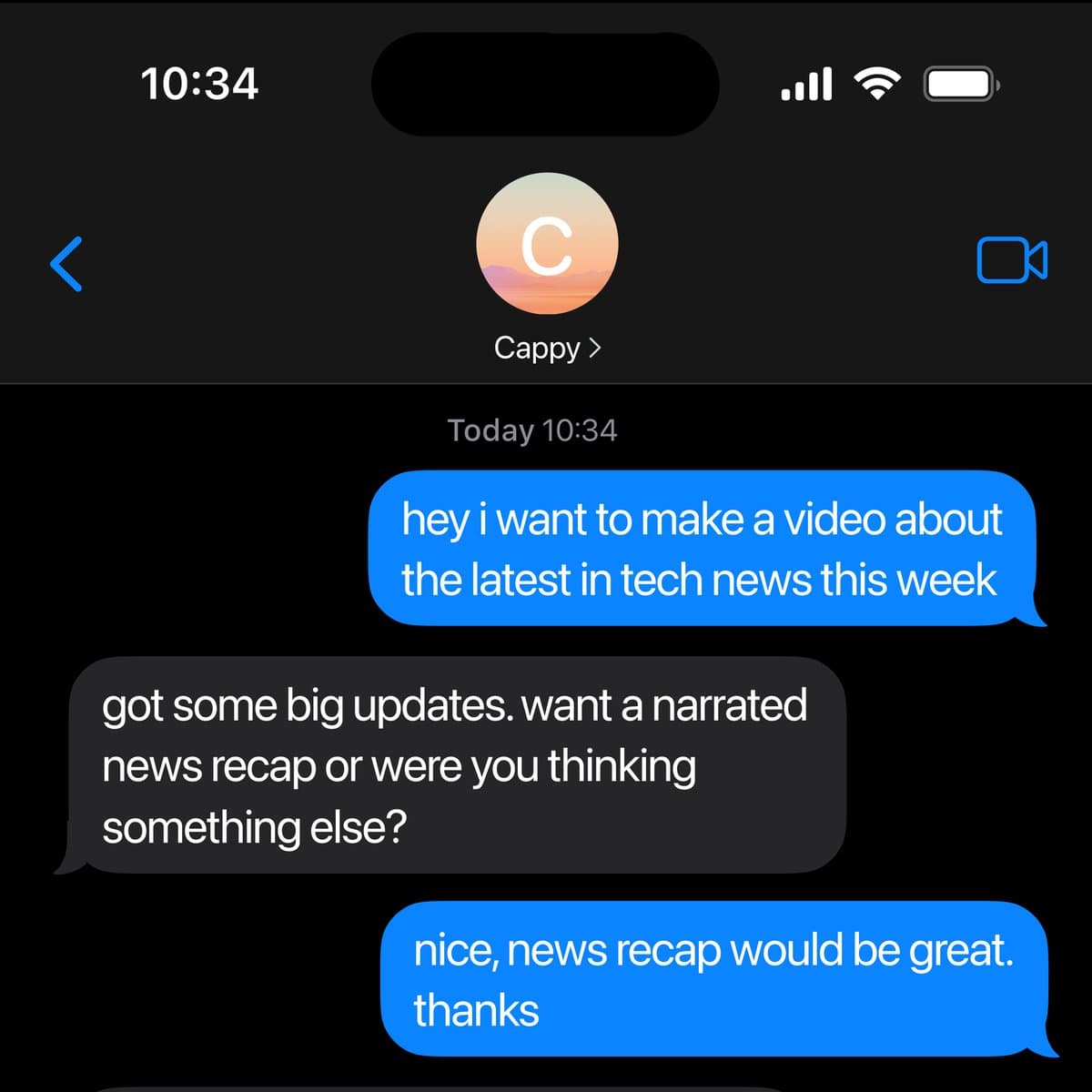
- Mirage launched Cappy, a text-based video editing service that delivers fully edited videos via SMS.
- This first-of-its-kind approach eliminates traditional editing interfaces entirely.
What's New
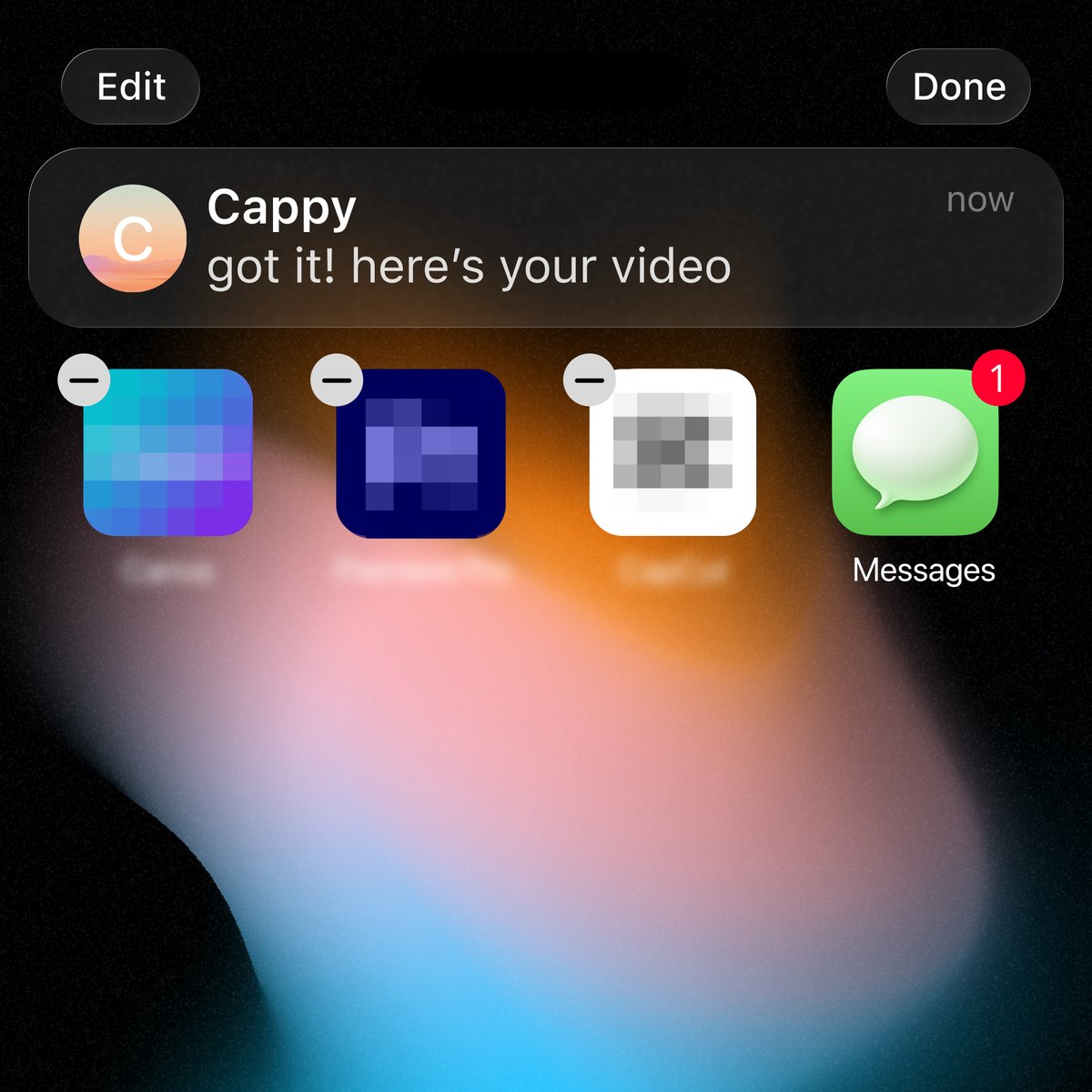
Mirage has introduced Cappy, a video editing service that operates entirely through text messages. Users send a video to a phone number and receive a fully edited version back—no app installation, no timeline interface, and no prior editing knowledge required.
According to the announcement, Cappy is "the first of its kind" in providing a complete editing workflow through SMS. The service eliminates the traditional learning curve associated with video editing software, targeting users who need quick edits without technical expertise.
How It Works
Cappy's core workflow is straightforward:
- User texts a video to a designated phone number
- Cappy processes the edit automatically
- User receives the finished video via text message
The service handles the entire editing pipeline—from trimming and transitions to effects and final export—without requiring user input beyond the initial submission. Mirage has not disclosed the underlying AI models or processing infrastructure.
What This Means in Practice
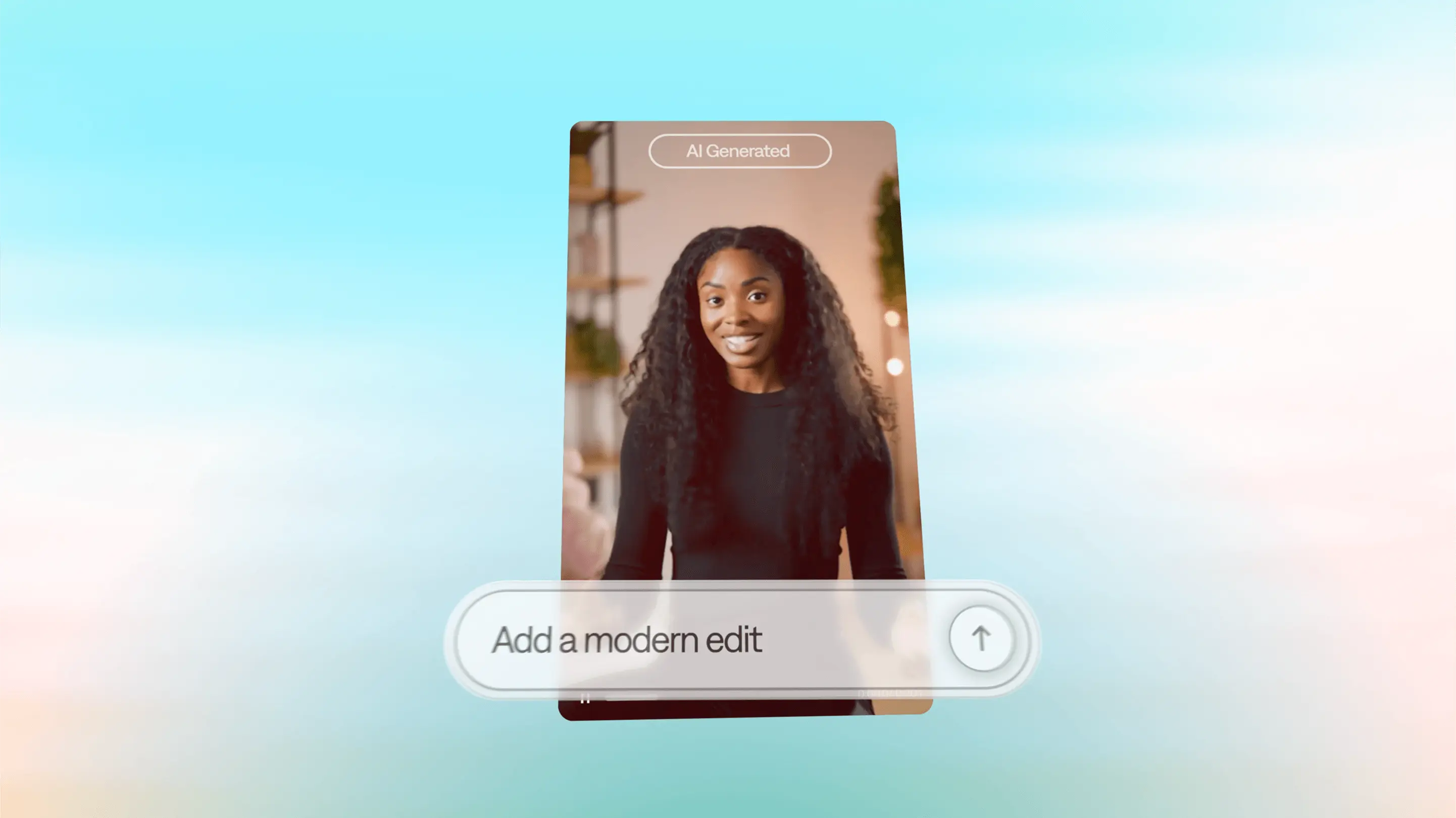
For content creators, marketers, and casual users, Cappy removes the friction of learning editing software. Instead of spending hours in Premiere Pro or CapCut, a user can simply send raw footage via text and get a polished result. This positions Cappy as a potential tool for rapid social media content, event recaps, or personal video projects where speed outweighs fine-grained control.
Limitations and Caveats
Several details remain unclear:
- Editing control: Users have no way to specify trimming points, effects, or style preferences beyond the initial video submission
- Video length and format: Maximum supported duration and file formats are not specified
- Processing time: No latency benchmarks are provided
- Pricing: The announcement does not mention whether the service is free, subscription-based, or pay-per-use
- Privacy: How Mirage handles user-uploaded videos and whether they are retained for model training is not addressed
Without these details, it's difficult to assess Cappy's practical utility for professional workflows versus casual use.
Frequently Asked Questions
How do I use Cappy to edit a video?
Text a video to the designated phone number provided by Mirage. Cappy will process the video and send back the edited version via SMS. No app download or account creation is required.
What kind of edits does Cappy perform?
Mirage states the service delivers a "fully-edited video," but the specific editing operations (trimming, transitions, color correction, etc.) are not detailed. The extent of customization available to users is currently limited to submitting the raw footage.
Is Cappy free to use?
Pricing information has not been announced. The service may be free during an initial trial period or require payment per video. Check Mirage's official channels for updates.
What video formats and sizes does Cappy support?
Supported file formats, maximum video length, and file size limits have not been disclosed. Users should expect compatibility with common smartphone video formats (e.g., MP4) and moderate file sizes, but specifics are pending.