What It Does — A Unified Agent Dashboard
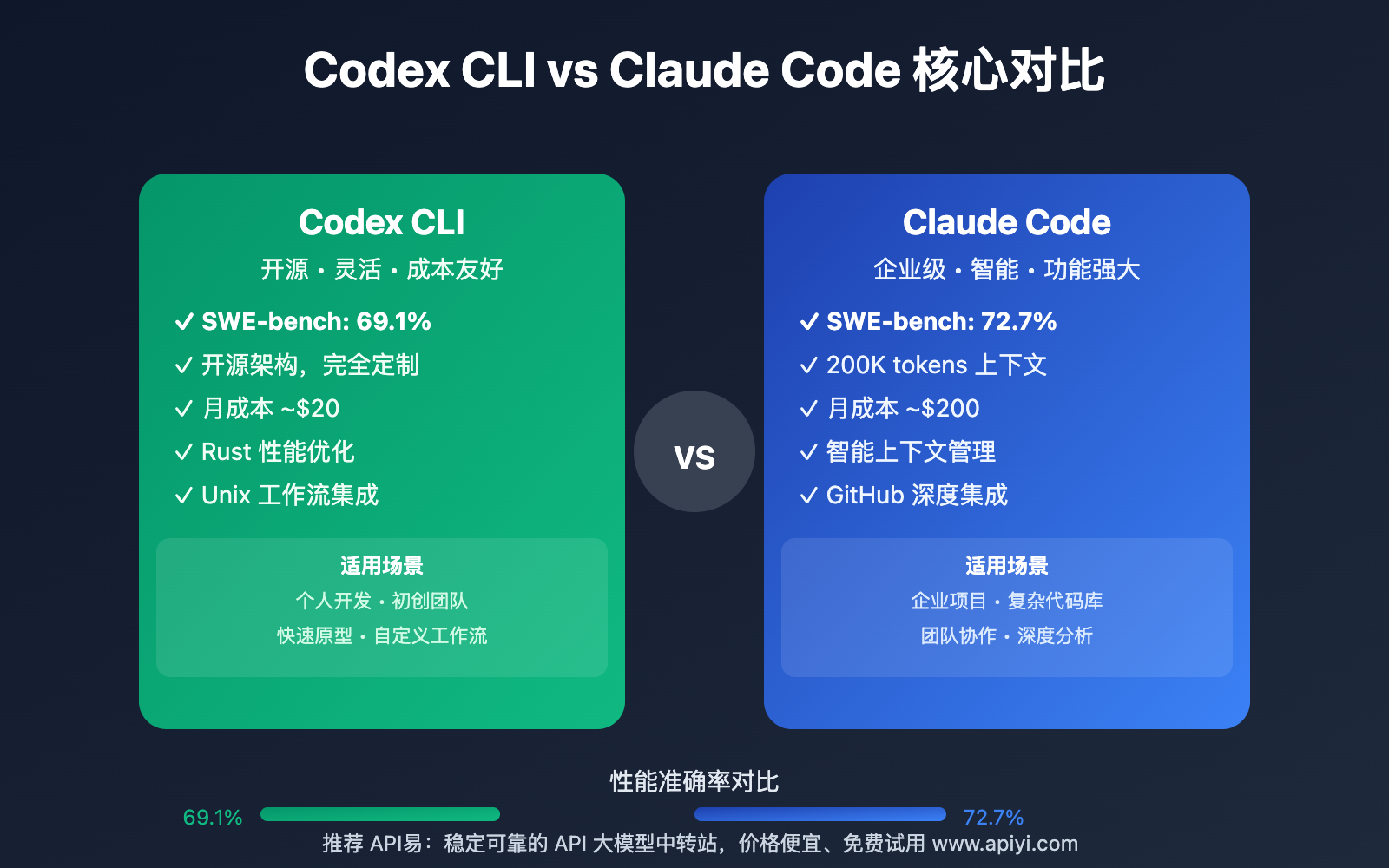
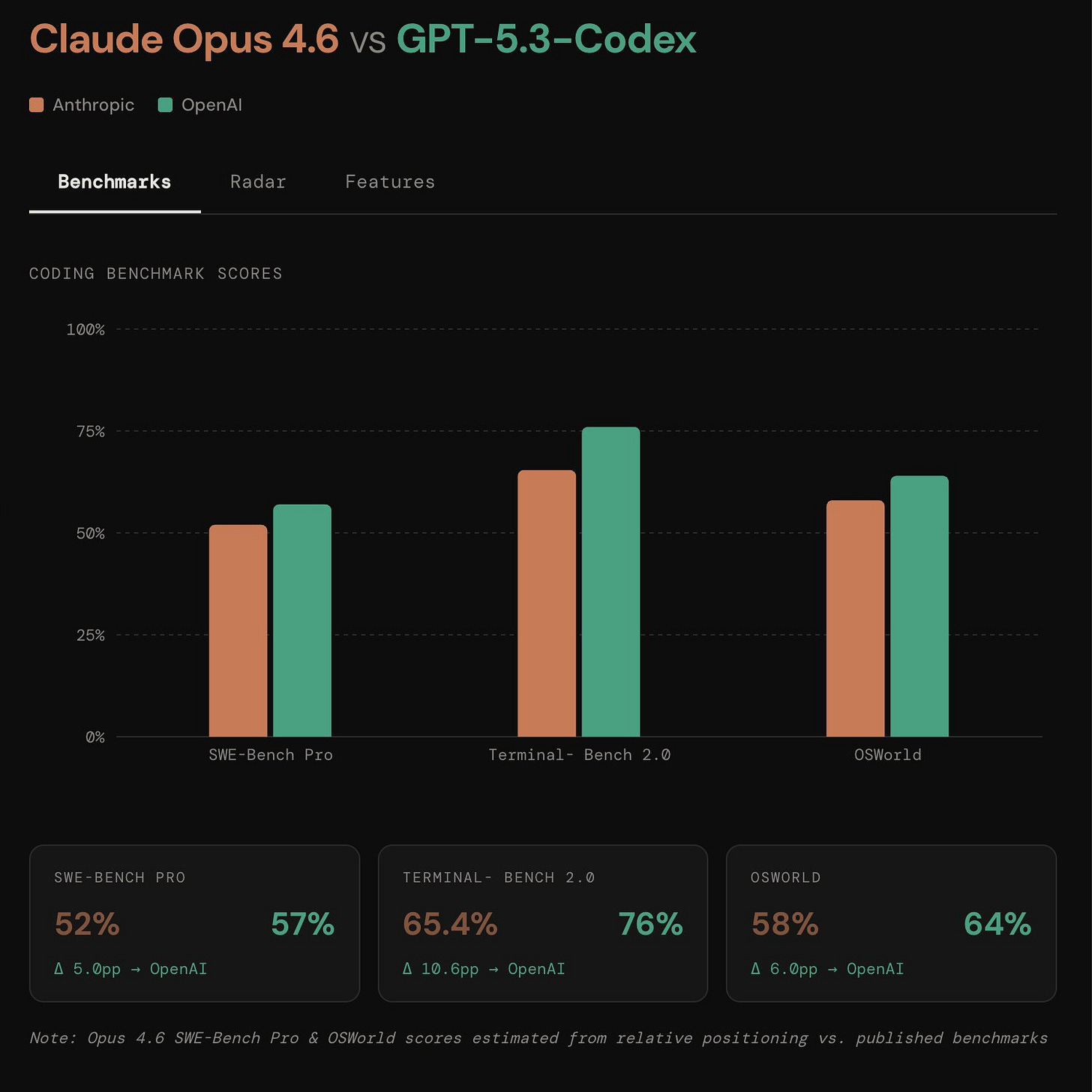
OpenClawdex is an open-source desktop application that provides a lightweight UI for managing both Claude Code and OpenAI Codex coding agents. Instead of juggling separate terminal windows or dealing with complex web interfaces, you get a native macOS application that feels like part of your development environment.
The key innovation: it uses your existing CLI authentication. No API keys to copy-paste, no OAuth flows. If you're already logged into claude and codex via their respective CLIs, OpenClawdex just works with your current subscriptions (including Claude Max and ChatGPT plans).
Why It Matters For Your Workflow
Parallel Agent Sessions
You can spawn multiple concurrent agent sessions—each runs in its own subprocess. This means you can have Claude Code working on one problem while Codex tackles another, or compare how different models approach the same task.
Project Organization
Group threads by project with multiple folders per project. Drag-and-drop threads between projects. Pin important threads at the top, archive completed ones. Your history persists across restarts, with Codex history rebuilt from ~/.codex/sessions and Claude history via the Agent SDK.
Direct Editor Integration
Click any file path or diff to jump straight into VS Code, Cursor, or your configured editor. No built-in diff sidebar to fight with—OpenClawdex embraces your existing tools.
Permission Control Per Thread
Switch between ask, plan, accept-edits, or bypass-permissions modes on a per-thread basis. Interactive prompt cards handle tool approvals, plan approvals, and the agent's AskUserQuestion requests inline.
Setup In 3 Minutes
- Install the agents (if you haven't already):
# Claude Code
npm install -g @anthropic-ai/claude-code
claude auth login

# OpenAI Codex
npm install -g @openai/codex
codex login
Download OpenClawdex: Get the latest
.dmgfrom the GitHub Releases pageInstall: Double-click the
.dmgand drag OpenClawdex into your Applications folder
That's it. Launch the app, and it automatically detects which agents you have installed, greying out unavailable providers in the model picker.
How It Works Under the Hood
OpenClawdex is built as a monorepo with three packages:
apps/web/: React + Vite + Tailwind v4 frontendapps/desktop/: Electron shell + CLI agent integrationpackages/shared/: Zod schemas for IPC messages
The Electron main process spawns claude (via Agent SDK with --output-format stream-json) and codex (via app-server JSON-RPC) as subprocesses, bridging their output to the React UI over IPC.
Current Limitations
- MacOS-only for now: The initial release targets macOS with native UI elements (vibrancy sidebar, traffic lights, dark theme with blue accent).
- Requires Node.js 20+ and pnpm 9+ for development builds.
However, the architecture is designed to be extended to other platforms, and being open-source (MIT licensed) means the community can contribute Windows and Linux versions.
When To Use It
Use OpenClawdex when:
- You regularly switch between Claude Code and Codex for different tasks
- You want to compare model outputs side-by-side
- You prefer a native desktop experience over terminal multiplexing
- You work on multiple projects simultaneously and need thread organization
- You want quick access to files and diffs in your primary editor
Skip it if:
- You're exclusively a Claude Code user (the native CLI might be sufficient)
- You're on Windows or Linux (wait for community ports)
- You prefer terminal-based workflows with tmux/screen
Contributing
The project welcomes contributions. The developer setup is straightforward:
git clone https://github.com/alekseyrozh/openclawdex.git
cd openclawdex
pnpm install
pnpm dev:desktop  # Starts Vite dev server + Electron
Hot reload works for the web app, and the Electron window loads from http://localhost:3000.