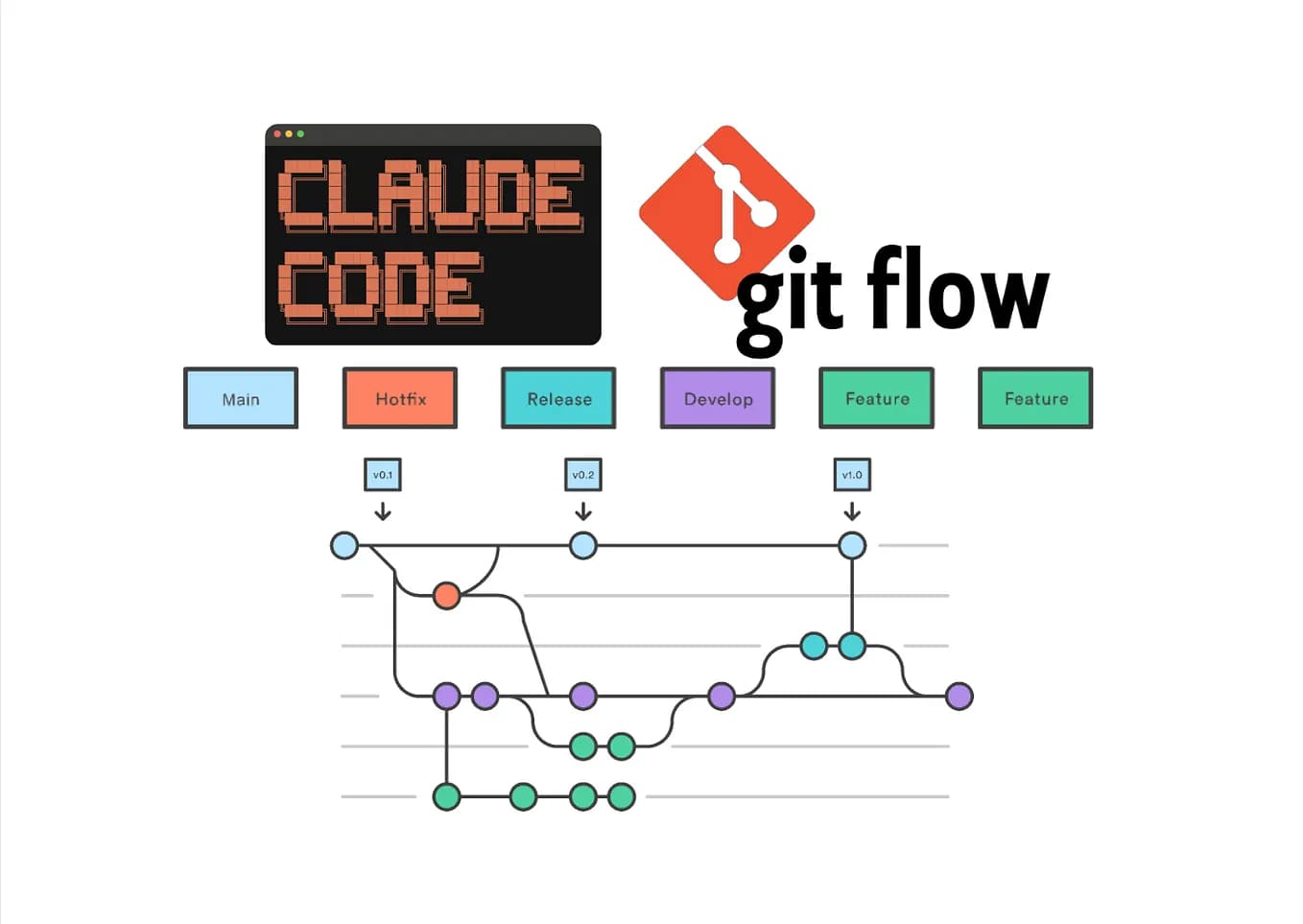
Claude Code's biggest bottleneck isn't reasoning—it's finding the right code to reason about. You waste tokens and time manually adding files to the context. The new git-semantic tool solves this by building a shared, searchable vector index of your entire repository that your whole team can use.
What git-semantic Does
git-semantic is a Rust CLI tool that:
- Parses your entire codebase using tree-sitter
- Generates embeddings for logical chunks of code
- Stores them on a dedicated Git branch (
semantic) - Provides semantic grep to find relevant code by meaning, not just keywords
The key innovation: the semantic branch is an orphan branch that mirrors your source tree structure but contains JSON files with embeddings instead of source code. This means embeddings become a first-class Git artifact that can be shared, versioned, and diffed.
Why This Beats Manual Context Management
When you use Claude Code today, you either:
- Manually
@-mention files (hit-or-miss) - Copy-paste large chunks (wastes tokens)
- Use fuzzy file search (doesn't understand semantics)
With git-semantic, you can:
# Find code semantically related to "user authentication flow"
git-semantic grep "user authentication flow"
# Returns: src/auth/mod.rs (lines 45-89), src/api/login.rs (lines 12-56)...
Then feed those specific, relevant files to Claude Code:
@src/auth/mod.rs:45-89 @src/api/login.rs:12-56
How can we refactor this authentication flow to support OAuth2?
Team Workflow: Index Once, Search Everywhere
Only one team member needs an API key to create embeddings:
# Initial indexing (run by someone with OpenAI API key)
git-semantic index
git push origin semantic
Everyone else just fetches and uses the shared index:
# Any team member
git fetch origin semantic
git-semantic hydrate  # Populates local SQLite index
git-semantic grep "database connection pooling"
No API keys needed for searching. No redundant embedding costs. The index updates incrementally—only changed files get re-embedded on subsequent runs.
Automate with GitHub Actions
Add .github/workflows/semantic-index.yml:
name: Semantic Index
on:
  push:
    branches: [main]

jobs:
  index:
    runs-on: ubuntu-latest
    steps:
      - uses: actions/checkout@v4
        with:
          fetch-depth: 0
      - name: Install git-semantic
        run: cargo install git-semantic
      - name: Index codebase
        env:
          OPENAI_API_KEY: ${{ secrets.OPENAI_API_KEY }}
        run: git-semantic index
      - name: Push semantic branch
        run: |
          git config user.name "github-actions[bot]"
          git config user.email "github-actions[bot]@users.noreply.github.com"
          git push origin semantic
Now your semantic index stays current with every merge to main.
Installation and Setup
# Install via Cargo
cargo install git-semantic

# Or build from source
git clone https://github.com/ccherrad/git-semantic.git
cd git-semantic
cargo install --path .

# First-time setup in your repo
git-semantic index  # Requires OPENAI_API_KEY env var
When to Use This vs. Claude Code's Built-in Search
Use git-semantic when:
- Working in large codebases (>50 files)
- Needing semantic understanding of code relationships
- Working on a team where multiple people query the same codebase
- Wanting to reduce Claude API costs by sending only relevant code
Stick with Claude Code's built-in search when:
- Working in small projects
- Needing quick, ad-hoc file lookups
- Preferring the integrated workflow without extra tools
The Future: Direct Claude Code Integration
Imagine this workflow:
/claude semantic-search "how do we handle payment retries"
# Claude automatically runs git-semantic grep,
# fetches the relevant files, and adds them to context
For now, you need to run git-semantic grep manually and paste results into Claude Code. But even this manual step dramatically improves context accuracy while reducing token usage.
Try It This Week
- Install
git-semanticon your machine - Run initial indexing on a medium-sized project
- Use
git-semantic grepbefore your next Claude Code session - Notice how much more targeted your context becomes
The tool is early but functional. It represents a shift from "dump everything in context" to "intelligently retrieve what matters."