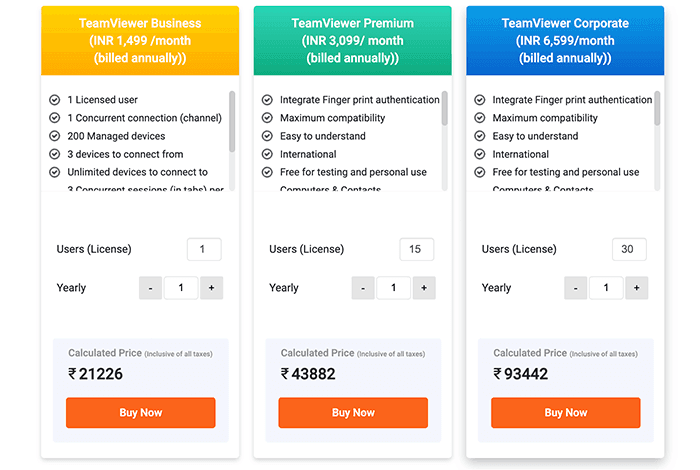
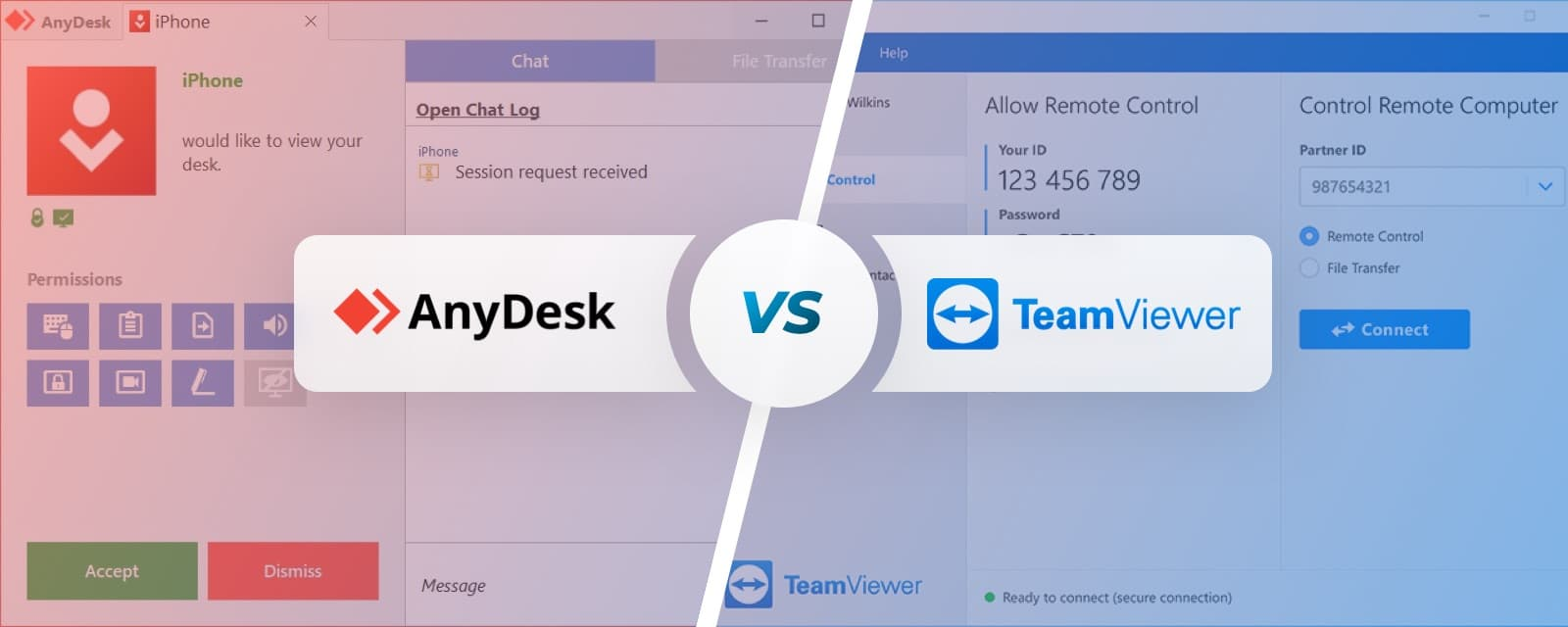
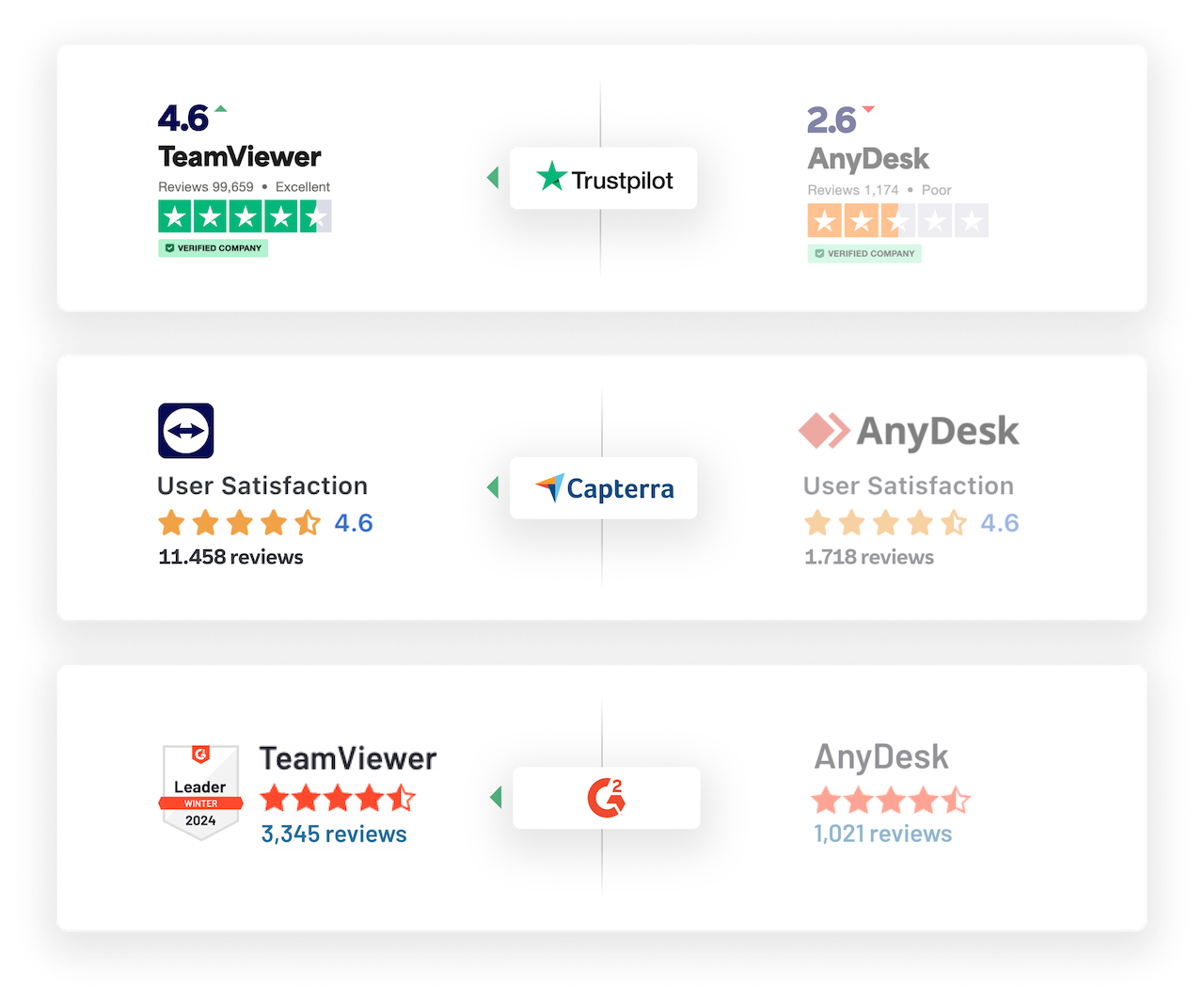
A viral social media post has reignited a long-standing debate in the IT and developer community: the cost and architecture of mainstream remote desktop software. The post, shared by developer Nav Toor, directly compares the subscription pricing of two industry giants: TeamViewer at $50.90/month and AnyDesk starting at $22.90/month. More critically, it notes that "every single connection goes through their servers."
This simple comparison cuts to the core of two major pain points for technical users: recurring cost and data privacy. For developers, IT administrators, and ML engineers managing distributed clusters or providing remote support, these fees accumulate quickly. The server-centric architecture also introduces latency and raises security questions for enterprises handling sensitive data or proprietary AI models.
Key Takeaways
- A viral post highlights TeamViewer's $50.90/month and AnyDesk's $22.90/month pricing, with all connections routed through their servers.
- This underscores a growing demand for cost-effective, private, and AI-enhanced remote access tools.
The AI-Powered Shift in Remote Access
While the source post doesn't mention AI directly, the market context is clear. The traditional remote access space, dominated by vendors using proprietary relay servers, is ripe for disruption by AI-native and open-source alternatives. The key drivers are:
- Cost: High per-seat, per-month SaaS pricing is a significant barrier for startups and scaling engineering teams.
- Privacy & Control: Routing all traffic through a third-party's cloud is a non-starter for many in AI research, fintech, and healthcare, where data sovereignty and model security are paramount.
- Latency & Performance: Relay servers add hops. For real-time collaboration on AI training jobs or low-latency debugging, a direct peer-to-peer (P2P) connection is often superior.
This environment has catalyzed the development of next-generation tools. Solutions like RustDesk (open-source, self-hostable) and emerging AI-integrated platforms are gaining traction. These tools often use AI to:
- Automate troubleshooting: Diagnose common connection issues or system problems before a human joins the session.
- Enhance session quality: Use ML-based video compression to maintain usability on poor networks.
- Provide contextual support: Analyze on-screen error messages or code to suggest fixes in real-time.
What This Means for Practitioners
For AI engineers and technical leaders, the choice of remote access software is no longer just a utility decision. It's an infrastructure choice that impacts:
- OpEx: Moving from $50/user/month to a self-hosted solution can cut costs by over 90% for large teams.
- Security Posture: Keeping remote access traffic within a private VPC or establishing direct P2P connections significantly reduces the attack surface.
- Developer Experience: AI features that automate setup and problem diagnosis can save hours per week for DevOps and support teams.
The viral critique of incumbent pricing is a symptom of a broader shift. The market is moving towards modular, programmable, and intelligent remote access that integrates into the modern AI stack, rather than existing as a separate, expensive silo.
gentic.news Analysis
This public pricing critique is not an isolated event; it's a pressure point in a competitive landscape we've been tracking. The demand for private, cost-controlled infrastructure is a mega-trend across the AI stack, from model hosting (e.g., the rise of vLLM and TGI for self-hosted inference) to data pipelines. Remote access is a logical next frontier.
The post highlights the vulnerability of legacy SaaS business models that rely on lock-in and high-margin subscriptions. As we covered in our analysis of the Postgres vs. Cloud Database debate, engineers are increasingly opting for open-core or self-hostable software to avoid vendor dependency. This sentiment is now forcefully applied to remote desktop tools.
Furthermore, this aligns with increased activity from cloud providers (AWS NICE DCV, Google Cloud Remote Desktop) and open-source projects aiming to commoditize the connectivity layer. The next competitive battleground won't be just about establishing a connection; it will be about what intelligence can be baked into that connection—using AI to predict failures, optimize resources, and secure sessions autonomously. The incumbents' pricing and architecture may leave them poorly positioned to innovate on this AI-integrated front compared to newer, more agile entrants.
Frequently Asked Questions
What are the main alternatives to TeamViewer and AnyDesk?
Major alternatives include RustDesk (open-source, can be self-hosted), Parsec (optimized for low-latency, high-frame-rate use cases like game development and cloud workstations), Chrome Remote Desktop (simple, free for personal use), and Tailscale with Headscale (leveraging WireGuard for secure, direct network access). For enterprise-grade features, Splashtop and ConnectWise Control are also popular, often at lower price points than TeamViewer.
Is it safe to use free remote desktop software?
Safety depends on the software's architecture, encryption, and update practices. Reputable open-source projects like RustDesk are auditable and can be self-hosted, giving you full control over security. The risk with any free software, especially closed-source, is understanding its data collection policies and ensuring it uses modern encryption (like DTLS or SRTP). For critical business use, a supported, audited solution is recommended.
Why is remote access software so expensive?
The high cost for commercial solutions like TeamViewer covers the maintenance of a global relay server network, 24/7 support, compliance certifications (like HIPAA, GDPR), and continuous development for security and features. However, critics argue these prices also reflect market consolidation and a lack of competition, which is now changing with modern alternatives.
Can AI really improve remote desktop software?
Yes, AI can significantly enhance user experience and administrative control. Potential applications include: predicting and preventing connection drops by switching protocols or routes; using computer vision to optimize screen encoding for specific content (e.g., text vs. video); automatically blurring or redacting sensitive information shared during a session; and providing natural-language summaries of what was done during a support session for audit trails.