A developer on Medium's Easy Flutter channel just documented building a complete Flutter application in two days using Claude Code. While the full article is behind Medium's paywall, the key insight isn't about what they built—it's how they structured their workflow to make Claude Code effective for mobile development.
The Technique: Mobile-First CLAUDE.md Structure
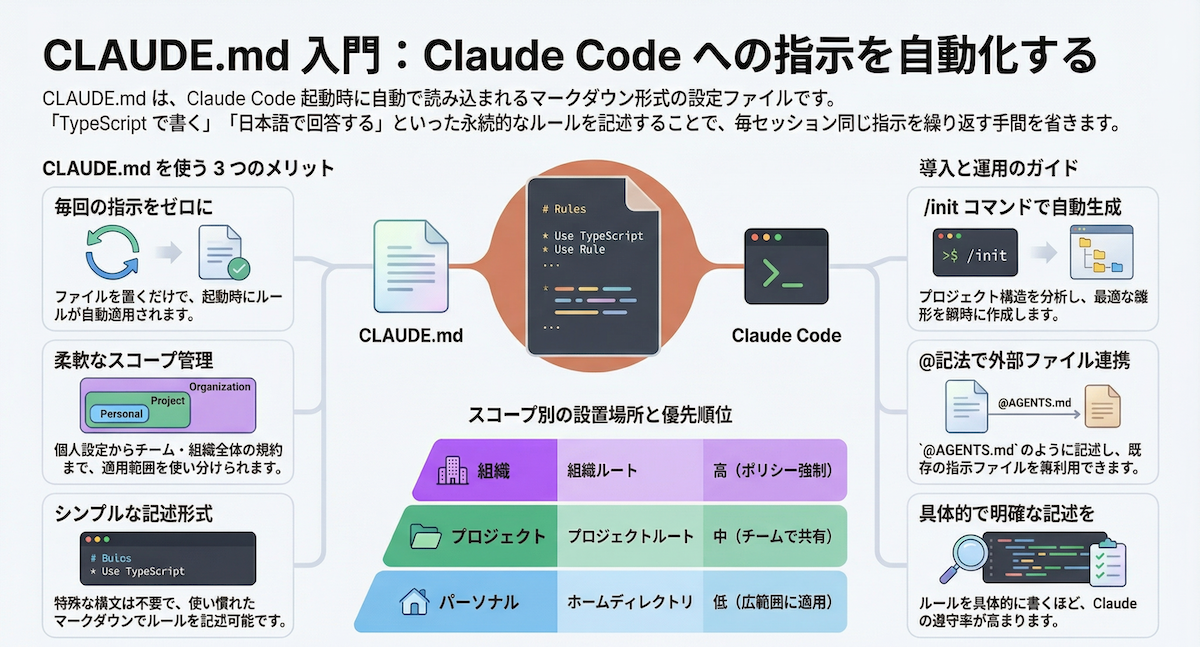
The developer's breakthrough was creating a CLAUDE.md file specifically optimized for Flutter development patterns. Unlike generic coding prompts, their approach guides Claude through mobile-specific considerations:
# Flutter Development Guidelines

## Architecture
- Use Riverpod for state management (preferred over Provider)
- Follow Clean Architecture with feature-first organization
- Implement repository pattern for data layer

## UI Patterns
- Use Flutter 3.19+ with Material 3 components
- Implement responsive layouts with LayoutBuilder
- Follow Flutter's accessibility guidelines

## Performance
- Lazy load lists with ListView.builder
- Cache network images with CachedNetworkImage
- Use const constructors where possible

## Testing
- Write widget tests for all UI components
- Mock dependencies with Mockito
- Test state changes with testWidgets
Why It Works: Context-Aware Mobile Development
This approach works because it addresses Claude Code's need for domain-specific context. Mobile development has different constraints than web or backend work:
- State management complexity: Flutter apps need clear state management patterns
- Performance constraints: Mobile devices have limited resources
- Platform-specific APIs: iOS and Android have different capabilities
- UI responsiveness: Mobile UIs must handle various screen sizes
By embedding these constraints in CLAUDE.md, the developer prevented Claude from suggesting web patterns that don't translate well to mobile.
How To Apply It: Your Flutter CLAUDE.md Template
Start with this template and customize for your project:
# PROJECT_NAME Flutter App

## Tech Stack
- Flutter: ^3.19.0
- State Management: Riverpod ^2.4.0
- Navigation: GoRouter ^13.0.0
- Networking: Dio ^5.4.0
- Local Storage: Hive ^3.0.0

## Project Structure
lib/
├── src/
│   ├── features/          # Feature-based organization
│   │   ├── auth/
│   │   ├── home/
│   │   └── settings/
│   ├── core/             # Shared utilities
│   │   ├── constants/
│   │   ├── themes/
│   │   └── widgets/
│   └── data/             # Data layer
│       ├── models/
│       ├── repositories/
│       └── services/

## Code Generation Rules
1. Always use freezed for data classes
2. Generate Riverpod providers with @riverpod
3. Add @immutable to widget classes
4. Include error boundaries for network calls
5. Implement loading states for async operations

## Testing Requirements
- Widget tests for all screens
- Unit tests for business logic
- Integration tests for critical flows
- Mock external dependencies

## When Asking Claude Code
- Specify if you need iOS/Android specific code
- Mention screen size considerations
- Note if offline functionality is needed
- Include performance requirements
The Workflow That Delivered in 48 Hours
The developer's actual workflow combined this structured CLAUDE.md with specific Claude Code commands:
# Initialize project with structure
claude code "Initialize Flutter project with Riverpod and GoRouter"

# Generate feature modules
claude code "Create authentication feature with login/signup screens"

# Add specific mobile patterns
claude code "Implement pull-to-refresh on home screen with error states"

# Handle platform specifics
claude code "Add iOS-specific navigation gestures and Android back button handling"
This follows Claude Code's recent trend toward more structured workflows, as seen in our coverage of the "Stop Overthinking Your CLAUDE.md" article from March 27. The key difference here is mobile-specific optimization.
What This Means for Your Mobile Projects
- Don't use generic CLAUDE.md files for mobile work
- Embed platform constraints in your guidelines
- Specify mobile libraries you prefer (Riverpod over Provider, GoRouter over Navigator 2.0)
- Include performance patterns from the start
This approach aligns with Claude Code's increasing use in production scenarios, as documented in the March 27 case study where Claude Code wrote 70% of a production monitoring tool. The difference here is applying those principles to the mobile domain.
Try It Now
Create a CLAUDE.md in your Flutter project root with the template above. Then run:
claude code "Review my CLAUDE.md and suggest improvements for Flutter development"
Claude will analyze your guidelines and suggest mobile-specific optimizations. From there, you can start building features with commands that respect your architectural decisions.
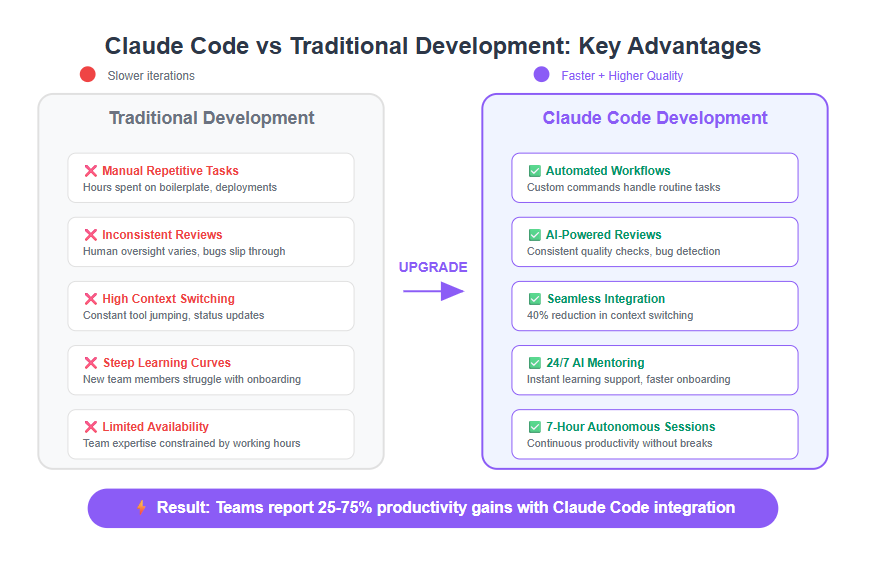
This mobile-optimized approach represents the next evolution of Claude Code workflows—from general coding assistance to domain-specific development acceleration.