Key Takeaways
- Browser Bridge MCP gives Claude Code control of your real Chrome session with 63 tools.
- Install in 60 seconds, then automate authenticated browsing, network capture, and security testing.
What Changed — Control Your Real Chrome from Claude Code
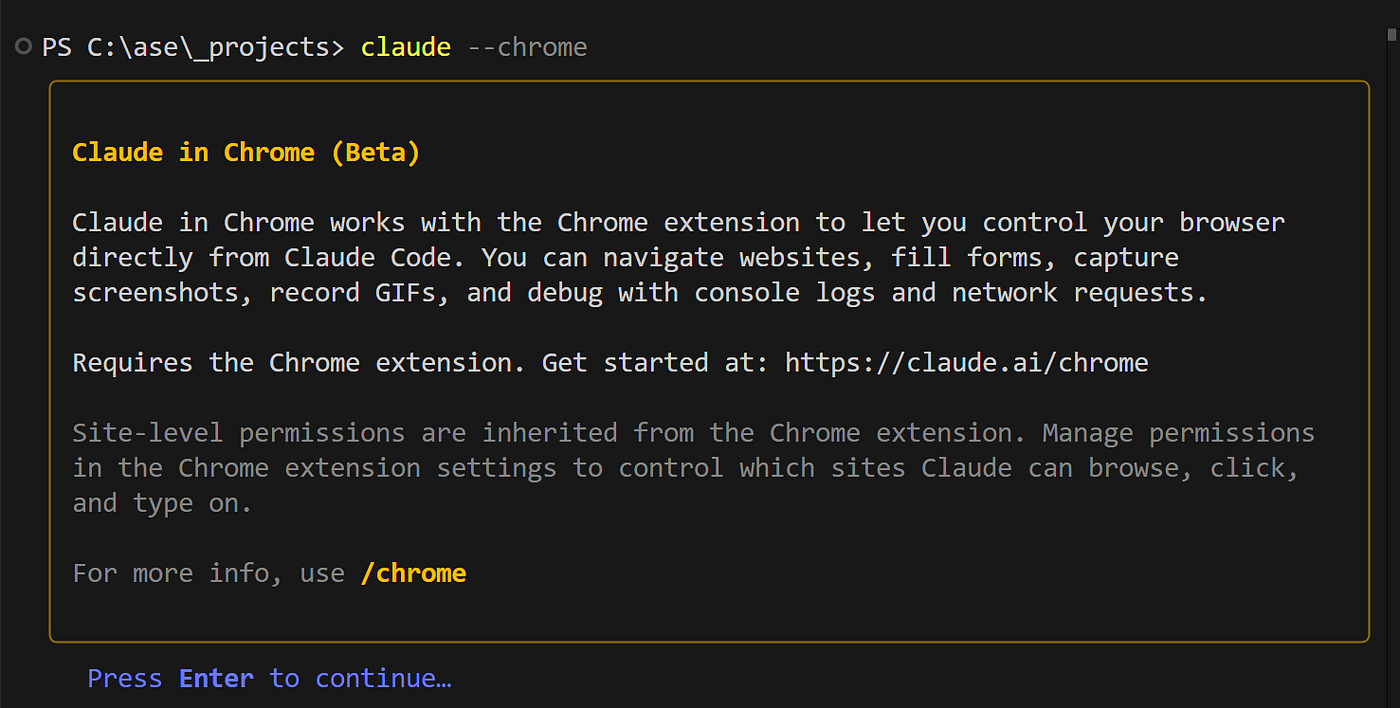
Browser Bridge is a new open-source MCP server + Chrome extension that lets Claude Code and OpenAI Codex CLI drive your actual logged-in Chrome browser. No headless browser. No fresh profile. No re-login. Your agent inherits your cookies, HttpOnly sessions, SSO, and 2FA state automatically.
It ships 63 tools covering:
- Everyday browsing (navigate, click, extract text)
- DevTools-grade network capture (see API traffic in real time)
- Full web-security testing toolkit (inspect cookies, headers, XSS detection)
- Playbooks (saved, self-healing recipes for repetitive tasks)
- Session recording with replay (export to offline HTML or high-res MP4)
What It Means For You — Concrete Impact on Daily Claude Code Usage
Before Browser Bridge, if you wanted Claude Code to check a dashboard, read a feed, or test a feature behind authentication, you had two bad options:
- Use a headless browser with mocked cookies (brittle, often fails)
- Manually copy data and paste it into Claude (slow, breaks flow)
Now Claude Code can:
- "Read my feed and summarize it" — works against your real, logged-in session
- "Capture the API traffic on this page and show me the responses" — intercepts network requests via DevTools
- "Run a security audit on this app" — uses the built-in security toolkit
- "Record this interaction and export it as a video" — for bug reports or demos
Because the extension runs inside your real Chrome profile, it bypasses all the friction of headless browsers. No cookie extraction, no session token management, no 2FA workarounds.
Try It Now — Setup in 60 Seconds
1. Clone and build
git clone https://github.com/vitalysim/browser-bridge.git && cd browser-bridge
( cd server && npm install && npm run build )
( cd extension && npm install && npm run build )
( cd server && npm run install-service )  # autostart at login
2. Load the extension
- Open
chrome://extensions - Enable Developer mode
- Click "Load unpacked" and select the
extension/folder - Open its options and paste the token from
~/.browser-bridge/token - Click Save & connect
3. Connect Claude Code
claude mcp add --transport http --scope user browser-bridge \
  http://127.0.0.1:8765/mcp \
  --header "Authorization: Bearer $(cat ~/.browser-bridge/token)"
4. Verify
curl -s http://127.0.0.1:8765/health
# → {"ok":true,"extensionConnected":true}
5. Use it
claude "Navigate to my Jira dashboard and summarize the open tickets"
claude "Open the admin panel and capture all API traffic"
claude "Record a session of me filing a bug report and export it as MP4"
Architecture — Why This Works Better
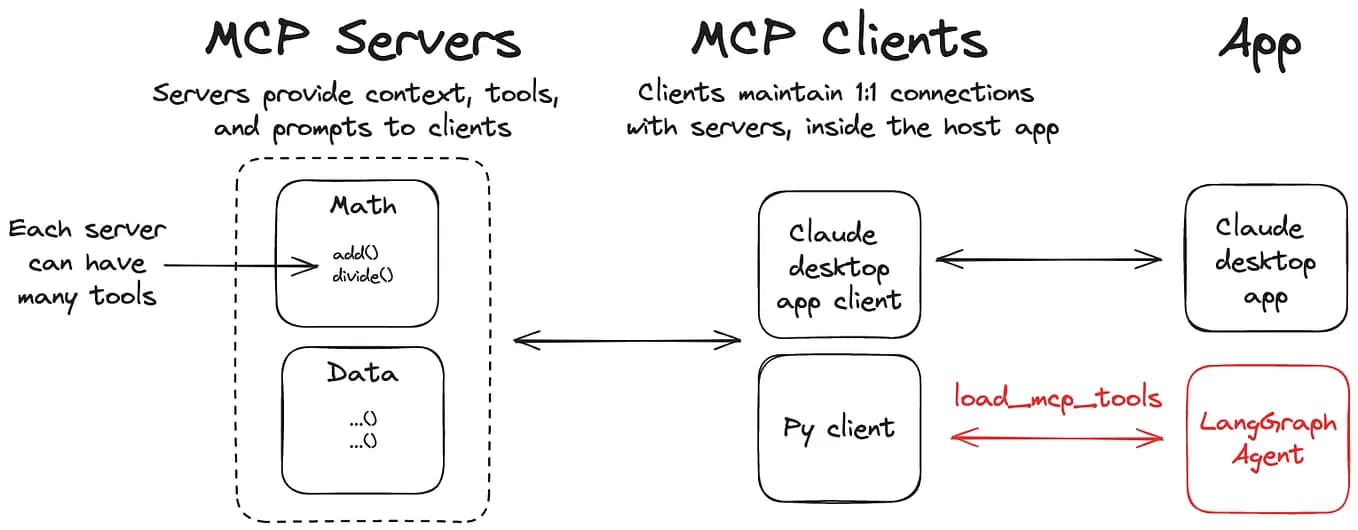
Browser Bridge uses a local MCP server + Chrome extension approach instead of Chromium's remote debug protocol. This means:
- The agent inherits your real profile's cookies, HttpOnly sessions, SSO, and 2FA state
- No need to extract tokens or manage session state
- One server can serve both Claude Code and Codex CLI simultaneously
Limitations & Security
- Chrome only (Manifest V3 extension). No Firefox/Safari support yet.
- Local only — the server binds to
127.0.0.1:8765and uses token authentication - Your agent has full browser access — only connect trusted AI agents
- Not for production automation — designed for development, testing, and personal use
The roadmap includes Firefox support, multi-tab orchestration, and deeper DevTools integration.
Why This Matters for Claude Code Users
Browser Bridge fills a critical gap in the MCP ecosystem. While tools like k-dense ship scientific agent skills, Browser Bridge gives Claude Code real browser access. This is especially powerful combined with Claude Opus 5's 0% prompt injection rate in browser agents — you can trust Claude to safely interact with authenticated sessions.
For developers building web apps, this means: ask Claude to test a feature, capture a bug, or run a security scan — all against your real app, with your real session, without any setup.
Quick Start Summary
# 60-second setup
git clone https://github.com/vitalysim/browser-bridge.git && cd browser-bridge
( cd server && npm install && npm run build ) && ( cd extension && npm install && npm run build )
( cd server && npm run install-service )
# Load extension in chrome://extensions, paste token, connect Claude Code
Then: claude "Navigate to my app and run a security audit"
Source: github.com