What Happened: The Memory Poisoning Attack
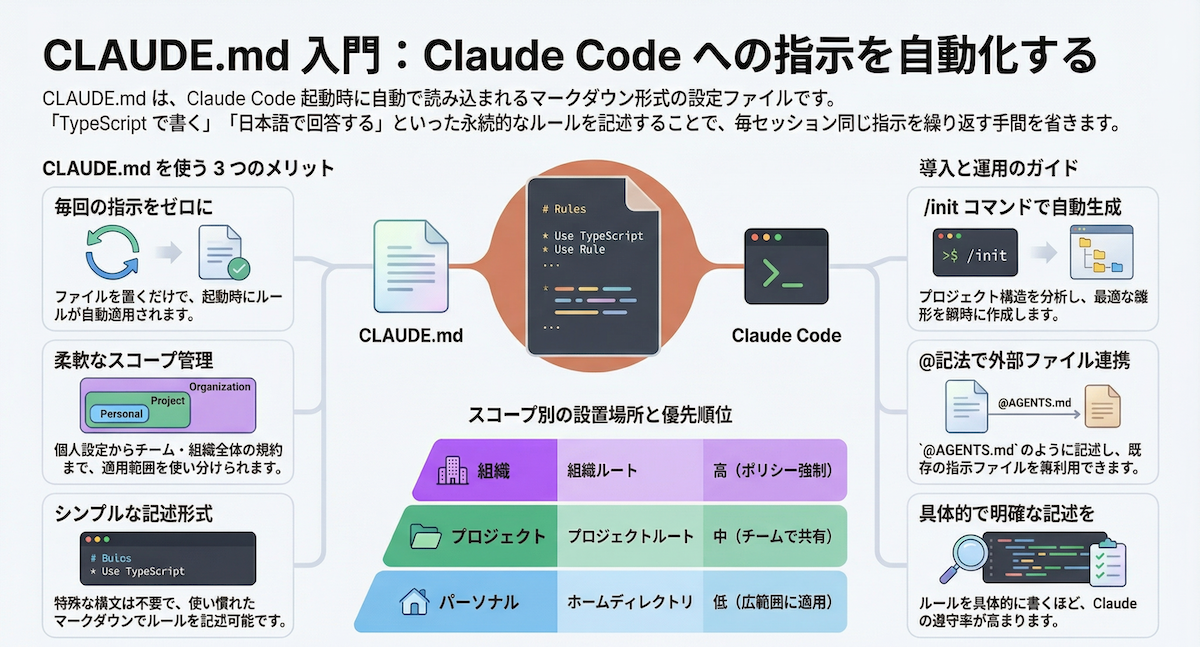
Cisco's security researchers published a report detailing a novel attack vector against AI coding agents: memory poisoning. The attack specifically targeted Claude Code, exploiting its ability to retain and act upon instructions from its persistent memory file, CLAUDE.md. The researchers proved that by injecting malicious instructions into this file, an attacker could permanently alter the agent's behavior, leading to a persistent compromise. This isn't a model hallucination; it's a deliberate exploitation of a designed feature—Claude Code's reliance on CLAUDE.md for context and persona across sessions.
This follows the recent launch of Claude Code's Computer Use feature on March 30, which expanded its attack surface by granting app-level permissions. It also relates to vulnerabilities (CVE-2025-59536, CVE-2026-21852) disclosed in Claude Cowork around the same time, involving prompt injections that exfiltrate files, indicating a focused security scrutiny on Anthropic's agent ecosystems.
What It Means For Your Workflow
If you use CLAUDE.md to set project rules, API keys (you shouldn't!), or custom instructions, your workspace is now a potential threat vector. The attack works because CLAUDE.md is read at the start of a Claude Code session. A poisoned instruction could, for example:
- Redirect code outputs to an external server.
- Inject vulnerabilities into every file it touches.
- Silently exfiltrate snippets of your code or environment variables.
The risk is highest in shared or collaborative environments where the CLAUDE.md file might be modified by others, or if your project dependencies are compromised. This isn't a theoretical bug; it's a practical exploitation of how these agents are designed to "remember."
Immediate Action: Audit and Secure Your CLAUDE.md
You need to treat CLAUDE.md with the same scrutiny as your .env file or CI/CD configuration.
Audit Your Current CLAUDE.md: Run this command to examine its contents:
cat ./CLAUDE.mdLook for any instructions you don't recognize, especially lines containing
curl,wget, external URLs, or commands that write, read, or send data.Remove Sensitive Data: Never store secrets, API keys, or passwords in
CLAUDE.md. Use environment variables or dedicated secret management tools. If they're in there, remove them now and rotate the keys.Implement Integrity Checks: Consider adding a checksum verification for your
CLAUDE.mdin a pre-commit hook or a simple script. For example:# A simple audit script (save as audit_claude_md.sh) KNOWN_HASH="your_known_sha256_hash_here" CURRENT_HASH=$(sha256sum ./CLAUDE.md | awk '{print $1}') if [ "$CURRENT_HASH" != "$KNOWN_HASH" ]; then echo "WARNING: CLAUDE.md has been modified!" diff ./CLAUDE.md ./CLAUDE.md.backup 2>/dev/null || echo "No backup for comparison." fiUse .gitignore Judiciously: If you work on a team, decide whether
CLAUDE.mdshould be shared via version control. If it contains personal preferences, keep it local by adding it to your global.gitignore. If it contains essential project setup, ensure its changes are reviewed like any other code.Adopt a Minimalist Approach: Re-evaluate what truly needs to be in
CLAUDE.md. As per Anthropic's own performance guidance published on April 1 warning against elaborate personas, concise, task-focused instructions are both safer and more effective. Strip it down to the essentials.
The New Security Mindset for AI-Assisted Development
This report shifts the security perimeter. The threat isn't just in your code or dependencies; it's in the instructions guiding the AI that writes the code. Your CLAUDE.md is now part of your project's security surface area.
Before running Claude Code on a new or unfamiliar codebase, make a quick check of its CLAUDE.md file a standard part of your workflow, just like scanning a package.json. The power of persistent context comes with the responsibility of securing that context.