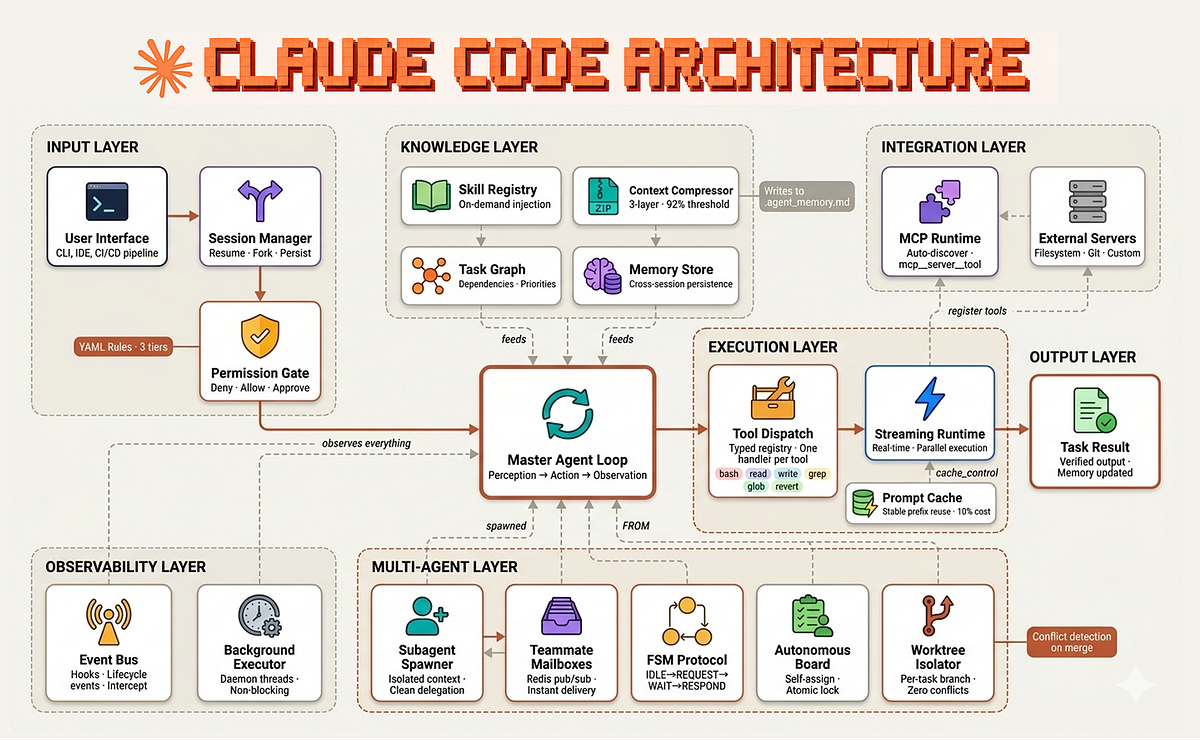
Claude Code's generic CSS output — 32px buttons, iOS zoom on inputs, desktop-first media queries — stems from a lack of mobile-specific context, not incompetence. A specialized CLAUDE.md file, detailed in a new developer guide, injects that context to fix six common responsive design failures before they ship.
Key facts
- Six common mobile CSS bugs from generic Claude Code output.
- Input font-size under 16px triggers automatic iOS zoom.
- Touch targets under 44px height are untappable on mobile.
- Lighthouse targets: Performance ≥ 80, Accessibility ≥ 90.
- File supports 3 deployment options: temp replace, reference, or .claude/ dir.
The problem is structural, not skill-based. Claude Code, Anthropic's agentic coding tool, knows CSS and responsive design, but it doesn't know a project's specific priorities: iPhone SE at 375px vs. iPad at 768px, Lighthouse Accessibility target of 90, dark mode mandatory or optional, BEM or utility-first naming. [According to the CLAUDE.md for mobile redesign guide on Dev.to] Without this context, Claude produces correct but generic CSS that introduces predictable mobile bugs.
The six failure modes
Claude Code without mobile context will:
- Start from desktop and work down (
max-width), rather than mobile-first (min-width) - Forget
min-width: 0on flex items, causing mysterious overflows - Leave inputs at 14px, triggering automatic iOS zoom on every tap
- Add
text-align: justifybecause "it looks clean" - Ignore
prefers-reduced-motionandsafe-area-inset - Not test dark mode
Each bug takes 10 seconds to fix once detected. The problem is they pile up and get caught after shipping. [per the guide]
The specialized CLAUDE.md concept
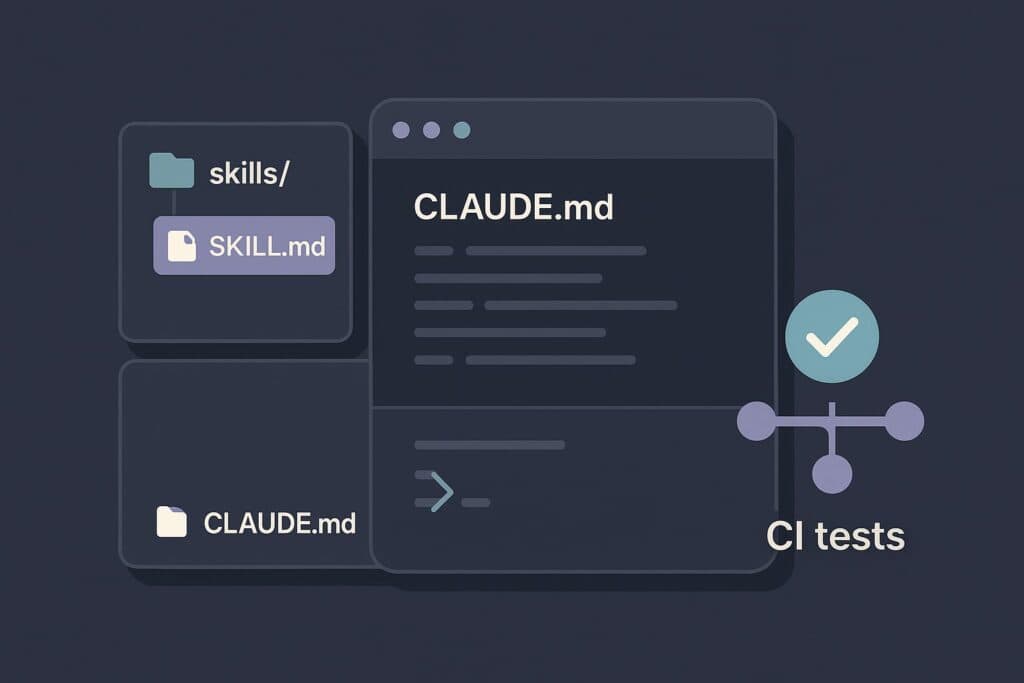
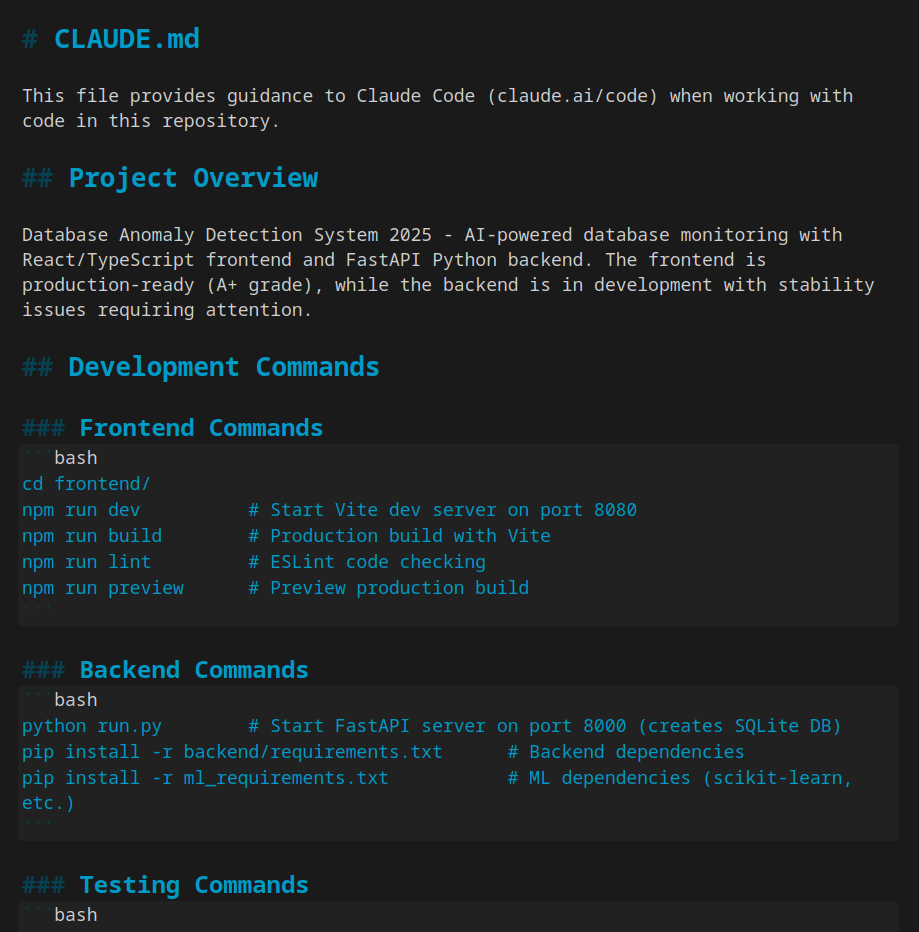
Claude Code automatically reads CLAUDE.md files at project root and in subdirectories. Most projects have a generic one: architecture, conventions, dev commands. The innovation here is creating a specialized file for mobile redesign — CLAUDE-MOBILE.md referenced from the main file, or placed in .claude/mobile-css.md for automatic loading. [According to the guide] This stacks with existing context rather than replacing it.
What the file contains
The guide provides a complete five-section CLAUDE.md file:
Section 1 — Audit workflow. Before writing CSS, Claude checks viewport tag, input font sizes, horizontal overflow, touch targets (44px minimum), and justified text. This order minimizes debug time.
Section 2 — Mobile testing tools. Playwright scripts for automated screenshots across iPhone SE (375px), iPhone 14 (390px), Pixel 7 (412px), and iPad (768px), plus dark mode and prefers-reduced-motion variants. MCP servers (Puppeteer MCP, Playwright MCP) let Claude interact with a headless browser during the session. Lighthouse via CLI audits in JSON or HTML.
Section 3 — CSS rules. Ready-to-use snippets with edge cases handled: min-width: 0 on flex items, coexistence of manual toggle with prefers-color-scheme, HTML inputmode attributes for forms.
Section 4 — Generic CSS conventions. Custom properties for theming, BEM for components, focus-visible for keyboard accessibility, modern properties (clamp(), gap, aspect-ratio, logical properties), and a rule against !important.
Section 5 — Test checklist. Devices, modes (landscape, dark, reduced motion, text zoom), Lighthouse targets (Performance ≥ 80, Accessibility ≥ 90, Best Practices ≥ 90, SEO ≥ 90), and screen reader testing basics.
Unique take
This is not a Claude Code feature update — it's a workflow pattern that exposes a deeper limitation: agentic coding tools lack a project's tacit knowledge. Cursor and GitHub Copilot face the same problem. The CLAUDE.md pattern for mobile is a template for any domain-specific context injection — security audit, database migration, accessibility compliance. The tool's value scales with the quality of the context file, not the model's general knowledge.
What to watch
Watch for Anthropic to formalize this pattern with official CLAUDE.md templates or a context marketplace. Cursor and Copilot will likely adopt similar domain-specific context files within 90 days. The metric: whether enterprise teams standardize on task-specific CLAUDE.md files for security, accessibility, and performance audits.