Claude Code Plugin 'Understand' Generates Interactive Knowledge Graphs from Codebases

Claude Code Plugin 'Understand' Generates Interactive Knowledge Graphs from Codebases

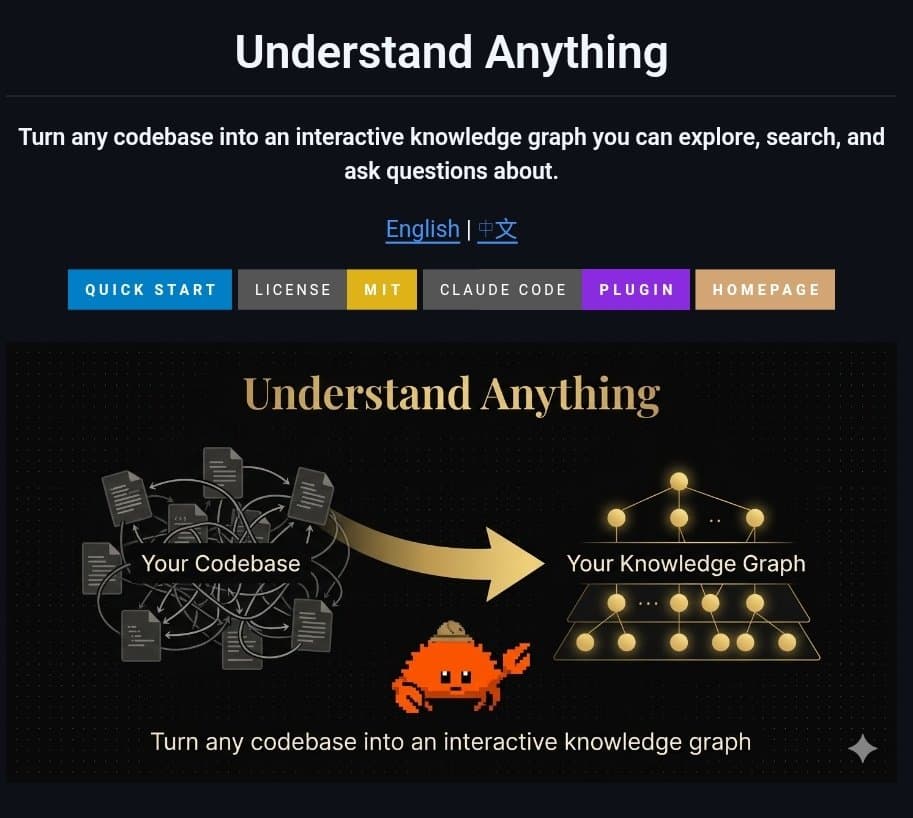
A new Claude Code plugin called 'Understand' automatically analyzes any codebase to create an interactive knowledge graph. It enables developers to query code in plain English, visualize dependencies, and generate onboarding guides.

6h ago·2 min read·12 views·via @_vmlops
Share:

What Happened

A new plugin for Claude Code, called Understand, has been announced. Its core function is to automatically analyze a codebase—scanning all files—and generate an interactive knowledge graph from the structure and relationships within the code.

The plugin provides four primary commands, accessible via a command palette:

  • /understand: Scans the entire codebase to build the foundational knowledge graph.
  • /understand-chat: Opens a chat interface where developers can ask questions about the codebase in plain English (e.g., "How does the authentication module work?" or "Where is this function called?").
  • /understand-diff: Analyzes code changes (diffs) to visualize and explain potential impacts, helping developers see "what your changes break."
  • /understand-onboard: Automatically generates onboarding guides and documentation tailored to the specific codebase structure.

Context

This plugin represents a practical application of AI for code intelligence and comprehension. Instead of developers manually tracing dependencies or writing documentation from scratch, the tool uses Claude's analysis capabilities to create a queryable, visual representation of a project.

Similar tools and concepts exist in the IDE plugin and static analysis space (e.g., Sourcegraph, CodeSee for visualization), but this integration directly within the Claude Code environment positions it as an AI-native assistant for understanding complex or unfamiliar code.

The ability to ask questions in natural language and get answers grounded in the specific codebase could significantly reduce the time required for code reviews, refactoring, and onboarding new team members.

AI Analysis

The 'Understand' plugin tackles a high-value, persistent problem in software engineering: cognitive load and context switching when navigating large or legacy codebases. By generating a knowledge graph, it moves beyond simple text search or file-by-file analysis to model the actual *relationships* between components—functions, classes, modules, and dependencies. This structural understanding is what enables features like impact analysis (`/understand-diff`) and guided onboarding. From a technical implementation perspective, the key challenge would be building a graph representation that is both accurate and performant across diverse languages and project scales. The plugin likely combines static analysis (parsing ASTs) with Claude's semantic reasoning to infer relationships that aren't explicitly defined in the code. The natural language chat interface then queries this graph, not just the raw text, allowing for more sophisticated questions about architecture and data flow. For practitioners, the immediate utility is in reducing the 'ramp-up time' for new projects or legacy systems. The more interesting long-term implication is if this graph becomes a persistent, updatable artifact that teams can use for architectural governance, detecting code smells, or even generating targeted tests. The success of the `/understand-diff` feature will be a critical test of its real-world accuracy and usefulness in daily development workflows.
Original sourcex.com

Trending Now

More in Products & Launches

Browse more AI articles