What Changed — A New UI-First Workflow
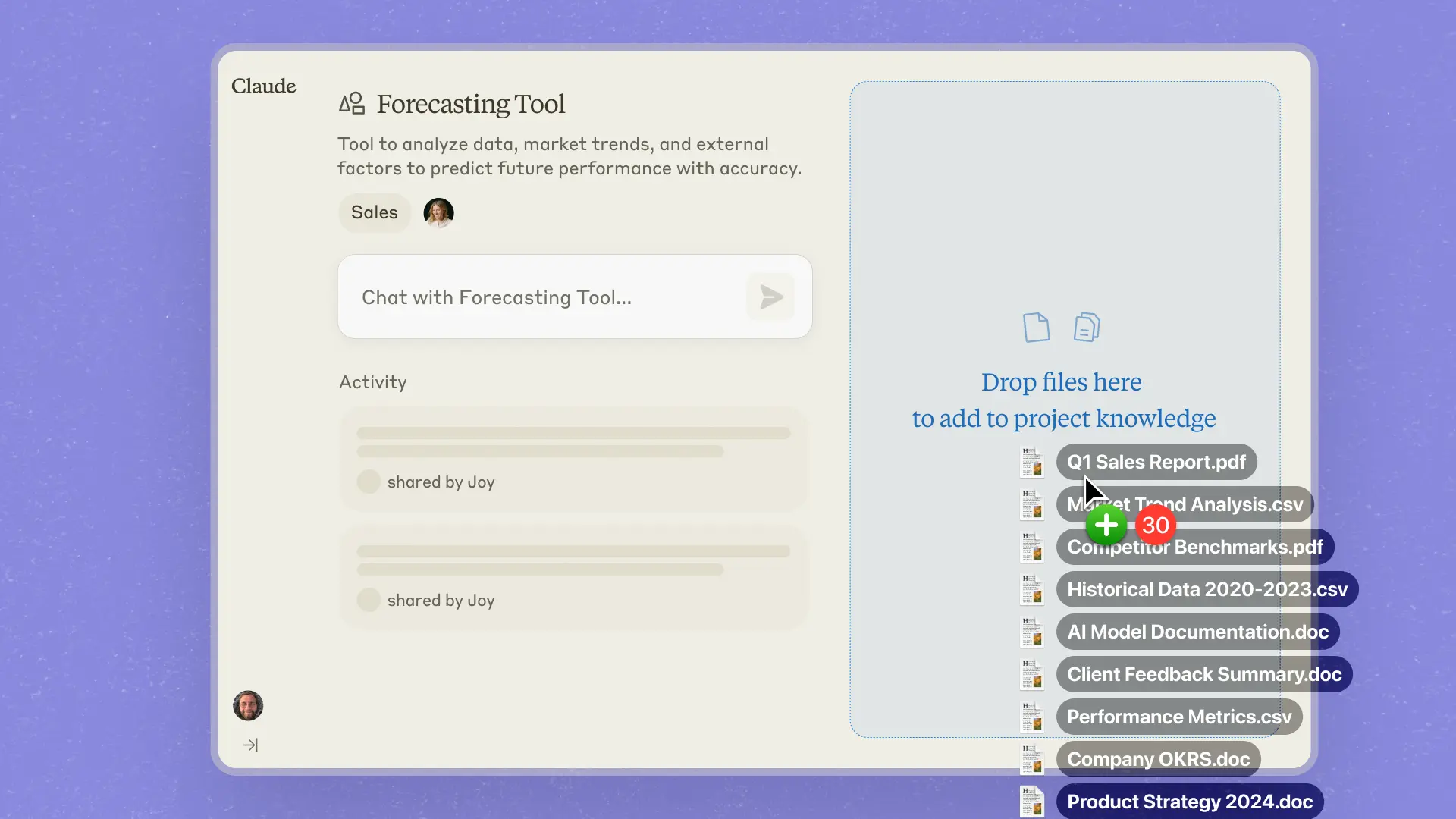
Anthropic has announced Claude Design, a new set of features focused on visual and UI/UX tasks. For developers using Claude Code, the most immediately relevant feature is the new /artboard command. This command allows you to generate, describe, and iterate on UI components and layouts directly in the chat. It's not a standalone design tool but a dedicated mode within Claude for visual ideation.
What It Means For You — Prototype Before You Code
This changes the front-end development workflow. Instead of prompting Claude Code with "write a React component for a settings page," you can now start with /artboard a clean, modern settings page for a SaaS app. Claude will generate a visual representation and a detailed specification. You can then iterate on the design with follow-up prompts like /artboard make the primary button green and add a dark mode toggle before ever touching your code editor.
This is particularly powerful for:
- Rapid prototyping: Get stakeholder or user feedback on a visual concept before investing engineering time.
- Component specification: Generate a precise visual spec to hand off to Claude Code for implementation. The visual reference reduces ambiguity.
- Design system exploration: Quickly mock up variations of a button, card, or modal to establish consistent patterns.
Try It Now — Integrate /artboard Into Your Workflow

You don't need a separate application. The /artboard command is available in the same Claude interface where you run Claude Code. Here’s a practical workflow to test today:
- Start with Vision: Open a new chat with Claude (make sure you're on a plan with access to Claude Design).
- Generate a Component Spec: Type
/artboard a responsive navigation bar with a logo, four links, and a user avatar dropdown. Review the output. - Iterate: Use a follow-up prompt like
/artboard make it sticky on scroll and use a blue color scheme. - Bridge to Code: Once satisfied, switch contexts. Copy the detailed description of the final design and paste it into your Claude Code terminal or editor with a prompt like:
claude code "Create a React component for this navigation bar: [paste description here]. Use Tailwind CSS."
This creates a clear, visual-to-code pipeline. The key is using /artboard for the what and how it looks, and then using Claude Code for the implementation.
Limitations and Best Practices
- It's a spec generator, not Figma: The
/artboardoutput is an image and a text description. You cannot directly edit the image. Iteration happens through new descriptive prompts. - Be descriptive: The quality of the output depends on the specificity of your prompt. "A clean form" is okay, but "A multi-step form with validation indicators, a progress bar, and primary/secondary buttons" is better.
- Use it for structure: This tool excels at layout, component relationships, and visual hierarchy. Use it to plan the UI architecture of a new feature before diving into the code.