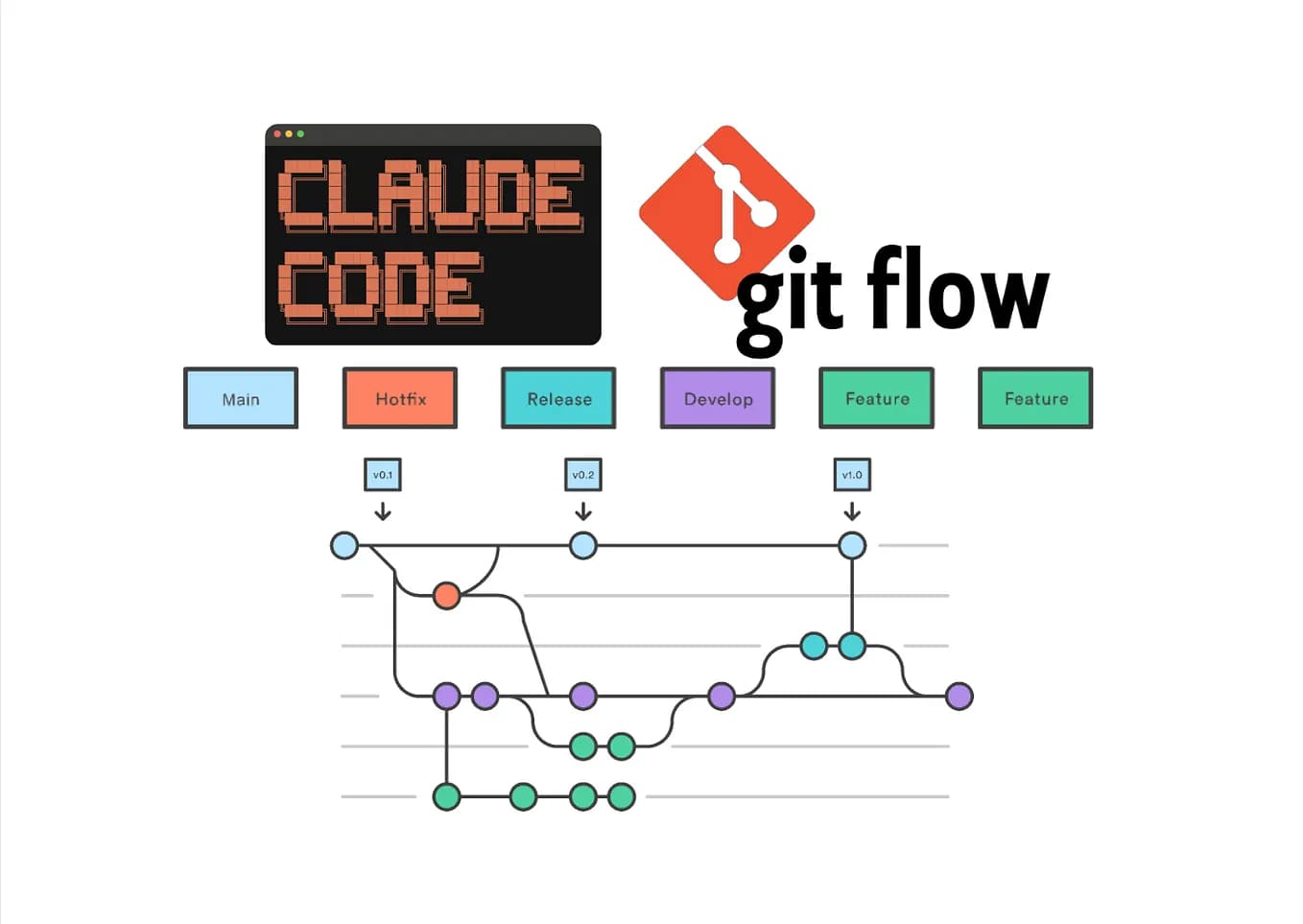
The Technique — Git History for System Prompts

Simon Willison has created a tool that transforms Anthropic's published system prompt documentation into a git repository. Anthropic maintains a public Markdown file containing all system prompts for Claude chat models across versions. Willison used Claude Code to parse this monolithic document and create separate files for each model and model family, with fake git commit dates corresponding to when each prompt version was released.
Why It Works — Version Control as Analysis Tool
By structuring the prompt history as a git repository, developers can use familiar version control commands to analyze changes:
git log --onelineshows the chronological evolution of promptsgit diff <commit1> <commit2>reveals exact changes between versionsgit blameattributes specific prompt sections to particular releases- GitHub's web interface provides visual diffs and commit browsing
This approach eliminates manual parsing of Anthropic's documentation and provides a structured way to understand how Claude's "personality" and capabilities have evolved through system prompt changes.
How To Apply It — Clone and Explore
You can immediately start analyzing Claude's prompt evolution:
# Clone the repository
git clone https://github.com/simonw/research
cd research/extract-system-prompts

# View the commit history
git log --oneline --graph

# Compare two specific versions
git diff claude-3.5-sonnet-20241022 claude-3.5-sonnet-20250220

# See what changed in a specific file over time
git log -p --follow prompts/claude-3.5-sonnet.md
Willison used this tool to write detailed notes comparing Opus 4.6 and 4.7, identifying specific additions and removals in the system prompt that might explain behavioral changes.
Practical Applications for Claude Code Users

- Debugging Behavior Changes: When Claude Code behaves differently after an update, check if system prompt changes explain it
- Understanding Model Strengths: Different model families have different system prompts—compare them to understand specialization
- Prompt Engineering Insights: See how Anthropic engineers structure effective system prompts
- Version-Specific Optimization: Tailor your own prompts based on what each version's system prompt emphasizes
Try It Now — Quick Analysis Commands
Here are specific commands to get immediate insights:
# See all Opus versions and their release dates
cd extract-system-prompts
git log --oneline prompts/claude-opus.md | head -20

# What changed between the last two Sonnet versions?
# First, get the last two commits for Sonnet
git log --oneline prompts/claude-3.5-sonnet.md | head -2
# Then diff them (replace with actual commit hashes)
git diff abc123 def456 prompts/claude-3.5-sonnet.md

# Find when a specific phrase was added to any prompt
git log --all -p --grep="chain of thought" | head -100
The repository structure includes separate files for each model family (Opus, Sonnet, Haiku) and individual model versions, making targeted analysis straightforward.
Integrating with Your Claude Code Workflow
While this tool doesn't directly modify how Claude Code works, it provides valuable context for:
- Writing better
CLAUDE.mdfiles by understanding what the base system prompt already covers - Choosing which Claude model to use for specific tasks based on their foundational instructions
- Anticipating how future updates might change Claude's behavior
- Learning prompt engineering patterns from Anthropic's own examples
Clone the repository and spend 10 minutes exploring—you'll gain insights that would take hours to extract manually from Anthropic's documentation.