Key Takeaways
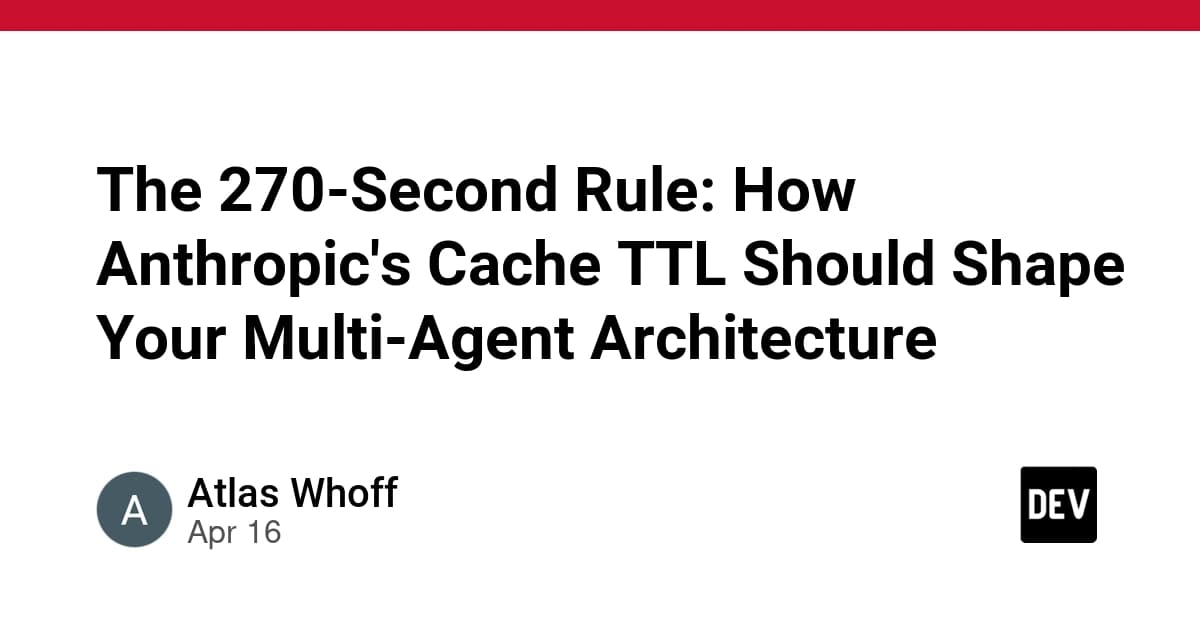
- Anthropic's prompt cache has a 5-minute TTL.
- Orchestrator loops running faster than 270 seconds pay ~10% of full input token costs.
What Changed — The Cache TTL You're Probably Ignoring

Anthropic's prompt caching has a 5-minute TTL (Time To Live). After 5 minutes (300 seconds), the cache entry expires and your next Claude API request pays full input-token cost to re-process the entire context.
For Claude Code users building multi-agent systems or orchestration loops, this changes everything. If your orchestrator ticks:
- > 300 seconds: Every iteration pays full context cost
- < 300 seconds: You stay inside cache window, paying ~10% of base input cost
- ≈ 300 seconds: Worst case — unpredictable cache behavior
Critical update: In March 2026, Anthropic changed the default cache TTL from 1 hour to 5 minutes. If you configured caching before March 6, your assumptions are wrong. Also: disabling telemetry disables the 1-hour TTL entirely.
Why 270 Seconds Specifically
The math is simple but crucial: 5 minutes = 300 seconds. Subtract 30 seconds for processing time, context assembly, and clock skew between your machine and Anthropic's servers.
270 seconds gives you a reliable buffer. Every orchestrator tick arrives inside the cache window. Every tick pays cached input rates.
In the source system, this saves $0.50–$1.20/day on 391K tokens/day of orchestrator calls. Not dramatic in isolation, but it compounds across parallel agents and scales with usage.
How To Apply This To Your Claude Code Workflows

1. Check Your Current Cache Behavior
# Add this to your Claude API calls to verify caching
response = client.messages.create(...)
print(f"Cache read tokens: {response.usage.cache_read_input_tokens}")
print(f"Cache creation tokens: {response.usage.cache_creation_input_tokens}")
If cache_read_input_tokens is 0 on your second call within 5 minutes, your cache is broken or you're hitting the TTL boundary.
2. Adjust Your Orchestrator Loop
import time

TICK_INTERVAL = 270  # seconds — matches Anthropic cache TTL with buffer

def orchestrator_tick():
    # Your Claude Code orchestration logic here:
    # 1. Check agent statuses
    # 2. Process completed tasks
    # 3. Dispatch new work
    # 4. Update state
    pass

while True:
    orchestrator_tick()
    time.sleep(TICK_INTERVAL)
3. Structure Your Context for Caching
The cache works on identical prompts. Structure your orchestrator context so it changes minimally between ticks:
- Keep static instructions in system prompts
- Separate dynamic state into specific message roles
- Use consistent formatting for agent status reports
4. When NOT to Use 270-Second Ticks
This rule applies specifically to:
- Multi-agent orchestration systems
- Periodic status checking loops
- Background monitoring agents
Don't use this for:
- Interactive Claude Code sessions
- Real-time coding assistance
- Latency-sensitive workflows
The Broader Principle
The 270-second tick exemplifies a critical principle: orchestration cadence should be derived from infrastructure constraints, not arbitrary responsiveness goals.
Our initial instinct was to tick every 60 seconds — "responsive enough." But Claude agents doing research, writing code, or running tests take minutes. A 60-second tick just means paying 4.5x more for the orchestrator context window.
What This Means for Your Claude Code Projects
- Audit existing loops: Check any periodic Claude calls in your systems
- Add cache monitoring: Build the verification check into your logging
- Consider agent granularity: Maybe you need fewer, longer-running agents instead of many quick-checking ones
- Document your TTL assumptions: Team knowledge matters when infrastructure changes
The free resources mentioned in the source (whoffagents.com architecture, GitHub quickstart) provide concrete implementation patterns for multi-agent systems that can benefit from this optimization.
Remember: 270 seconds is the right answer for systems on Anthropic's infrastructure. Your number might differ with different providers or context sizes, but the principle remains — derive the interval from your infrastructure's reality.