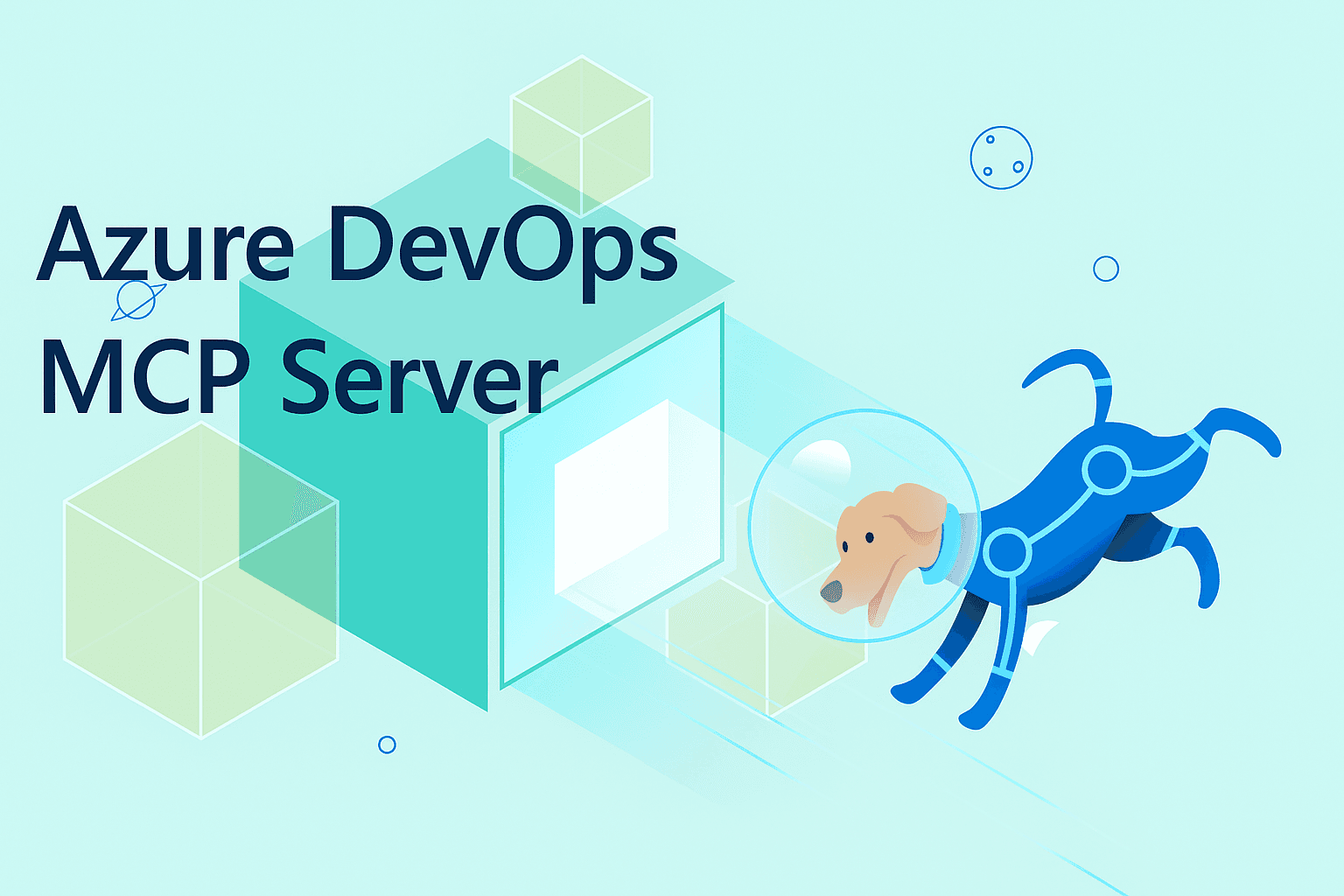
Microsoft has published an official Azure DevOps Remote MCP Server to their Foundry marketplace. This is a first-party integration that gives Claude Code—and other MCP-compatible AI tools—direct, secure access to your Azure DevOps organization's data.
What It Does
The server exposes Azure DevOps resources as MCP tools. Once configured, Claude Code can:
- Query work items (bugs, tasks, user stories) by ID, state, or assignment
- Fetch build and release pipeline status and logs
- Search and read repository files and commit history
- Create and update work items directly from your IDE
This follows Microsoft's pattern of building official MCP endpoints for their services, similar to the Official Workspace MCP Endpoint for Google services they launched in March 2026.
Setup
You'll need:
- An Azure DevOps organization URL (e.g.,
https://dev.azure.com/your-org) - A Personal Access Token (PAT) with appropriate scopes ("Read" for queries, "Work Items" for write access)
Add this to your Claude Code configuration (claude_desktop_config.json):
{
  "mcpServers": {
    "azure-devops": {
      "command": "npx",
      "args": [
        "-y",
        "@microsoft/foundry-mcp-azure-devops"
      ],
      "env": {
        "AZURE_DEVOPS_ORG_URL": "https://dev.azure.com/your-org",
        "AZURE_DEVOPS_PAT": "your-personal-access-token"
      }
    }
  }
}
Restart Claude Code, and the tools will appear in your available resources.
When To Use It
This server shines for context-aware development workflows where you need DevOps data without leaving your editor.
Example prompt: "Check if there are any open bugs assigned to me in the 'backend-services' project, and show me the last build status for the main branch."
Claude Code can now:
- Query the work items tool for
state='Active' AND assignedTo='me' AND project='backend-services' - Fetch the latest build for the
mainbranch using the pipelines tool - Present both results in a single response
No more switching to browser tabs or writing custom API scripts.
Security note: Store your PAT in an environment variable or secrets manager instead of hardcoding it in the config file. The server uses standard Azure DevOps authentication.
The Bigger MCP Picture
This release continues the rapid expansion of the MCP ecosystem. In March 2026, we saw MCP servers for major IaC tools (Terraform, Ansible, Pulumi) become available, enabling similar direct integrations. Microsoft's investment in first-party MCP servers signals enterprise adoption of the protocol as a standard for AI-tool connectivity.
For teams already using Azure DevOps, this eliminates the friction of building custom integrations or manually copying data between systems. It's particularly valuable for:
- Sprint planning directly from your IDE
- Debugging pipeline failures without context switching
- Generating release notes from recent commits and work items
The server is available now via Microsoft Foundry and works with any MCP-compatible client, including Claude Code.