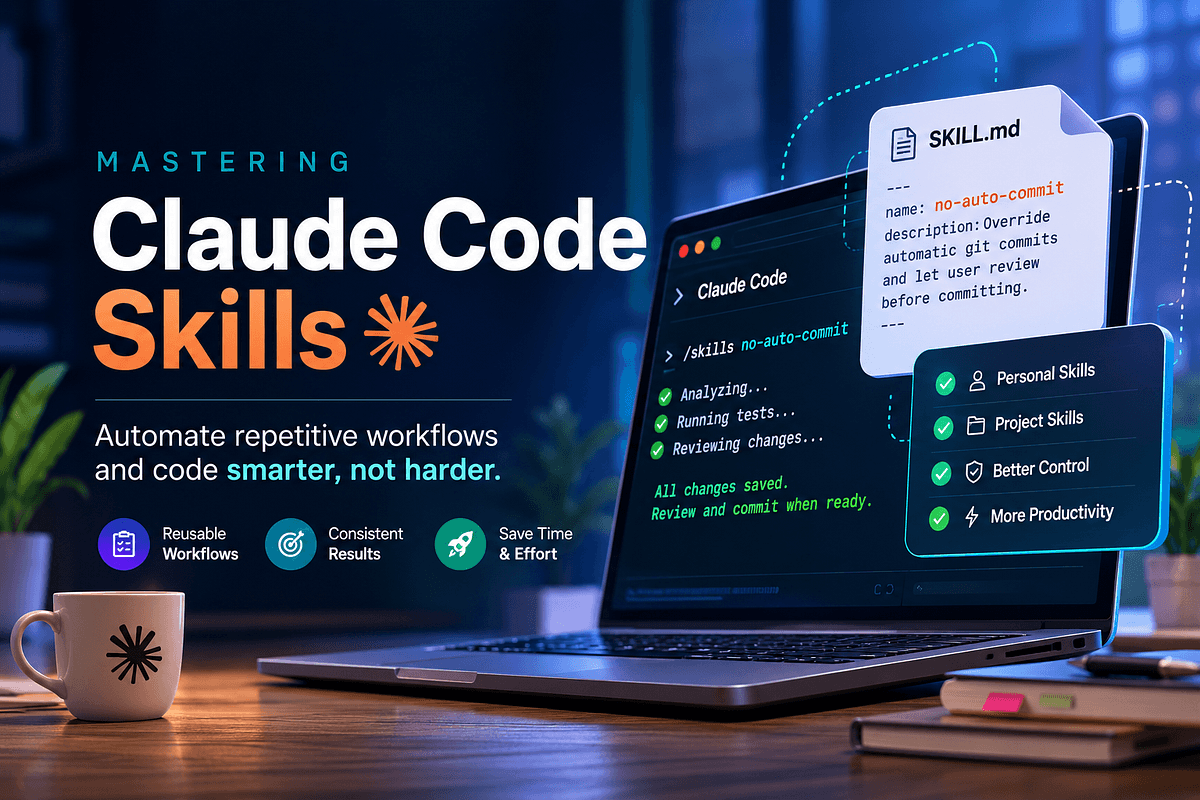
Key Takeaways
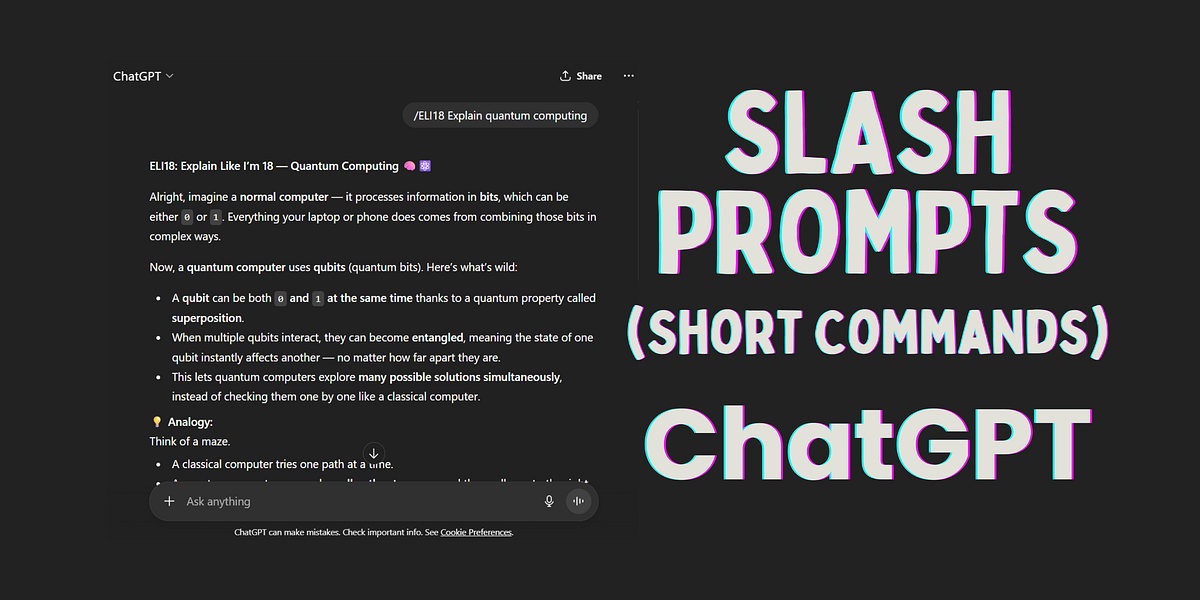
- Claude Code Skills let you turn repetitive instructions into slash commands, cutting prompt length by 90% and standardizing team workflows.
- Learn how to create and use them.
The Technique
Every developer has repetitive instructions they end up typing again and again while working with an AI coding assistant. Whether it's a specific code review checklist, a commit message format, or a test suite setup, these instructions eat up tokens and slow you down.
Claude Code Skills solve this by letting you define custom slash commands. Instead of pasting a 200-character prompt every time, you type /my-skill and Claude Code executes the workflow automatically.
A skill is simply a markdown file stored in a skills/ directory. Each file has a name, a description, and the instructions Claude Code should follow when invoked. That's it—no plugins, no extra dependencies.
Why It Works
Skills work because they leverage Claude Code's native slash command system. When you type /, Claude Code lists available commands, including your custom skills. This makes them discoverable and easy to use.
From a token perspective, skills are a massive win. Instead of sending the same 200 tokens of instructions with every prompt, you send a short command. Over a day of heavy usage, that adds up to significant savings—especially if you're on a paid plan.
But the bigger win is consistency. When your team uses the same skills, everyone gets the same workflow. No more "did you remember to include the security checklist?" or "what's our commit format again?" Skills encode your team's best practices into reusable commands.
How To Apply It

Step 1: Create a skills directory
In your project root (or in ~/.claude/skills for global skills), create a skills/ folder.
mkdir -p skills
Step 2: Write your first skill
Create a markdown file, say skills/code-review.md:
---
name: code-review
description: Run a thorough code review checklist on the current diff.
---

You are a senior code reviewer. Follow this checklist:
1. Check for security vulnerabilities (SQL injection, XSS, etc.)
2. Verify error handling is robust
3. Ensure naming conventions match the project style guide
4. Suggest performance improvements
5. Confirm tests cover edge cases

Output findings as a bulleted list with severity levels.
The name is what you'll type after /. The description helps Claude Code and your team understand what the skill does.
Step 3: Invoke the skill
In Claude Code, type:
/code-review
Claude Code will load the skill instructions and apply them to your current context (e.g., the recent diff).
Step 4: Share with your team
Commit the skills/ directory to your repository. When teammates clone the project, they get the same skills automatically. You can also put global skills in ~/.claude/skills for personal use across all projects.
Example: Commit message skill
---
name: commit-msg
description: Generate a commit message following the Conventional Commits spec.
---

Generate a commit message using Conventional Commits format:
- type: feat, fix, docs, style, refactor, perf, test, build, ci, chore
- scope in parentheses (e.g., auth)
- subject in imperative mood, ≤50 chars
- body explaining what and why, wrapped at 72 chars

Example: `feat(auth): add login rate limiting`
Now /commit-msg gives you a compliant message every time.
Advanced Tips
- Use variables: You can reference files or context in your skill instructions, like "Read
README.mdand summarize the project setup." - Chain skills: Create a skill that invokes other skills by mentioning them in the instructions.
- Version control: Keep skills in a separate repo or a
skills/folder at your org level for easy distribution.
What's Next
Claude Code's skill system is a game-changer for workflow automation. Start with one or two skills that you use daily, and expand from there. Your future self—and your teammates—will thank you.
For more on agentic engineering, check out our guide on building custom skills or the official Claude Code documentation.
Source: medium.com