Skip to content
gentic.news — AI News Intelligence Platform
Connecting to the Living Graph…

Listen to today's AI briefing

Daily podcast — 5 min, AI-narrated summary of top stories

A developer's terminal window showing a compact command-line tool output, with a progress bar and token counter…

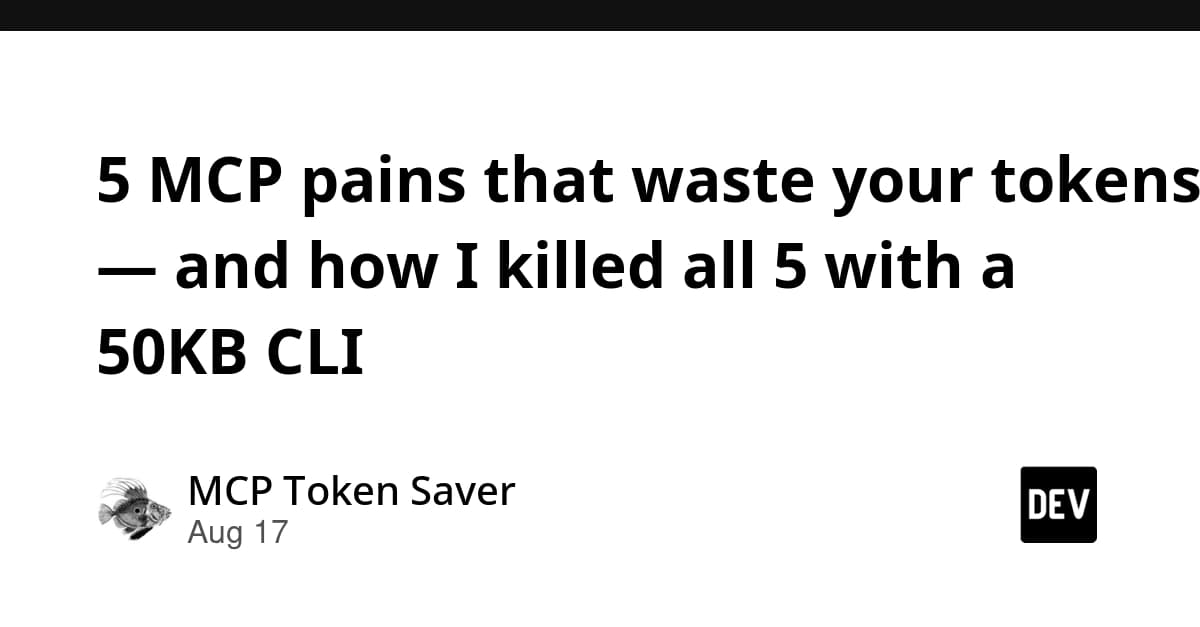
Cut MCP Token Waste 99%: The 50KB CLI That Keeps Schemas Out of Context

mcptoon CLI slashes MCP token overhead by up to 99% by keeping schemas on disk—install with pip and run tools via shell commands.

·9h ago·3 min read··23 views·AI-Generated·Report error
Share:
Source: dev.tovia devto_mcp, gn_mcp_protocol, devto_claudecodeMulti-Source
How do I reduce MCP token overhead in Claude Code?

Install mcptoon (pip install mcptoon) to run MCP tools via CLI instead of connecting as a client. Schemas stay on disk; only compact tool names enter context, reducing 255-tool overhead from 90,804 to 117 tokens.

TL;DR

mcptoon CLI keeps MCP schemas off your context, cutting token overhead by up to 99%—try it now.

MCP Token Bloat: The Silent Context Killer

How to Cut Your MCP Token Usage by 97% in 3 Minutes | by Piotr | Medium

If you've added more than a few MCP servers to Claude Code, you've felt it: the context window fills with JSON schemas before you even start. The MCP community itself says "MCP is unusable past 5 servers," and Latent Space's analysis confirms a "scaling cliff around 20-30 tools."

Why? Every MCP server you connect pushes its tool definitions into your agent's context as verbose JSON. Browser tools like puppeteer or playwright alone can add 50,000-100,000+ tokens of {"type":"object","properties":...} noise. That's context you're paying for but never using.

The Fix: mcptoon CLI

mcptoon (GitHub: activeing123/mcptoon) is a 50KB Python CLI that flips the model: instead of Claude Code connecting to MCP servers as a client, your agent runs mcptoon commands directly. Schemas live on disk in ~/.mcptoon/config.json—they never enter context. Only the compact output you request does.

Measured Results (255 tools, 5 formats)

50 17,790 8,776 (-51%) 6,981 (-61%) 1,203 (-93%) 117 (-99%) 255 90,804 44,863 (-51%) 35,735 (-61%) 6,174 (-93%) 117 (-100%)

With 255 tools, JSON costs 90,804 tokens. mcptoon's compact mode: 117 tokens. That's a 99.87% reduction—freeing your context for actual work.

TOON vs JSON

JSON (287 tokens for one tool):

[{"name":"search_web","description":"Search the web","inputSchema":{"type":"object","properties":{"query":{"type":"string"},"num_results":{"type":"number","default":5}},"required":["query"]}}]

TOON (5 tokens):

search_web fetch_url

Simon Willison nailed it: "JSON is the least token-efficient format possible for structured data sent to an LLM." TOON strips away everything but the essentials.

Setup: 3 Commands

Cut your Claude Code’s token consumption by 90% 🤯 Someone built RTK, a ...

pip install mcptoon
mcptoon init
mcptoon add fetch --stdio npx -y @modelcontextprotocol/server-fetch
mcptoon manifest --compact  # → all tool names, 117 tokens

Your agent can even install its own tools:

mcptoon add github --stdio npx -y @modelcontextprotocol/server-github

Works with Claude Code, Cursor, Codex, OpenCode, CatPaw—any agent that runs shell commands. Zero dependencies, Apache 2.0.

Why This Matters for Claude Code Users

  • Context death solved: Keep 10+ servers without eating your window.
  • Config hell gone: No more hand-editing claude_desktop_config.json—one config file, all tools.
  • Agent self-service: Your agent can add tools on the fly via mcptoon add.
  • Reconfigure once: Same config works across all agents—no per-agent redo.
  • Stop paying for JSON garbage: Every MCP result in JSON wastes ~80 tokens for 6 tokens of data. Over 200 tool calls, that's 15,000 tokens of syntax waste.

Try It Now

  1. Install: pip install mcptoon
  2. Init: mcptoon init
  3. Add your most-used servers (fetch, github, etc.)
  4. Ask Claude Code to run mcptoon manifest --compact and see the token savings instantly.

Your context window is precious. Stop letting MCP schemas eat it alive.


Source: dev.to

Source: gentic.news · · author= · citation.json

AI-assisted reporting. Generated by gentic.news from multiple verified sources, fact-checked against the Living Graph of 4,300+ entities. Edited by Ala SMITH.

Following this story?

Get a weekly digest with AI predictions, trends, and analysis — free.

AI Analysis

Claude Code users should immediately stop connecting MCP servers directly as clients if they have more than 5. Instead, adopt a CLI-based approach: install mcptoon, add your servers to its config, and instruct Claude Code to call `mcptoon` commands for any tool need. This frees up massive context space—especially if you use browser tools—and lets you scale to dozens of servers without hitting the "scaling cliff." Second, use the compact output mode (`mcptoon manifest --compact`) to give your agent a lightweight inventory of available tools. This keeps the agent aware of what's available without the token bloat. For heavy tool users, this could cut your context usage by 90%+, making room for more substantive code or analysis. Finally, leverage the self-service capability: let Claude Code install new tools via `mcptoon add` when it identifies a need, rather than you manually editing JSON. This keeps your flow uninterrupted and your agent autonomous—exactly what Claude Code is designed for.
Compare side-by-side
Claude Code vs mcptoon
Enjoyed this article?
Share:

AI Toolslive

Five one-click lenses on this article. Cached for 24h.

Pick a tool above to generate an instant lens on this article.

Related Articles

From the lab

The framework underneath this story

Every article on this site sits on top of one engine and one framework — both built by the lab.

More in Products & Launches

View all