Key Takeaways
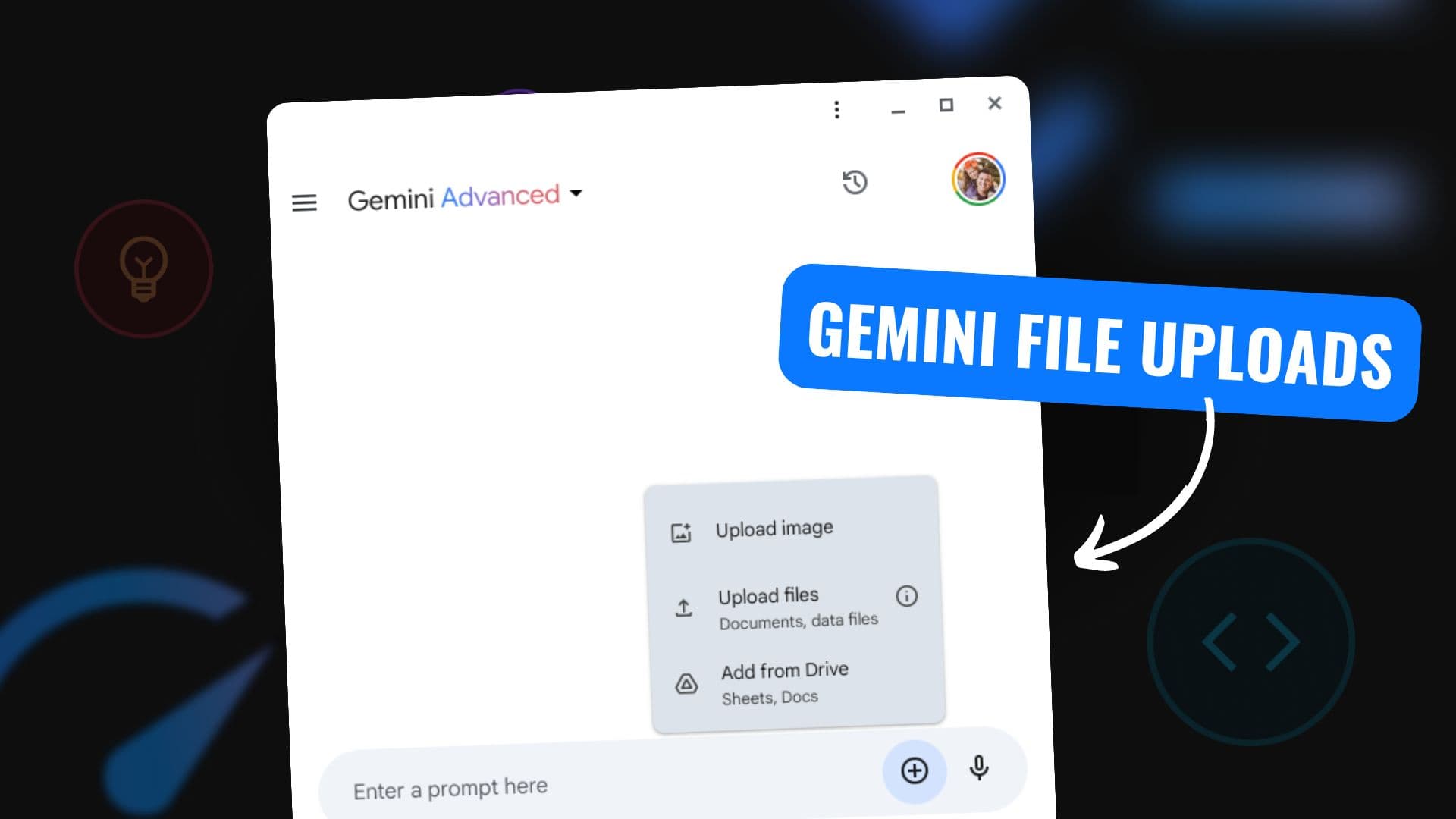
- The Gemini app now supports file creation and a dedicated file directory, enabling users to work directly within the app.
- This transforms Gemini from a conversational AI into a more autonomous workspace tool.
What Happened
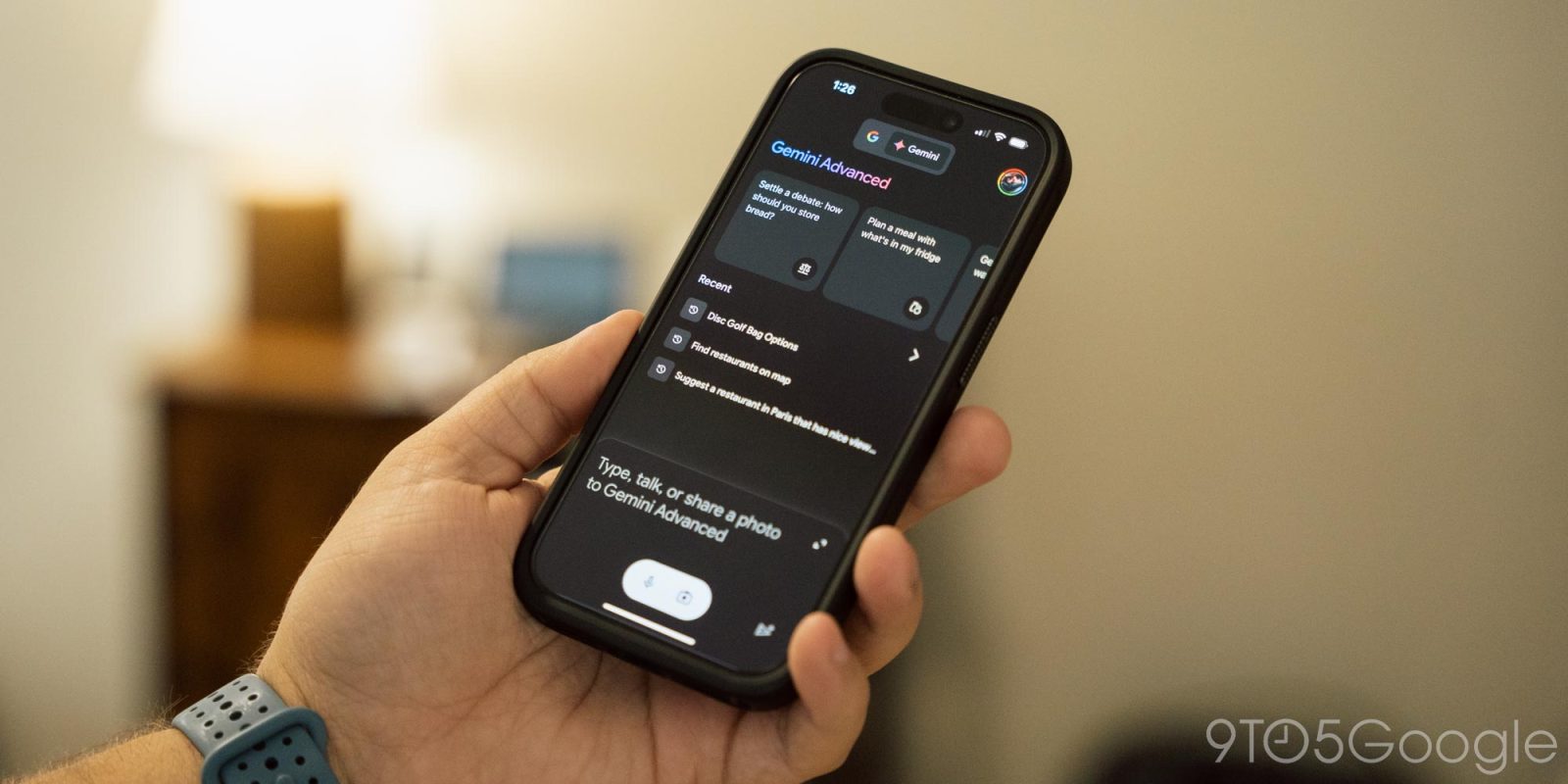
A recent update to the Gemini app introduces two significant capabilities: file creation and a dedicated file directory. Users can now generate and manage files directly within the app, rather than relying on external tools or manual exports.
The announcement, made via a social media post, describes this as a "huge upgrade" that addresses a long-standing pain point for users who wanted to save, organize, and reuse outputs from Gemini conversations. The file directory provides a structured space to store these files, making them accessible for future sessions.
Context
This update follows a pattern of rapid feature expansion across AI assistant platforms. In recent months, competitors like ChatGPT have added file upload, image generation, and code execution capabilities. Google's move to equip Gemini with its own file system suggests a shift toward treating the AI assistant as a more self-contained productivity environment.
Previously, Gemini users had to manually copy-paste outputs into Google Docs, Drive, or local storage. The new file directory eliminates that friction, keeping everything within the Gemini ecosystem.
What This Means in Practice
- Direct file creation: Users can generate documents, spreadsheets, code files, or markdown notes directly in Gemini, with the AI handling formatting and structure.
- Persistent storage: Files saved in the directory persist across sessions, enabling long-running projects and iterative work.
- Reduced context switching: No need to jump between tabs or apps to save outputs — the directory acts as a built-in workspace.
Limitations and Caveats
The announcement is brief and lacks technical specifics. Key unknowns include:
- File types supported: Text, code, images? Structured data?
- Storage limits: How many files? Size caps?
- Privacy: Are files stored locally or synced to Google Cloud?
- Accessibility: Available on mobile, web, or both?
Until Google provides official documentation, these details remain speculative.
How It Compares
File creation ✅ Now supported Via plugins No native support File directory ✅ Dedicated space Chat history only Chat history only Persistent storage ✅ Yes Limited No Cross-session access ✅ Yes Partial No File type variety Unknown Text, code, images Text onlyChatGPT offers file upload and code execution via plugins, but lacks a dedicated directory. Claude has no native file management. Gemini's new feature is a clear differentiator.
gentic.news Analysis
This is a strategically important move for Google. The file directory transforms Gemini from a stateless chat interface into a stateful workspace — a shift that aligns with Google's broader push to embed AI into its productivity suite. We previously covered Google's integration of Gemini into Workspace (Docs, Sheets, Gmail) back in December 2024. This app-level file directory extends that vision, making Gemini a standalone tool that doesn't require the full Workspace stack.
The timing is notable. In February 2026, OpenAI launched ChatGPT's "Projects" feature, which allows users to organize conversations and files into folders. Google's response — a dedicated file directory — directly competes with that. The difference is that Gemini's directory appears more tightly integrated with the AI's output generation, rather than being a simple organizational folder.
From a product perspective, this solves a real user pain point. Many power users reported abandoning Gemini because they couldn't easily save and revisit generated code, analysis, or drafts. The directory removes that friction, potentially increasing user retention and daily active usage.
However, the lack of detail about file types, storage limits, and privacy is concerning. Google has historically been opaque about data handling in AI products. If files are stored on Google's servers by default without clear opt-out, enterprise adoption could suffer. Transparency around these details will be critical.
Frequently Asked Questions
What file types can Gemini create?
The announcement does not specify supported file types. Likely candidates include text documents, markdown files, code snippets (Python, JavaScript, etc.), and possibly CSV or JSON for data. Official documentation from Google is expected soon.
Is the file directory available on mobile and web?
The social media post does not specify platform availability. Given that Gemini is available on both Android (app) and web, the feature is likely rolling out to both. Mobile users would benefit significantly from the ability to create and save files on the go.
How does this compare to ChatGPT's file handling?
ChatGPT supports file uploads and code execution through plugins, but does not have a dedicated file directory. Users must rely on chat history to access past outputs. Gemini's directory provides persistent, organized storage, which is a meaningful advantage for long-term projects.
Is there a storage limit for files in the Gemini directory?
Google has not announced storage limits. Free-tier users may face caps, while Gemini Advanced subscribers might get expanded limits. This mirrors Google's approach with Drive storage tiers.