The Technique — Multi-Model Orchestration with CLI and Files
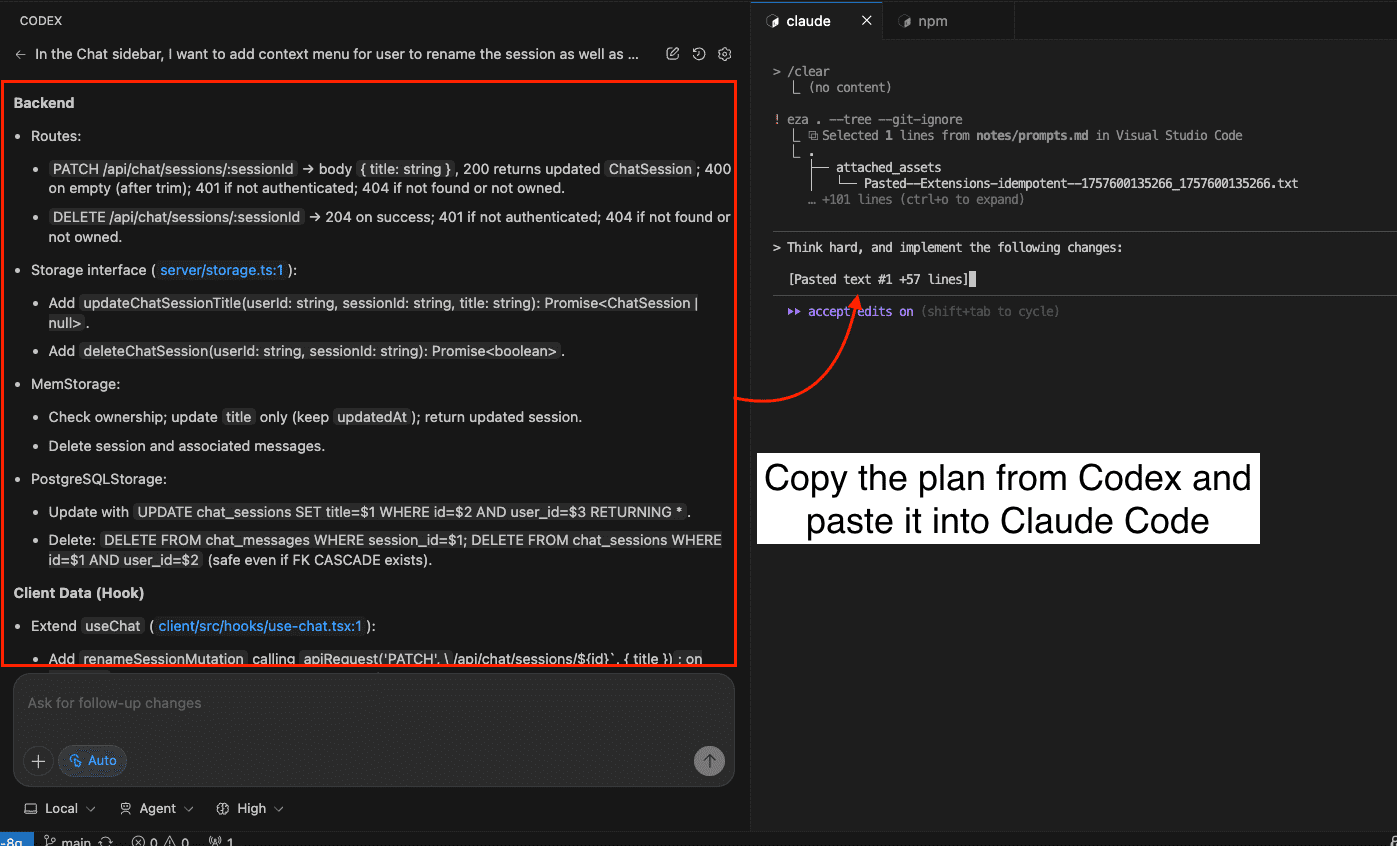
A developer has moved beyond using Claude Code in isolation. Instead, they've built a system where Claude Code Opus 4.6 acts as the primary orchestrator, calling GPT-5.4 (via Codex CLI) and Gemini 3.1 Pro as specialized sub-agents. The entire system runs within a single IDE (Antigravity) and is glued together not by complex APIs, but by shared markdown files and simple CLI commands.
The core innovation is treating the filesystem as the protocol. No external databases or services are needed. The system's memory and identity are stored in plain markdown files that all three AI models can read and write to.
Why It Works — Shared Context and Clear Boundaries
This setup solves the persistent "session amnesia" problem. Every AI session typically starts from scratch, losing previous decisions and context. Here, every model reads from the same foundational files at the start of its session:
- CLAUDE.md: The main operating file for projects, preferences, and current state.
- PROFILE.md: Defines the user's professional identity and communication style.
- SESSION_LOG.md: A running log of what was done, decided, and what's pending.
- .claude/history/: A directory where a "session closer" agent archives learnings, decisions, and research findings. After months, this becomes a searchable knowledge base.
Each model also has a dedicated SOUL.md file (e.g., .claude/SOUL.md, .codex/SOUL.md) that defines its identity, mission, core strengths, and—critically—its hard limits. This prevents capability hallucination and establishes clear roles: Claude for deep work and orchestration, GPT for code review and implementation, Gemini for research and multimodal tasks.
How To Apply It — The Four-Step Setup
You can implement this system yourself using three primitives: shared markdown files, identity prompts, and CLI calls.
Step 1: Build the Context Layer.
Create CLAUDE.md, PROFILE.md, and SESSION_LOG.md in your project's root directory. Claude Code reads CLAUDE.md automatically. For GPT (Codex CLI) and Gemini, you reference these files in their operational documents (like an AGENTS.md file) with instructions to read them first.
Step 2: Craft the SOUL.md Identity Files.
This is the most iterative part. Each SOUL.md should be thorough (~125 lines). Include sections for:
# Identity & Mission
# Core Strengths
# Hard Limits (What I Do NOT Do)
# Peer Awareness (Who the other AIs are and their roles)
# Operational Rules
Being specific about limits is key to preventing role confusion.
Step 3: Enable Cross-Runtime CLI Calls.
The magic happens with simple terminal commands. From within any model's session, you can call another:
# From Claude, ask GPT to review code
codex exec --skip-git-repo-check "Review this function for edge cases and output findings in markdown."

# From GPT, ask Gemini to research
gemini -m gemini-3-flash-preview -p "Search for recent benchmarks on vector database performance."

# From any model, ask Claude to summarize
claude -p "Summarize the last 3 entries in SESSION_LOG.md."
No API middleware is needed—just the standard CLIs installed and authenticated.
Step 4: Implement the Session Closer Agent.
This turns a collection of tools into a compounding system. At the end of a work block, instruct Claude (your orchestrator) to run the "session closer" routine. A prompt like:
"Close the session. Update SESSION_LOG.md with today's work. Extract any key learnings or decisions and save them to appropriate files in
.claude/history/. Propose one workspace improvement."
The agent updates the log, creates a structured note, and archives knowledge. Over time, the history/ directory becomes your system's long-term memory, referenceable by all models.
The Workflow in Action: Multi-Model Code Review
The developer's killer use case is a rigorous QA cycle. When building a complex system:
- Claude Code writes and iterates on the code.
- Claude then calls GPT-5.4 via CLI to perform an independent audit:
codex exec "Review the entire module for bugs, edge cases, and schema violations. Classify findings as Critical/High/Medium." - GPT returns a report. Claude fixes the issues.
- Steps 2-3 repeat until GPT reports zero Critical/High issues.
This cross-vendor review catches different blind spots. In one case, GPT flagged a critical manifest schema bug that Claude had missed across two full sessions.
Pro-Tips and Pitfalls
- Start with Two Models: Begin with Claude as orchestrator + one reviewer (GPT). Add Gemini later if needed for research.
- Keep SESSION_LOG.md Lean: Enforce a 20-line maximum per entry to prevent bloat.
- Invest in SOUL.md: Don't start with a minimalist prompt. A thorough identity file prevents endless edge-case tuning later.
- Add Notification: Connect a custom MCP Server to a Telegram bot. Models can then notify you when long-running tasks are complete, freeing you from babysitting terminals. The command is simply baked into the agent's prompt: "Run this analysis and notify me via Telegram when done."
This architecture transforms Claude Code from a single-player tool into the conductor of a multi-model AI team, with persistent memory and clear workflows, all built on simple, scriptable foundations.