The Problem: Terminal Tab Chaos

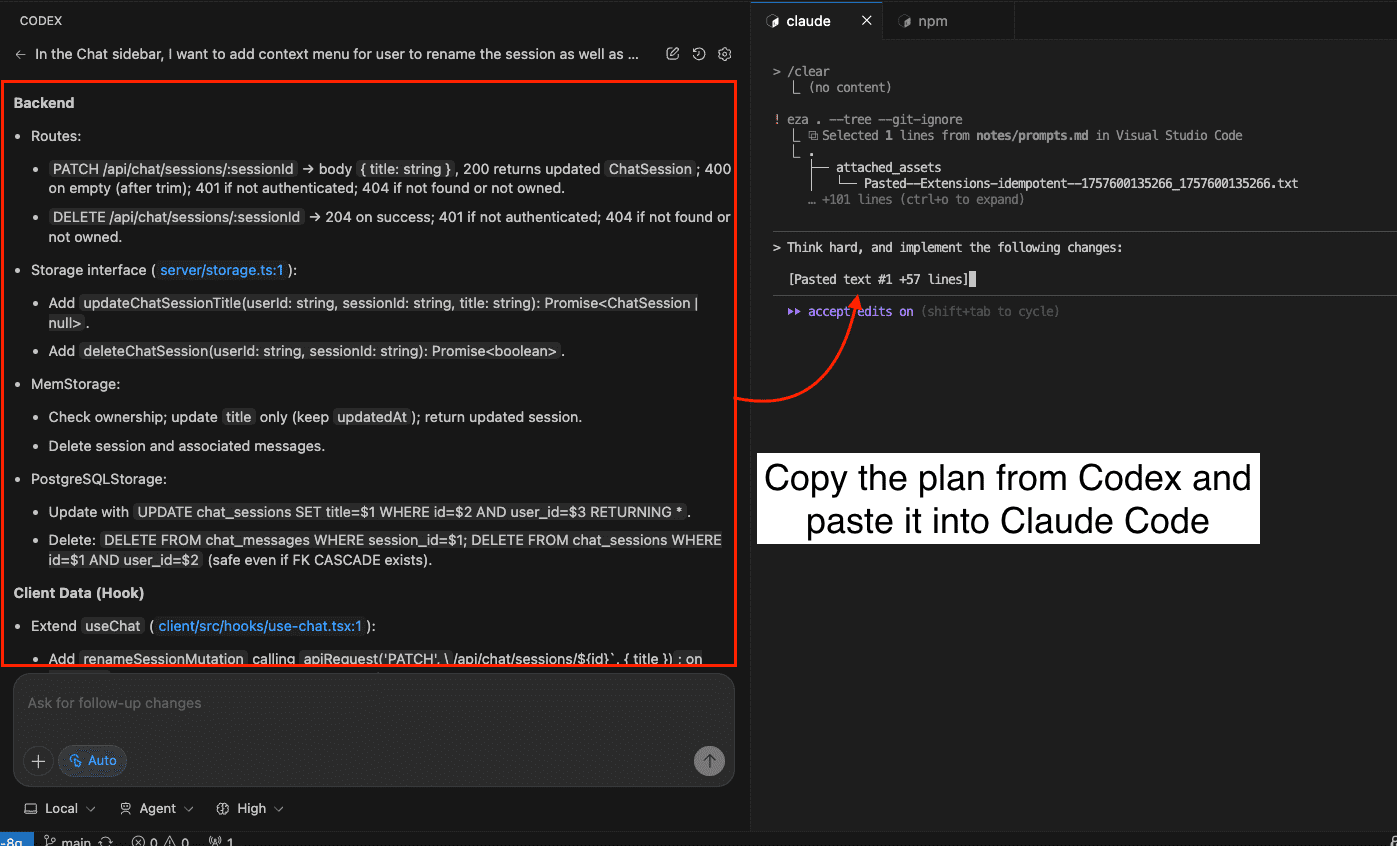
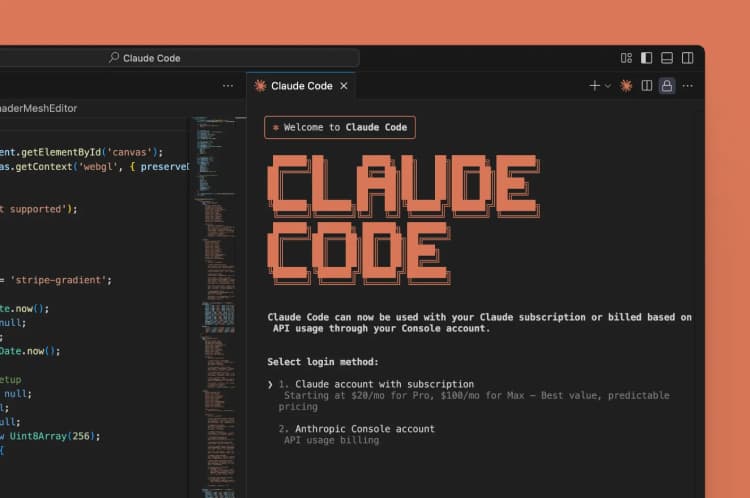
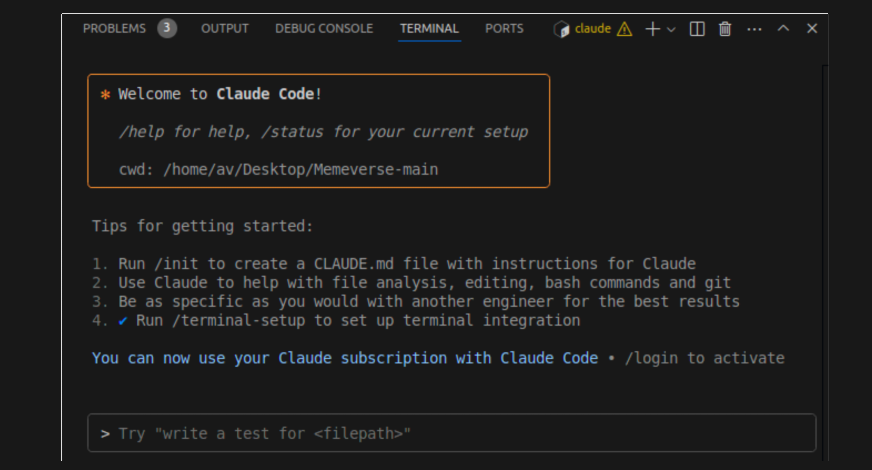
If you're using Claude Code daily, you've hit this wall. You have one terminal tab running claude code --task "refactor auth middleware", another executing claude code --debug "test_flaky_integration.py", and maybe a Codex session analyzing logs. Within minutes, you're asking: Which tab is stuck? What did I ask session #3? Why is this agent idle? The terminal becomes a black box for each session.
This follows Claude Code's rapid growth—it nearly tripled its share to 6% in the past month—as developers adopt multi-agent workflows. The tooling for visibility hasn't kept pace.
What AgentPulse Does
AgentPulse is an open-source, local-first dashboard that hooks into your Claude Code and Codex CLI sessions. It collects signals they already emit and presents them in a single web interface.
Key features:
- Live session monitoring: See all active sessions with status (busy, idle, blocked)
- Human-readable session names: Label sessions like "Auth Refactor" instead of terminal PID
- Prompt history & timeline: Scroll through what you asked each session
- Tool usage visibility: See which MCP servers or commands are being used
- CLAUDE.md/AGENTS.md viewer/editor: Edit agent instructions directly from the dashboard
- Session notes: Add context like "Blocked on API docs"
- Remote relay: Access your dashboard from another device
How To Install & Use It Right Now
# Clone and install
npm install -g agentpulse
# Or from source
git clone https://github.com/jaystuart/agentpulse
cd agentpulse
npm install
npm run build
# Start the dashboard
agentpulse start
# Your sessions will auto-appear when you run:
claude code --task "Your task here"
# or
codex --run "Your command"
Configuration: AgentPulse uses hooks that automatically attach to your CLI sessions. No manual session registration needed. The dashboard runs on http://localhost:3000 by default.
Pro tip: Use the session naming feature immediately. When starting a session:
# Instead of just:
claude code --task "Optimize database queries"

# Run with a descriptive environment variable:
AGENTPULSE_SESSION_NAME="DB Query Opt" claude code --task "Optimize database queries"
When This Dashboard Shines
Parallel refactoring: Monitor three agents simultaneously refactoring different modules.
Debugging sessions: Keep track of multiple debugging agents across different test failures.
Team coordination: Use the relay feature to let a teammate check on your agent's progress without screen sharing.
Context recovery: Return to work after a break and instantly see what each agent was doing.
This tool addresses the coordination gap that emerges once you move beyond single-agent usage—a natural progression as Claude Code's capabilities expand, evidenced by its appearance in 71 articles this week alone.
Limitations & Considerations
- Currently CLI-only (VS Code/JetBrains integrations may come)
- Requires Node.js environment
- Early project (v0.1.x as of writing)
- Doesn't capture every internal agent state (yet)
The Bigger Picture: Observability for AI-Native Development
AgentPulse represents a shift from "can the agent code?" to "can I manage multiple agents effectively?" This aligns with the broader trend of AI agents becoming infrastructure that needs monitoring, similar to how we monitor servers and deployments.
As Claude Code continues integrating more MCP servers (referenced in 39 sources) and gains features like the recent Rust-based TUI rewrite for performance, tools like AgentPulse will become essential for professional workflows.
Try it today: The 10-minute setup pays off the first time you avoid losing track of a critical refactoring session.