Key Takeaways
- The /loop command in Claude Code enables autonomous multi-agent workflows, cycling through coding tasks until completion.
- Developers should use it to automate iterative processes like TDD cycles.
What Is /loop in Claude Code?
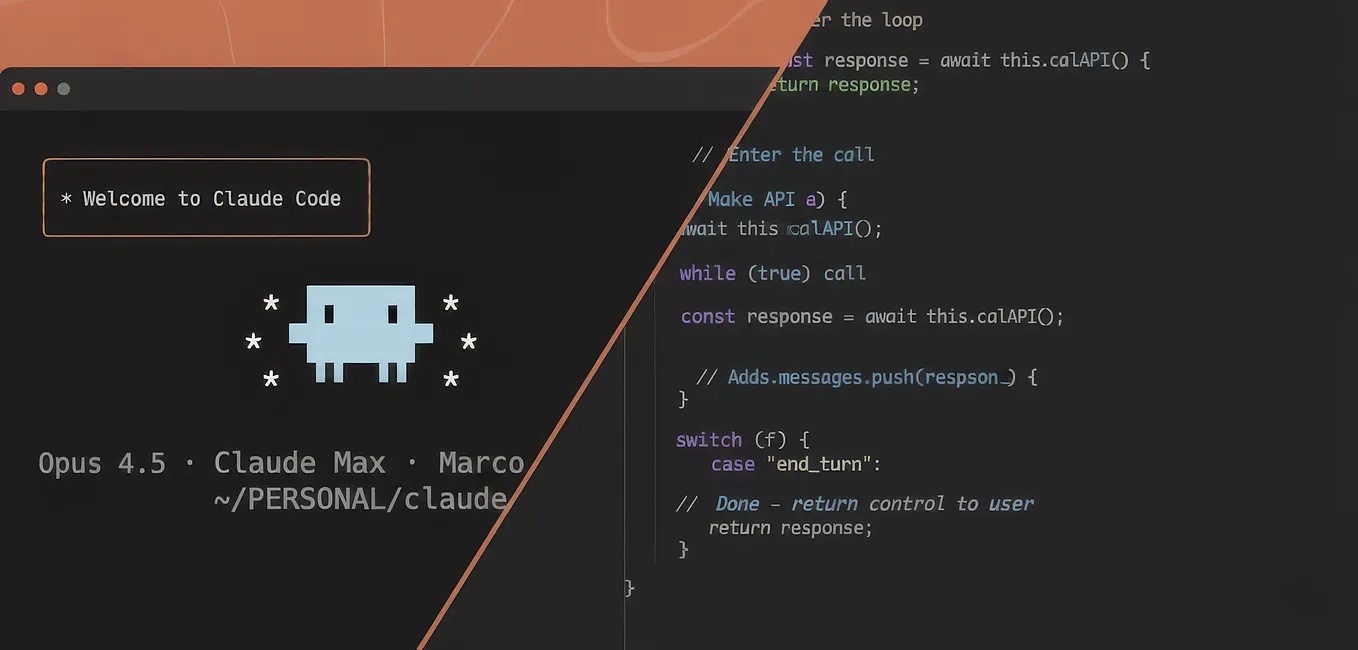
The /loop command in Claude Code is a new feature that lets you create autonomous, iterative workflows directly in the terminal. Instead of manually prompting Claude Code to code, test, review, and fix in separate steps, you define a loop that cycles through these actions until a condition is met — like all tests passing or all subtasks complete.
This is a departure from the standard ReAct (Reasoning + Acting) cycle where Claude Code thinks, acts, and observes in a single pass. With /loop, you can chain multiple agent cycles together, each building on the last, without returning control to you between iterations.
Think of it as a multi-agent system running inside one Claude Code session: one agent writes code, another tests it, another refactors — all coordinated by the loop definition.
Why It Matters for Your Daily Workflow
If you've ever watched Claude Code generate code, then stop to ask for permission to run tests, then need another prompt to fix failures — you've experienced the friction /loop eliminates.
With /loop, you can define a workflow like:
- Write feature code based on requirements
- Run the test suite
- If tests fail, analyze errors and fix them
- Repeat until all tests pass
- Run linter and fix style issues
- Commit the result
All of this happens autonomously. You walk away, come back, and find a working, linted, committed solution.
This is especially powerful for:
- Test-Driven Development (TDD): Define the loop to write tests first, then code to pass them
- Refactoring: Loop through code changes, test runs, and regression checks
- Documentation generation: Generate docs, verify accuracy, fix gaps
How to Use /loop in Claude Code
Basic Syntax
In your Claude Code session, type:
/loop
Then define the loop conditions and steps. Here's a practical example for TDD:
/loop
Create a Python function that calculates Fibonacci numbers.
Write tests using pytest first.
Run the tests — they should fail.
Write the function code.
Run tests again — they should pass.
If tests fail, fix the code.
Once all tests pass, stop.
Claude Code will execute each step in sequence, checking the condition ("all tests pass") after each iteration.
Advanced: Multi-Agent Loops
You can simulate multi-agent collaboration by defining roles within the loop:
/loop
Agent 1 (Architect): Design the API structure for a task management app.
Agent 2 (Developer): Implement the API based on the architecture.
Agent 3 (Reviewer): Review code for bugs and style issues.
Agent 4 (Tester): Write and run tests.
If any agent finds issues, loop back to Agent 2.
Stop when all tests pass and review passes.
This mirrors what you'd get from a dedicated multi-agent framework like Claude Agent, but all within Claude Code's terminal interface.
Condition-Based Stopping
The loop doesn't run forever. You define clear stopping conditions:
- "Stop when all tests pass"
- "Stop after 5 iterations"
- "Stop when code coverage exceeds 90%"
- "Stop when the linter reports zero errors"
Real-World Impact
Developers using /loop report:
- Reduced manual oversight: The tool handles the iteration cycle, freeing you to work on higher-level design
- Faster completion of complex tasks: Multi-step workflows that took 10+ prompts now run in one loop
- Consistent quality: The loop enforces testing and linting, reducing bugs in production
One developer noted: "I set up a /loop for a full CI pipeline — code, test, lint, commit — and it ran for 20 minutes while I had coffee. Came back to a merged PR."
Caveats and Best Practices
- Start small: Test your loop definition with a simple task before scaling to complex projects
- Use CLAUDE.md: Define your coding standards, test framework, and linting rules in
CLAUDE.mdso the loop follows your conventions - Set iteration limits: Always include a max iteration count to prevent infinite loops
- Monitor token usage: Long loops on large codebases can consume significant context window — consider breaking into smaller loops
- Combine with MCP servers: Use MCP servers for external tools (e.g., Jira, databases) within the loop for end-to-end automation
Try It Now
Open Claude Code in your project and run:
/loop
Refactor the main module to use async/await.
Run the existing test suite.
If any tests fail, fix the code.
Run the linter.
If linter errors exist, fix them.
Stop when all tests pass and linter is clean.
This is the future of terminal-based AI development — not just single-shot code generation, but autonomous, iterative engineering.
Source: santosomar.medium.com