Key Takeaways
- MACCHA solves Claude Code's cold-start problem with a file-based 7-tier memory system.
- Use it to persist preferences, project rules, and lessons across sessions without a daemon.
What Changed: Cross-Agent Persistent Memory Without a Daemon
Every Claude Code session starts from zero. You open a terminal, run claude, and it has no idea you prefer pnpm over npm, hate Tailwind, or spent three hours yesterday debugging a race condition in your WebSocket handler. You re-explain, re-prompt, re-teach.
MACCHA (Multi Agent Continuous Context Harness) eliminates this by giving Claude Code — and Antigravity, OpenCode, and any other local AI agent — a shared, persistent "brain" that lives in your file system. No cloud, no daemon, no 24/7 server. Just structured markdown files that any agent can read and write.
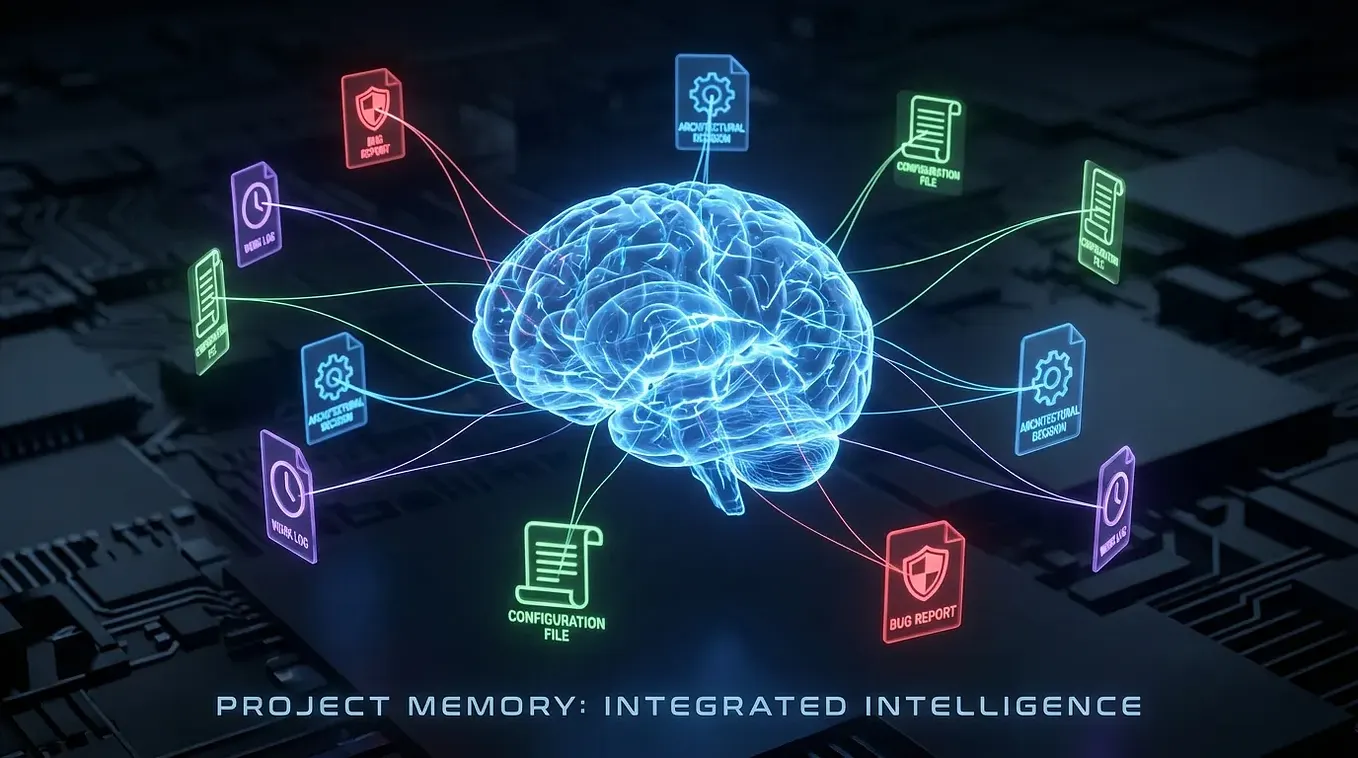
The architecture is simple: a ~/.maccha/ directory with a 7-tier context hierarchy:
- core/: Your identity, preferences, and non-negotiable rules (e.g., "always use pnpm, never npm")
- projects/: Per-project context including architecture decisions and constraints
- sessions/: Recent session logs with key decisions and outcomes
- knowledge/: Domain-specific knowledge, API docs, and patterns you've learned
- tasks/: Current and pending tasks with status and dependencies
- memory/: Working memory with vector embeddings, confidence decay, and semantic conflict detection (via Memanto)
- archive/: Compressed historical context for reference
When Claude Code starts, MACCHA's init script populates the agent's context with the most relevant files from this hierarchy. When the session ends, a save script extracts key decisions, preferences, and lessons learned, updating the memory with confidence scores.
What It Means For You: No More Cold Starts
If you've used Claude Code for more than a week, you've experienced the frustration of re-teaching it your preferences. MACCHA makes that a one-time setup.
Concrete impact on your daily workflow:
Zero re-explanation: Your first prompt of the day is as effective as your last prompt yesterday. Claude Code already knows your tech stack, coding style, and current task.
Cross-project consistency: Set a preference in one project ("use pnpm"), and it applies everywhere. MACCHA's project-specific context also means you can have different rules for a React frontend vs. a Go backend.
Multi-agent portability: Start a complex refactor in Antigravity, continue it in Claude Code. Both agents read from and write to the same MACCHA brain.
No background overhead: Unlike Hermes Agent or OpenClaw, MACCHA doesn't run a daemon. It's just files. Your agent reads them when it starts, writes to them when it finishes. Zero CPU when you're not coding.
Conflict-aware memory: MACCHA's Memanto engine detects semantic conflicts. If an older memory says "use endpoint v1" but your current codebase uses v2, it flags the conflict rather than silently applying outdated context.
Try It Now: Setting Up MACCHA for Claude Code
# Clone the repository
git clone https://github.com/KarelTestSpecial/real-agent-setup.git ~/.maccha

# Run the init script to create your profile
cd ~/.maccha && bash init.sh

# Add to your shell config to auto-load with Claude Code
echo 'export CLAUDE_CODE_PRE_INIT="source ~/.maccha/init.sh"' >> ~/.zshrc
Your first MACCHA session:
- Run
claudeas usual. MACCHA's init script will inject your core identity, current tasks, and relevant project context into the prompt. - Work normally. When you finish, run
maccha-saveto persist new learnings and decisions. - Next session: Claude Code loads your updated context. No re-explanation needed.
Customizing your profile:
Edit ~/.maccha/core/profile.md with your non-negotiable rules:
# Developer Profile
- Package manager: pnpm
- CSS: Dark mode, no Tailwind, use CSS modules
- Testing: Vitest with React Testing Library
- API style: REST over GraphQL unless specified
- Commit style: Conventional commits with emoji prefixes
These rules will be injected into every Claude Code session automatically.
The Forward Signal: What's Next for MACCHA
MACCHA is still early (4 points on HN, minimal community adoption), but the architecture solves a real problem that neither Anthropic nor any other AI agent vendor has addressed well. The file-based approach is elegant because it's tool-agnostic — it doesn't depend on Claude Code's API or any proprietary format.
Expect to see:
- Community CLAUDE.md generators that convert MACCHA profiles into
CLAUDE.mdfiles for teams - MCP server integration so MACCHA can serve context via Model Context Protocol instead of file injection
- Conflict resolution UIs for when multiple agents write conflicting memories
For now, MACCHA is a simple, powerful tool that makes Claude Code smarter the more you use it. Install it, teach it your preferences once, and never cold-start again.
Source: github.com




