What Changed — Live Monitoring for Claude Code Sessions
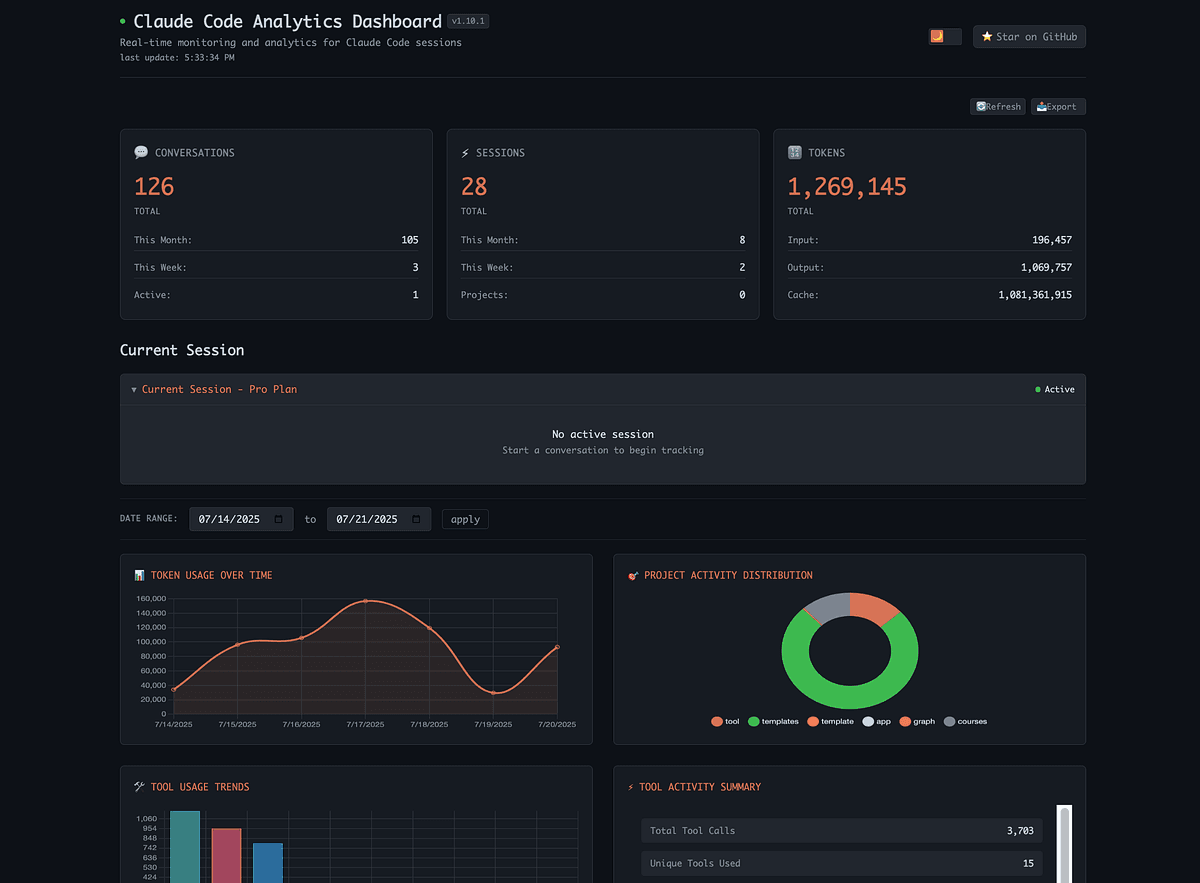
Most Claude Code usage trackers—like ccusage—show you a report after your session ends. That's useful for post-mortems, but useless when you're mid-session and need to know right now whether you're burning through your quota on a loop.
Claudestat (open-source, MIT) changes that. It hooks into Claude Code's event system to capture every tool call, token spend, and context window event as it fires. It stores everything locally in SQLite, and surfaces a live dashboard, quota alerts, a loop detector, and even an MCP server so Claude can answer questions about its own usage.
What It Means For You — Concrete Impact on Daily Claude Code Usage
If you've ever:
- Wondered "Why did my quota just drop $5 in 10 minutes?"
- Discovered after a session that Claude was thrashing the context window on a loop
- Wanted to ask "How much did I spend this week on this project?" without leaving the terminal
...Claudestat solves all three in real-time.
Key features that matter:
- Live tool trace: Every tool call with duration and token cost, displayed as it happens
- Quota guard: Alerts at 70%, 85%, and 95% of your budget; optional kill switch blocks new sessions
- Loop detector: Flags context thrashing with estimated waste cost (huge for long-running tasks)
- Cost projection: Linear regression with trend, confidence intervals, and R²
- Billing blocks: Tracks 5-hour billing windows and cumulative spend per block
- 52-week activity heatmap: Visualize your coding activity across the full year
- Session sharing: Export any session summary as formatted ASCII or JSON
Try It Now — Installation and Setup
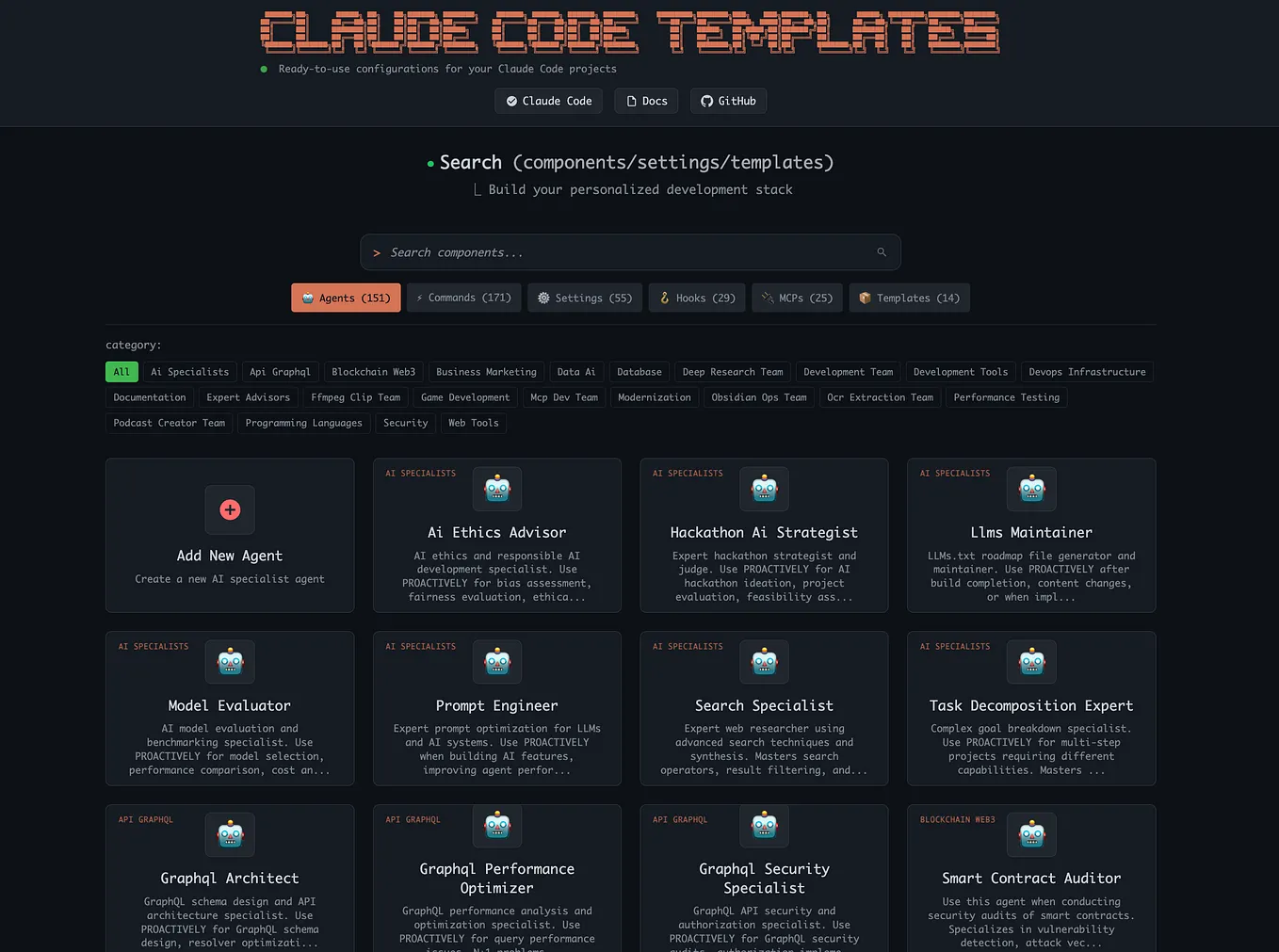
Claudestat is a Node.js CLI tool. Zero cloud dependencies, runs on macOS, Linux, and Windows.
Quick Start
npm install -g claudestat

# Start the live dashboard
claudestat
That's it. It hooks into Claude Code's event system automatically. You'll see a terminal UI with live tool calls, token costs, and quota status.
Add the MCP Server
This is the killer feature: once you register the MCP server, you can ask Claude about its own usage from inside the terminal.
claude mcp add claudestat -s user -- claudestat-mcp
Then in any Claude Code session, just ask:
- "How much did I spend this week?"
- "What are my top 5 tools by cost?"
- "Break down my usage by model"
- "What's my cost projection for next month?"
Configuration
You can set quota thresholds, enable/disable the kill switch, and configure alert levels via a config file or environment variables. See the GitHub README for full docs.
Loop Detection in Action
If you've ever seen Claude Code get stuck in a loop—repeating the same tool call with slightly different parameters, each eating tokens—the loop detector flags it with an estimated waste cost. This alone can save you significant budget on long-running tasks.
Community and Next Steps
Claudestat is brand new (2 points on HN, 0 comments as of writing), but the concept is solid. It fills a gap that every heavy Claude Code user has felt: "I wish I could see what's happening right now."
For comparison, tools like ccusage are great for post-session analysis. Claudestat is for during the session. Both have their place.
If you use OpenCode, Claudestat supports it too—same live dashboard, tool calls, prompts, model, and intent tracking. You can even filter KPIs and charts by source (Claude Code vs. OpenCode) across all tabs.
Give it a star on GitHub if you find it useful—it helps other developers discover it.
Source: github.com