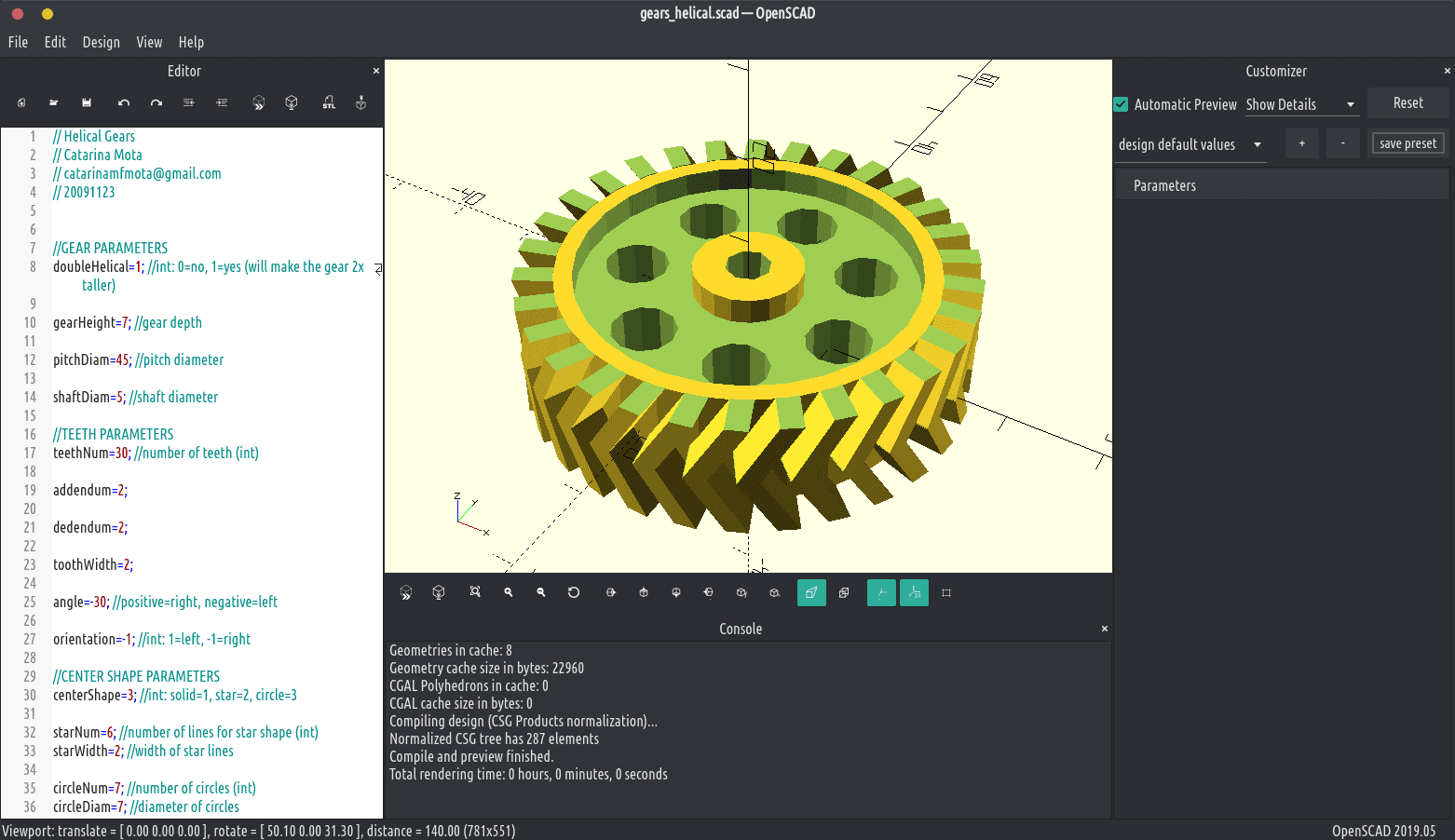
A developer has released an open-source text-to-CAD tool that operates completely within a web browser, enabling users to generate 3D models from text descriptions without sending data to external servers. The tool represents a significant shift from the cloud-dependent paradigm that dominates current AI-assisted design software.
What Happened
The tool, shared via a social media post that noted "Genuinely didn't expect this to exist yet," allows users to describe a 3D object in natural language and receive a CAD-compatible model generated locally in their browser. This client-side execution means:
- No data leaves the user's device – descriptions and generated models remain private
- No API costs or subscription fees – the model runs on the user's hardware
- Immediate experimentation – users can test the tool without account creation or payment
The implementation appears to leverage WebAssembly and modern browser capabilities to run machine learning models that would typically require cloud infrastructure or dedicated desktop applications.
Technical Context
Most commercial text-to-CAD solutions, including those from established CAD vendors and startups, rely on cloud APIs where:
- User text descriptions are sent to remote servers
- Models process the request using proprietary AI systems
- Generated 3D models are returned to the user
This architecture creates several limitations:
- Privacy concerns for proprietary designs and sensitive projects
- Latency issues depending on network conditions
- Cost structures based on API calls or subscription tiers
- Vendor lock-in with proprietary formats and workflows
The browser-based approach inverts this model by executing the entire pipeline locally, potentially using:
- ONNX Runtime Web or similar frameworks for neural network inference
- WebGL for 3D rendering and visualization
- Client-side storage for model weights and temporary data
What This Means in Practice
For engineers and designers, this development suggests several immediate implications:
For prototyping: Rapid iteration on basic shapes and concepts without committing to cloud services
For education: Students can experiment with AI-assisted design without institutional licenses
For sensitive projects: Defense, medical, or proprietary commercial designs can be generated without external exposure
For integration: The open-source nature allows embedding in existing workflows or custom applications
The tool's limitations likely include:
- Reduced model complexity compared to cloud counterparts
- Hardware constraints on consumer devices
- Limited file format support compared to professional CAD suites
- Potential performance issues on lower-end hardware
gentic.news Analysis
This browser-based text-to-CAD tool represents a meaningful technical achievement in the democratization of AI-assisted design tools. While major CAD vendors like Autodesk (with Fusion 360's AI features) and Dassault Systèmes have been integrating cloud-based AI capabilities, this open-source approach addresses two critical pain points: data privacy and accessibility.
The timing is particularly notable given the increasing scrutiny of data practices in professional software. As we reported in March 2026 regarding Siemens' acquisition of AI simulation startup SimScale, enterprise customers are increasingly demanding greater control over their design data. This browser-based tool offers a path toward that control, albeit with likely trade-offs in capability.
Technically, this development suggests that transformer-based architectures for 3D generation have become sufficiently optimized to run in constrained browser environments. This aligns with the broader trend of edge AI deployment we've tracked across multiple domains, from on-device LLMs to local image generation. The CAD domain has been relatively slow to adopt edge computing compared to other AI applications, making this breakthrough particularly significant.
From a market perspective, this tool could pressure commercial providers to offer local execution options or face competition from open-source alternatives for specific use cases. However, the professional CAD market will likely remain dominated by integrated suites for the foreseeable future, as browser-based tools cannot match the precision, feature completeness, or ecosystem integration of established platforms.
Frequently Asked Questions
How does browser-based text-to-CAD work without cloud servers?
The tool uses WebAssembly to run machine learning models directly in the browser, similar to how some AI image generators now offer local options. The model weights are downloaded to the user's device and inference happens locally using JavaScript/WebAssembly execution environments, meaning no data needs to be transmitted to external servers.
What are the limitations of running CAD AI locally in a browser?
Browser-based execution faces several constraints: limited computational resources compared to cloud servers or dedicated workstations, smaller model sizes due to download constraints, reduced complexity in generated models, and potential compatibility issues with professional CAD file formats. The tool is best suited for basic shapes and prototyping rather than complex engineering designs.
Is this tool free to use and modify?
Based on the open-source nature described in the source material, the tool appears to be freely available for use and modification. This distinguishes it from most commercial text-to-CAD solutions that operate on subscription models or per-use API pricing. However, users should verify the specific license before integrating it into commercial projects.
How does this compare to established CAD software with AI features?
Professional CAD software like Autodesk Fusion 360, SolidWorks, or CATIA offer integrated AI features but typically require cloud connectivity for AI processing. These commercial tools provide far more sophisticated modeling capabilities, precision engineering tools, simulation features, and industry-standard file format support. The browser-based tool serves a different niche: quick prototyping, educational use, and situations where data privacy outweighs feature completeness.


