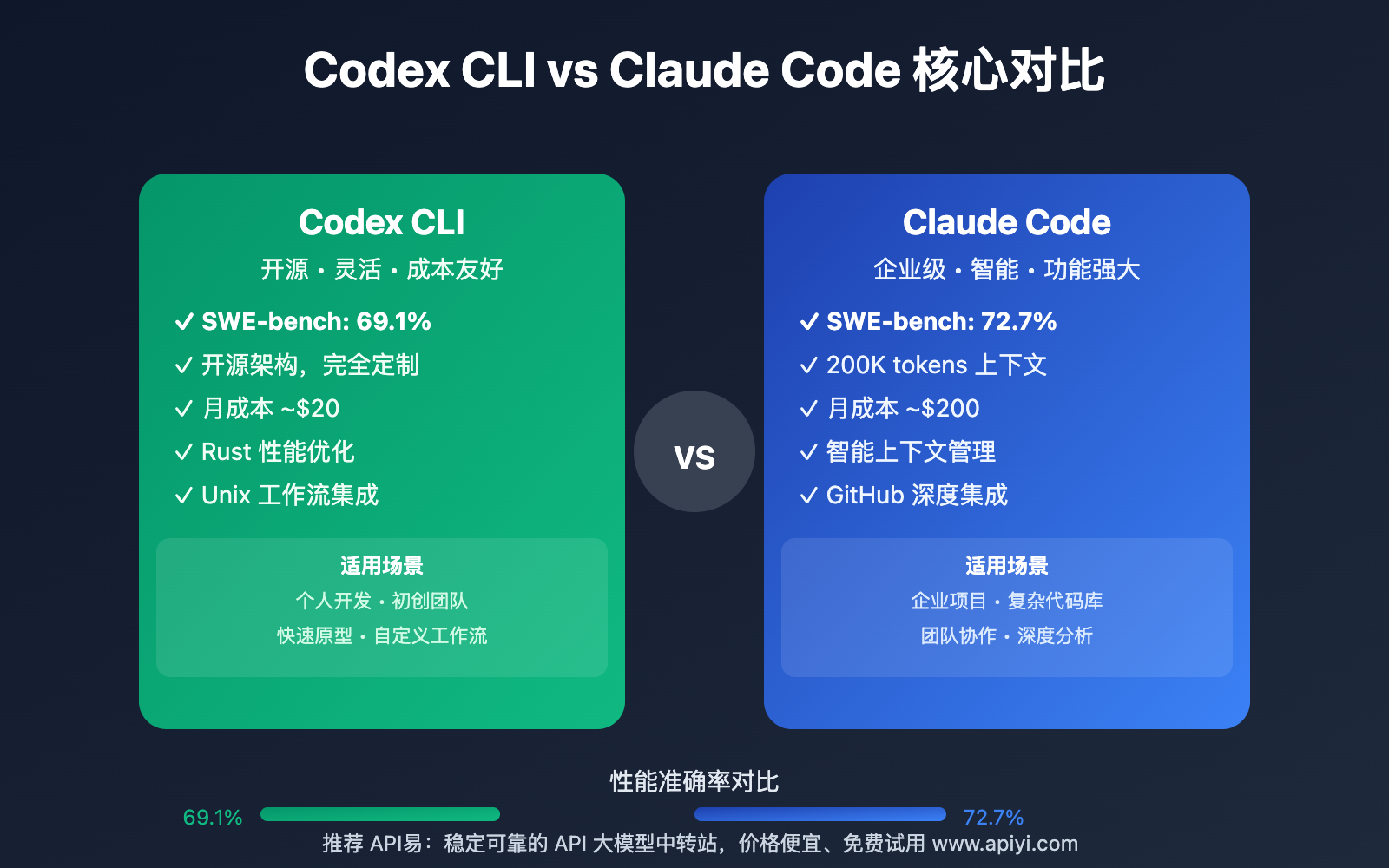
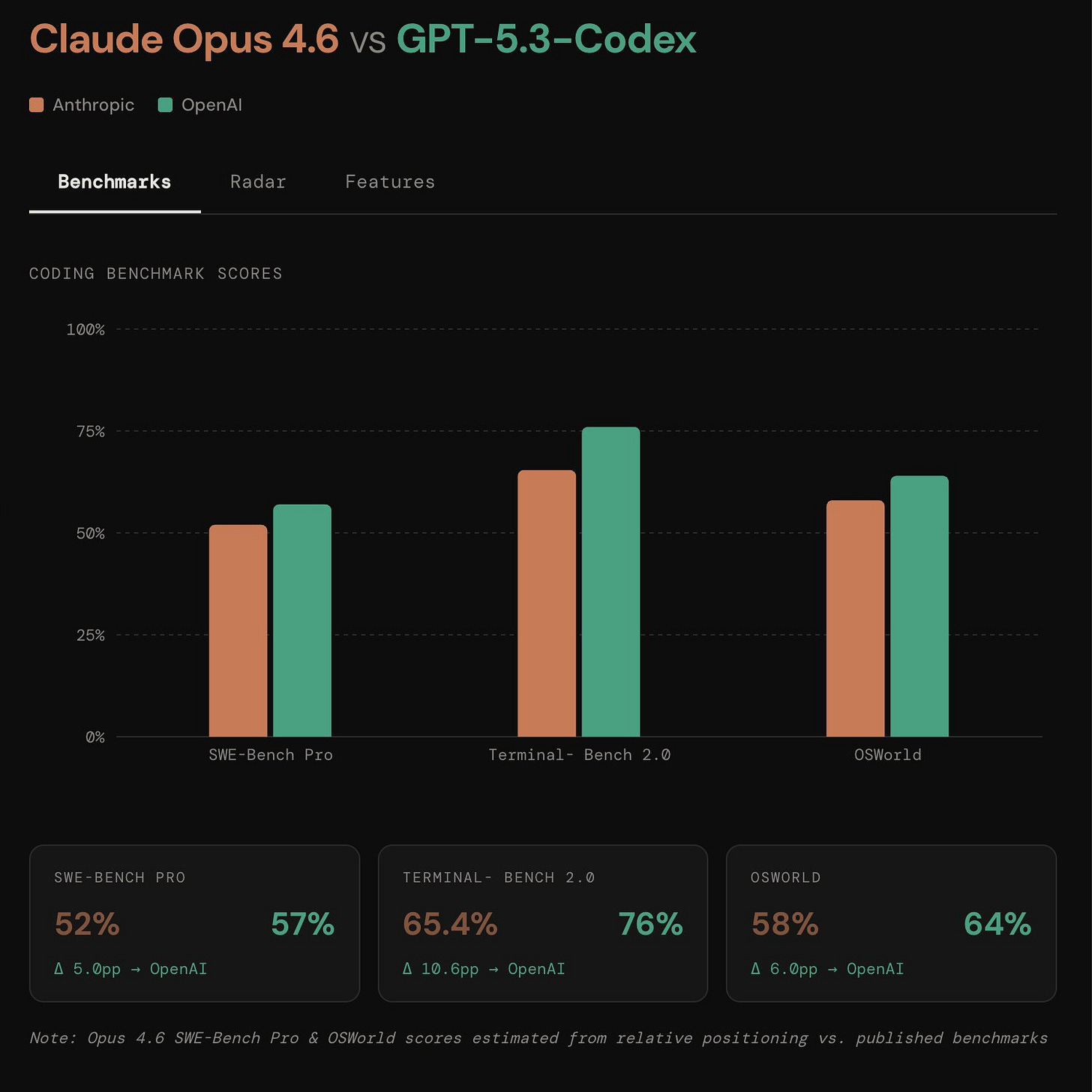
For developers juggling multiple AI coding agents, switching between terminal windows and managing session history is a chore. OpenClawdex, a new open-source project, solves this with a lightweight desktop UI designed specifically for orchestrating Claude Code and OpenAI Codex.
What It Does
OpenClawdex is a native macOS application that acts as a central command center for your AI coding agents. Its core promise is simplicity: no new API keys, no OAuth flows. It connects directly to the claude and codex CLIs you already have installed and authenticated. If you're logged into Claude Code and have a Codex subscription, they just work.
The UI lets you spawn multiple, concurrent agent sessions—called "threads"—and organize them into projects. You can run a Claude Code agent on one task and a Codex agent on another, all in parallel. Each thread maintains its full conversation history, which persists across app restarts.
Why It Works
The developer built this to address specific pain points in existing tools: complexity and being locked into a custom interface. OpenClawdex's philosophy is "your editor, your diffs." Instead of rendering file changes in a proprietary sidebar, every file path and diff generated by an agent is a clickable link that opens directly in your editor of choice (VS Code, Cursor, etc.). This keeps you in your primary development environment.

It also gives you fine-grained control over agent permissions on a per-thread basis. You can set a thread to always ask before running tools, require plan approval, automatically accept edits, or bypass permissions entirely.
How To Use It
Setup is straightforward for Mac users:
- Install the Agents: Ensure you have at least one agent CLI installed and logged in.
# For Claude Code npm install -g @anthropic-ai/claude-code claude auth login # For OpenAI Codex npm install -g @openai/codex codex login - Download the App: Grab the latest
.dmgfrom the OpenClawdex GitHub Releases. - Drag to Applications: Open the
.dmgand drag OpenClawdex into your Applications folder, then launch it.
The app will automatically detect which providers (Anthropic, OpenAI) you have available and let you pick between them when starting a new agent thread. From there, you can manage multiple conversations, pin important ones, archive old ones, and jump to any referenced code in your editor instantly.
For developers wanting to extend it, the project is a monorepo built with Electron, React, and Tailwind. The main process spawns the CLI agents as subprocesses—claude via the Agent SDK and codex via its JSON-RPC interface—and streams their output to the React frontend.