What It Does — A Unified Interface for Multiple Coding Agents
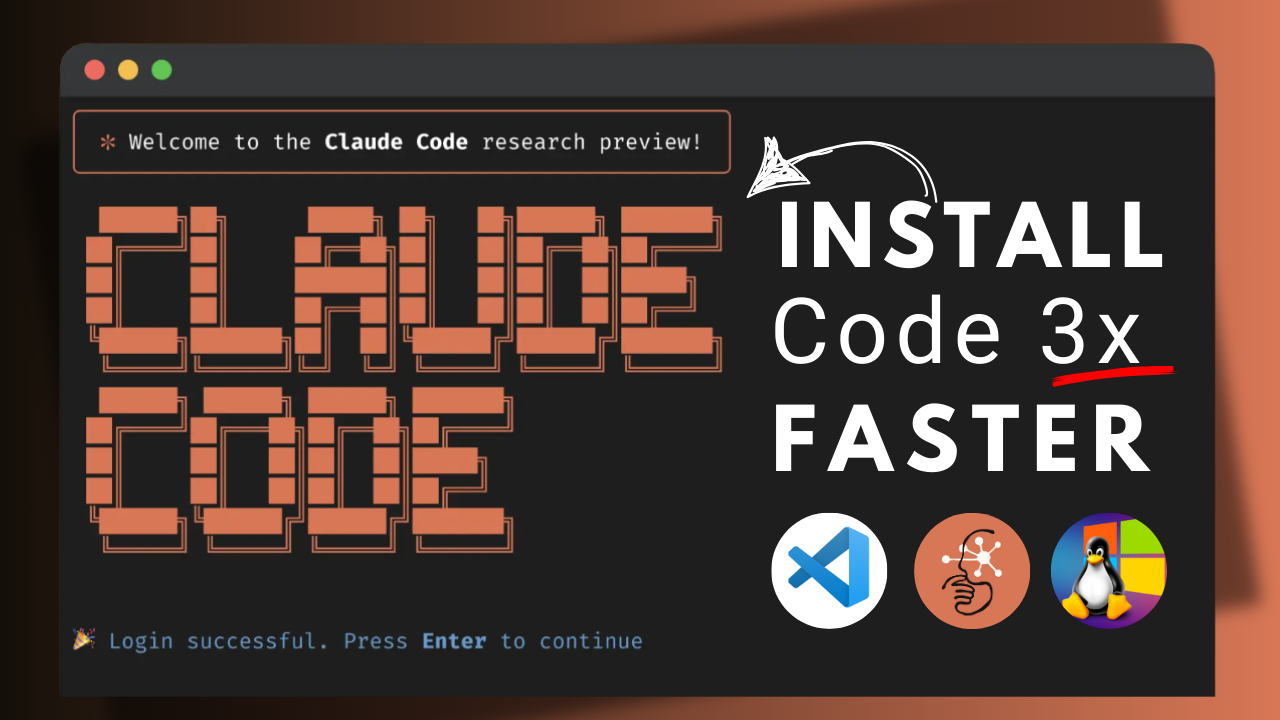
OpenClawdex is an open-source, MIT-licensed desktop application that provides a native macOS UI for orchestrating both Claude Code and OpenAI Codex coding agents through their respective CLIs. It doesn't require separate API keys or OAuth flows—it leverages your existing claude auth login and codex login sessions. If you have a Claude Max subscription or ChatGPT plan, they work out of the box.
The core value proposition is orchestration: you can run multiple concurrent agent sessions ("threads") side-by-side, group them by project, and switch between models and reasoning effort levels within a single, persistent interface. Each thread runs in its own subprocess.
Key Features for Claude Code Users
- Parallel Threads: Spawn as many concurrent Claude Code sessions as you need. Each is isolated.
- Project Organization: Drag-and-drop threads between projects. Assign multiple folders to a project.
- Persistent History: Threads survive app restarts. For Claude Code, history is maintained via the Anthropic Agent SDK with
--output-format stream-json. - Open in Your Editor: Click any file path or diff generated by Claude Code to jump directly into VS Code, Cursor, or your configured editor. The developer built this specifically to avoid "fighting with a built-in diff sidebar."
- Permission Modes: Per-thread control over Claude Code's interaction mode: ask, plan, accept-edits, or bypass-permissions.
- Interactive Prompts: The UI renders inline cards for Claude Code's tool approvals, plan approvals, and
AskUserQuestionrequests.
Setup and Installation
- Prerequisites: Ensure you have at least one agent CLI installed and authenticated:
# For Claude Code
npm install -g @anthropic-ai/claude-code
claude auth login

npm install -g @openai/codex
codex login
The app will gray out unavailable providers.
2. **Install OpenClawdex**: Download the latest `.dmg` from the [GitHub Releases](https://github.com/alekseyrozh/openclawdex/releases), drag it to Applications, and launch.
3. **Using It**: Create a new thread, select Claude Code as the agent, choose a permission mode, and start chatting. Your session history will be preserved.
## The Architecture
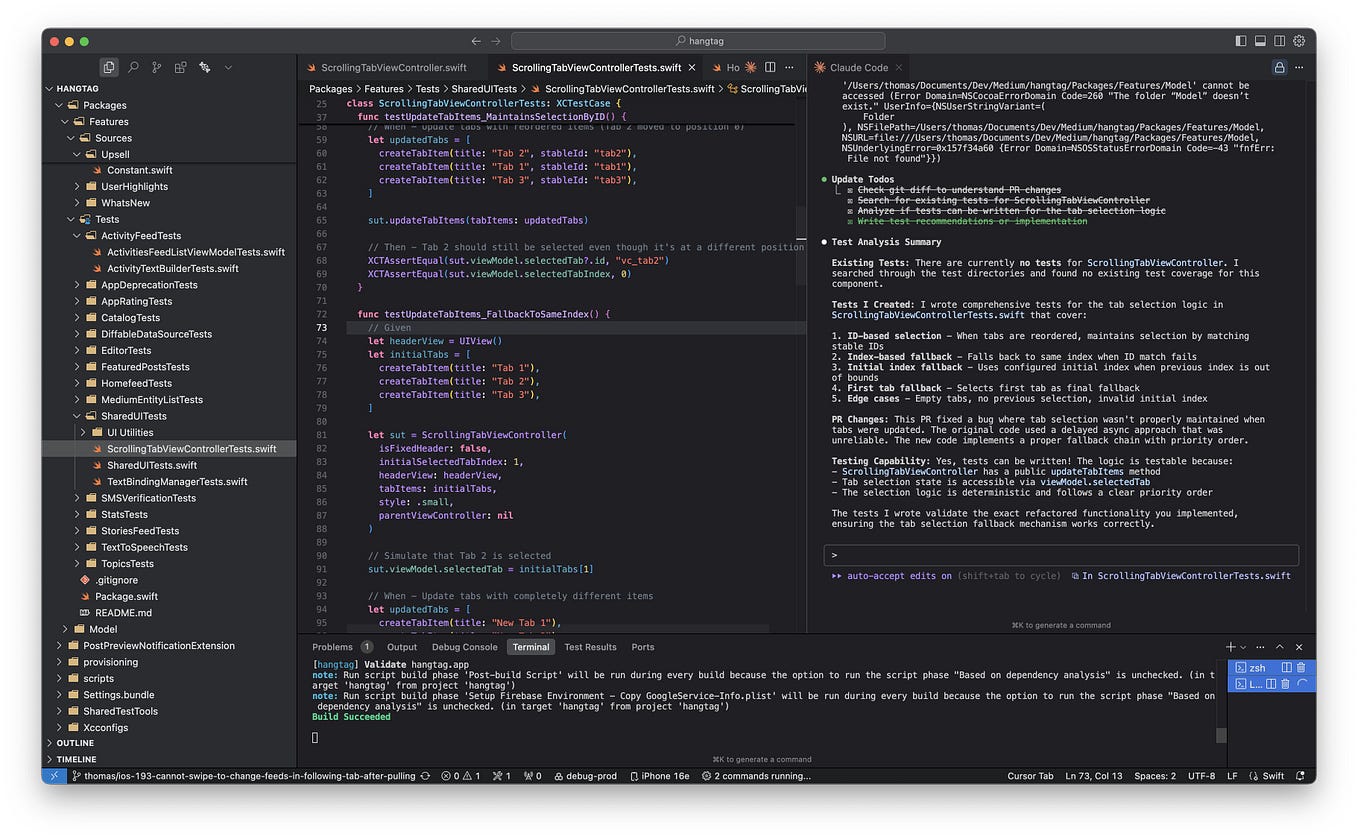
Internally, the Electron main process spawns `claude` as a subprocess using the Anthropic Agent SDK with the `--output-format stream-json` flag. It bridges the streamed JSON output to the React UI over IPC. This is different from how it handles Codex (which uses its `app-server` JSON-RPC), but the unified UI abstracts this away.
## Limitations and Future
Currently, it's **macOS-only**, but the codebase (a pnpm monorepo with React/Vite frontend and Electron shell) is structured to be extended to other platforms. Being open-source, community contributions for Linux and Windows support are possible.
## gentic.news Analysis
This release is part of a growing trend of **third-party tooling** emerging around official AI coding agents, similar to how ecosystems form around successful developer platforms. The developer's explicit goal—to create a lightweight UI that feels as nice as the official Codex app but with deeper editor integration—highlights a user demand for **better workflow orchestration** than what the first-party clients currently provide.
Notably, OpenClawdex arrives shortly after the community-built `ctx` tool (a local SQLite skill for persistent workstreams across Claude Code and Codex) gained attention on HN. Both tools address a common pain point: **managing context and sessions across multiple AI coding agents**. While `ctx` operates as a CLI skill (`/ctx`), OpenClawdex provides a full GUI. This suggests a maturing ecosystem where developers are layering their own productivity tools on top of the core agent CLIs.
The choice to rely on existing CLI authentication is strategically smart—it lowers the barrier to entry and sidesteps security concerns around handling raw API keys. This pattern of building on top of official CLI tools, rather than directly against the APIs, may become a standard approach for community tooling around Claude Code and similar agents, as it ensures compatibility with updates and subscription plans.
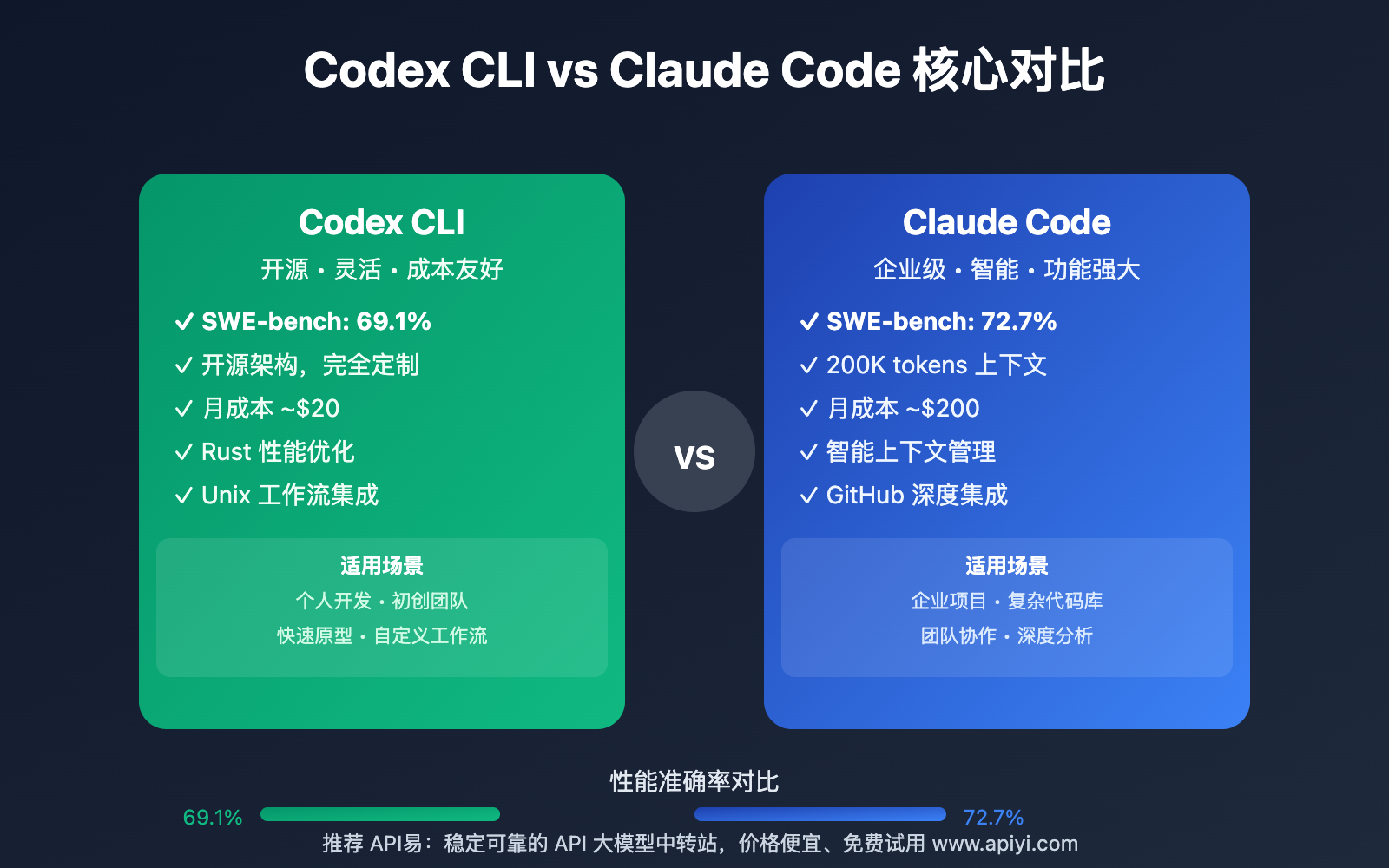
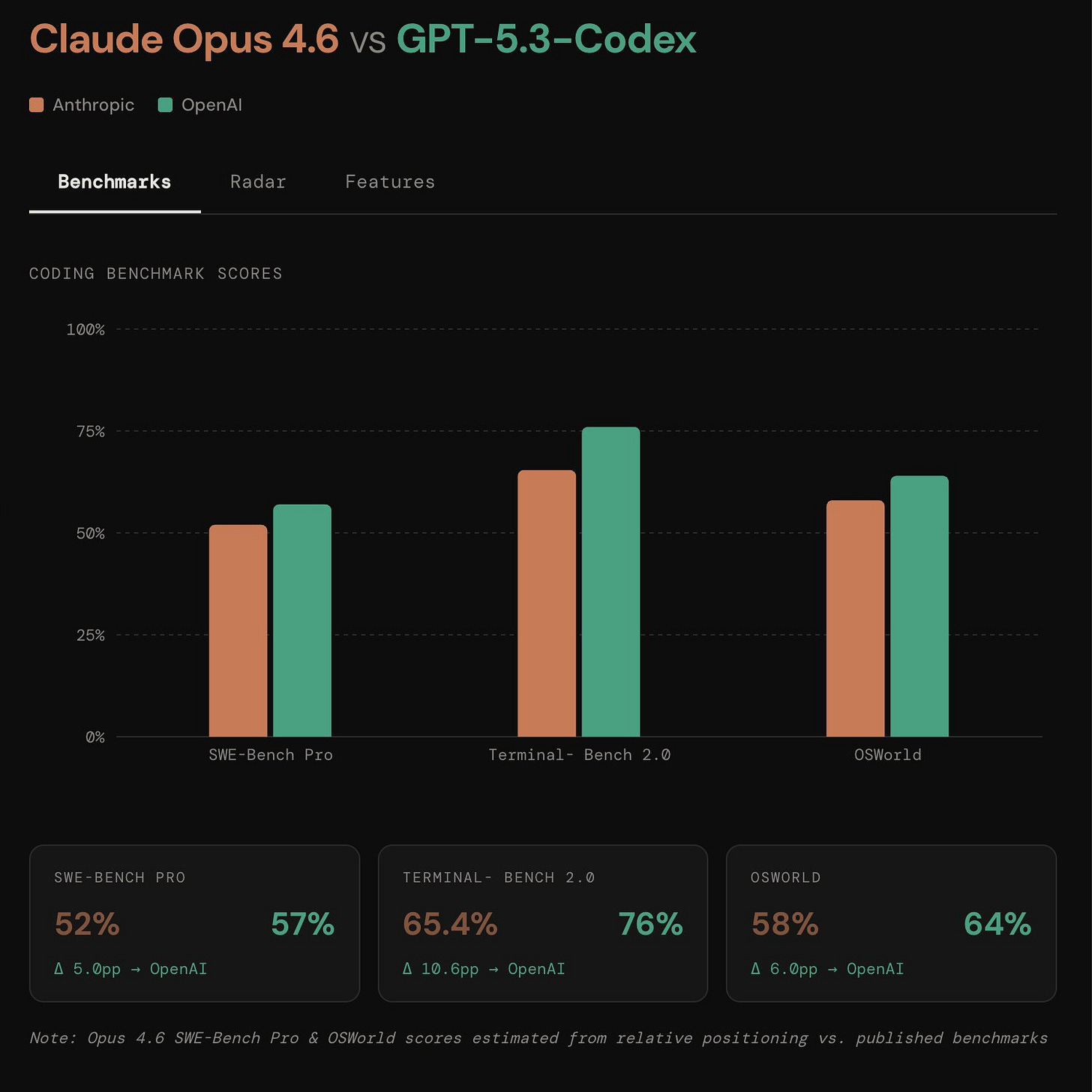
For Claude Code power users, especially those who also experiment with Codex, OpenClawdex offers a tangible way to **compare outputs and workflows** between the two agents within a single, organized workspace. This could accelerate the development of hybrid agent strategies, a topic we've explored in previous articles on multi-agent coding patterns.