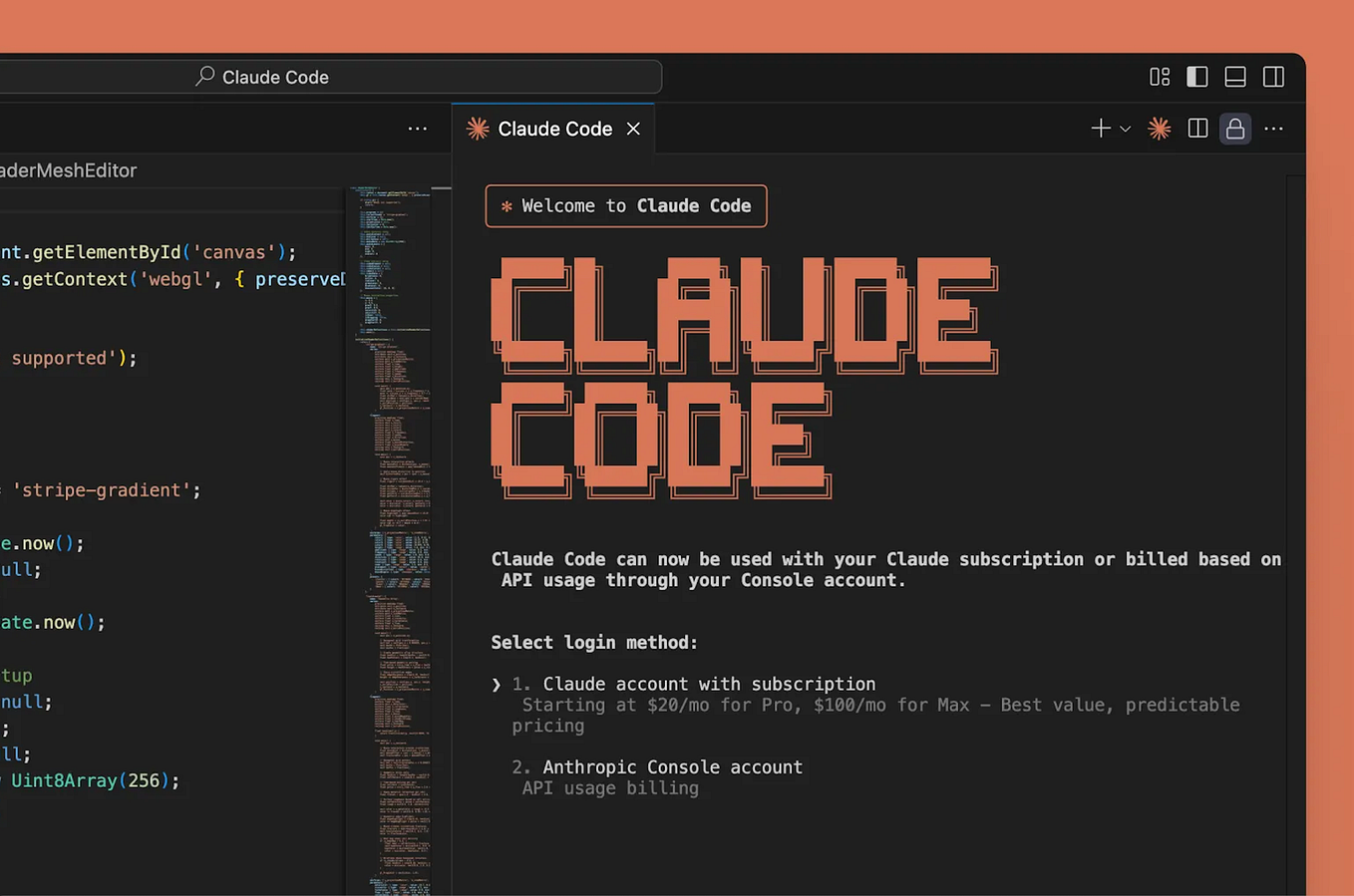
Agent hooks are the most underutilized feature in Claude Code. While most developers use Claude for reactive tasks, hooks let you define proactive behaviors that run automatically. Think of them as event listeners for your development workflow.
What Are Agent Hooks?
Agent hooks are special directives you place in your CLAUDE.md file. They tell Claude Code to execute specific actions when certain events occur, like a file being saved, a test failing, or a commit being made. They move you from "lint on save" to "orchestrate on context."
7 Hooks That Changed How I Build
Here are the exact hooks you can copy and adapt. Each includes the trigger event and the action Claude takes.
1. Auto-Documentation Hook
ON_FILE_SAVE *.py:
  - IF file contains function/class definitions WITHOUT docstrings
  - THEN generate appropriate Google-style docstrings
  - AND create/update `API_REFERENCE.md`
This ensures documentation never lags behind code changes.
2. Test-Aware Refactoring Hook
ON_CODE_MODIFICATION (refactor|rename|extract):
  - RUN related unit tests
  - IF tests fail:
    - ANALYZE test failures
    - SUGGEST fixes OR revert changes
    - CREATE `test_fix_plan.md`
Claude becomes your safety net during risky refactors.
3. Dependency Update Hook
ON_FILE_SAVE requirements.txt, package.json, Cargo.toml:
  - SCAN for outdated dependencies
  - CHECK for breaking changes in patch/minor updates
  - GENERATE update plan with risk assessment
  - CREATE PR_DESCRIPTION.md for dependency updates
Never miss a security patch or performance improvement.
4. Configuration Validation Hook
ON_FILE_SAVE *.yml, *.yaml, *.json, *.toml, *.env*:
  - VALIDATE syntax and structure
  - CHECK for deprecated keys/values
  - COMPARE against schema if available
  - FLAG inconsistencies across config files
Catches configuration errors before they cause runtime failures.
5. Architecture Consistency Hook
ON_NEW_FILE *.ts, *.js, *.py, *.go:
  - VERIFY import/package structure matches project conventions
  - CHECK file location follows established patterns
  - SUGGEST moves if file is in wrong directory
  - UPDATE `ARCHITECTURE.md` with new component
Maintains clean architecture as your codebase grows.
6. PR Preparation Hook
ON_GIT_COMMIT:
  - GENERATE concise commit message from diff
  - UPDATE CHANGELOG.md
  - CREATE `REVIEW_CHECKLIST.md` with:
    - Testing requirements
    - Documentation updates needed
    - Breaking change assessment
Turns every commit into a PR-ready change set.
7. Error Pattern Detection Hook
ON_TERMINAL_OUTPUT (error|fail|exception):
  - CAPTURE error context
  - SEARCH codebase for similar patterns
  - SUGGEST systemic fixes if pattern appears >3 times
  - CREATE `error_pattern_{timestamp}.md`
Proactively identifies recurring issues before they become tech debt.
How To Implement These Hooks
- Create or edit your
CLAUDE.mdin your project root - Add a
## Agent Hookssection at the top or bottom - Copy the hooks that match your workflow
- Customize the file patterns (e.g., change
*.pyto*.ts) - Test incrementally - start with one hook, verify it works, then add more
Why Hooks Beat Manual Prompting
- Context preservation: Hooks maintain awareness across your entire session
- Proactive assistance: Claude anticipates needs instead of waiting for prompts
- Consistency: Every team member gets the same automated checks
- Time savings: Eliminates repetitive "can you check this?" prompts
Advanced Hook Patterns
Combine hooks for powerful workflows:
ON_FILE_SAVE *.tsx:
  - RUN type check
  - IF type errors:
    - FIX automatically if simple
    - ELSE create `type_errors_{timestamp}.md` with analysis
  - RUN component tests
  - UPDATE Storybook if component API changed
Troubleshooting
If hooks aren't firing:
- Ensure
CLAUDE.mdis in your project root - Check Claude Code version (
claude --version) - hooks require v1.3+ - Verify file patterns match your actual files
- Start with simple hooks to test the mechanism
Start Small, Scale Up
Don't implement all seven hooks at once. Pick the one that addresses your biggest pain point. The auto-documentation hook (#1) is a great starting point - it provides immediate value with minimal configuration.
Agent hooks transform Claude Code from a tool you use into a partner that works alongside you. They encode your team's best practices and ensure they're applied consistently, turning tribal knowledge into automated workflow.