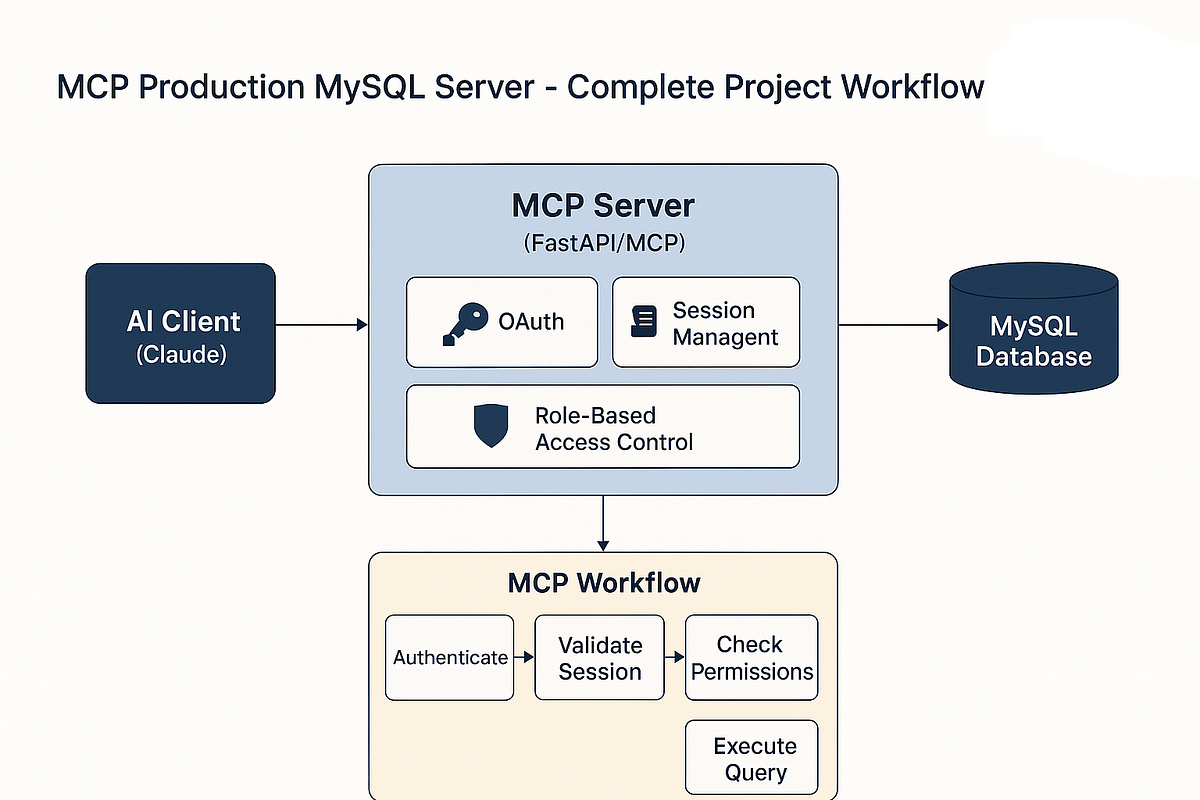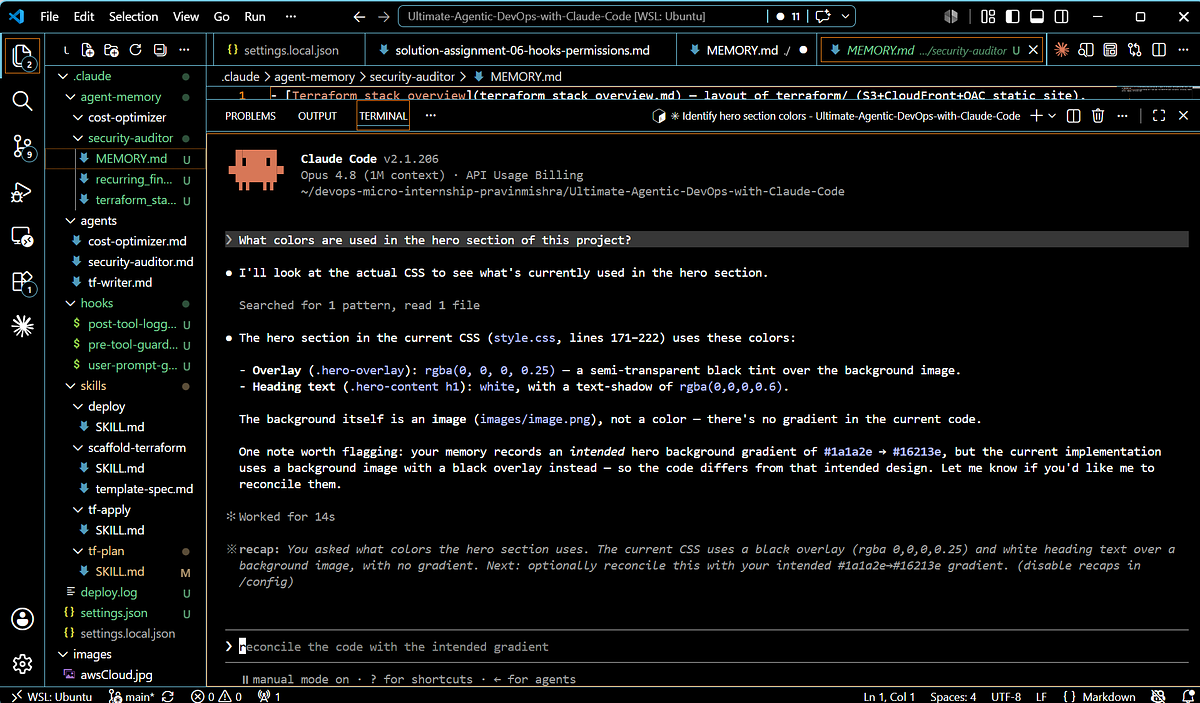
Adafruit, the open-source hardware company known for its educational electronics kits, has released a Model Context Protocol (MCP) server for MicroPython. This tool directly connects Claude Code to MicroPython-compatible development boards like the Raspberry Pi Pico, ESP32, and Adafruit's own CircuitPython devices.
What It Does
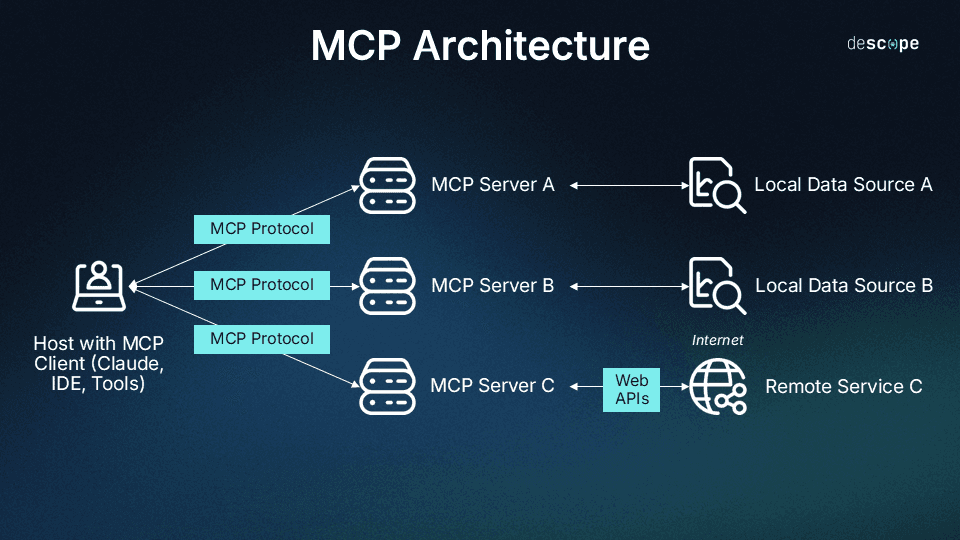
This MCP server creates a bidirectional bridge between your Claude Code session and physical hardware running MicroPython. Instead of writing code, flashing it to a device, and debugging through serial monitors, you can now:
- Execute Python commands directly on the hardware from Claude Code
- Read sensor data in real-time during development sessions
- Test GPIO pin operations without leaving your editor
- Upload and run complete scripts through Claude's interface
The server implements MCP's standard tools and resources, exposing hardware capabilities as conversational endpoints Claude can use.
Setup
Installation follows the standard MCP pattern:
# Install the server
pip install adafruit-mcp-micropython

# Configure Claude Code's settings.json
{
  "mcpServers": {
    "micropython": {
      "command": "python",
      "args": [
        "-m",
        "adafruit_mcp_micropython",
        "--port",
        "/dev/ttyUSB0"  # Your board's serial port
      ]
    }
  }
}
For wireless boards like ESP32 with WebREPL enabled:
{
  "args": [
    "-m",
    "adafruit_mcp_micropython",
    "--webrepl",
    "192.168.1.100:8266",
    "--password",
    "your_password"
  ]
}
When To Use It

This server shines in specific development scenarios:
Rapid Hardware Prototyping:
Instead of "Write code to read temperature from pin A0," you can now prompt: "Connect to the board and show me the current temperature reading from pin A0." Claude can execute the command immediately and return actual sensor data.
Interactive Debugging:
When your embedded code behaves unexpectedly, you can ask Claude to: "Run this function on the device and tell me what the accelerometer registers when I tap it." The feedback loop becomes conversational rather than compile-flash-monitor.
Educational Workflows:
Perfect for learning embedded systems. Ask Claude: "What happens if I set pin 15 high? Try it and read the voltage." Immediate hardware interaction accelerates understanding.
IoT Development:
Test WiFi connections, MQTT publishes, or sensor calibrations through natural language. "Connect to WiFi, fetch the time from NTP, and display it on the OLED" becomes a single prompt.
Limitations to Know
- Requires physical hardware connected or accessible via network
- Serial connection means one active session at a time
- Some complex debugging (like stepping through code) still needs traditional IDE tools
- Not a replacement for thorough hardware testing, but excellent for development iteration
This MCP server represents a significant step toward conversational hardware development, reducing the friction between idea and physical implementation.