Claude Code is powerful, but its ability to interact with the live web is limited. The new browser39 MCP server changes that by giving your Claude Code agent a full-featured, local headless browser.
What It Does
browser39 is a single-binary, headless web browser built specifically for AI agents. It's not just a simple fetcher—it's a complete browser environment that runs locally on your machine. Key features include:
- JavaScript Execution: Fetches and renders pages like a real browser
- Session Management: Persists cookies and sessions across requests
- DOM Querying: Lets Claude select elements via CSS selectors or JavaScript expressions
- Form Filling: Can automatically populate and submit forms
- Token-Optimized Markdown: Converts web content to markdown that's efficient for LLM consumption
- Auth Profiles: Keeps credentials separate from the LLM context for security
Setup for Claude Code
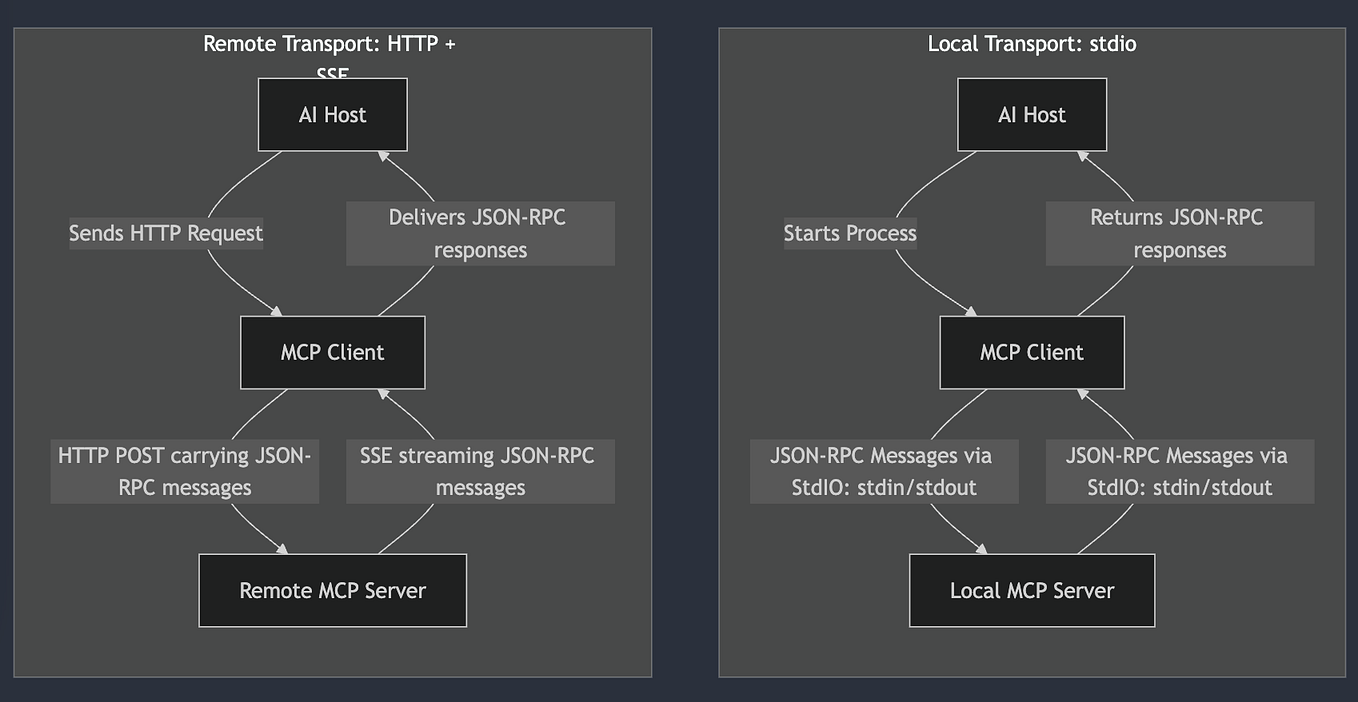
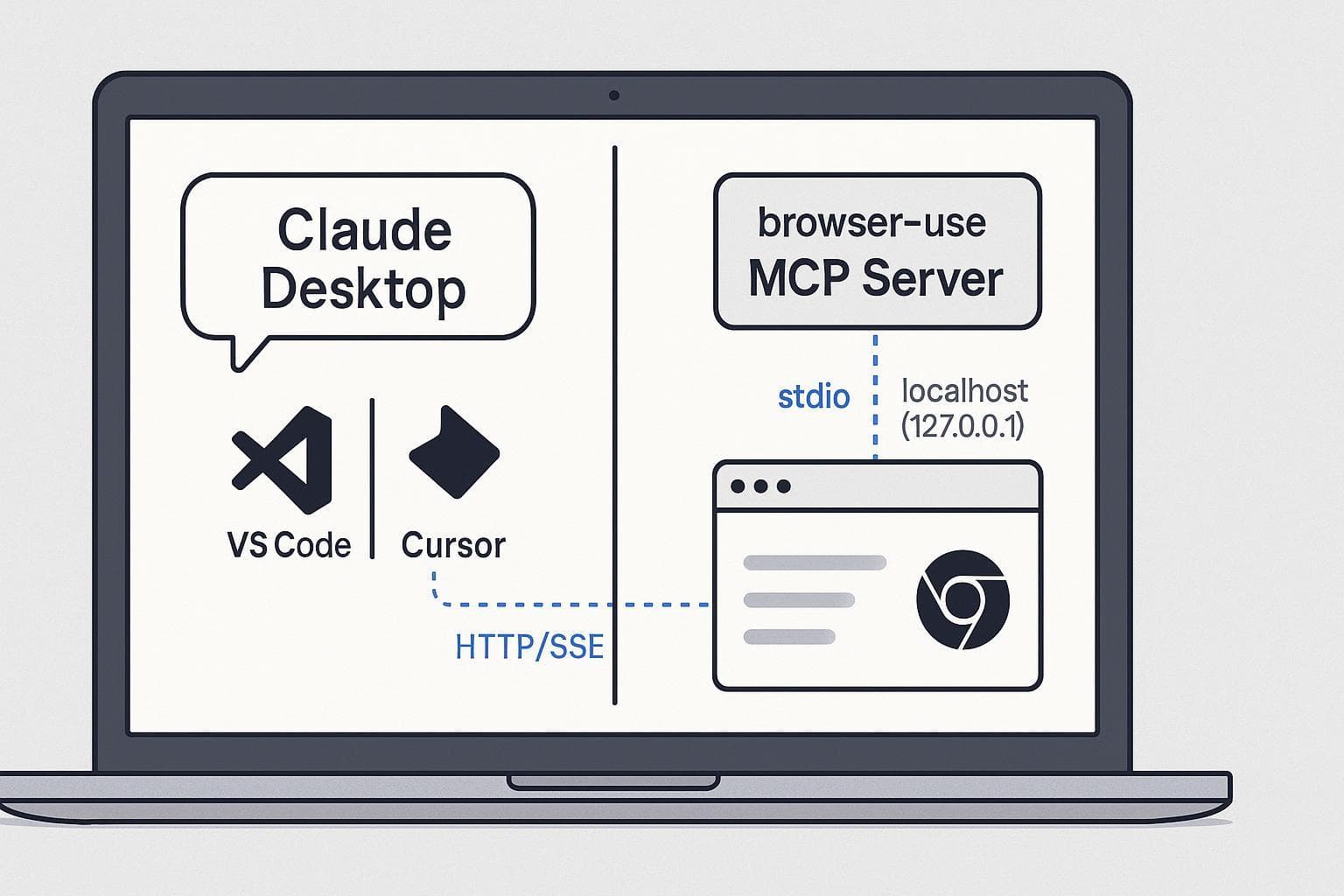
Since browser39 supports MCP (Model Context Protocol), integrating it with Claude Code takes just a few steps:
Install the binary: Download the appropriate
browser39binary for your OS from the GitHub releases.Configure Claude Code: Add the MCP server to your Claude Code configuration file (
~/.config/claude-code/claude_desktop_config.jsonon macOS/Linux):
{
  "mcpServers": {
    "browser39": {
      "command": "/path/to/browser39",
      "args": ["mcp", "stdio"]
    }
  }
}
- Restart Claude Code: The browser tools will now be available in your Claude Code sessions.
When To Use It
This MCP server shines in several specific development scenarios:
- Scraping Documentation: When Claude needs to reference the latest API docs that aren't in its training data.
- Testing Web Interactions: Automating form submissions or testing authentication flows during development.
- Research Tasks: Gathering current information from websites that require JavaScript to render content.
- Competitive Analysis: Comparing features or pricing from competitor websites.
Example Prompt
Once configured, you can prompt Claude Code like this:
Check the latest React documentation for changes to the useEffect hook API, then update our codebase accordingly.
Claude will use the browser39 tools to navigate to the React docs, find the relevant information, and then apply the changes to your local files.
Why It's Better Than Alternatives
Unlike simple HTTP fetch tools, browser39 handles modern web pages correctly. Many documentation sites, dashboards, and web applications require JavaScript to display content—browser39 executes that JavaScript locally, just like Chrome or Firefox would.
The session persistence is particularly valuable for development workflows. If you're working with a staging environment that requires authentication, browser39 can maintain that login across multiple requests without you needing to repeatedly provide credentials.
gentic.news Analysis
This tool arrives as AI agents are crossing critical reliability thresholds, according to industry leaders who marked 2026 as a breakthrough year. The browser39 MCP server directly addresses one of the key failure points identified in recent research: multi-tool coordination. By providing a unified browser interface rather than forcing Claude to coordinate between separate fetch, JavaScript execution, and DOM parsing tools, it reduces complexity and potential failure points.
The timing aligns with Anthropic's broader integration strategy—just days ago, Claude AI launched integrations with tools like Canva, Asana, and Figma. While Claude Code focuses on development workflows, the same MCP protocol enables consistent tooling across Anthropic's ecosystem.
This follows a pattern we've seen across 62 Claude Code articles this week: developers are extending Claude Code's capabilities through MCP servers rather than waiting for Anthropic to build every feature. The open MCP standard, introduced by Anthropic in late 2024, is proving to be Claude Code's secret weapon—allowing the community to build specialized tools like browser39 that make the core product more powerful for specific use cases.
For developers already using Claude Code, browser39 represents a practical upgrade to web interaction capabilities without the overhead of managing external browser automation frameworks.