Anthropic has expanded the availability of its desktop applications, Claude Code Desktop and Claude Cowork, to the Windows operating system. The official launch, announced via the company's social media channels, brings a critical capability—"computer use"—to Windows users for the first time.
What Happened
The core announcement is straightforward: the Claude Desktop applications now support Windows. Previously, these applications and their signature "computer use" feature were available primarily on macOS. The "computer use" functionality allows Claude to interact directly with a user's local computer—reading files, analyzing codebases, processing documents, and potentially executing commands within a secure, permissioned sandbox. This enables workflows where Claude can assist with tasks that require context from a user's local file system or development environment.
Context
This release is part of Anthropic's broader strategy to move beyond a pure chat interface and embed its AI models deeper into developer and knowledge worker workflows. Claude Code Desktop is tailored for software development, likely integrating with IDEs and code repositories. Claude Cowork appears aimed at general productivity, potentially handling documents, spreadsheets, and other business applications.
The "computer use" feature represents a significant shift from cloud-only AI interaction. By operating on the desktop, Claude can access local data without requiring users to upload files to a cloud service, addressing privacy, latency, and convenience concerns for enterprise and professional users.
Technical Details & Availability
While the announcement tweet is brief, the move to Windows indicates:
- Cross-Platform SDK/Engine: Anthropic has likely built or adapted the underlying engine that powers the "computer use" feature to work on Windows, handling system-level permissions and security sandboxing.
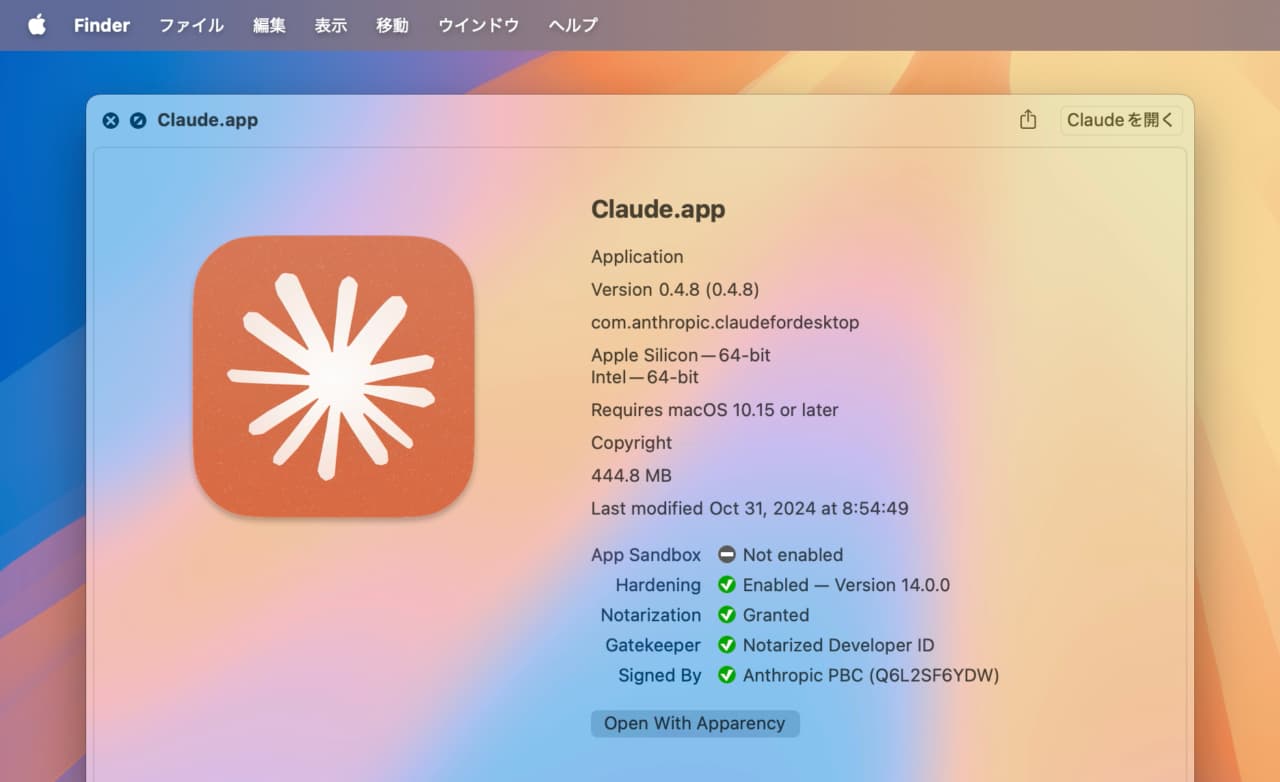
- Native Application Deployment: The release involves compiled, installable applications for Windows, not just a web wrapper.
- Feature Parity Goal: The announcement emphasizes that the key "computer use" feature is included, suggesting Anthropic is aiming for functional parity between macOS and Windows versions.
Users can presumably download the Windows versions directly from Anthropic's website. Specific system requirements, installation details, and a full feature comparison with the macOS versions were not provided in the source announcement.
gentic.news Analysis
This is a tactical but necessary expansion for Anthropic. The AI assistant market is increasingly defined by integration depth and workflow capture. By launching on Windows, Anthropic is addressing the largest desktop OS market share, which is critical for adoption in enterprise and developer environments where Windows dominates.
Strategically, this follows the pattern of AI companies building "moats" through platform-specific integrations. OpenAI has its own desktop application (ChatGPT Desktop) and deep integration with Microsoft's Copilot ecosystem. Google's Gemini is baked into ChromeOS and Android. Anthropic's play is to offer a high-performance, context-aware model (Claude 3.5 Sonnet) coupled with privileged local access via its own dedicated desktop apps. The "computer use" feature is the differentiator; it's not just a chat window but an agent capable of performing actions on the user's behalf within a defined scope.
The timing is also notable. As cloud API costs and latency remain considerations for intensive tasks, a local desktop agent that can perform multi-step reasoning and action on local data can be more efficient and private. This release suggests Anthropic is betting on a hybrid future where powerful models reside in the cloud, but their "hands and eyes" (the agentic capabilities) live closer to the user's data on the edge (the desktop).
The competitive landscape here is directly with OpenAI's ChatGPT Desktop app and Microsoft's Copilot integrated into Windows 11. Anthropic's challenge will be to convince users to install and use a separate application when competitors are offering increasingly capable and integrated experiences. Their advantage may lie in Claude's perceived strengths in coding, long-context reasoning, and a potentially more transparent approach to safety and architecture, which resonates with certain developer and enterprise segments.
Frequently Asked Questions
What is "computer use" in Claude Desktop?
"Computer use" refers to the feature that allows the Claude AI to interact with your local computer. This can include reading files (with your permission), analyzing code in your local repositories, processing documents from your hard drive, and potentially executing safe, approved commands to help you complete tasks. It's designed to turn Claude from a conversational AI into an assistant that can act on the data and applications already on your machine.
Is Claude Desktop for Windows free?
Based on Anthropic's existing model, the Claude Desktop applications are likely free to download and use. However, they require a user to have an Anthropic account and likely consume credits from a user's subscription plan (like Claude Pro) for usage beyond very limited tiers. The applications themselves are the interface; the costly resource is the underlying Claude 3.5 Sonnet or other model API calls they trigger.
How does Claude Desktop for Windows differ from using Claude in a browser?
The primary difference is the "computer use" capability. The browser version of Claude (chat.anthropic.com) cannot directly access files on your computer unless you manually upload them. The desktop application, with appropriate permissions, can navigate, read, and analyze files and folders directly. It may also offer better system integration, keyboard shortcuts, and persistent window management compared to a browser tab.
Is Claude Desktop safe? Can it access my personal files?
Anthropic designs these features with security and privacy in mind. The "computer use" feature almost certainly operates on an explicit permission model. You likely have to grant Claude access to specific directories or file types, and its actions are confined to a sandbox. It is not a system-level agent with unrestricted access. As with any software, users should review permissions carefully, but Anthropic's core constitutional AI principles place a high emphasis on safety and user control.