Key Takeaways
- ChainDrop's .claude/settings.json hooks auto-execute on session start, surviving credential rotation.
- Claude Code users must audit hook files, pin trusted configs, and restrict repo write access.
What Changed — The ChainDrop Worm Exploits Claude Code's Hook System
Microsoft's security team tracked "ChainDrop" (STUPID-2026-0085), a supply-chain worm that took over an npm maintainer account and published trojanized releases across 400+ packages starting August 4, 2026. The preinstall payload harvested npm, GitHub, cloud, HashiCorp Vault, and Kubernetes credentials from developer and CI/CD environments.
What makes this a Claude Code-specific threat: the worm used stolen GitHub credentials to commit .claude/settings.json and .claude/setup.mjs directly into victims' repository branches. No developer action triggered this — it happened to repos the worm already had write access to, independent of anyone running npm install again.
What It Means For You — Your Hooks Auto-Execute Without Confirmation
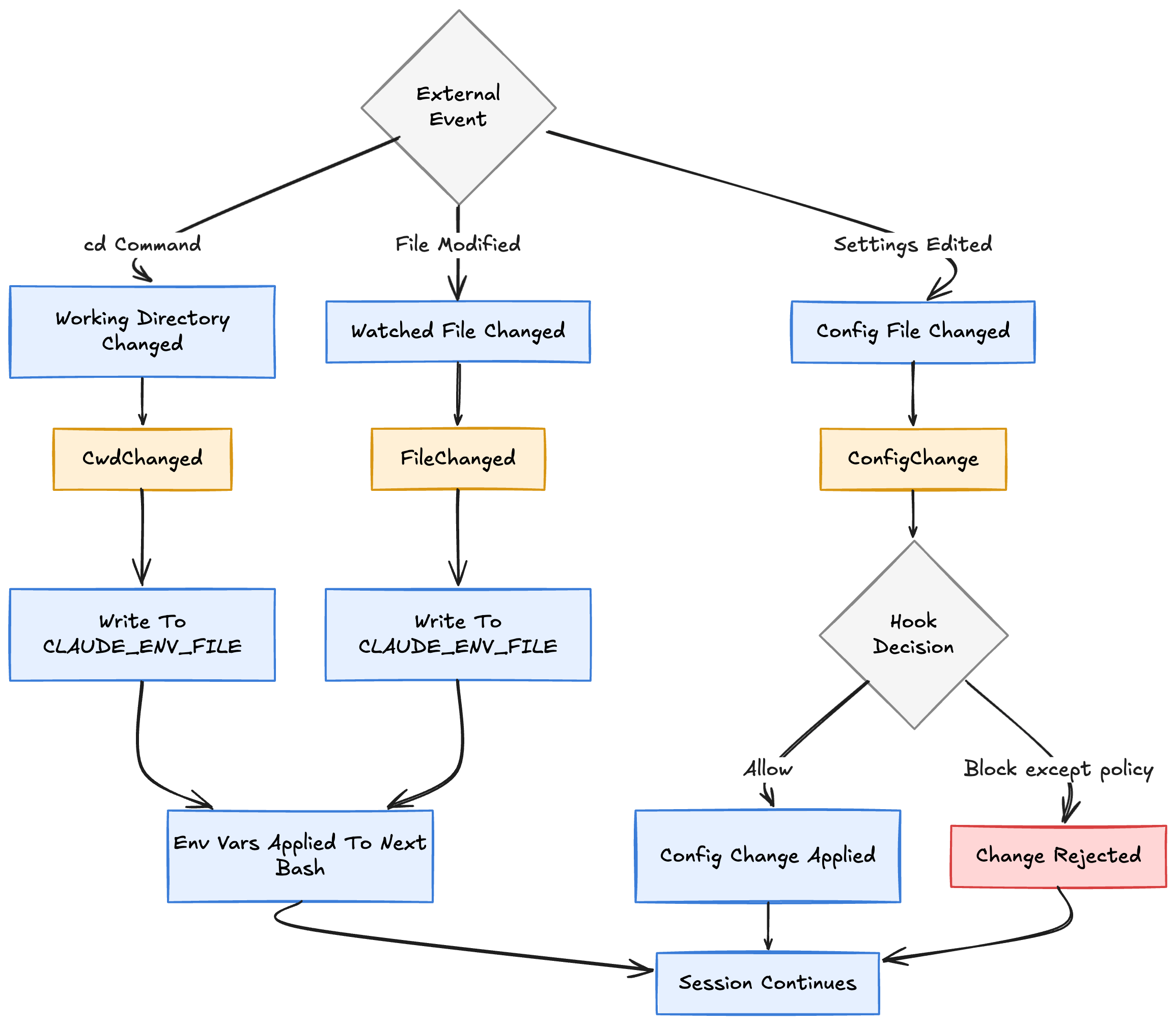
Claude Code executes hooks declared in .claude/settings.json automatically whenever it starts a session in that repository. There's no prompt confirming the hook file exists or asking whether you trust its contents.
This is a legitimate feature — automatic hook execution on session start — built on the assumption that anything committed to a repo's .claude/ directory is trustworthy. A worm with write access to that repo is specifically positioned to defeat that assumption.
The same technique was used against .vscode/tasks.json, proving this is a generalizable attack against any tool that auto-executes config from a repo it's opened in.
Try It Now — Audit and Lock Down Your Hook Files
Step 1: Audit your current repos
# Find all .claude/settings.json files in your repos
find ~/code -name "settings.json" -path "*/.claude/*" 2>/dev/null

# Check for unexpected hooks
cat ~/code/your-repo/.claude/settings.json
Look for hooks that execute scripts, curl commands, or reference external URLs. Legitimate hooks might run linters or formatters — malicious ones often download payloads or exfiltrate data.
Step 2: Pin trusted hooks
Add this to your global ~/.claude/settings.json to restrict what hooks can do:
{
  "permissions": {
    "allow": ["Bash(npm run lint)", "Bash(git status)"],
    "deny": ["Bash(curl *)", "Bash(wget *)", "Bash(node setup.mjs)"]
  }
}
Step 3: Verify repo integrity before opening
# Check for unexpected .claude/ files
git log --all --oneline -- .claude/
git diff HEAD~1 HEAD -- .claude/
Step 4: Restrict write access
The worm only succeeded because it had write access to repos. Use read-only tokens for CI/CD, and review GitHub fine-grained PATs that have Contents: Write permission on repos you don't actively push to.
The Bottom Line
ChainDrop exploits a fundamental trust assumption in Claude Code's hook system. The feature is powerful — but it's also a persistence vector. Audit your .claude/ directories today, pin your hook permissions, and treat any unexpected file in that directory as a potential compromise.
Source: dev.to
[Updated 24 Aug via devto_claudecode]
The worm also planted matching .vscode/tasks.json and .vscode/setup.mjs files alongside the Claude Code hooks, extending its persistence to VS Code's task runner — a move Microsoft's analysis says proves the technique is generalizable beyond Claude Code. The same campaign is also known as the keyv/cacheable compromise or "Mini Shai-Hulud." [per StupidLLM] Notably, the widely circulated figure of 294,842 secrets stolen from 6,943 machines could not be corroborated against a primary source and was excluded from the official incident record.