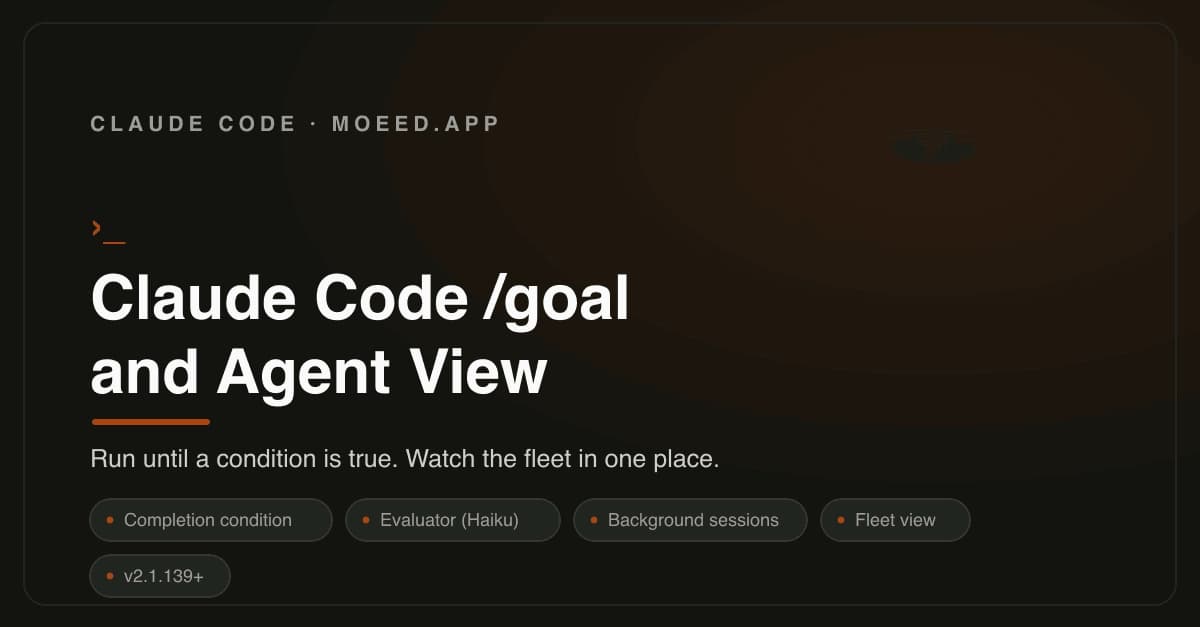
Claude Code's May 2026 update introduced /goal and Agent View for unattended multi-session workflows. The /goal evaluator uses Haiku by default, reading only session text to check completion.
Key facts
- Requires Claude Code v2.1.139 or later
- Evaluator is Haiku model by default
- Condition limit: 4,000 characters
- Agent View lists Running, Blocked, Done sessions
- Agent View on Pro, Max, Team, Enterprise, API
Claude Code's May 2026 update added two features for running the terminal-based coding agent without constant supervision: the /goal command and Agent View. They are separate but complementary, enabling unattended multi-session workflows. [According to the source]
Key Takeaways
- Claude Code /goal runs unattended until a condition is met, using Haiku evaluator.
- Agent View manages multiple background sessions.
How /goal works
Users write a single completion condition — for example, /goal all tests in test/auth pass and the lint step is clean. After each turn, instead of stopping, Claude Code asks a separate evaluator model whether the condition is true. If no, it takes another turn using the reason as guidance. If yes, the goal clears and the terminal returns. Requires v2.1.139 or later. [Per the source]
The detail most posts skip: the evaluator is a small fast model (Haiku by default). It does not run commands or open files. It only judges the text already in the session. So the condition must be something Claude can prove by what it prints. "All tests in test/auth pass" works because test output lands in the transcript. "The code is good" never will. [Source]
A well-formed condition has one measurable end state, a stated check (how Claude proves it), and constraints that must not change. It can be up to 4,000 characters. The source advises adding a clause like "or stop after 20 turns" to prevent runaway token consumption.
Comparison to other modes
/goal: next turn after previous finishes; stops when a model confirms the condition./loop: next turn on a time interval.- Stop hook: your own script decides.
/goalis actually a thin wrapper over a session-scoped Stop hook. - Auto mode: removes per-tool approvals inside a turn. Auto mode plus
/goalmeans turns run unattended and keep coming until done. [Per the source]

Agent View
Agent View is one CLI screen listing all sessions: status, last response, when last touched. Open it with the left arrow from any session, or by running claude agents. Statuses are Running, Blocked (needs user input), and Done. Peek at a session, answer inline if blocked, press Enter to attach fully. [Source]
Background sessions connect the two: /bg sends the current session to the background, and claude --bg [task] starts one already detached. Start a few goals with turn limits, background them, watch the fleet in Agent View, and step in only on Blocked or Done. Agent View is a research preview on Pro, Max, Team, Enterprise, and Claude API plans. [Per the source]
The unique take: Claude Code is moving from a single-session tool to a multi-agent orchestrator. The Haiku evaluator is a cheap gatekeeper — it doesn't execute code, just reads output. This means /goal is only as reliable as the session transcript's signal. The architectural bet is that terminal output is sufficient ground truth for task completion, which works for deterministic tasks (tests passing) but fails for subjective goals (code quality).
What to watch
Watch for Anthropic to expand Agent View beyond research preview to all plans, and whether /goal adoption drives token consumption spikes in Pro/Max plan limits. Also watch for Haiku evaluator to be swapped for a cheaper model as Anthropic scales multi-session usage.
[Updated 22 May via devto_claudecode]
Claude Code now holds a 91% CSAT and 54 NPS — the highest of any coding tool JetBrains surveyed in 2026 — and 46% of engineers named it the tool they love most, 2.4x Cursor's 19% [per JetBrains Research, 2026]. Adoption climbed from ~3% in April 2025 to 18% in January 2026, a 6x jump, while Cursor flatlined at ~18% over the same period [per The Pragmatic Engineer, 2026]. The recommended setup for most professionals: Claude Code Max 5x ($100) as the primary tool plus Cursor Pro ($20) as the editor, running Claude Code inside Cursor's terminal.
[Updated 23 May via devto_claudecode]
The new comparison reveals that 70% of engineers now run two to four AI tools simultaneously, with 15% running five or more [per The Pragmatic Engineer, 2026], reinforcing Claude Code's role as primary agent alongside Cursor as editor. The source also notes that Cursor's credit-pool model can burn ~$45 in a single day when using Opus 4.7, whereas Claude Code's session-cap model avoids this cost trap — a practical differentiator for individual developers [per devto_claudecode].