Key Takeaways
- Anthropic's postmortem reveals three regressions in Claude Code: reasoning effort, context retention, and verbosity changes.
- Here's how to diagnose and fix them.
What Changed — The Confirmed Regressions
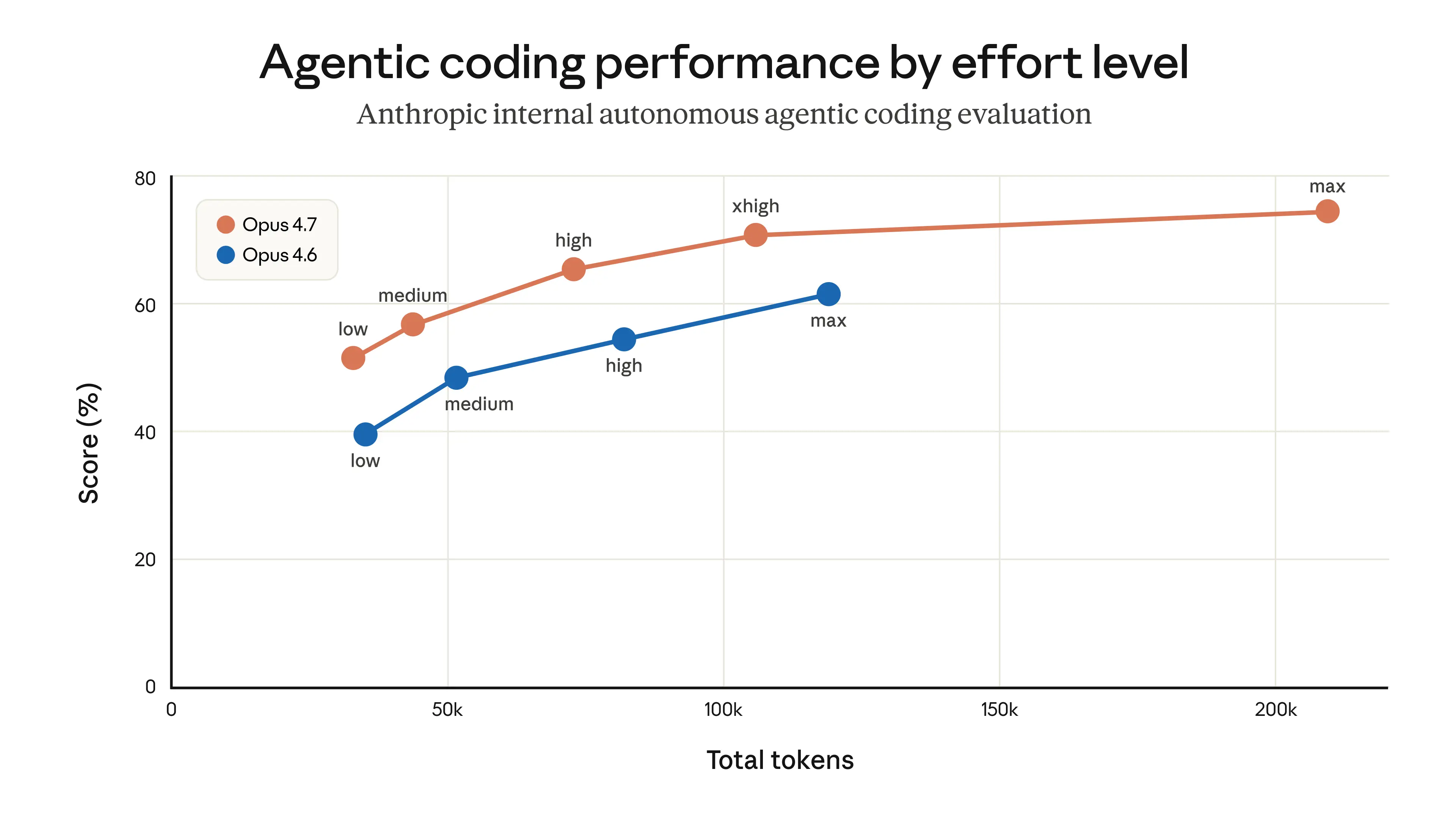
A recent Hacker News thread titled "Is it just me or is Claude Code getting worse?" struck a nerve. The user, paying €200/month, reported degraded performance since the 1M context window was introduced with Claude Opus 4.6.
Another commenter pointed to Anthropic's own postmortem, which confirmed three specific regressions:
- Default reasoning effort changed — Claude Code became less thorough in its analysis
- Context/thinking retention degraded — The agent forgets earlier instructions mid-session
- System prompt reduced verbosity — Responses became shorter and less careful
These aren't user perception issues. They're documented changes that impact every Claude Code user.
What It Means For You
If you've noticed Claude Code:
- Skipping steps it used to take
- Forgetting instructions from earlier in the same session
- Giving shorter, less detailed answers
- Making more mistakes on multi-file edits
It's not your imagination. The model is behaving differently because of deliberate (and possibly unintended) changes to the system prompt and default settings.
Try It Now — Diagnose and Mitigate
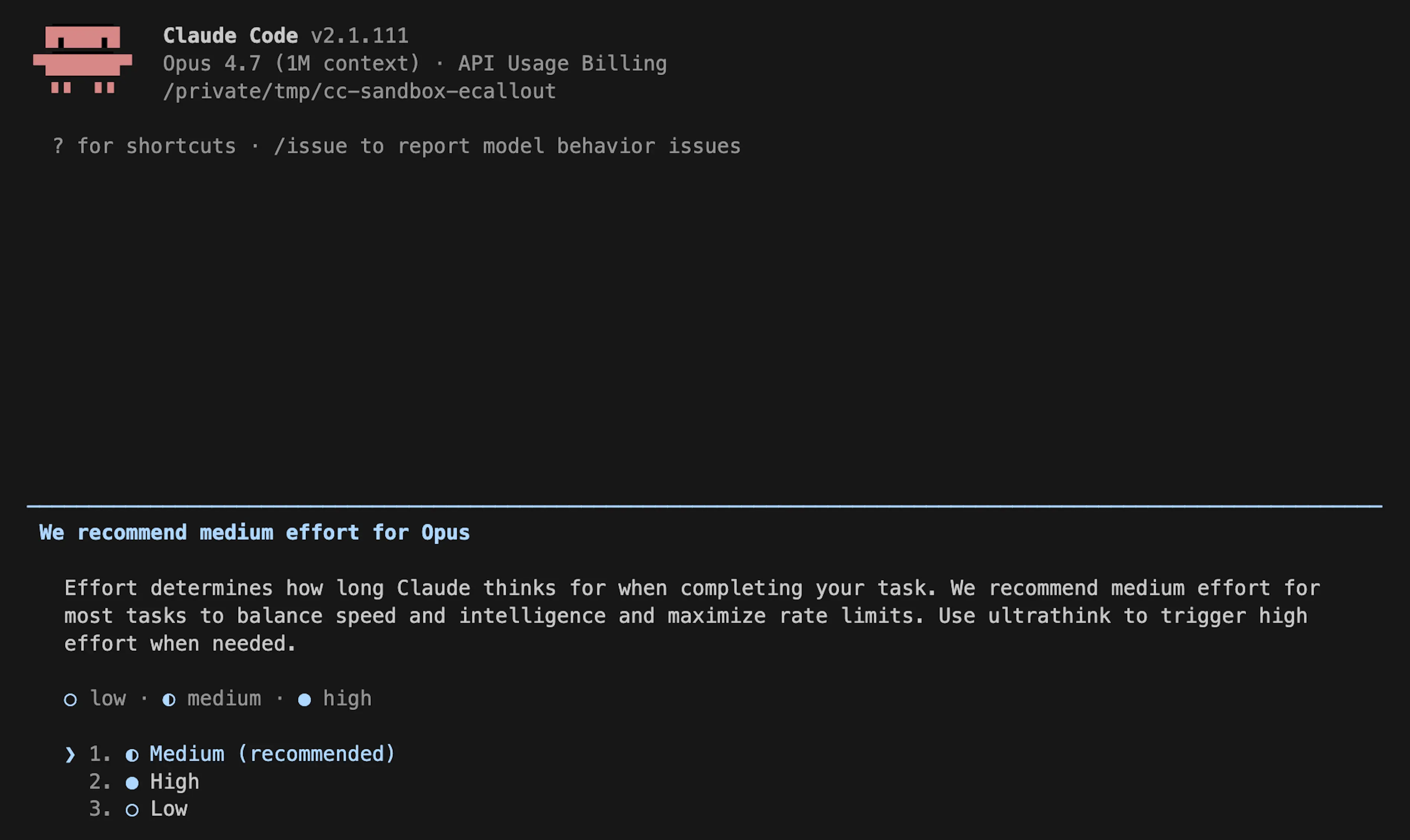
1. Fix the reasoning effort explicitly
Anthropic's postmortem mentions the default reasoning effort changed. You can override this. Add to your CLAUDE.md:
# Reasoning Configuration
Always use extended reasoning effort for code generation and debugging tasks.
Or pass it directly:
claude code --reasoning-effort high
2. Start fresh sessions more often
The context retention regression means longer sessions degrade faster. Instead of continuing a 50-message session, break work into smaller chunks:
# Instead of one long session
claude code "Refactor auth module"
claude code "Add tests for auth module"
claude code "Update docs for auth module"
Each task gets a fresh context window with full attention.
3. Compare against a fixed baseline
Before blaming a stale session or prompt drift, run the same task in a fresh session with explicit effort settings. Create a repeatable test:
# Create a test script
claude code --reasoning-effort high "Refactor this function to use async/await"
Run it against your actual codebase and compare results week-over-week.
4. Watch for the verbosity change
If Claude Code is giving shorter answers, ask it to elaborate. Add to your prompts:
"Be thorough. Include all edge cases and error handling. Don't skip steps."
The reduced verbosity is a system prompt change — you can override it with explicit instructions in your prompt.
The Bigger Picture
This isn't unique to Anthropic. As the HN commenter noted, even Codex has "super weird time limits." The economics of running these models at scale are brutal. Companies are constantly balancing quality against cost.
Anthropic recently announced plans for an IPO as soon as October 2026 and signed a $100 billion AWS infrastructure deal. The pressure to reduce inference costs is real.
But for daily users paying €200/month, the degradation is unacceptable. The good news: most of it is fixable with the right configuration.
gentic.news Analysis
This is a critical moment for Claude Code users. We've covered Claude Code extensively (651 articles and counting — it's trending with 31 articles this week alone). The tool has become essential for many developers, but reliability is its Achilles' heel.
Anthropic's postmortem is refreshingly transparent — most companies don't admit to regressions. But transparency doesn't fix the workflow disruption. Our advice: treat Claude Code sessions as disposable. Start fresh, set effort explicitly, and build repeatable tests.
This follows a pattern we've seen across AI coding tools. As models get larger and context windows expand, the "harness" — the system prompt and agent logic — becomes the bottleneck. Claude Code's architecture (direct file system access, shell access, multi-file editing) amplifies any regression in the underlying model.
For now, the workaround is clear: don't trust the defaults, and don't trust long sessions. Lock in your settings explicitly in CLAUDE.md and start fresh for each task.
[Updated 30 Apr via hn_claude_code]
A new developer report on Hacker News adds concrete user-side evidence: on a complex Python monolith, Claude Code required more correction rounds than Codex, especially for architectural placement. The user noted Claude 'more often creates new tools instead of first searching the codebase for existing ones' and 'reads too little code before choosing where to put new functionality.' However, for frontend work, Opus 4.6 outperformed Codex 5.3 and GPT-5.4. This aligns with Anthropic's confirmed regressions — reduced reasoning effort and context retention directly explain the extra back-and-forth [per HN user comment].