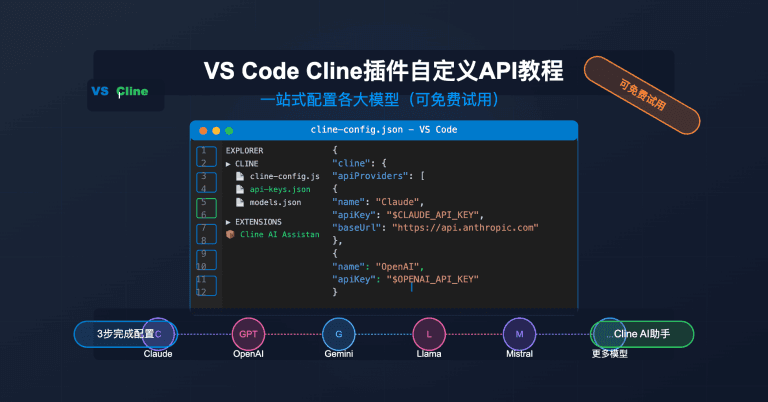
Cline v4.0.0 is a major release that overhauls the VS Code extension's runtime, introduces a plugin marketplace, and adds long-requested quality-of-life features like queued prompts and message editing. If you use Cline (or are evaluating it alongside Claude Code), here's what you need to know.
Key Takeaways
- Cline v4.0.0 introduces a plugin marketplace, queued prompts, and an SDK rewrite.
- Claude Code users get new extensibility and reliability features.
What Changed

The headline feature is the Customize marketplace—a built-in hub for discovering and managing Skills, MCP servers, and Plugins directly from the VS Code extension. You can now browse, install, uninstall, enable, and disable these add-ons without leaving your editor.
Cline Plugins are the most significant addition. They let you extend Cline with custom tools, workflows, skills, and MCP-powered capabilities. Think of them as reusable packages that add specialized behavior—connect to external services, run custom automations, or adapt Cline to your team's workflow.
Under the hood, the extension has been migrated to a shared Cline SDK. This SDK now handles agent turns, tools, Plan/Act mode coordination, MCP, checkpoints, telemetry, provider changes, compaction, mistake limits, and task history. The result is a unified, more reliable runtime.
Other key additions:
- Queued prompts: Messages submitted while Cline is already working are now queued and shown while the current turn streams. You can cancel them before they run.
- Edit-and-regenerate support: You can now edit previous user messages and regenerate responses—no more deleting and retyping.
- ClinePass: A new subscription service with onboarding, provider selection, and live model lists.
- Generic SDK provider settings: More providers share the same model picker, reasoning controls, and configuration persistence.
What It Means For You
If you're a Claude Code user evaluating Cline, the plugin marketplace is the biggest differentiator. While Claude Code relies on MCP servers for extensibility, Cline now offers a curated marketplace where you can install plugins that bundle tools, workflows, and MCP servers together. This lowers the barrier to extending your AI coding assistant.
The queued prompt feature addresses a common frustration: sending a message while the agent is busy and having it ignored. Now your input is queued and processed in order.
The SDK rewrite means better stability and fewer edge-case bugs. The changelog lists dozens of fixes for terminal reliability, tool-result truncation, and provider switching.
Try It Now
- Install Cline v4.0.0 from the VS Code marketplace or update your existing installation.
- Open the Customize marketplace by clicking the new "Customize" button in the Cline panel. Browse plugins, MCP servers, and skills.
- Install a plugin (e.g., a code review plugin or a database connector) and enable it. Cline will automatically refresh MCP servers after installation—no manual restart needed.
- Test queued prompts: Start a long-running task, then send another message while it's working. You'll see it queued and processed afterward.
- Edit a previous message: Click the edit icon on any of your past messages, make changes, and click regenerate.
For Claude Code users, this release signals where the ecosystem is heading: curated marketplaces for AI coding extensions. Expect similar features in Claude Code's future updates.
Source: github.com
[Updated 28 Jun via cline_releases]
The release also temporarily disables subagents in the VS Code extension while the SDK-backed experience is stabilized, and removes the legacy Explain Changes feature as part of the migration cleanup [per GitHub changelog]. Additionally, command auto-approval is now disabled by default for safer new and reset configurations, with a streamlined UI. The MCP hub refreshes automatically after marketplace installs, so newly installed servers are available without a manual restart.


