Key Takeaways
- FastMCP from the official Python SDK v1.x turns type-hinted functions into MCP tools.
- Add @mcp.tool() to any function and Claude Code discovers it via tools/list and tools/call JSON-RPC calls.
What Changed — FastMCP Makes MCP Servers Trivial in Python
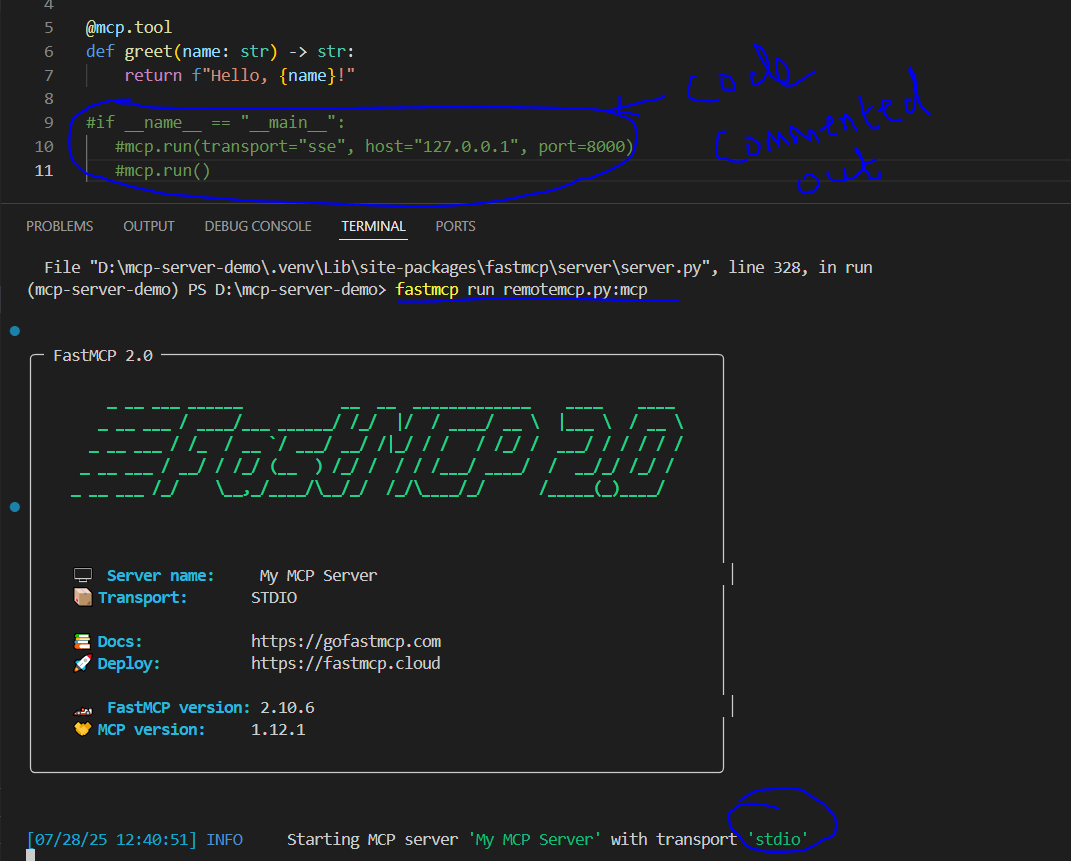
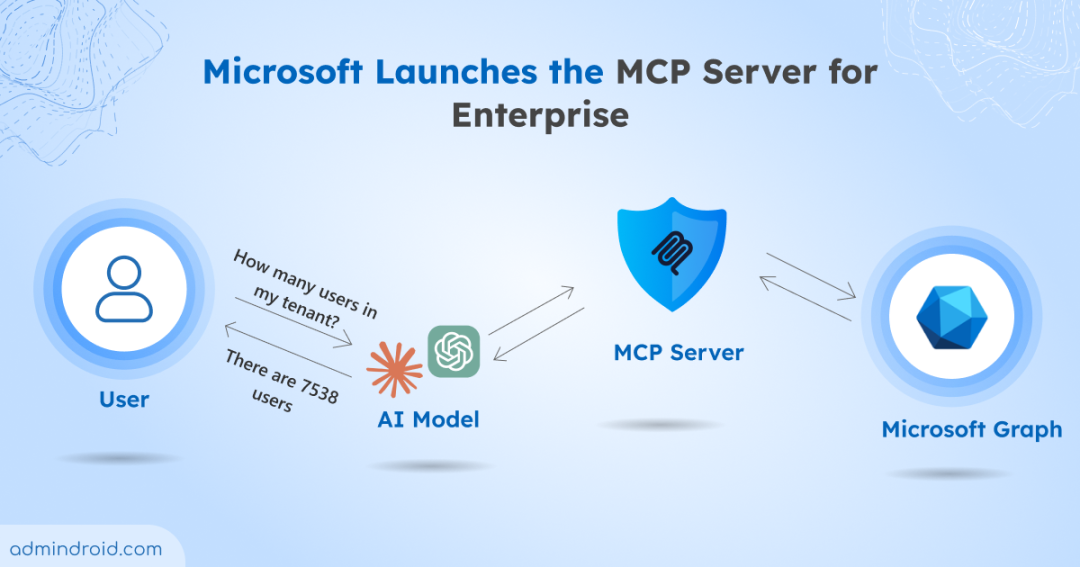
The Model Context Protocol (MCP) solves the M×N integration problem: without it, every agent framework needs bespoke glue code for every tool. With MCP, you write the server once and any MCP-aware host—Claude Code, Claude Desktop, VS Code, or your own agent—can consume it.
The Python SDK's FastMCP class (stable v1.x, not the alpha v2) is the fastest way to get started. It turns a plain, type-hinted, docstring-described Python function into a full MCP tool endpoint—no hand-written JSON Schema, no boilerplate wire protocol code.
What It Means For You — Concrete Impact on Daily Claude Code Usage
If you've been writing custom tools for Claude Code by hand, you're doing extra work. With FastMCP:
One server powers all MCP hosts. Write your tool once. Claude Code, Claude Desktop, VS Code extensions, and custom agents all discover and call it through the same protocol.
Validation is built-in. The example in the source validates account IDs with a regex before acting on untrusted model input—a critical security pattern you should copy.
Two transport options:
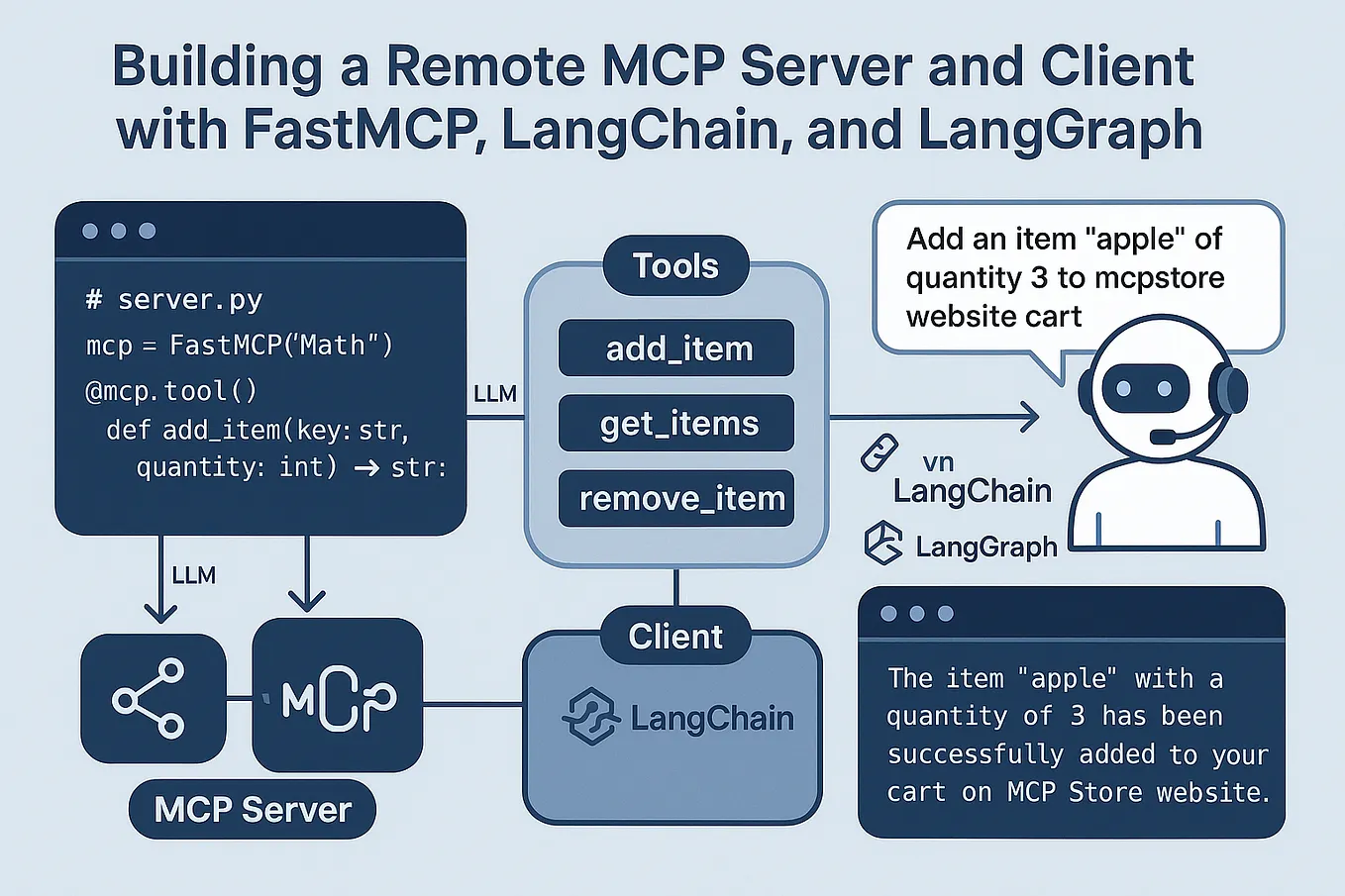
stdiofor local subprocess (one client per server) and Streamable HTTP for remote servers with bearer-token auth.
Try It Now — Build Your First MCP Server in 10 Minutes
Setup
uv add "mcp[cli]"
Server code (accounts_server.py)
import re
from mcp.server.fastmcp import FastMCP

mcp = FastMCP("accounts-server")

ACCOUNTS = {"ACC-100001": 542.10, "ACC-100002": 12.50}
ACCOUNT_ID_PATTERN = re.compile(r"^ACC-\d{6}$")

@mcp.tool()
def get_account_balance(account_id: str) -> str:
    """Look up the balance for an account by ID.

    Args:
        account_id: Account ID, e.g. ACC-100001.
    """
    if not ACCOUNT_ID_PATTERN.match(account_id):
        raise ValueError("Invalid account ID format")
    balance = ACCOUNTS.get(account_id)
    return f"Balance for {account_id}: ${balance}" if balance is not None \
        else f"No account found for {account_id}"
Run it
python accounts_server.py
Then configure Claude Code to connect by adding the server path to your claude.json or MCP settings.
Key patterns to steal
- Validate model-provided input before using it. The regex whitelist in the example is non-negotiable for production tools.
- Use
@mcp.resource()for read-only data the model should load into context (like account summaries) without triggering an action. - Pin to v1.x. The v2 alpha is not production-ready per the official SDK README.
When to Use MCP vs Direct Tool Calls
MCP is overkill if your tool lives in one process, one agent, one language. Use direct function calls or @tool decorators for that. Reach for MCP when:
- Multiple agents or hosts need the same tool
- The tool runs as a separate service (remote or microservice)
- You want to decouple tool development from agent framework choices
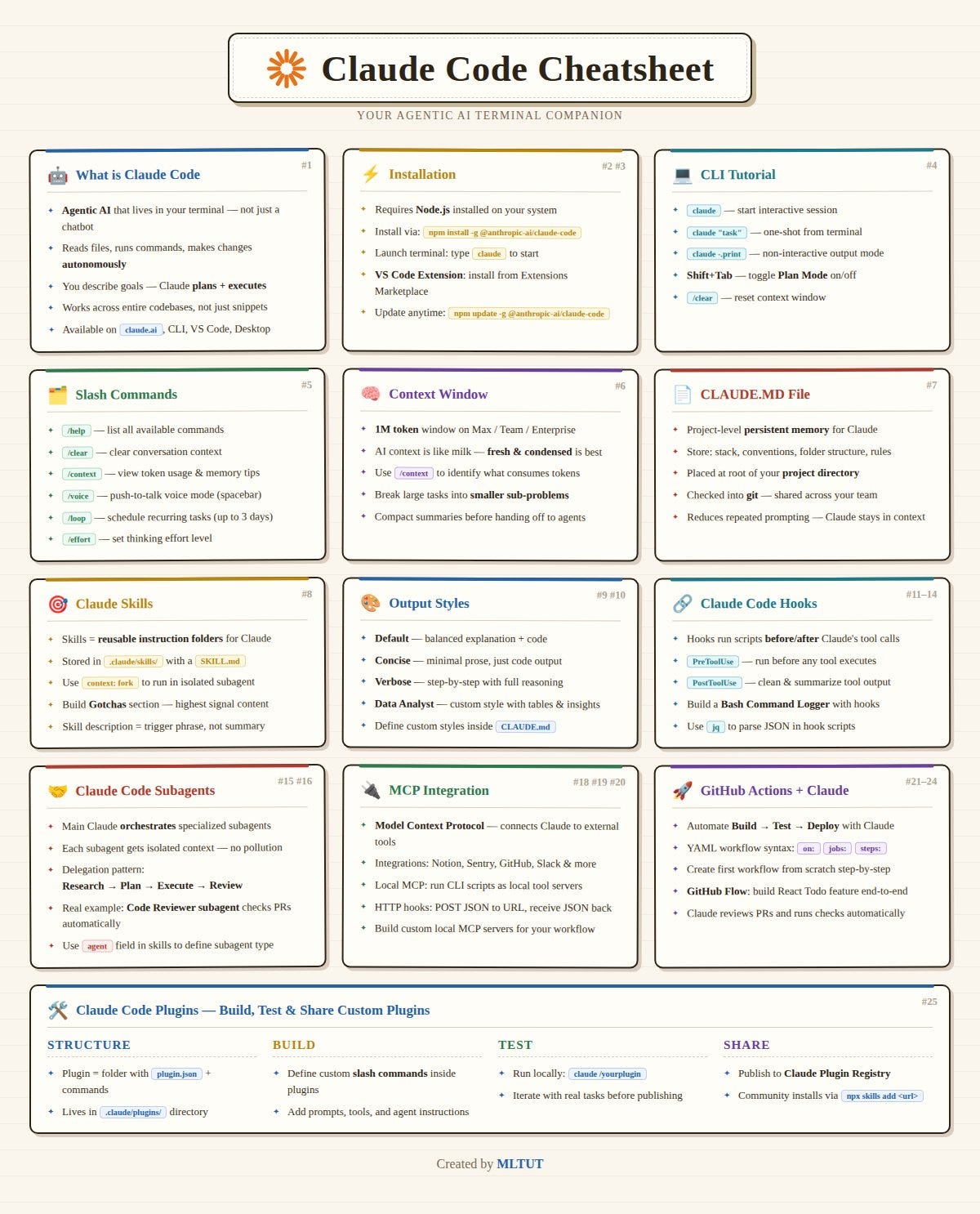
For Claude Code users, MCP servers are the standard way to add custom capabilities. FastMCP makes building them as simple as writing a function.
Source: dev.to
[Updated 07 Jul via devto_mcp]
Practical sandboxing tests confirm that even Anthropic's own reference filesystem MCP server (@modelcontextprotocol/server-filesystem) can be safely isolated using gVisor, Google's userspace kernel. In a recent audit, the server was run inside a gVisor sandbox with --network none, --read-only, and --cap-drop ALL, then probed with 60+ adversarial inputs across six attack categories including path traversal, SSRF, command injection, and credential access. The server scored 10/10 (low risk) — it made no network calls, wrote to no sensitive paths, and spawned no unauthorized processes [per dev.to].