Gemini users can now generate Google Workspace files directly in chat, removing manual copy-paste steps.
What Happened

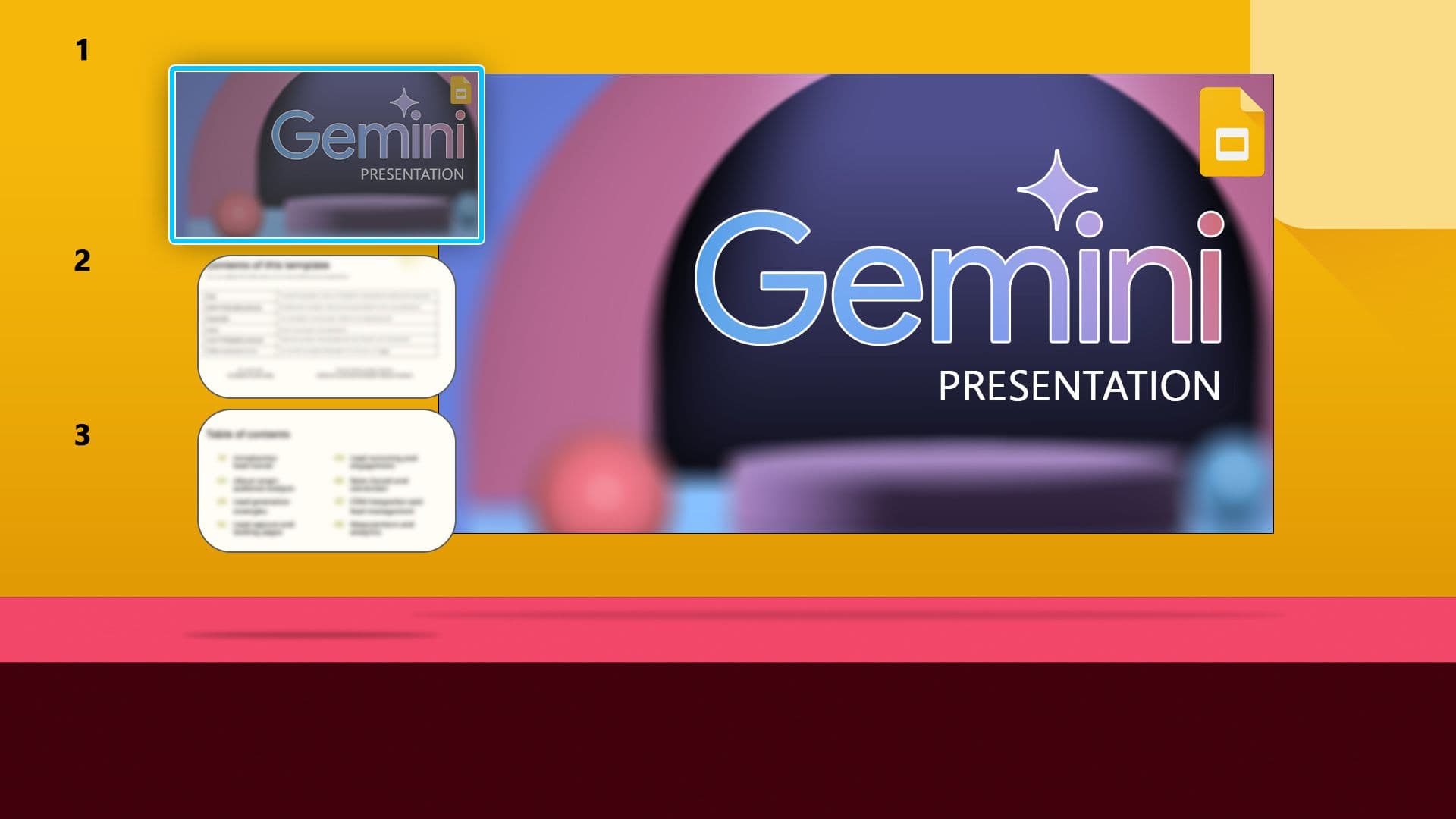
Google CEO Sundar Pichai announced a new Gemini capability: users can now ask the AI assistant to create Google Docs, Sheets, Slides, and PDFs directly within the chat interface. The feature removes the manual copy-paste workflow that previously required users to export AI-generated content into separate applications.
"You can now ask Gemini to create Docs, Sheets, Slides, PDFs, and more directly in your chat. No more copying, pasting, or…" Pichai wrote in a post on X (formerly Twitter).
How It Works
The integration connects Gemini's conversational interface with Google Workspace's document creation APIs. When a user requests a document — for example, "Create a project plan in Docs" or "Make a budget spreadsheet in Sheets" — Gemini generates the content and directly instantiates it as a new file in the user's Google Drive.
The exact file formats supported include:
- Google Docs — text documents with formatting
- Google Sheets — spreadsheets with data and formulas
- Google Slides — presentations with slides and content
- PDFs — portable document format files
This is a significant workflow improvement over the previous state, where users had to generate text in Gemini, manually copy it, open the target app, paste, and reformat.
Context

This move is part of a broader trend among AI assistants to embed directly into productivity ecosystems. Microsoft's Copilot already integrates deeply with Office 365, allowing similar file generation within Word, Excel, and PowerPoint. Google's approach differs by making Gemini the central interface that then dispatches files to the appropriate Workspace app.
Google has been progressively deepening Gemini's integration with its productivity suite. Earlier this year, Gemini gained the ability to summarize Gmail threads and Google Drive documents. The new file creation capability extends Gemini from a passive summarizer to an active content generator that produces structured, shareable outputs.
What This Means in Practice
For everyday users, the feature eliminates friction in common workflows:
- Drafting a meeting agenda → Gemini creates a formatted Doc
- Generating a budget → Gemini creates a Sheets file with categories and formulas
- Building a pitch deck → Gemini creates a Slide deck with placeholder slides
- Creating a report → Gemini generates a PDF ready to share
The key benefit is speed: what previously took 4-5 steps (prompt, copy, open app, paste, format) now takes one command.
Frequently Asked Questions
Does this feature require a Google Workspace subscription?
Yes, the ability to create files in Google Docs, Sheets, and Slides is available to users with Google Workspace accounts. Free Gmail users may have limited access depending on their region and account type. Google has not yet specified exact tier restrictions.
Can Gemini edit existing documents, or only create new ones?
Pichai's announcement focused on creating new files. It's not yet clear whether Gemini can open an existing Doc and make changes. That capability would require deeper integration with Workspace's editing APIs, which may come in a future update.
Is this available on mobile or only desktop?
The feature works within the Gemini chat interface, which is accessible on both web and mobile apps. Since the file creation happens server-side and saves to Google Drive, it should work across platforms. However, Google has not detailed platform-specific limitations.
How does this compare to Microsoft Copilot's Office integration?
Microsoft's Copilot can generate Word documents, Excel spreadsheets, and PowerPoint presentations directly within those applications. Google's approach is more chat-centric: Gemini acts as the command center, creating files that then open in the appropriate app. Both achieve similar end results but through different user experience paradigms.