A recent, data-driven study by GitHub has provided concrete evidence for what many developers have suspected: the primary bottleneck for AI-powered coding assistants is not raw capability, but a profound lack of context. By analyzing over 2,500 custom instruction files from public repositories, GitHub's research team identified the precise characteristics that separate highly effective agent setups from weak, unproductive ones.
The findings directly challenge the notion that simply throwing a more powerful model at the problem will yield better results. Instead, they point to a critical need for structured, layered context that teaches the AI the specific conventions, patterns, and boundaries of a given team or project.
What the Study Found: The Anatomy of an Effective Agent
The core insight from the analysis is that vague, generic instructions lead to vague, generic—and often incorrect—output. The researchers categorized instruction files and correlated them with their perceived effectiveness based on usage patterns and community feedback.
Effective Setups were characterized by:
- A Specific Persona: The agent is given a clear role (e.g., "Senior Frontend React Developer," "Security Auditor," "Python Data Engineer").
- Exact Commands: Instructions include precise terminal commands to run, linters to invoke, or validation steps to follow.
- Defined Boundaries: Explicit rules state what the agent cannot do, such as modifying certain files, using specific patterns, or accessing production data.
- Examples of Good Output: The instructions provide concrete, in-context examples of desired code style, commit messages, or test structures.
Weak Setups, in contrast, were typically "vague helpers" with instructions like "be helpful" or "write good code," offering no clear job description or project-specific guardrails. The result, as noted in the study, is that "the first PR is often off-target and requires multiple rounds of correction."
GitHub Copilot's Implementation: A Layered Customization System
This research wasn't purely academic; it directly informed the design of a new, sophisticated customization system within GitHub Copilot. The system is built on three distinct, composable layers of context.
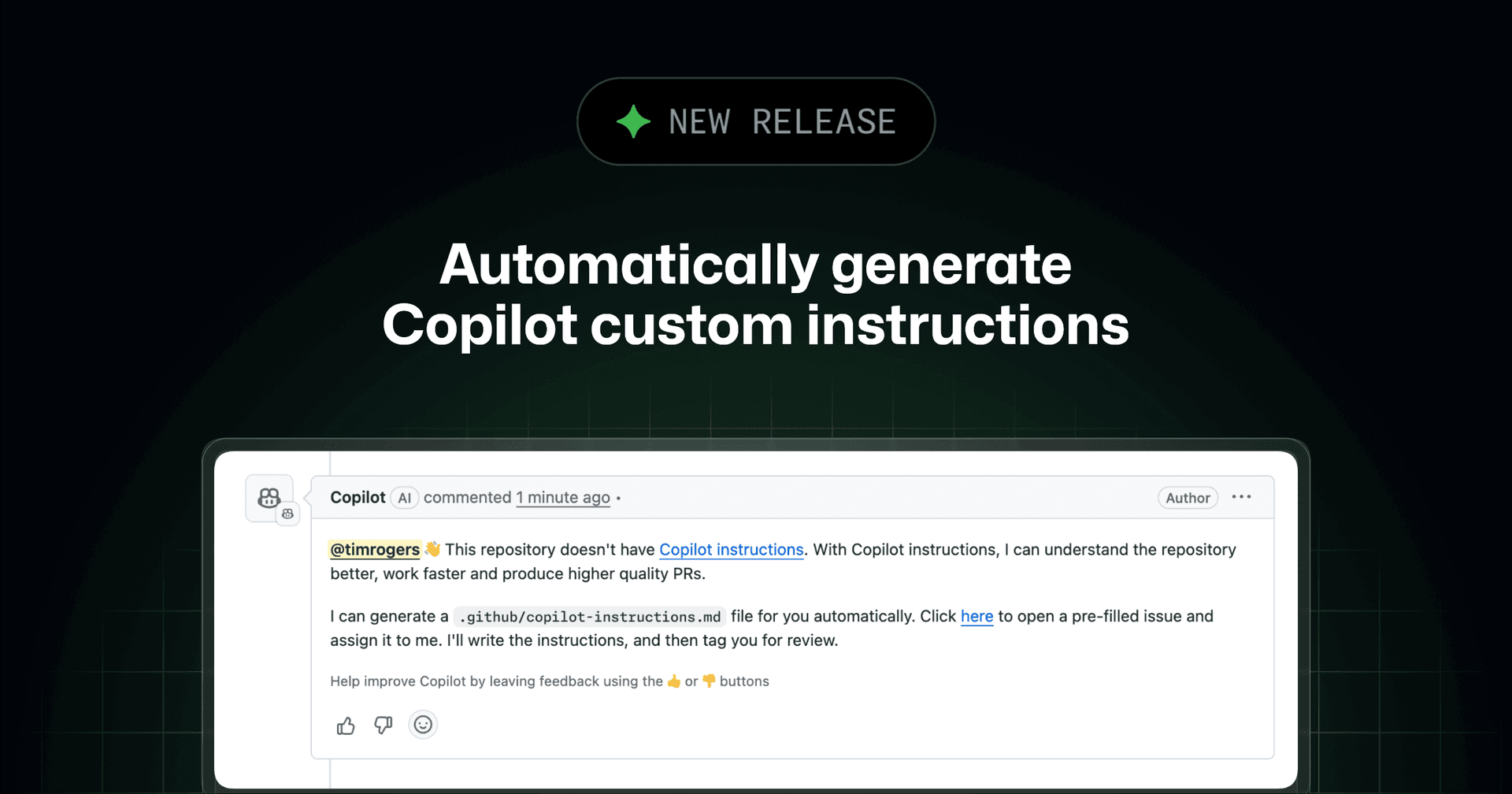
1. Repository-Level Rules (.github/copilot-instructions.md)
This is the foundation. A single file at the root of a repository defines project-wide defaults that the agent reads before generating any code. This includes:
- Coding conventions (e.g., "Use double quotes for strings in JavaScript")
- Naming standards (e.g., "Use
camelCasefor variables,PascalCasefor React components") - Security defaults (e.g., "Never suggest hardcoded API keys")
- Prohibited patterns (e.g., "Avoid using
eval()")
2. Path-Specific Instructions (.github/instructions/)
For granular control, teams can create instruction files in a dedicated .github/instructions/ directory. These files use a YAML frontmatter key, applyTo, to target specific file paths or patterns.
---
applyTo:
- "**/*.ts"
- "**/*.tsx"
---
# Instructions for TypeScript files
Always use explicit return types on functions.
Prefer `interface` over `type` for object definitions.
Use the project's custom `Logger` utility instead of `console.log`.
This ensures that TypeScript-specific rules only activate when the agent is working on .ts or .tsx files, preventing conflicts with rules for Python or configuration files.
3. Custom Agents (.github/agents/)
The most advanced layer is the introduction of custom agents. These are defined in .agent.md files within a .github/agents/ directory. Each file defines a specialized persona with its own:
- Purpose & Persona: A detailed description of the agent's role.
- Tool Access: Specific permissions for what it can run (e.g., read-only access, ability to execute linters).
- MCP Server Connections: Integration with Model Context Protocol servers to pull in dynamic context from databases, linters, or other tools.
For example, a security-auditor.agent.md could be configured with read-only access to the codebase and instructions to run specific security linters (like bandit for Python or npm audit) before flagging potential vulnerabilities. A test-writer.agent.md would be instructed to follow the team's specific testing pyramid and mocking patterns.
Organizational Scaling and Inheritance
A key feature for enterprise adoption is the ability to define these configurations at an organization level. By placing instruction and agent files in a .github-private repository, conventions for frontend frameworks, backend patterns, and security policies can be inherited automatically across all repositories in the organization. This eliminates configuration drift and ensures consistency without requiring every team to duplicate and maintain their own setup files.
gentic.news Analysis
This GitHub study and the subsequent Copilot feature rollout represent a pivotal shift in the AI-assisted development landscape. For the past two years, the dominant narrative has been a relentless pursuit of larger models and better benchmarks on tasks like HumanEval or SWE-Bench. While those metrics measure raw code generation capability, this research highlights the critical gap between a model that can write code and an agent that effectively writes code for your specific project.
This move aligns with a broader industry trend we've been tracking: the transition from generic, one-size-fits-all AI tools to highly contextual, customizable AI systems. We saw an early signal of this with Cursor's introduction of project-level .cursorrules files, which allowed developers to define project-specific patterns. GitHub's implementation, however, is significantly more granular and systematic, with its three-tiered approach and support for custom, tool-augmented agents. It also directly addresses a competitive pressure point against Amazon Q Developer and JetBrains AI Assistant, which have emphasized deep IDE and AWS integration for context.
The introduction of custom agents connected via the Model Context Protocol (MCP) is particularly significant. MCP, pioneered by Anthropic for Claude, is becoming a standard for connecting LLMs to tools and data sources. GitHub's adoption signals a move towards an ecosystem where a developer's AI assistant is not a monolithic tool, but a composable system of specialized sub-agents—a security bot here, a test writer there—all operating within strictly defined boundaries. This architectural pattern mitigates key risks like prompt injection or unwanted tool access, making enterprise adoption more feasible.
The success of this approach will depend on how seamlessly developers can create and maintain these instruction sets. The next frontier will likely be tools that can automatically infer project conventions from existing codebases to bootstrap these configuration files, reducing the initial setup friction that the study itself identifies as a major hurdle.
Frequently Asked Questions
What is the main finding of the GitHub study on AI coding agents?
The study found that the biggest obstacle for AI coding agents is a lack of structured context, not a lack of raw coding ability. Effective agents are given specific personas, exact commands, defined boundaries, and examples, while weak agents operate on vague, generic instructions that lead to off-target code requiring multiple correction rounds.
How do I set up custom instructions for GitHub Copilot in my repository?
You can set up a three-layer system: 1) Create a .github/copilot-instructions.md file for project-wide rules. 2) Add path-specific .md files in a .github/instructions/ directory, using applyTo frontmatter to target file types. 3) Define specialized custom agents as .agent.md files in a .github/agents/ directory, specifying their persona, tool access, and MCP connections.
What are custom agents in GitHub Copilot?
Custom agents are specialized AI personas defined in .agent.md files. Each agent has a specific role (like "Security Auditor" or "Test Writer"), its own set of permissions for tools and file access, and can be connected to external data sources via the Model Context Protocol (MCP). This allows for a team to have multiple, purpose-built assistants instead of one general-purpose one.
Can I share Copilot agent configurations across multiple repositories in my organization?
Yes. By placing instruction files (.copilot-instructions.md) and custom agent definitions (.agent.md files) in a central .github-private repository, you can configure organization-wide defaults. These configurations are then inherited by all other repositories in the organization, ensuring consistency in coding conventions, security policies, and agent behavior without manual duplication.