What It Does — Real-Time Secret Scanning for Claude Code
The GitHub MCP Server now includes a secret scanning tool that works with MCP-compatible AI coding agents, including Claude Code. When you ask Claude to check your code for secrets, it can invoke GitHub's secret scanning engine on your current changes. The server returns structured results showing exactly where potential secrets are located in your codebase.
This feature is currently in public preview and requires repositories with GitHub Secret Protection enabled. It scans based on your prompts and instructions, giving you control over when the scanning happens.
Setup — How to Configure It with Claude Code
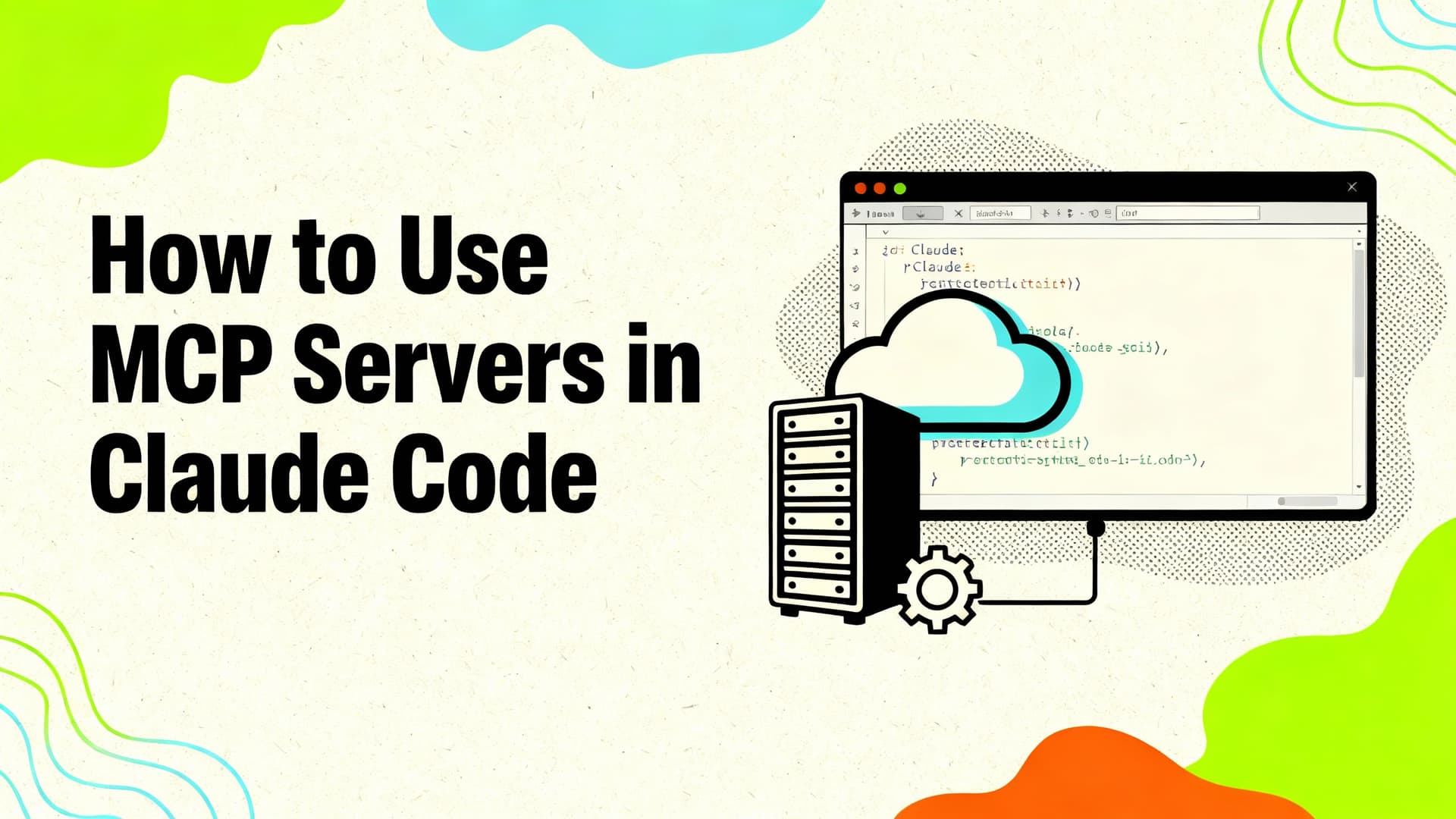
First, you need to set up the GitHub MCP Server in your development environment. Since Claude Code supports MCP servers, you can add this as another tool in your toolkit.
For the most tailored experience, install the GitHub Advanced Security plugin. While the source mentions specific commands for GitHub Copilot CLI (/plugin install advanced-security@copilot-plugins), the key insight for Claude Code users is that this MCP server functionality is available through the standard MCP integration.
Once configured, you can prompt Claude to use the secret scanning tool. The server sends your code to GitHub's scanning engine and returns structured results with file paths and line numbers.
When To Use It — Your New Pre-Commit Safety Net
Use this tool right before committing code or opening pull requests. The most effective prompt pattern is direct and specific:
Scan my current changes for exposed secrets and show me the files and lines I should update before I commit.
This prompt structure works because it:
- Specifies the scope ("current changes")
- Requests actionable output ("files and lines I should update")
- Includes the context ("before I commit")
You can also integrate this into your regular workflow by adding secret scanning checks to your CLAUDE.md file or running it as part of your code review process with Claude.
Why This Matters for Claude Code Users
Recent MCP developments show that adding structured 'skills' descriptions to MCP tools can reduce agent token usage by 87% (March 16, 2026). This GitHub MCP Server integration follows that pattern—it's a specialized tool that does one thing well, which means Claude can use it efficiently without consuming excessive context window space.
However, be aware of MCP security considerations. A recent vulnerability (March 16, 2026) identified that MCP config with Docker can leak orphaned containers from Claude Code sessions. Always ensure your MCP server configurations follow security best practices.
Try It Now
- Set up the GitHub MCP Server in your environment
- Configure it with your Claude Code setup
- Test with this prompt: "Please use the GitHub secret scanning tool to check my unstaged changes for any exposed credentials."
- Review the structured results and fix any issues before committing
The tool works best when you're about to commit code—it's your last line of defense against accidentally pushing secrets to your repository.