The Technique — A Strategic CLAUDE.md for Daily Operations
While many developers use Claude Code for writing functions or debugging, one of the world's top AI voices uses it differently: as a central command hub for her entire workday. Her approach centers on a meticulously crafted CLAUDE.md file that transforms Claude Code from a coding assistant into a full productivity agent.
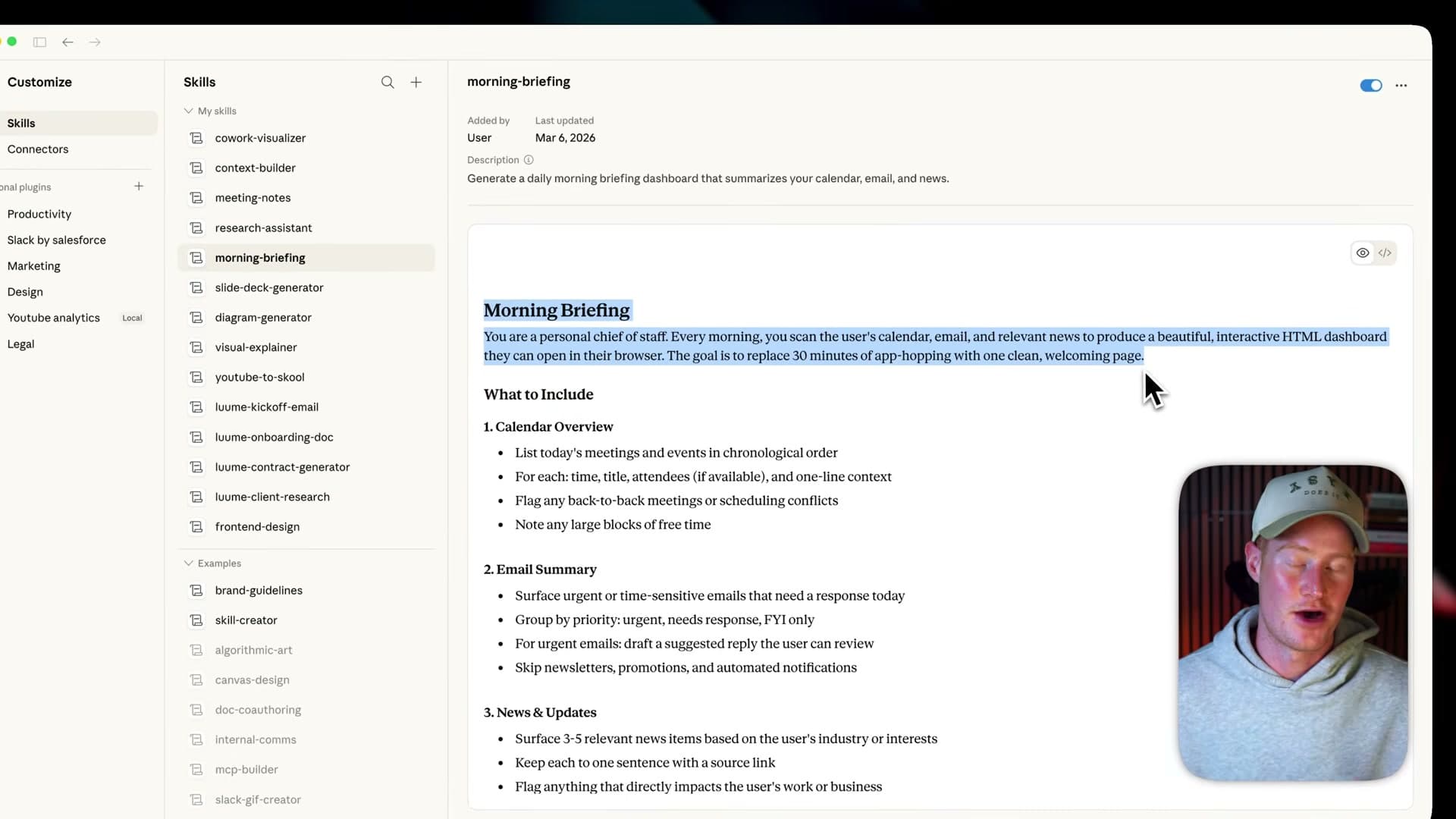
Her CLAUDE.md doesn't just contain project context—it includes her daily routines, communication templates, priority frameworks, and decision-making criteria. This allows her to delegate administrative and strategic tasks directly through the terminal.
Why It Works — Context-Aware Task Execution
This works because Claude Code maintains session awareness across requests. When her CLAUDE.md includes her daily priorities, meeting schedule, and communication style, Claude can execute tasks with appropriate context without needing repetitive explanations.
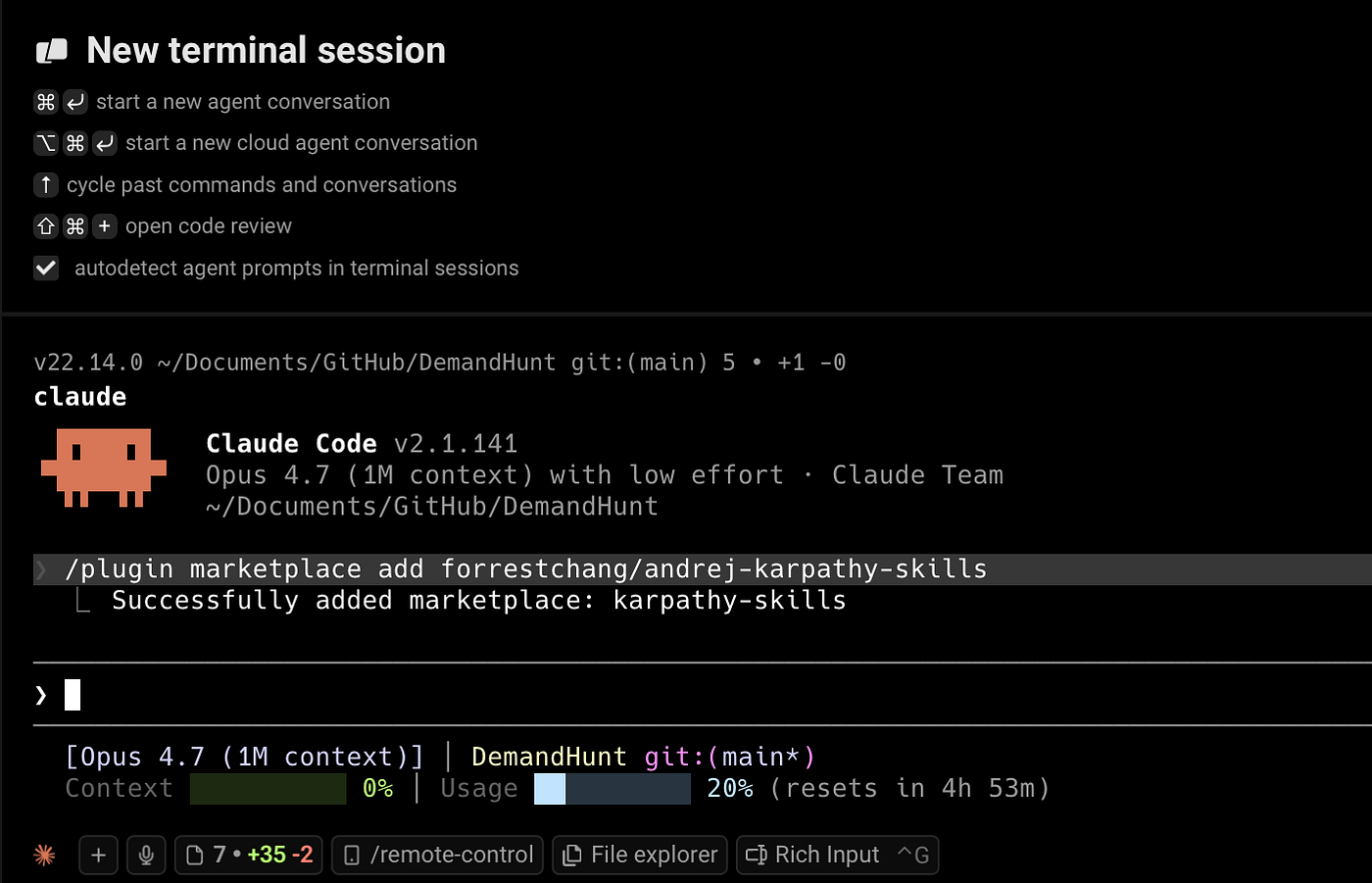
For example, instead of prompting "draft an email about the project update," she can simply type claude code "email team about Q2 roadmap changes" and Claude generates a message that matches her tone, includes the right stakeholders, and references previous discussions—all because that context lives in her CLAUDE.md.
How To Apply It — Building Your Productivity CLAUDE.md
Start by creating a ~/.claude_daily.md file that includes:
## Daily Operating Context

### Current Priorities (Week of March 25)
- Finalize Q2 engineering roadmap
- Review PRD for new authentication system
- Prepare board update for Thursday

### Communication Style
- Emails: Concise, bullet points for action items
- Meeting notes: Decisions > discussions > next steps
- Slack: Use threads, tag relevant teams

### Common Task Templates

#### Email Drafting
- Always include: Clear subject line, recipient-specific context, specific asks
- Never include: Open-ended questions without proposed next steps

#### Meeting Preparation
- Required: Agenda sent 24h in advance, decision points highlighted
- Output: Action items assigned during meeting, notes distributed within 1h

#### Document Review
- Focus on: Clarity of requirements, technical feasibility, timeline alignment
- Flag: Unclear acceptance criteria, missing edge cases
Then reference this file in your project-specific CLAUDE.md:
## Project Context
[Your usual project setup here]

## Daily Context
See ~/.claude_daily.md for my current priorities and communication preferences.
Now you can execute daily tasks with minimal prompting:
# Instead of lengthy prompts
claude code "prep for 3pm engineering sync - focus on sprint velocity blockers"

# Claude knows your meeting prep style from CLAUDE.md
# and generates appropriate agenda and talking points
Advanced Integration — Beyond Basic Tasks
The AI strategist takes this further by having Claude Code:
- Triage her inbox by analyzing email content against her priorities
- Generate weekly reports by pulling from her task tracking system
- Prepare stakeholder updates with context-aware talking points
- Research topics with her specific evaluation criteria baked in
Her key insight: Claude Code isn't just for code—it's for any structured thinking work that benefits from your personal context and preferences.
Getting Started Today
- Create your
~/.claude_daily.mdwith the sections above - Add one priority area each day this week
- Start with simple tasks like "draft response to email about X"
- Gradually expand to more complex workflows like meeting preparation
Within a week, you'll have a personalized productivity agent that understands how you work and can handle routine tasks without constant supervision.