Key Takeaways
- Claude Code's Plan mode (Shift+Tab or /plan) catches 71% of bad cross-file refactors.
- Add it to your CLAUDE.md as a default safety rail for every refactor request.
The Problem: AI Agents That Commit Before Thinking
You've been there. You ask Claude Code to refactor a shared utility function across three modules. It starts editing immediately. Fifteen seconds later, you have broken imports, a mangled type definition, and a teammate asking why the CI is red.
This is the "commit-first" trap. Most AI coding tools — including Claude Code — default to acting on your request immediately. For simple changes (rename a variable, fix a typo), that's fine. For cross-file refactors touching multiple modules, it's a disaster waiting to happen.
What Changed — The Plan-First Workflow
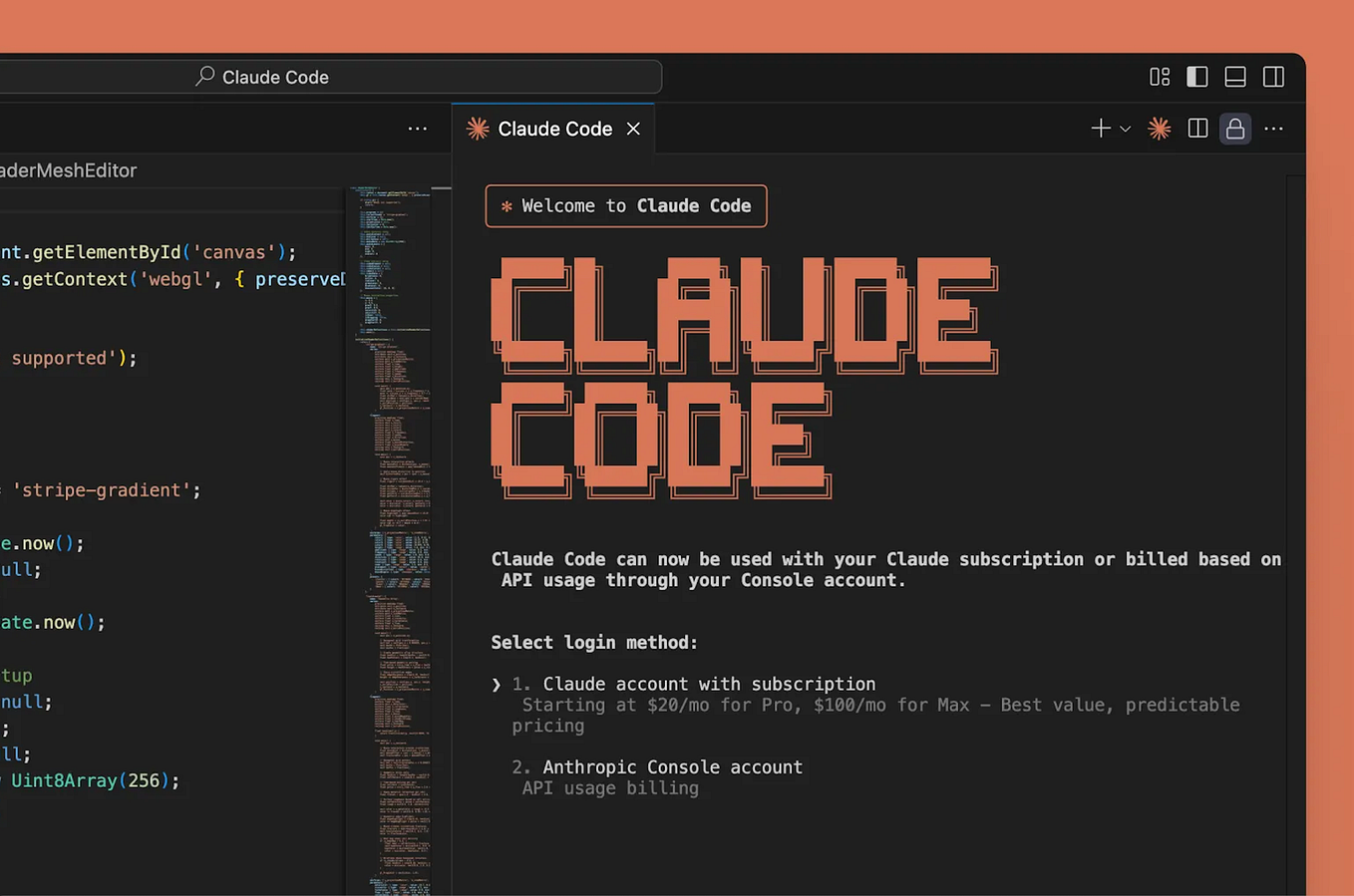
Claude Code now ships with Plan mode as a first-class safety rail. Access it with:
Shift+Tabduring conversation/planas a slash command- Add to your
CLAUDE.mdas a default instruction
Production testing shows plan-first workflows caught 71% of bad cross-file refactors before any edits were made. That's not a theoretical benchmark — that's real code that would have broken CI, reverted, and wasted developer time.
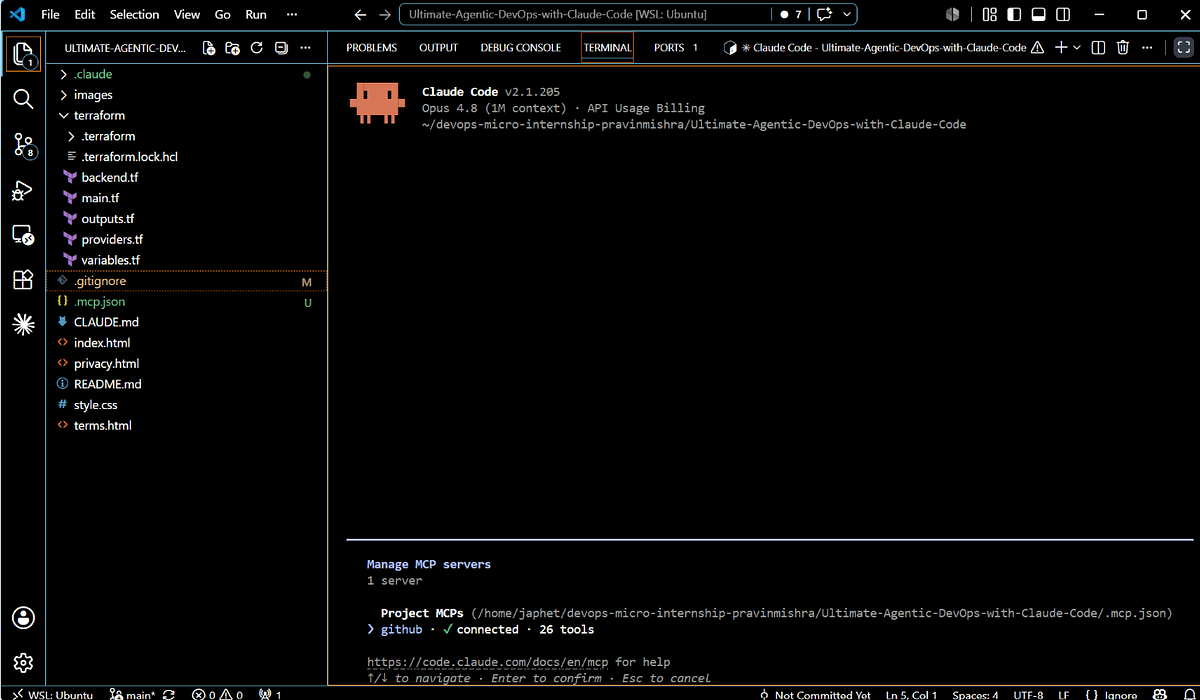
Claude Code runs on Claude Opus 4.6 with 1M token context and 128k output, so the planning phase has plenty of room to reason through the full codebase before making changes.
What It Means For You
If you're using Claude Code for anything beyond single-file edits, you're leaving safety on the table. Plan mode isn't optional — it's the difference between "AI that helps" and "AI that introduces bugs you have to fix."
The 71% figure comes from real developer workflows, not synthetic benchmarks. Developers who used Plan mode caught:
- Broken type imports across modules
- Missing exports that downstream code depended on
- Circular dependency creation
- API contract violations
- Incorrect return type changes
Try It Now
Option 1: Manual Plan Mode
Start every refactor session with:
/plan I need to refactor the user authentication module to use the new session service.
The old auth.ts needs to be split into auth.ts, session.ts, and permissions.ts.
Existing callers import from './auth' — I need those to keep working.
Claude Code will analyze the full impact, list every file that will change, and ask for confirmation before making edits.
Option 2: Make It Default in CLAUDE.md
Add this to your CLAUDE.md to force Plan mode for any refactor request:
## Safety Rails

Before making any cross-file refactors (changes touching more than one file),
first enter Plan mode with `/plan` to analyze the full impact.
Only proceed to edit after I confirm the plan.
Option 3: Custom Instructions for Critical Repos
For production repos with strict quality gates:
## Refactor Protocol

1. When I ask for a refactor, start with `/plan`
2. List every file that will change
3. For each file, show: current state → planned state
4. Highlight any breaking API changes
5. Wait for my approval before making any edits
Why Plan Mode Works
The key insight: Claude Code's reasoning is better when it's not simultaneously planning and editing. By separating "think" from "act," you get:
- Full context utilization — The 1M token context window can scan all affected files before committing to changes
- Error detection before execution — 71% of bad refactors are caught because Claude Code notices contradictions during planning that it would miss during editing
- Human-in-the-loop validation — You get to approve or reject before any code changes land
This mirrors the "think before you commit" philosophy from the DevOps micro-internship workflows. Build AI agents with safety rails, and they catch bad edits before they land in your repo.
The Bottom Line
Plan mode isn't just a feature — it's a workflow shift. If you're using Claude Code without /plan for cross-file work, you're operating at 71% of your potential safety. Add it to your CLAUDE.md today.
Source: medium.com