Key Takeaways
- Move from prompting to system-building with Claude Code.
- Use CLAUDE.md, MCP servers, and plan mode to create an agentic coding system that learns your codebase and automates workflows.
The Problem: You're Still Prompting Like It's 2023
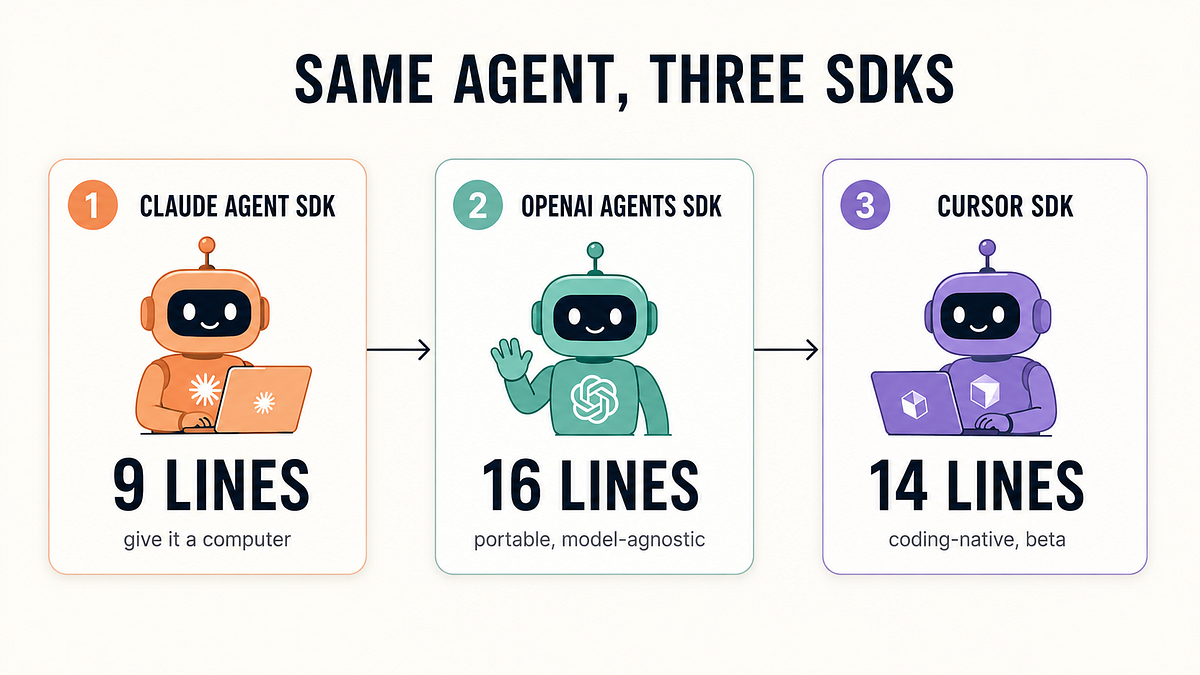
Most developers using Claude Code, Cursor, or Codex still follow the same pattern: open the tool, type a prompt, get code, copy it, repeat. This is just faster copy-paste. The real shift isn't about better prompts — it's about building an agentic coding system that learns your codebase, remembers your conventions, and automates your workflow.
As one developer put it in a recent Medium post, "Everyone is talking about AI coding agents. Most people open Claude Code, Codex, Cursor, or another coding assistant, type a prompt, and..." — and that's where the problem starts. You're treating AI like a more intelligent autocomplete when it can be your engineering partner.
What Changed: From Prompter to System Architect
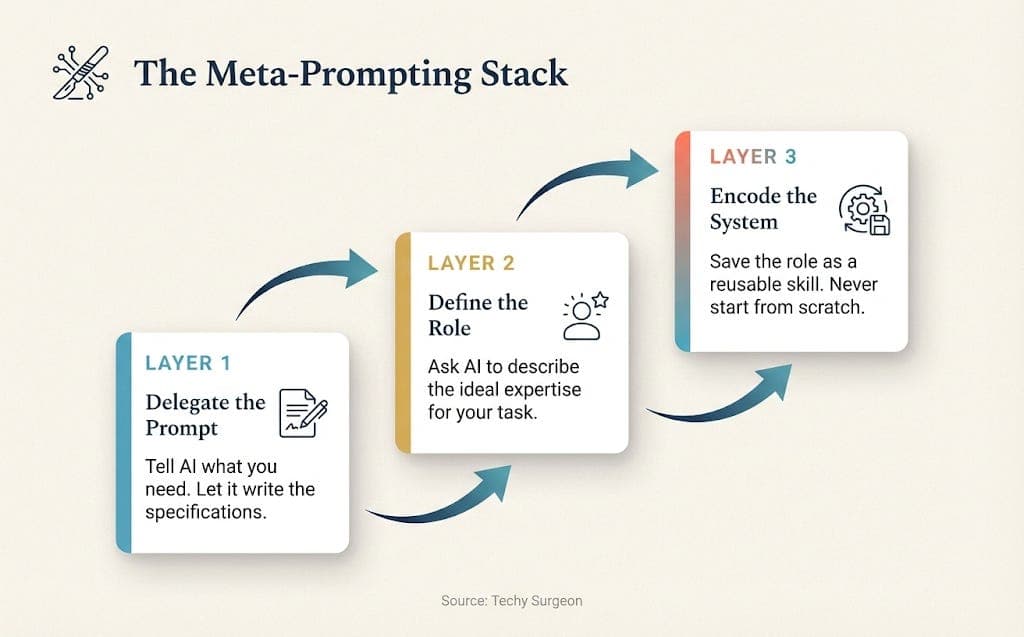
The core insight is simple but profound: stop prompting, start system building. Instead of asking Claude Code to write a function each time, you create a persistent system that:
- Knows your project's architecture and conventions
- Has access to your tools (databases, APIs, file systems)
- Can plan multi-step refactors before touching code
- Remembers past decisions and patterns
Claude Code already has the infrastructure for this. The missing piece is how you configure it.
How to Build Your Agentic Coding System
Step 1: Encode Your Project in CLAUDE.md
Your CLAUDE.md is the brain of your agentic system. It's not just a readme — it's the persistent memory that tells Claude Code how your project works. Here's what to include:
# Project Context
- Architecture: Next.js 14 with App Router, Prisma ORM, PostgreSQL
- Testing: Vitest with Playwright for E2E
- Conventions: Functional components, named exports, TypeScript strict mode
- Key patterns: Server actions for mutations, React Server Components for data fetching

# Common Tasks
- **Add API endpoint**: Create route.ts in app/api/[resource]/route.ts
- **Add database migration**: Run `npx prisma migrate dev --name <description>`
- **Run tests**: `npm run test:unit` for unit, `npm run test:e2e` for Playwright

# Agent Workflows
- **Before refactoring**: Always run `/plan` first
- **After changes**: Run `npm run type-check` and `npm run test:unit`
- **Commit messages**: Follow conventional commits format
This turns every Claude Code session into a continuation of the same conversation with your project, not a fresh start.
Step 2: Wire Up MCP Servers for Tool Access
MCP servers are how your agentic system interacts with the real world. Instead of asking Claude Code to "imagine" your database schema, give it direct access:
# Install database MCP server
claude mcp add postgres --command "npx @anthropic/mcp-postgres"

# Install file system MCP server
claude mcp add filesystem --command "npx @anthropic/mcp-filesystem"

# Install GitHub MCP server
claude mcp add github --command "npx @anthropic/mcp-github"
Now Claude Code can query your database, read files, and create pull requests without you copy-pasting output. This is the difference between a chat assistant and an agentic system.
Step 3: Use Plan Mode as Your Safety Net
Claude Code's plan mode (Shift+Tab or /plan) is your agentic system's planning phase. Before any multi-file change, run /plan to:
- Generate a detailed plan of action
- Catch wrong assumptions before they become bugs
- Review the plan yourself before execution
Recent testing shows plan mode catches bad edits 71% of the time before they execute. That's not a feature — that's a workflow essential.
Why This Works: The System, Not the Prompt
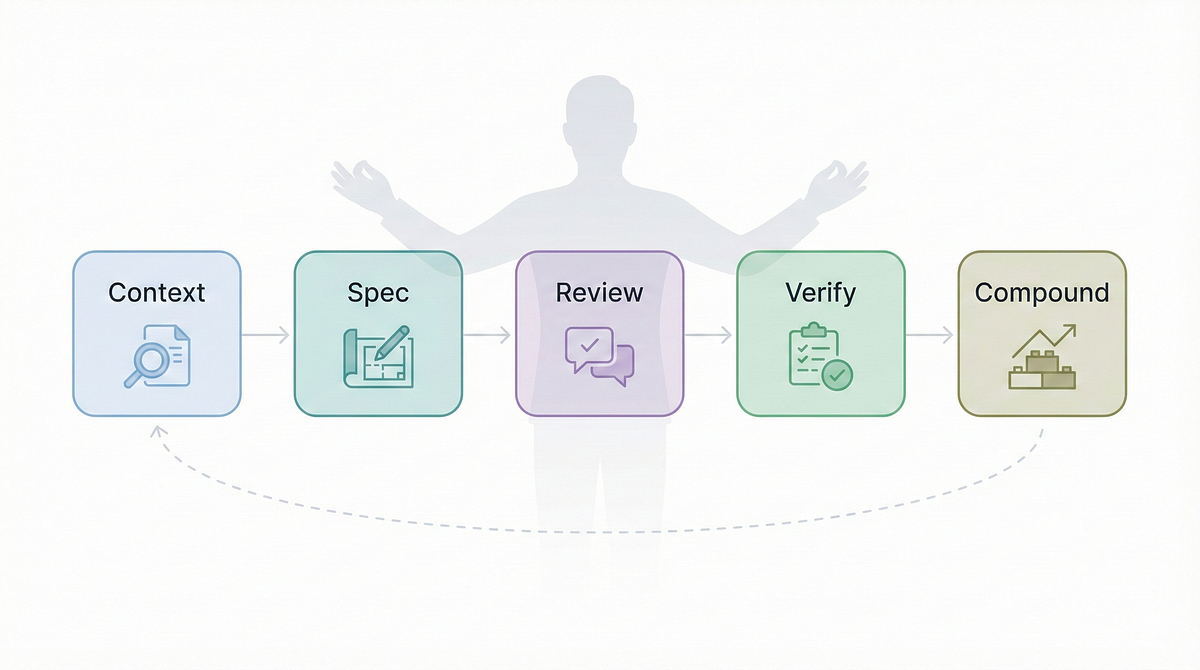
The shift from prompting to system-building changes your relationship with AI. Instead of:
Prompt: "Write a function to fetch user data"
Response: [code]
You get:
/plan "Add user profile API endpoint with caching"
[Plan generated]
[You approve]
[Claude Code executes with full context]
Your system knows:
- Where API routes live
- Which caching strategy you use
- How to handle errors
- What tests to run after
The Results: What Developers Are Seeing
Developers who've made this shift report:
- 3x faster feature delivery — less time explaining context
- Fewer regressions — plan mode catches assumptions early
- Consistent code quality — CLAUDE.md enforces patterns
- Lower token usage — less repeated context in prompts
Try It Now: Your First 30 Minutes
- Write your CLAUDE.md (15 min): Encode your project's architecture, conventions, and common workflows
- Add one MCP server (10 min): Start with GitHub or Postgres — whichever fits your workflow
- Run
/planbefore your next refactor (5 min): Experience the difference between guessing and planning
This isn't about better prompts. It's about building a system that makes every Claude Code session smarter than the last.
Source: medium.com
[Updated 20 Jul via medium_agentic]
A complementary security tool, PrivacyScrubber MCP Server v1.7.0, has launched to address the data exfiltration risks inherent in agentic coding systems like those described in the original article. It provides a local PII redaction layer that intercepts prompts before they reach LLM APIs, processing sensitive data on the developer's CPU in under 15 milliseconds [per PrivacyScrubber]. The update also introduces a pii-masking-run CLI to sanitize terminal command output, closing a gap where agentic tools can bypass MCP streams.
[Updated 20 Jul via medium_agentic]
PrivacyScrubber v1.7.0 also introduces a pii-masking-run CLI that intercepts terminal command output (stdout/stderr) line-by-line, redacting PII before the AI agent reads it — closing a gap where agentic tools like Cursor Agent or Claude Code bypass the MCP stream [per devto_mcp]. The update operates on a Zero-Trust Data Sanitization (ZTDS) paradigm, with offline cryptographic gating, volatile RAM-only token maps, and local file extraction for .docx, .pdf, and .xlsx files.