Key Takeaways
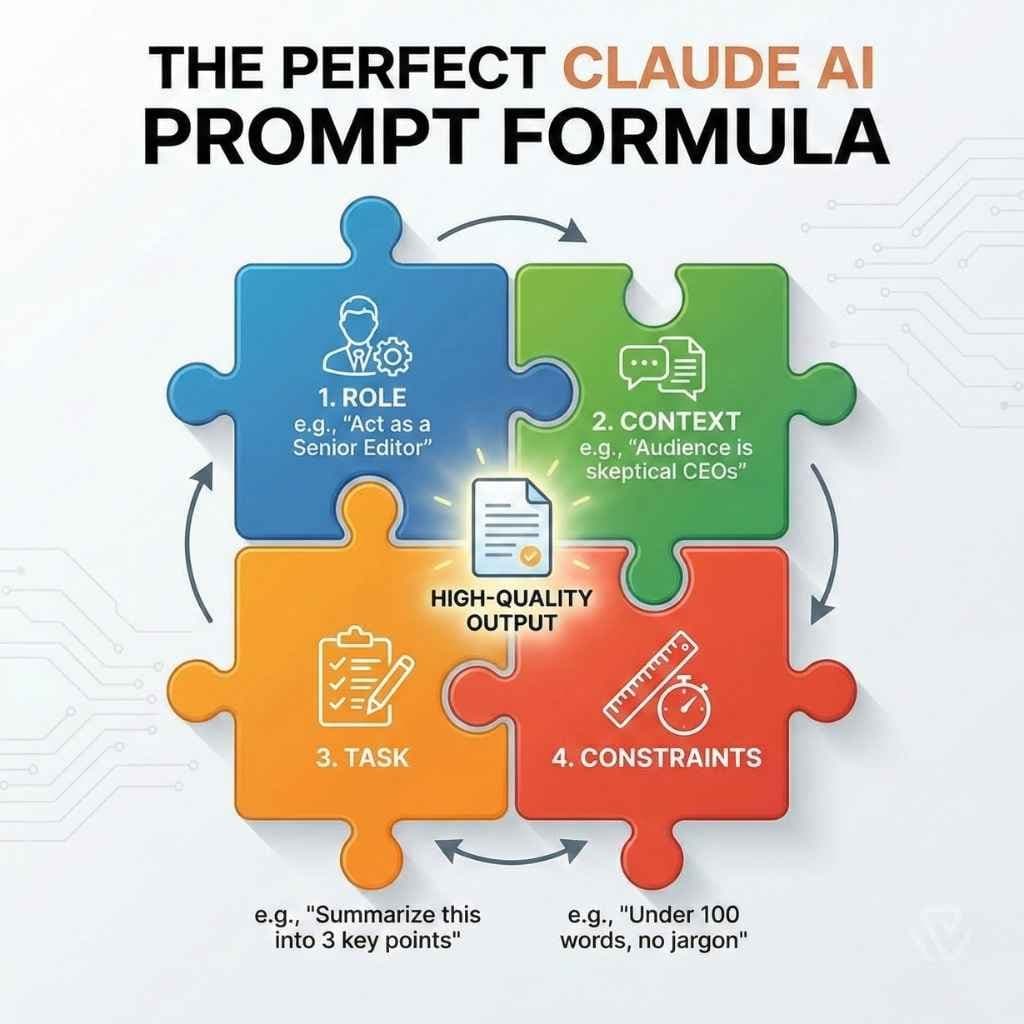
- Protect Claude Code's context window budget: be specific, provide a verifiable check (tests, build), use plan mode for multi-file changes, and keep CLAUDE.md lean.
- This one constraint drives all prompt best practices.
The One Constraint Behind Every Claude Code Best Practice
If you've been following Claude Code best practices and wondering why they all seem to converge on the same advice—be specific, verify work, plan first—there's a single reason: the context window is your scarcest resource.
Anthropic's own documentation puts it bluntly: "Claude's context window fills up fast, and performance degrades as it fills." Every file the agent reads, every command output, every correction you send—it all lands in that window. As it fills, the model starts forgetting earlier instructions and making more mistakes.
This isn't a Claude Code quirk. It's a fundamental constraint of agentic coding tools. Cursor's agent best practices independently arrive at the same conclusion: specificity improves success rates because it reduces the rounds of correction that pollute the context.
What This Means For Your Daily Workflow

Understanding the context budget changes how you prompt. Here's the practical breakdown:
1. Be Specific to Reduce Corrections
Every correction you send consumes more context. The goal is to get it right the first time.
"add tests for foo.py" "write a test for foo.py covering the edge case where the user is logged out. avoid mocks." "fix the login bug" "users report login fails after session timeout. check src/auth/, especially token refresh. write a failing test, then fix it."The pattern: name the file, name the scenario, name the constraint. The vague versions aren't wrong English—they leave the agent guessing about scope, which fills context with assumptions you'll need to correct.
2. Always Give a Verifiable Check
This is the highest-leverage habit. Anthropic's tip: give Claude "a check it can run: tests, a build, a screenshot to compare."
Without a check, "looks done" is the only signal available. You become the verification loop. With a check, the agent runs it, reads the result, and iterates until it passes—all inside its own turn, without bouncing back to you.
Your prompt should end with a verifiable acceptance criterion:
- "Implement this design [screenshot], take a screenshot of the result, compare it to the original, list differences, and fix them."
- "The build fails with this error [paste error]. Fix it, verify the build succeeds, and address the root cause."
If you can't describe how to verify a task, that's a signal the task is underspecified—not that verification is optional.
3. Explore, Then Plan, Then Code, Then Commit
Letting Claude Code jump straight to coding produces code that solves the wrong problem—and wastes context on wrong turns.
The four-phase workflow:
- Explore — "Read /src/auth and understand how we handle sessions." No changes.
- Plan — "I want to add Google OAuth. What files need to change? Create a plan." In Claude Code, press
Ctrl+Gto open the plan in your editor and revise it. - Implement — Let it code against the plan, writing and running tests.
- Commit — Ask it to commit with a descriptive message.
Planning has a cost, so it's not always worth it. Anthropic's heuristic: "If you could describe the diff in one sentence, skip the plan." A typo fix, a log line, a rename—just ask directly. For multi-file changes or unfamiliar code, planning saves context.
4. Keep CLAUDE.md Lean
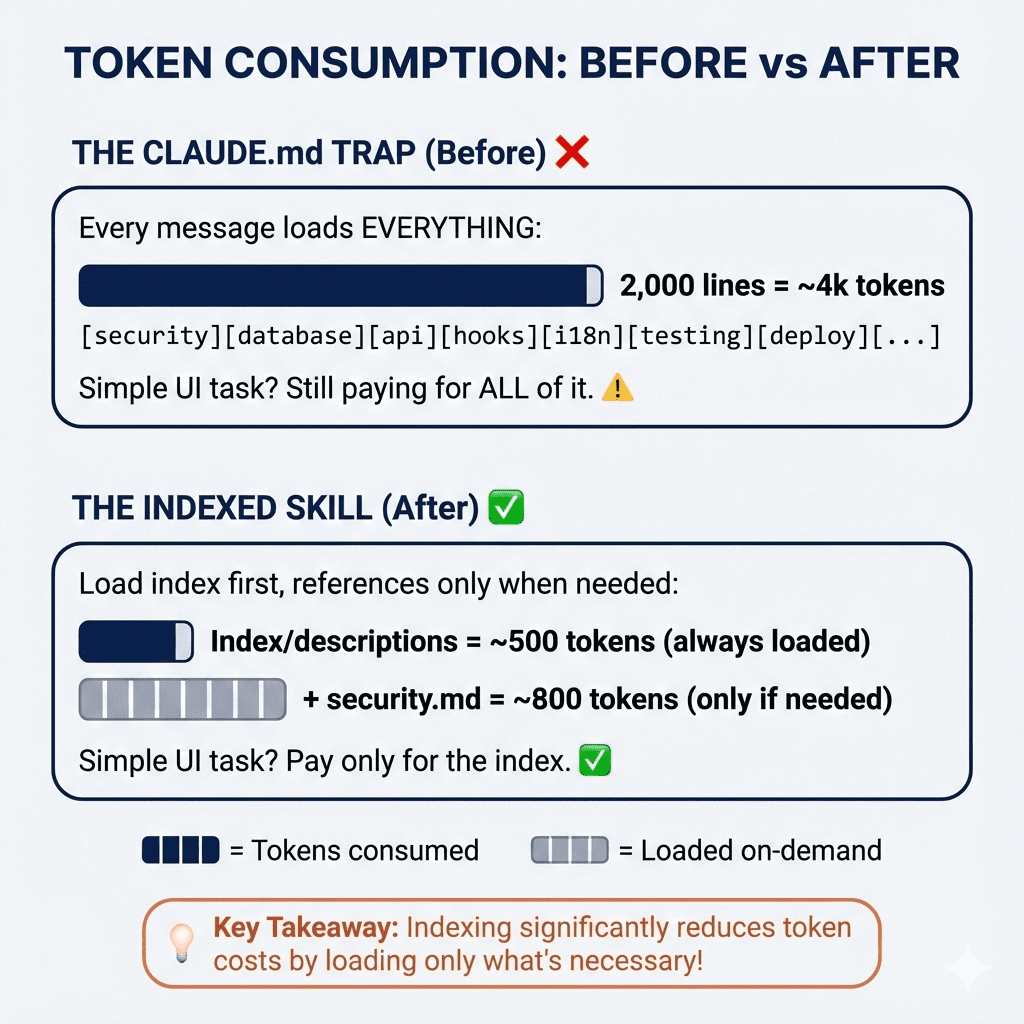
Your CLAUDE.md is loaded every session. Every line consumes context budget. Keep it to:
- Project conventions (linting, testing frameworks)
- Key architecture decisions
- Deployment targets
Don't put verbose style guides or exhaustive file lists. Let the agent discover files itself—it's better at that than you think.
Try It Now
Before your next Claude Code session, write down:
- The specific files and scenarios you need addressed
- A verifiable check the agent can run (test, build, screenshot)
- Whether this task needs a plan or can be done in one shot
Your prompts will work better because you're protecting the one resource that matters most: the context window.
Source: news.google.com