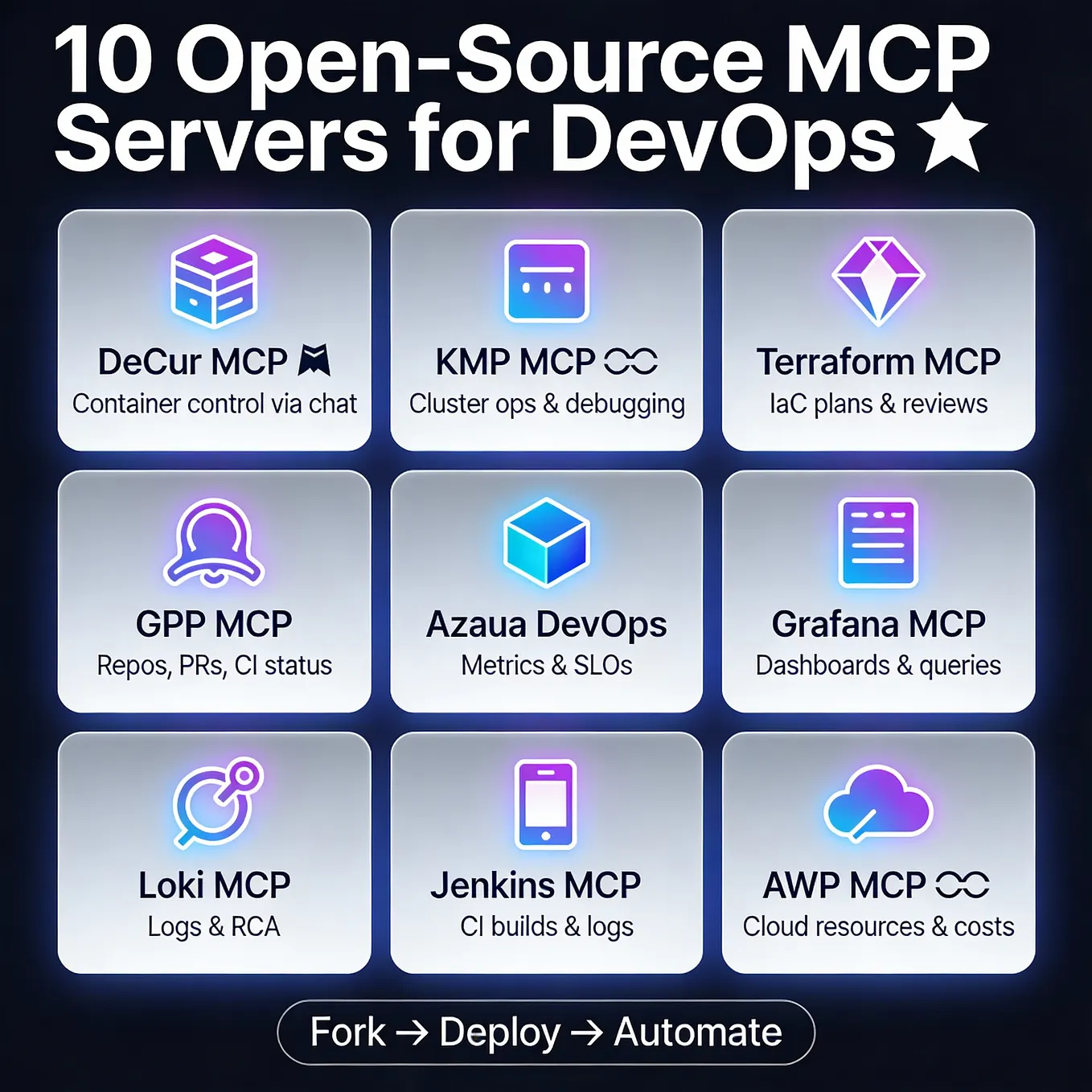
What Changed — The MCP Server as a Distribution Channel
A developer wrapped 14 X (Twitter) creator tools into an MCP server in ~600 lines of TypeScript. Two weeks after publishing, it had 500+ npm downloads — versus zero traffic from AI assistants after months of promoting the same functionality as a REST API.
The lesson: MCP isn't just a protocol. It's a distribution primitive for tools that AI assistants should call directly. For Claude Code users, this means every useful API or data source you rely on should be wrapped as an MCP server.
What It Means For You — MCP vs REST API for AI Workflows
If you've been thinking "I'll just document my REST API and let Claude Code call it" — reconsider. The problem: Claude Code has to know your API exists and be prompted to use it. With MCP, the client discovers your tools once, and from then on, whenever the LLM decides it needs your functionality, your tool is right there in its tool list.
This is especially relevant for Claude Code users who:
- Frequently download tweets or scrape social data
- Generate hashtags, engagement stats, or thread analyses
- Want to integrate any third-party API into their AI workflow without manual prompting
Try It Now — Build Your Own MCP Server
The Stack (Nothing Exotic)

npx -y xtapdown-mcp # Runs the example server with zero setup
Your MCP server needs:
- TypeScript +
@modelcontextprotocol/sdk - stdio transport for local Claude Code use
- Streamable HTTP transport for remote clients
- npm as primary distribution channel (
npx -y your-package)
The Tool Handler Pattern
Each tool is a pure function, 20-40 lines:
server.tool(
  'download_tweet',
  {
    url: z.string().url().describe('X/Twitter post URL'),
    include_media: z.boolean().optional(),
  },
  async ({ url, include_media }) => {
    const tweet = await fetchTweet(url);
    return {
      content: [{ type: 'text', text: formatTweet(tweet, include_media) }],
    };
  },
);
No database, no session state, no auth (if your underlying data endpoints are public). This keeps the whole thing auditable and distributable.
The Syndication Endpoint Trick
The single most useful discovery: X has a public JSON endpoint that returns full tweet data with no auth and no rate limits (in practice). Search for cdn.syndication.twimg.com/tweet-result.
You get:
- Full text with entities
- All attached media (video with variant URLs, images with source resolutions, GIFs as MP4)
- Author info
- Engagement stats (likes, retweets, replies, bookmarks, quotes)
- Reply-to metadata for thread walking
Caveat: This is an undocumented endpoint. Cache responses and have a fallback plan.
Publishing — The Real Work (90% of Effort)
1. npm — Straightforward. Include mcpName in package.json:
{
  "mcpName": "io.github.youruser/your-mcp"
}
This is the canonical ID for the Anthropic MCP Registry. Reverse-DNS style. Get it right on first publish.
2. Anthropic MCP Registry — Use the mcp-publisher Go CLI (from GitHub releases, not npm). Create a server.json:
{
  "$schema": "https://static.modelcontextprotocol.io/schemas/2025-12-11/server.schema.json",
  "name": "io.github.youruser/your-mcp",
  "description": "Your tools description",
  "repository": {
    "url": "https://github.com/youruser/your-mcp",
    "source": "github"
  },
  "packages": [
    {
      "registryName": "npm",
      "name": "your-mcp",
      "version": "..."
    }
  ]
}
Then:
mcp-publisher login github
mcp-publisher publish
Validation is strict: description over 100 chars → rejected. Schema URL wrong → rejected.
3. Glama — Auto-discovers from GitHub. Builds a Docker image to test. If build fails, badge stays red. Ensure your Dockerfile works standalone.
4. awesome-mcp-servers — Open a PR. Keep the description crisp.
Why This Matters for Claude Code Users
Claude Code's power comes from tool use. Every MCP server you install expands what Claude Code can do in a single turn. The X toolkit example shows that wrapping existing APIs as MCP servers is cheap (~600 lines for 14 tools) and the distribution channel (npm + registries) is vastly more effective than REST API documentation.
If you have a data source or API you use regularly with Claude Code, invest an afternoon in wrapping it as an MCP server. The discoverability mechanics of MCP make it a force multiplier for your workflow.
Source: dev.to